
A conversation recorded beside a busy craft market is useful partly because the place sounds alive. But customers talking behind a guest can obscure a single crucial statement about where a clay glaze was made. iZotope RX 12 Dialogue Isolate is designed to separate dialogue from variable background sounds and can help editors work toward clarity without claiming that noise can be removed perfectly. This guide follows a fictional, authorized interview with a potter. The drawings show the audible layers as educational concepts, not sound measurements or a processed clip we have actually heard. The goal is an intelligible quotation that still feels like the market where it was recorded.
Secure the source and define the useful market sound
Create a protected copy of the original interview before using an isolation tool. Note the recording format, any alternate microphone channel and which speaker has consented to publication. Listen from the start to the end once without processing. Mark the questions, answers and interruptions that contain facts, especially locations, craft terminology and prices. Describe the sound that should remain: gentle visitor murmur, a distant stall bell or footsteps may establish authenticity, while an overlapping shout can mask a name. This inventory makes the assignment different from a generic remove all noise request. If an unintelligible word is important, seek an alternate take or transcript confirmation rather than asking software to invent a syllable.
Check the RX 12 edition and signal condition
iZotope lists Dialogue Isolate in RX 12 Standard and Advanced. Advanced provides additional module capability, including the higher-quality offline mode described in its comparison material, so avoid writing instructions that assume those controls appear in every edition. Identify whether the problem is nonstationary crowd noise or a steady air conditioner: the product’s older technical explanation points toward spectral denoising for simple continuous hiss. Open a copy in the RX editor or use an appropriate supported plugin workflow. Check for clipping first. A clean separation cannot reconstruct a consonant that never reached the recording, and aggressive gains can make previously hidden distortion more obvious.

Build a conservative dialogue-first pass
Choose a representative passage with the subject speaking softly while the crowd is active. Compare the original with a lightly processed Dialogue Isolate pass at matched listening volume. The core decision is not how far the noise slider can be pushed, but how the guest’s diction changes relative to the original. In earlier module documentation iZotope distinguishes dialogue gain, noise gain and separation strength; controls can vary with the current plugin or editor. Leave room for a natural breath and a recognizable acoustic space. Save the candidate as a new version, not an overwrite, with an intelligible description of settings and date. Avoid applying different levels to every syllable before understanding the overall artifact pattern.
Catch the words that a strong model may damage
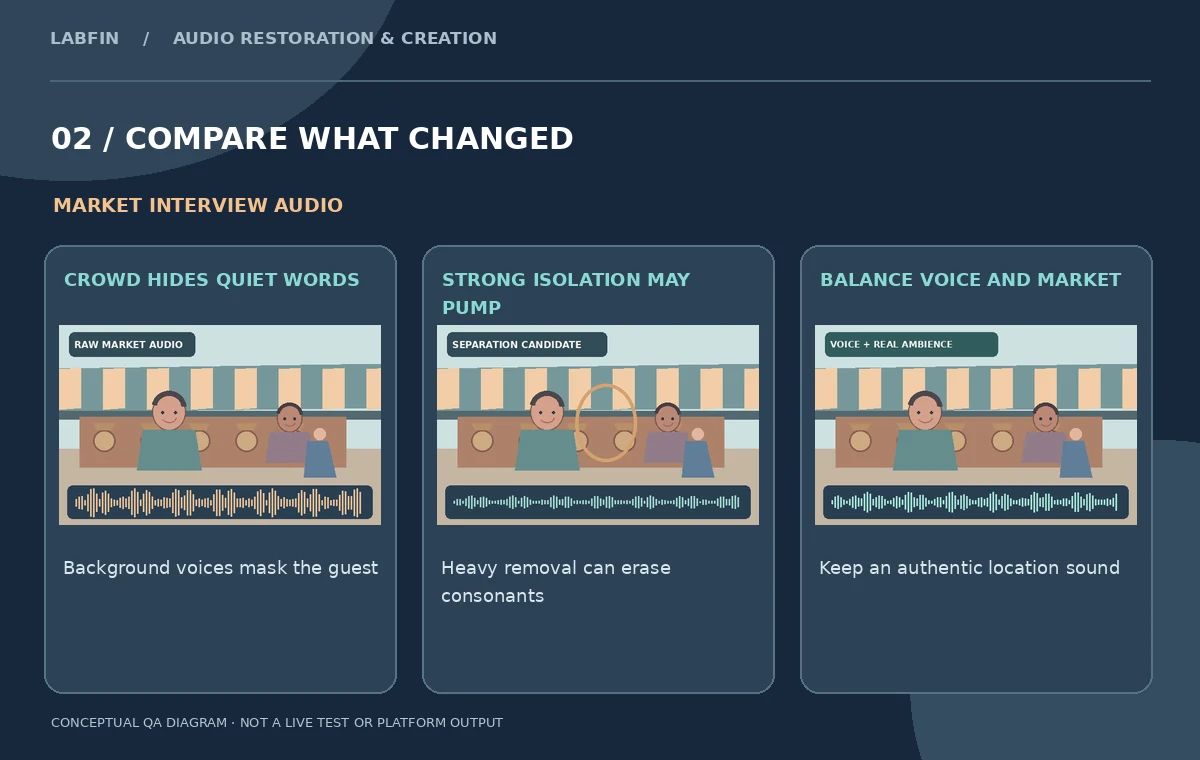
Review unvoiced sounds such as s, f and t, the end of plural nouns and the quiet onset of a guest’s name. An isolation model may classify overlapping noise and speech imperfectly, creating watery consonants, pumping between phrases or an unnaturally silent space behind a speaker. Use short A/B loops, but also listen to a full sentence so context is not lost. A market bell ringing through a phrase may require a separate localized correction or a cut to a cleaner microphone. A reduction in average noise level is not a certificate of linguistic accuracy. Where two voices overlap, transcription and source verification still require human judgment.
Compare a softer pass with a more aggressive alternative
Produce two labeled candidates from the same untouched excerpt. One should favor natural ambience; the other may reduce distractions more strongly. Listen at matched playback loudness, then compare on headphones and a modest phone speaker. Do not call the loudest or quietest version the winner automatically: loudness bias can make a distorted example seem clearer in a quick preview. The critical tests are whether craft terms remain complete, the guest’s timbre is recognizable and the room does not abruptly turn into a vacuum between sentences. In an educational article, drawings of three audio layers are a decision aid, not spectral evidence from a running RX account.
Handle edits, room continuity and quotation integrity
If a quotation is shortened, preserve grammatical meaning and avoid rearranging the guest’s speech into an answer they did not give. A short ambient bed from a legitimate nearby pause can help a crossfade feel natural, but it must come from the authorized recording and must not disguise a substantive change. If a processor changes a syllable, return to the original before introducing a caption or summary. For an interview in which customer voices are incidentally audible, consider privacy and whether identifiable background speech should be softened. The fact that isolation can focus on one person does not establish rights to publish another person’s comments. Keep the final edit reviewable against a source timecode.
Inspect the complete export instead of one good sample
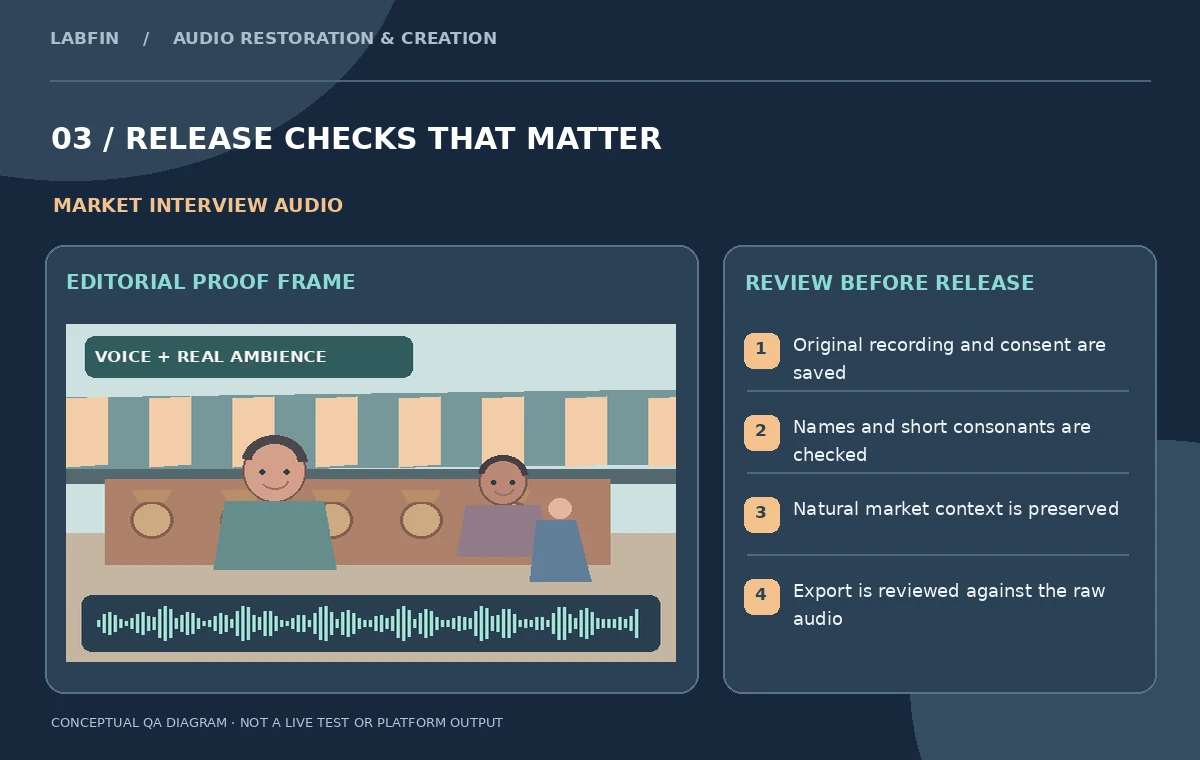
Render the intended publishing format and listen across every edited boundary, not just the 10-second demonstration clip. Look for sudden re-entry of crowd noise, clipped peaks, stereo imbalances, chorus-like voice doubling and unexpected pauses around breath sounds. Compare the exported audio with the subtitle track: the processed file should not change names, measurements or the speaker’s intended claims. Check dialogue clarity at a realistic playback level rather than compensating with extreme mastering loudness. If the audio must appear under a video, verify lip synchronization after any time stretching or replacement. A restoration review is complete only when the final export passes the same content checks as the source.
Archive an auditable release and disclose processing
Deliver the untouched original, approved edited version, isolation candidates, relevant timecodes, consent record and a short note about what was processed. If the producer cannot confirm a masked word, use a qualified caption such as unintelligible rather than writing a confident guess. Describe dialogue isolation as sound restoration, not as a recording of an environment that was never present. If the task involves a sensitive statement, let a subject matter editor confirm the quotation against the raw file. The strongest result is not a sterile recording: it is a truthful interview whose essential words are audible, whose atmosphere remains plausible and whose revisions can be checked or reversed later.
How We Research
This iZotope RX 12 Dialogue Isolate guide is independent editorial guidance grounded in official documentation: iZotope RX Standard features; iZotope RX 12 release notes; iZotope Dialogue Isolate technical description. The illustrated scenario is a fictional consented interview with a pottery maker at an outdoor market, where voices compete with pedestrians and stalls. We checked the vendor-described capabilities and important eligibility conditions, then mapped a sequence of editorial reviews that readers can repeat with their own authorized media. The images are original teaching diagrams, not product UI screenshots, generated exports, results of a live account test, or measured benchmarks. We did not upload private recordings, access a paid vendor account, run a real A/B experiment, measure performance, or verify hypothetical timecodes. Retain source assets, check current plan availability and privacy settings, and review exported media and metadata before publication.
Frequently Asked Questions
Yes. iZotope lists Dialogue Isolate in RX Standard and Advanced; some higher-quality offline controls are Advanced-specific.
Not reliably. It can separate noise and speech, but the original source and human verification remain authoritative.
No. Retaining appropriate genuine background sound can preserve the setting and prevent abrupt, unnatural edits.
Not necessarily. iZotope distinguishes variable background noise from steadier hiss and hum.
Keep the untouched recording, edit versions, review timecodes and any permissions or disclosure notes.