
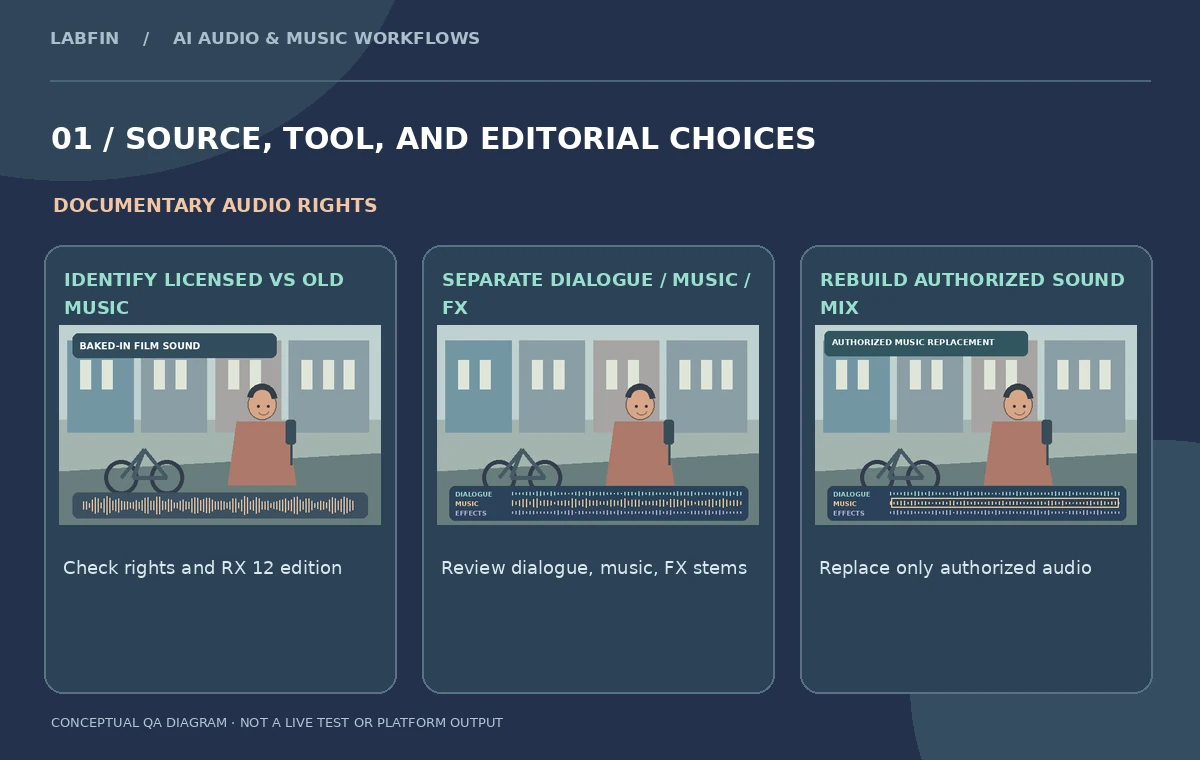
A filmmaker discovers that the music playing behind an interview no longer has valid distribution rights. The only surviving source is a stereo mix with speech, score and street sound already combined. Simply turning that mix down would make the entire scene unintelligible. iZotope RX 12 Scene Rebalance offers a more targeted way to separate the dialogue, music and effects portions of a finished mix. It is an RX 12 Advanced feature, not something every RX edition automatically includes. This article plans a responsible documentary-music replacement, including the places where separation may misclassify audio. The visual stems and source scene are original teaching illustrations, not actual processed results.
Document the licensing problem before touching the audio
Identify exactly which music cue is disputed, when it enters and ends, and what the production is allowed to distribute. A cue sheet and rights correspondence are as important as the media itself. Confirm whether the distributor needs a genuinely music-free version, a quieter version or a replacement recording with a new license. Keep the original mixed file unchanged and write down the source timecodes. Do not claim that AI separation makes the copyrighted recording safe to use simply because it is quieter. Even a faint recognizable fragment can create a rights issue. The legal clearance decision belongs to the rights team, while Scene Rebalance is an editing method for preparing the audio they authorize.
Confirm RX 12 Advanced and the correct module
iZotope describes Scene Rebalance as new in RX 12 and places it in the Advanced edition. Its purpose is to independently adjust dialogue, music and effects inside an already mixed scene. Check the installed version and modules before purchasing or planning an edit; RX 12 Standard includes other new stem workflows but is not the same product entitlement. Import a duplicate of the stereo mix into RX, protect the source from destructive saves and use a relatively short scene at first. If the music changes throughout the film, plan a representative sample from a difficult moment rather than declaring success on a clean section where nobody speaks.
Understand the three stems and their overlap
The vendor describes three buckets: dialogue, music and sound effects. This separation is a learned classification, not a forensic recovery of the original multitrack recording. A singer on the cafe radio may appear in a dialogue stem. An engine’s steady note could partly resemble a musical tone. A sharp consonant might be reduced with a percussion hit if processing is aggressive. Evaluate the stems individually, then together. A graphic panel in this article represents source layers as distinct colors to make the editorial concept readable; it should not be mistaken for the actual neural model’s output or for proof of perfect isolation. Retain the original audio for continuous A/B comparison.
Make a conservative music-only reduction first
Before fully replacing the old score, lower its separated contribution and listen in context. A gentler reduction may reveal whether the dialogue and street ambience remain healthy. Inspect speech against the untouched reference, paying attention to the first and final consonants of quiet words. If applause, a bicycle bell or a passing vehicle loses its natural body, check whether that sound was classified as music. The goal is not the lowest music slider value; it is a rights-compliant, convincing mix. When the agreement requires complete removal, treat stem separation as an intermediate step that still demands a careful residual-audio review and an explicit clearance decision.
Use Stems View for limited surgical repairs
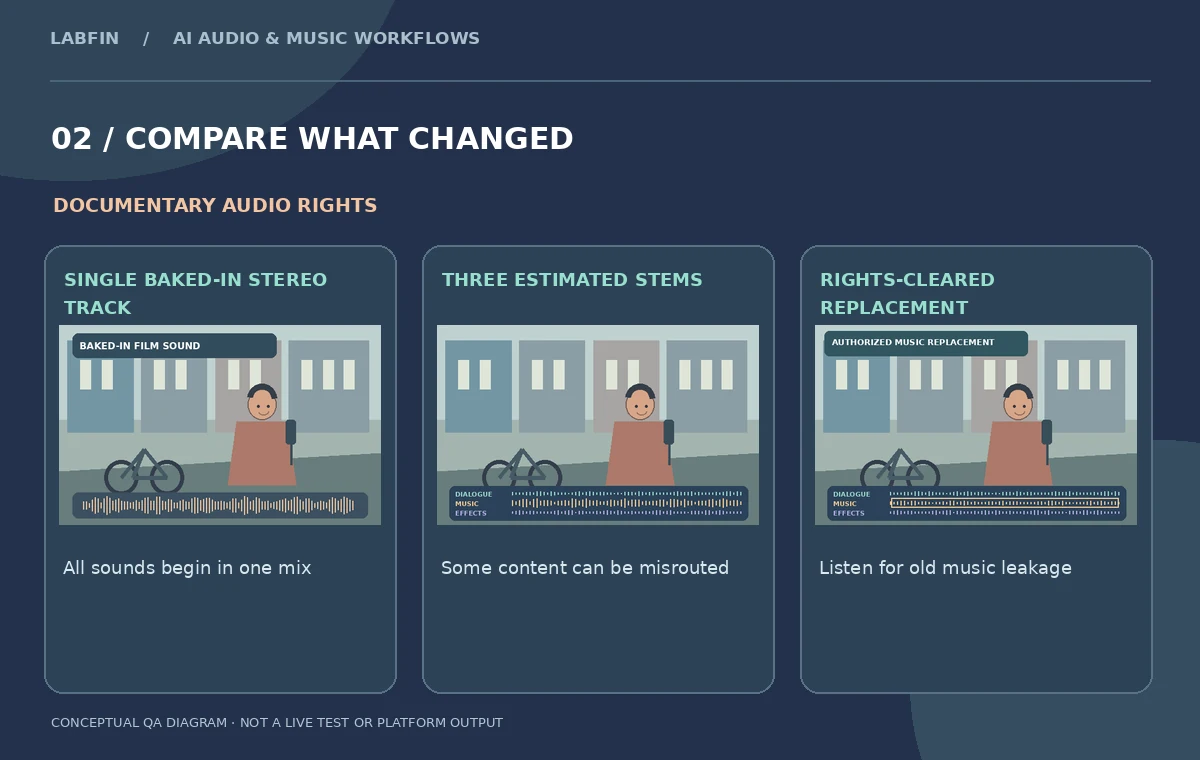
RX 12 introduces Stems View, allowing isolated portions to be treated with other restoration modules. The official iZotope walkthrough discusses moving a misidentified region to the correct lane and editing individual stems. For a documentary, this may mean recovering a brief shouted word from a segment classified as music or keeping a real-world bell in the effects lane. Make corrections in small sections and document the reason. Additional speech enhancement can cause robotic vowels, while spectral cleanup can make environmental sound feel lifeless. Use comparison playback instead of blindly processing every stem with every available module. An explanatory diagram shows a hypothetical misrouted phrase and the human decision to review it.
Rebuild room tone and replace only authorized music
Once an appropriately separated dialogue-and-effects base is prepared, mix in a replacement cue that the production may use. Do not substitute a vaguely similar recording whose origin or license is unknown. Keep scene-specific room tone beneath edits so a background transition does not sound like a sudden vacuum. Match the emotional role of the former score while preserving the documentary’s truthful ambience. If the original music bled heavily into all components and cannot be removed without wrecking speech, flag that limitation. Possible alternatives include rerecording narration with consent, using a shorter scene or clearing the original cue. AI output is not evidence that a legally required music removal succeeded.
Listen for leakage and disclosure risks
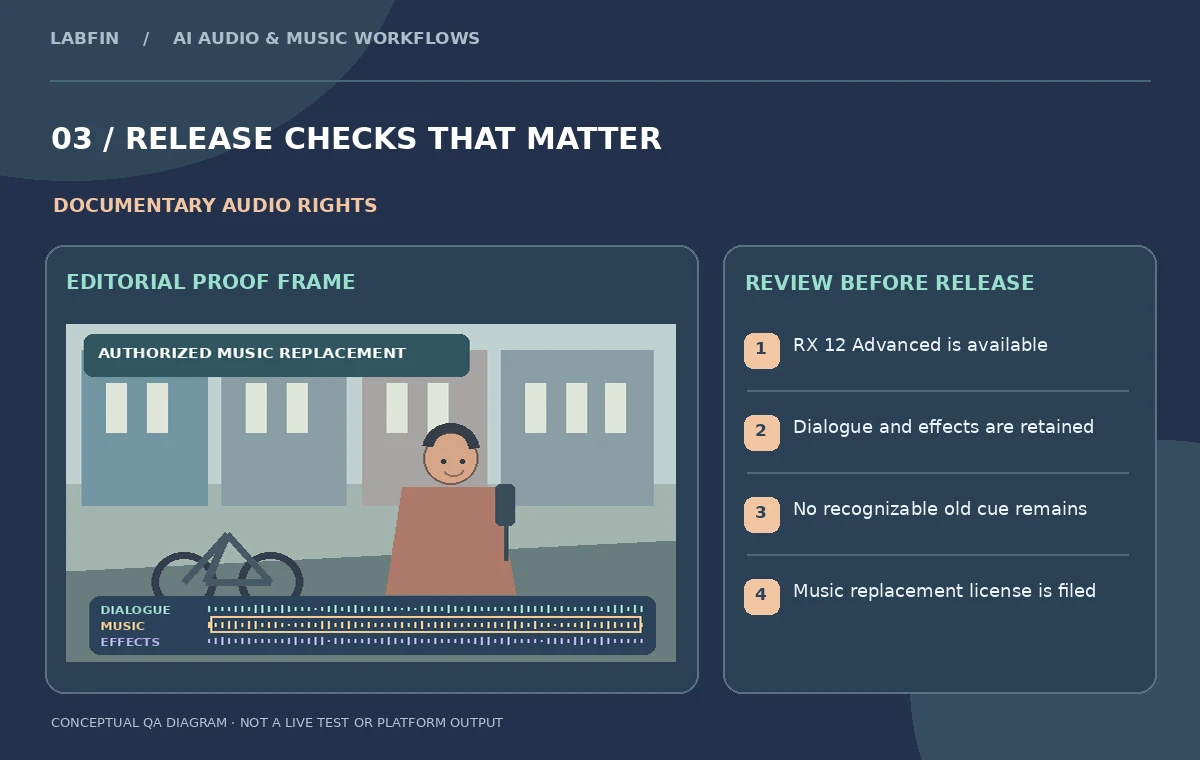
Check the whole disputed region with headphones and on a speaker, then deliberately listen to pauses when residual melody is often easiest to hear. Look for watery modulation, drum-like fragments behind quiet syllables and musical reverberation that remains after a note ends. Ask an independent listener to identify whether the old tune is still recognizable, without coaching them. Document every remaining artifact and have the relevant rights owner or legal reviewer approve the distribution version if necessary. Do not describe automated separation as a guarantee or fabricate a separation score. The proof is a repeatable review record and the actual edited master, supported by the production’s permissions.
Hand off stems, decisions and an unaltered reference
Package the original stereo mix, the authorized replacement cue with license terms, the separated working stems, final mastered mix and a short map of every edit. Mark the RX 12 edition, chosen process and any manual lane correction so future editors understand which changes were deliberate. The documentary’s captions and transcript should remain matched to the spoken source; a damaged or removed word should not be silently guessed. If the film is re-versioned for another territory, keep a music-and-effects mix available without rewriting the original interview. This workflow succeeds when the film remains coherent, the speech stays intact and the production can account for the sound it now publishes.
How We Research
This iZotope RX 12 Scene Rebalance guide is independent editorial guidance grounded in official documentation: iZotope: RX 12 Scene Rebalance tutorial; iZotope: RX 12 editions and Scene Rebalance; iZotope: RX 12 new features. The illustrated scenario is a hypothetical documentary scene with dialogue, street effects and a music cue baked into one stereo mix. We checked the vendor-described capabilities and important eligibility conditions, then mapped a sequence of editorial reviews that readers can repeat with their own authorized media. The images are original teaching diagrams, not product UI screenshots, generated exports, results of a live account test, or measured benchmarks. We did not upload private recordings, access a paid vendor account, run a real A/B experiment, measure performance, or verify hypothetical timecodes. Retain source assets, check current plan availability and privacy settings, and review exported media and metadata before publication.
Frequently Asked Questions
No. The current RX 12 edition chart lists Scene Rebalance in Advanced.
The official feature describes dialogue, music and effects components.
Yes. Classification is imperfect; listen for residual melody and artifacts in the output.
No. Verify the final version against distribution rights and any applicable claim.
RX 12 includes Stems View workflows; keep changes reversible and review each affected region.