
Sometimes a piece of music fits a documentary perfectly until the drums compete with the narrator. Rather than turning down the entire recording, an editor may want a drum-light version while keeping piano, bass and atmosphere. Suno Studio provides stem-separation and multitrack export workflows for eligible accounts. The key question is not how many stems a menu can produce; it is whether the separated parts sound usable, stay synchronized and are licensed for the final video. This guide uses an imaginary authorized instrumental supporting a short history documentary. All track diagrams are original teaching illustrations, not exported stems, measured results or a real Suno session.
Verify the origin and permitted use of the music first
Find the original song’s creation date, the account tier in effect when it was made, any uploaded material or lyrics, and the intended distribution. Suno’s current help distinguishes paid-plan commercial-use grants from the free tier’s non-commercial restrictions. Taking stems from a recording does not create permission to monetize it, and a later upgrade does not automatically change old usage rights. If the source contains samples, lyrics or an outside contributor’s composition, separately check those rights. For this illustration, assume the editor has a suitable paid-plan commercial permission and no unauthorized third-party content. Store that proof next to the session; do not claim the tool guarantees copyright registration or exclusive protection.
Choose the split type for the actual mixing problem
Suno’s September 2026 instructions describe Get Stems in Workspace or Library and Split Stems from a Studio clip. Advanced separation offers Auto Split, Split from Mix and Advanced Split. Auto can create up to twelve stems; a split-from-mix can separate a chosen instrument and its complement, while Advanced Split supports a broader instrument menu on eligible tiers. Availability and credit costs vary by plan, so check the current interface before committing budget. If the only problem is overly prominent drums, extracting percussion and the rest of the mix may be more practical than rendering a dozen poorly labeled parts. Do not interpret more output files as better acoustic separation.
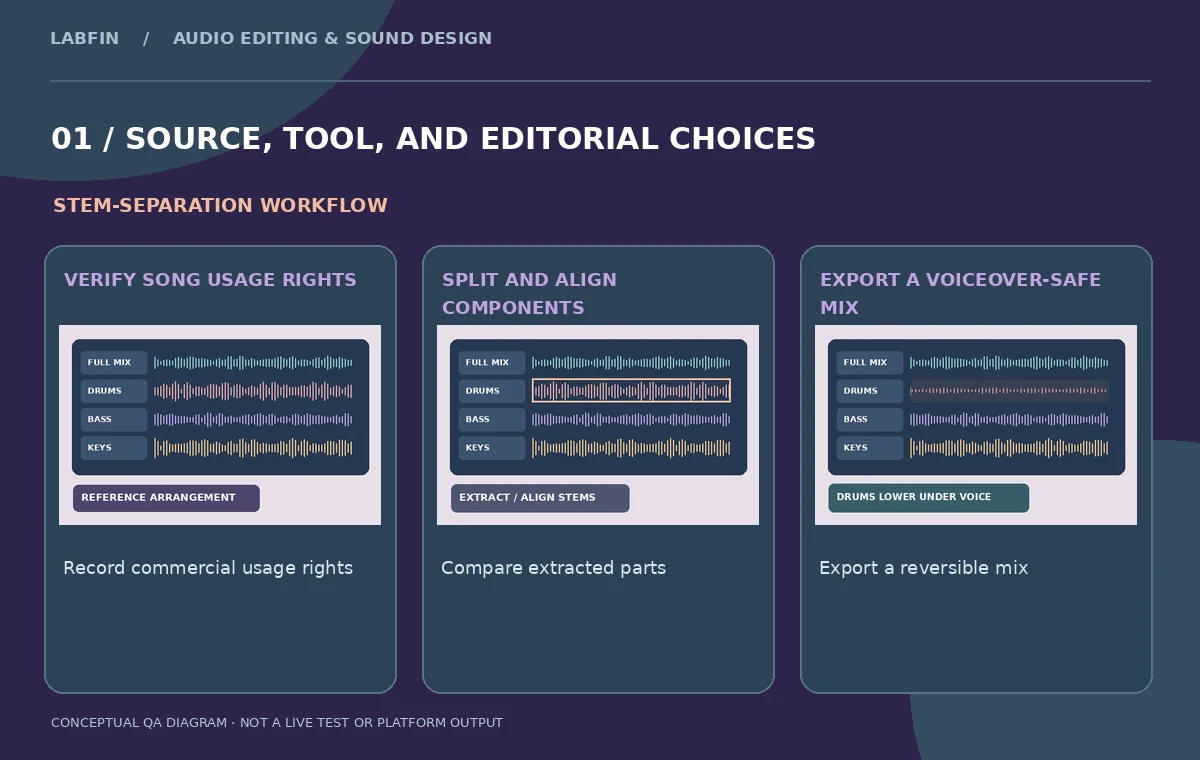
Work from a documented original and inspect synchronization
Make a reference export of the full song before separating anything. Add the full mix and any extracted tracks to a time-aligned audio session. Stems should line up with the original arrangement, but the editor still needs to check that the selected extraction and companion tracks reconstruct the expected musical sections. Listen to the start, a dense chorus and the final reverb tail. If a stem has missing transient attacks or phase-like pumping when recombined, mark it as a separation artifact. Do not hide those issues behind a graph that suggests perfectly clean components. The diagrams show conceptual aligned tracks and empty QA fields, not actual spectral isolation from Suno.
Lower percussion without hollowing out the song
Create a comparison between the unaltered instrumental and a second mix that reduces, rather than deletes, the drum stem. The narrator’s intelligibility matters, but the track should still preserve pulse and momentum. Aggressive drum removal can make bass notes, cymbal tails or room texture sound unnatural because instruments overlap in the original mix. Recheck the chorus and any places where the original generator layered percussion and synth effects into a single sound. If the voiceover occupies only part of the documentary, consider automation that restores percussion between spoken passages. Judge the version alongside the narration rather than in isolation, and preserve the untouched original as a reference.
Audit vocal leakage and unexpected instrument bleed
Even instrumental music can contain pads or textures the separation model mistakes for vocals, and a supposedly isolated drum stem can contain parts of the piano. Solo each stem and listen for recognizable remnants from other instruments. Then audition the complementary mix to make sure important transients were not lost. Do not promise complete separation or transparent reconstruction; quality depends on the source’s density and the extraction mode. Create a short artifact log that names the exact passage rather than a vague rating. If the output is unsuitable for a sensitive documentary interview, return to a simpler mix adjustment or license a different piece of music instead of forcing an unusable stem.
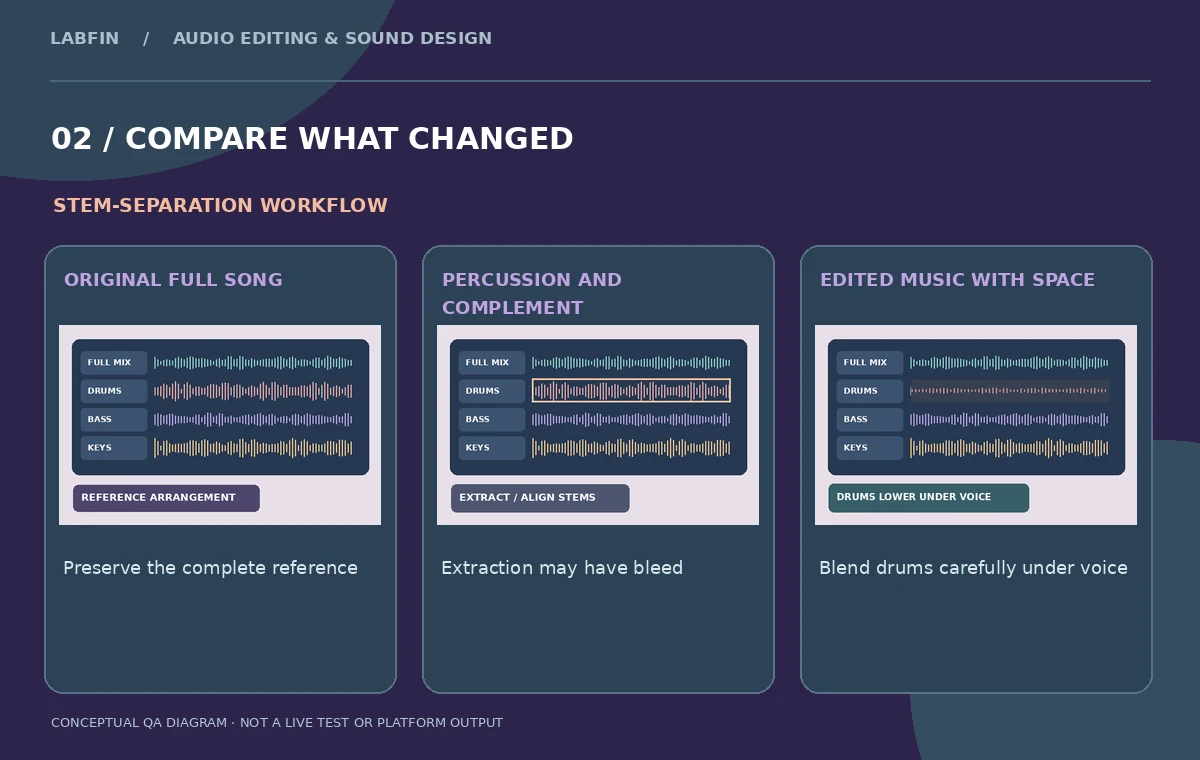
Use the Studio export choices deliberately
Suno’s current Studio help lists Full Song, Selected Time Range and Multitrack in the Export menu, as well as individual WAV downloads for clips. Select the scope that matches your handoff: the complete reference mix, only the chosen documentary segment, or separated tracks for another digital audio workstation. Check whether the chosen plan permits the requested feature and format. The current documentation also mentions MIDI extraction for stems under eligible conditions, but a drumless WAV edit does not require a MIDI conversion. Name exports consistently and verify sample duration, channel arrangement and timing in the receiving editor. The menu choice is not a final sound-quality certification.
Test loudness and rights before publishing the documentary
After importing the new track arrangement into the video editor, monitor the speaker’s important names and dates under the soundtrack. Avoid mixing music so loudly that a qualifier or negative becomes inaudible. Inspect fades, the first drum hit after a voiceover break and the end of the music cue. Keep the source song, stem exports and final documentary mix clearly separated. Check the distributor’s terms and the project’s rights ledger before commercial publication. Suno’s commercial-use grant is not the same as a guarantee that every generated musical element qualifies for copyright protection; licensing, ownership, contributors and jurisdiction require individual consideration.

Prepare a flexible multitrack handoff
Provide the reference full mix, the permitted extracted stems, the adjusted percussion-light version, the video-specific mix, any relevant project file, licensing evidence and a version log. Include a note explaining where drum removal caused audible artifacts and whether the editor accepted them. If the documentary is recut next month, the team should be able to expand a bridge or move an entrance without rerunning expensive separations. Avoid publishing invented listening-test scores or claiming an output has been personally audited by our editorial team. The repeatable result is a rights-aware, editable musical arrangement whose voiceover remains clear.
How We Research
This Suno Studio Stems guide is independent editorial guidance grounded in official documentation: Suno Help: How to get stems (September 2026); Suno Help: Exporting from Studio; Suno Help: Commercial-use rights on paid plans; Suno Help: Commercial use on the free plan. The illustrated scenario is a hypothetical authorized AI-generated instrumental made on an eligible paid subscription, with percussion lowered under a documentary voiceover. We checked the vendor-described capabilities and important eligibility conditions, then mapped a sequence of editorial reviews that readers can repeat with their own authorized media. The images are original teaching diagrams, not product UI screenshots, generated exports, results of a live account test, or measured benchmarks. We did not upload private recordings, access a paid vendor account, run a real A/B experiment, measure performance, or verify hypothetical timecodes. Retain source assets, check current plan availability and privacy settings, and review exported media and metadata before publication.
Frequently Asked Questions
The current help lists stem extraction for eligible Pro and Premier users, with some advanced modes restricted further.
It extracts a selected instrument or vocal plus a complementary track, useful for a focused remix.
No. Suno distinguishes commercial-use permissions from legal copyright eligibility.
Yes. Suno documents individual clip WAV downloads and multitrack export options.
Not guaranteed. Listen for artifact leakage and compare the result with the full mix.