

Otter.ai Review (2026): Cheap Meeting Notes, With Consent and Training Questions
Otter joins calls, transcribes and summarizes cheaply. It also trains on de-identified recordings, cut Pro’s minutes, and faces a consent class action.
In-depth reviews of AI tools and productivity software. We examine features, pricing, real-world performance, and limitations based on publicly available data and documentation.
Otter joins calls, transcribes and summarizes cheaply. It also trains on de-identified recordings, cut Pro’s minutes, and faces a consent class action.
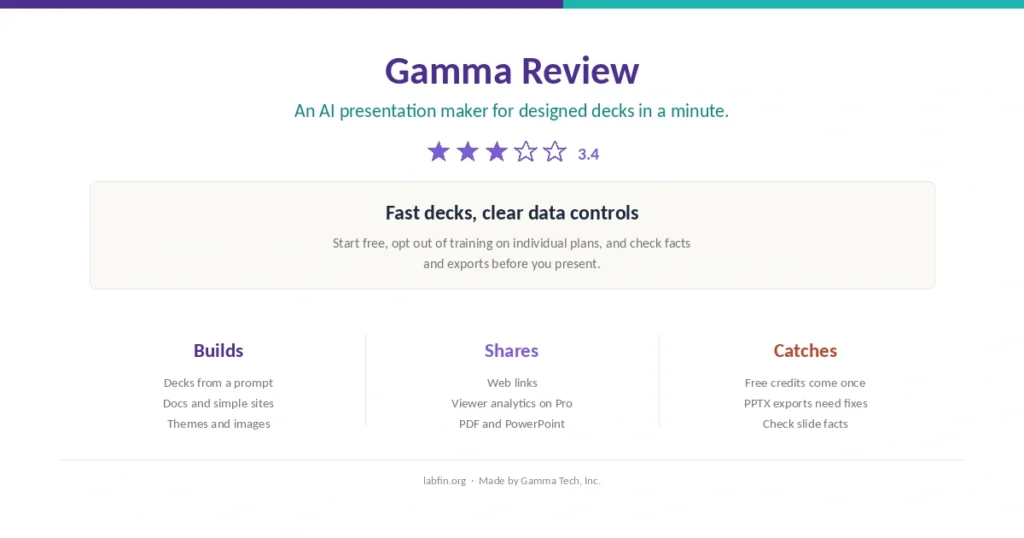
Prompts and notes become designed decks in about a minute, shared as links. Clear training opt-out; free credits arrive once, and PowerPoint exports may need fixes.
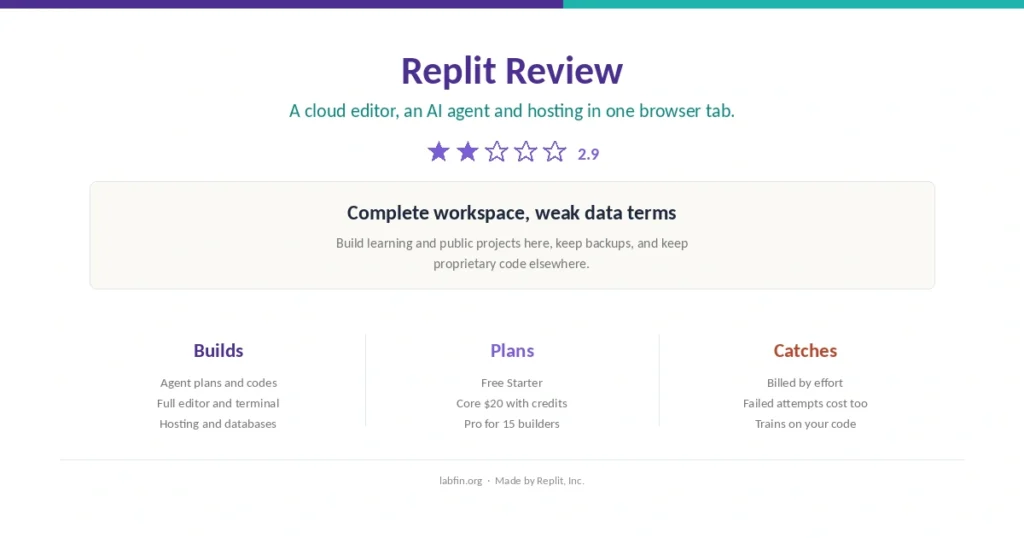
A full editor, an AI agent and hosting in one browser tab. Great for learning and prototypes; effort-based costs and training on your code are the catches.
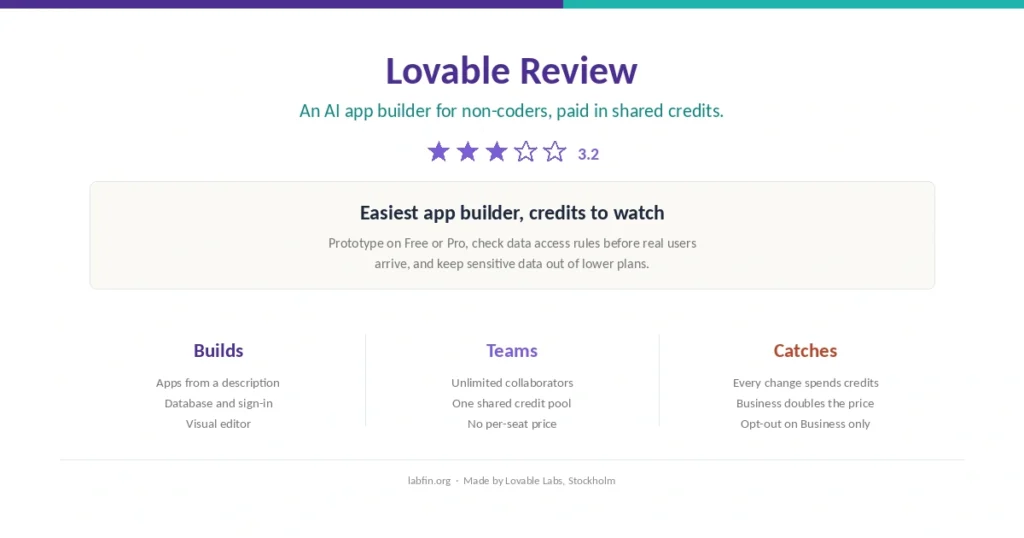
Describe an app and get a working one with a database, sign-in and hosting. Easy and team-friendly; credits drain fast, and data terms favor Business.

Prompt to full-stack web app, running in your browser. Fast for prototypes; tokens get expensive as projects grow, and data terms are vague.

Prompt to React interface with a live preview and one-click Vercel deploys. Credits make costs hard to predict, and paid plans now start at $30.

Smart Citations label how later papers cite a study: supporting, contrasting or mentioning. Unique, but no free plan since July 2026.

Run open models locally for free under the MIT license, script them through an API, or rent bigger ones on Ollama Cloud from $20 a month.

Download open models and run them locally for free, with a built-in server for your code. Private by design; smaller models than the cloud leaders.

Quora’s app puts many labs’ models behind one login. Good for comparing models; points are hard to predict, and bot developers may train on your chats.