
A handmade apron listing can sound polished and still be materially wrong. One invented line about machine washing can create returns, damaged embroidery, and disappointed buyers. Shopify Sidekick can generate product-description suggestions from a title, features, keywords, and tone, but the merchant remains responsible for accuracy. A useful workflow starts with the physical item’s label rather than with persuasive adjectives.
Imagine a small workshop selling a natural cotton-canvas apron with a hand-embroidered seed emblem. The sewn label says hand wash and line dry. This is a fictional training example, not a real merchant test or an assertion about any specific product. The objective is to publish useful copy without inventing care, sustainability or certification claims.
Build a verified facts sheet before requesting copy
Photograph the product front, back, label, straps, and embroidery. Write down the actual fabric composition, dimensions, closure style, number and position of pockets, available sizes, and care language. Keep “supplier reported” and “independently certified” separate if the material record uses different evidence levels. You should be able to show the source of every concrete listing claim.
Create a short merchant-approved record: natural cotton canvas; one front pocket; embroidered seed motif; adjustable neck strap; hand wash; line dry. Leave out water resistance, organic certification, country of origin, and durability guarantees unless the business has documentation. The fact sheet is the editorial source of truth, not the generated paragraph.
Start in the actual Shopify product editor
Shopify documents automatic text generation for product descriptions within the product editing workflow. The merchant enters a description prompt and can edit the generated content. Interface labels can change, so use the store’s current editor rather than assuming screenshots from another plan or a past software version will match exactly.
Before invoking Shopify Sidekick, verify you are editing the correct product variant and not a similarly named apron. Product pages can hold multiple colors or sizes, and a description copied across variants may promise pockets or embroidery that only one style has. Draft changes where a reviewer can compare them with the current live listing.
Prompt with product evidence and explicit exclusions
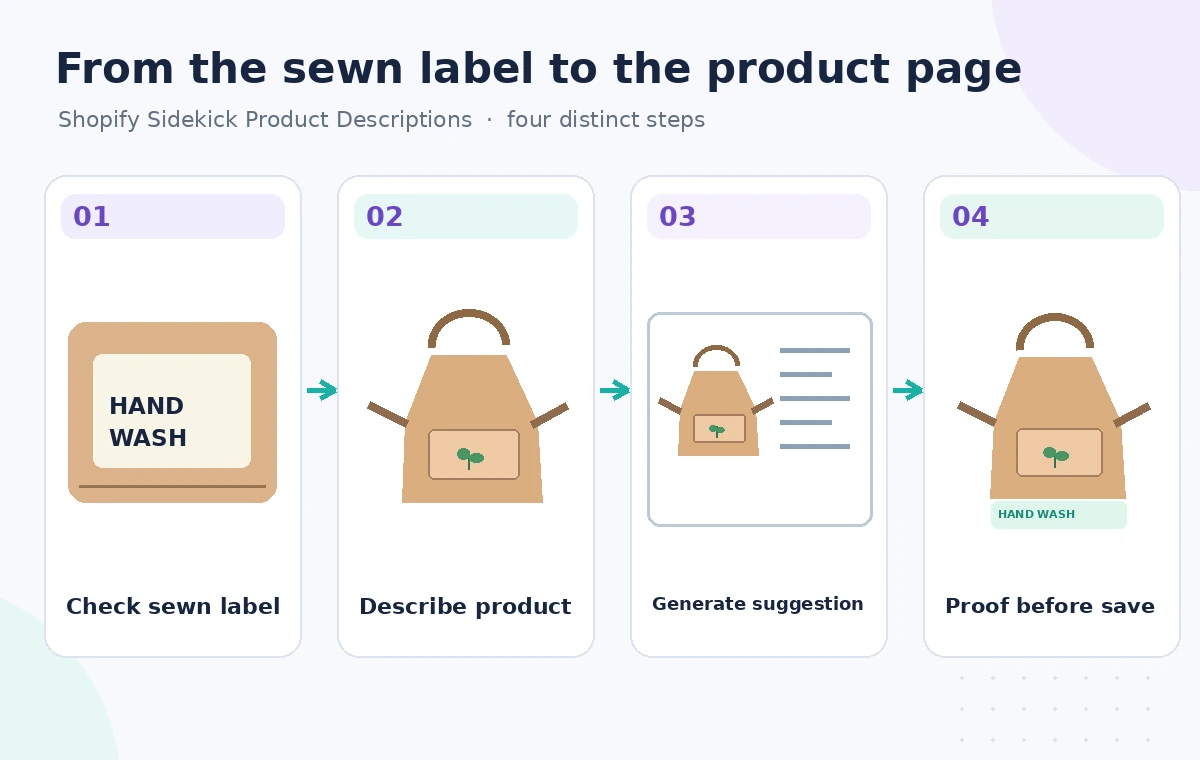
Give the tool the factual sheet, intended audience and desired tone. A grounded request might ask for a friendly 120-word description that identifies the pocket, fabric, and handmade embroidery, then uses the exact care instruction. Include an instruction to avoid unsupported claims such as “machine washable,” “stain-proof,” “organic,” or “certified sustainable.”
Do not rely on the instruction alone as a safety guarantee. Shopify cautions that generated suggestions may contain inferred benefits or facts drawn from similar products. The purpose of the prompt is to reduce the editing load, while the final copy remains a claim-by-claim check against the real item and source documentation.
Inspect where the model adds a benefit
Generated product writing often converts features into benefits. “Adjustable neck strap” can reasonably become “adjust the fit,” but “waterproof for outdoor work” does not follow from cotton canvas alone. Likewise, “suitable for professional kitchens” could imply safety or performance claims that the merchant never verified. Mark each sentence as directly supported, safe description, or unsupported inference.
In the illustrated comparison, a draft incorrectly labels the apron “machine washable” while the sewn label says hand wash. The corrected description states the care requirement and keeps the embroidered seed motif visible as a genuine differentiator. The drawings are teaching examples, not authentic Shopify screenshots or evidence of AI output from a tested store.
Preserve the embroidered motif across variants

The seed emblem is a product identity detail. If the merchant sells a plain apron and a separate embroidered apron, do not describe both as having the motif. Review variant selectors, images, SKUs, and alternative text together. A buyer who selects the plain variant should not see a description promising an embroidered design that will not be shipped.
Describe where the motif sits rather than inventing how it was made. “A small seed emblem on the upper pocket” is verifiable from photographs; “individually hand-stitched by local artisans” requires manufacturing evidence. Marketing language can be expressive without pretending to know the worker’s identity, time spent, or source of materials.
Edit for scanability without changing the facts
A product page must help readers decide quickly. Put material, pocket design, fit or size guidance, and care instructions in readable sections. Avoid long decorative copy that hides hand washing beneath lifestyle promises. Shopify’s own writing guidance stresses audience needs and useful product information rather than generic slogans.
Check mobile presentation after saving a draft. The care note should remain visible near the purchase decision, and no section should contain a claim contradicted by the packaging. Alt text should describe the photographed apron and embroidery, not assert a certification or performance rating that the image itself cannot establish.
Review language, policy and customer expectations
Different stores may have different legal obligations around material labeling, origin claims, consumer guarantees, and returns. An AI-generated description is not a legal review and should not override merchant policy or product documentation. If the copy needs multiple languages, have a competent reviewer verify care instructions and measurements in each version.
Do not present ordinary cotton as medically safe or hypoallergenic without substantiation. For a handmade item, state natural variation only if it is truly part of the production process. Remember that a return caused by a mistaken care statement is an operational failure, not a mere tone mismatch.
Approve the listing with a three-way comparison
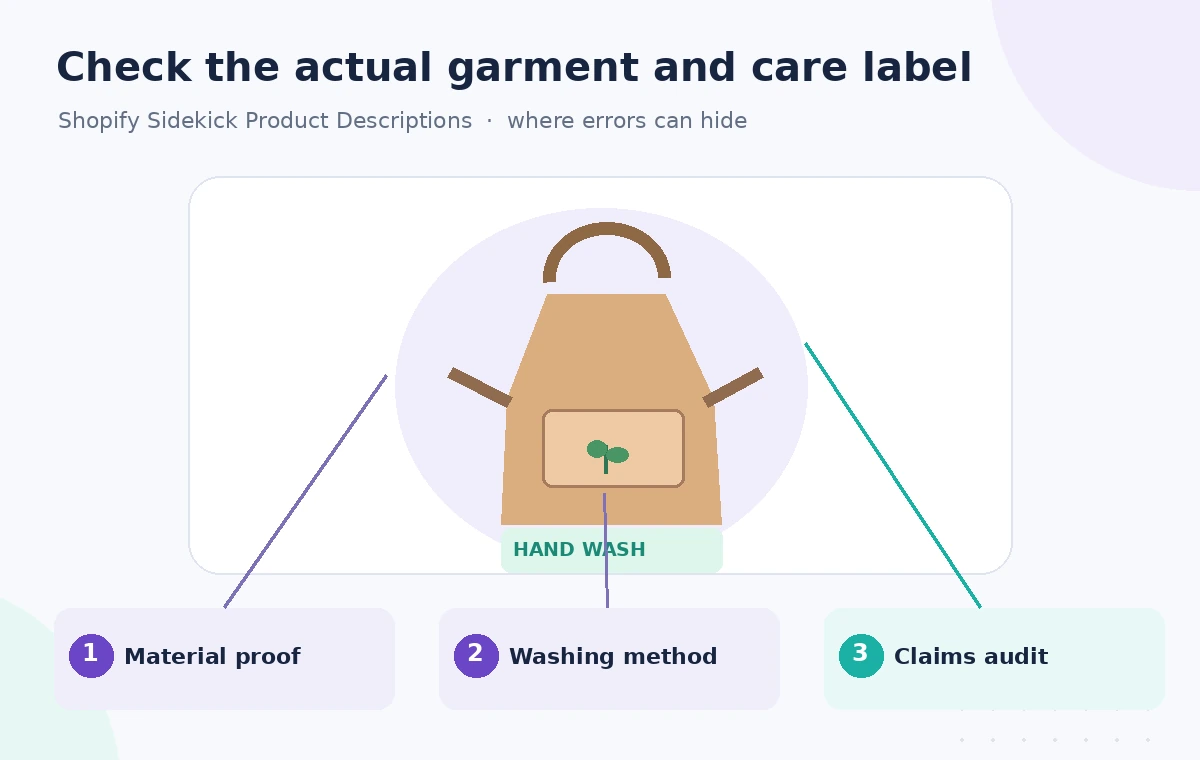
Before publication, put the product fact sheet, generated draft, and final product page side by side. Verify material, available variants, dimensions, motif placement, washing instructions, and any sustainability or origin language. An owner should sign off on the final version and preserve the revision history if the store’s workflow supports it.
Shopify states that merchants are responsible for what they publish, even when text is generated by AI. The best outcome is a concise, buyer-friendly listing whose important claims can be traced to actual product evidence. Using Shopify Sidekick can accelerate the first draft; it does not remove the need to look at the apron and its label.
How We Research
For the November 5, 2026 editorial review, we consulted these named primary sources: Shopify Help: Automatically generating product descriptions, Shopify Help: Writing engaging product descriptions. We compared the published feature description, supported entry points, permission boundaries, and stated limitations with the hypothetical use case above. We did not access a subscriber account, run the described service against real customer or archive data, measure accuracy, or reproduce any product interface. All artwork is an original instructional illustration, not a product screenshot or test result. Feature availability, plan eligibility, security settings, and UI labels may change; recheck the official help pages and local policy before deploying this workflow.
Frequently Asked Questions
Shopify provides a generated suggestion in its editing workflow, but the merchant is responsible for its accuracy. Review material, care and variant claims before saving or publishing.
Delete it and replace it with the exact care instruction supported by the sewn label or manufacturer documentation. Do not soften or hide a real hand-washing requirement.
No. Details and exclusions improve the starting draft, but the result still needs a claim-by-claim comparison with the product fact sheet.
Only if the claims apply to every variant. Check whether pockets, embroidery, dimensions and materials change before copying descriptions across SKUs.
No. Merchants must apply their own consumer, labeling and advertising obligations, with specialist advice when needed.