
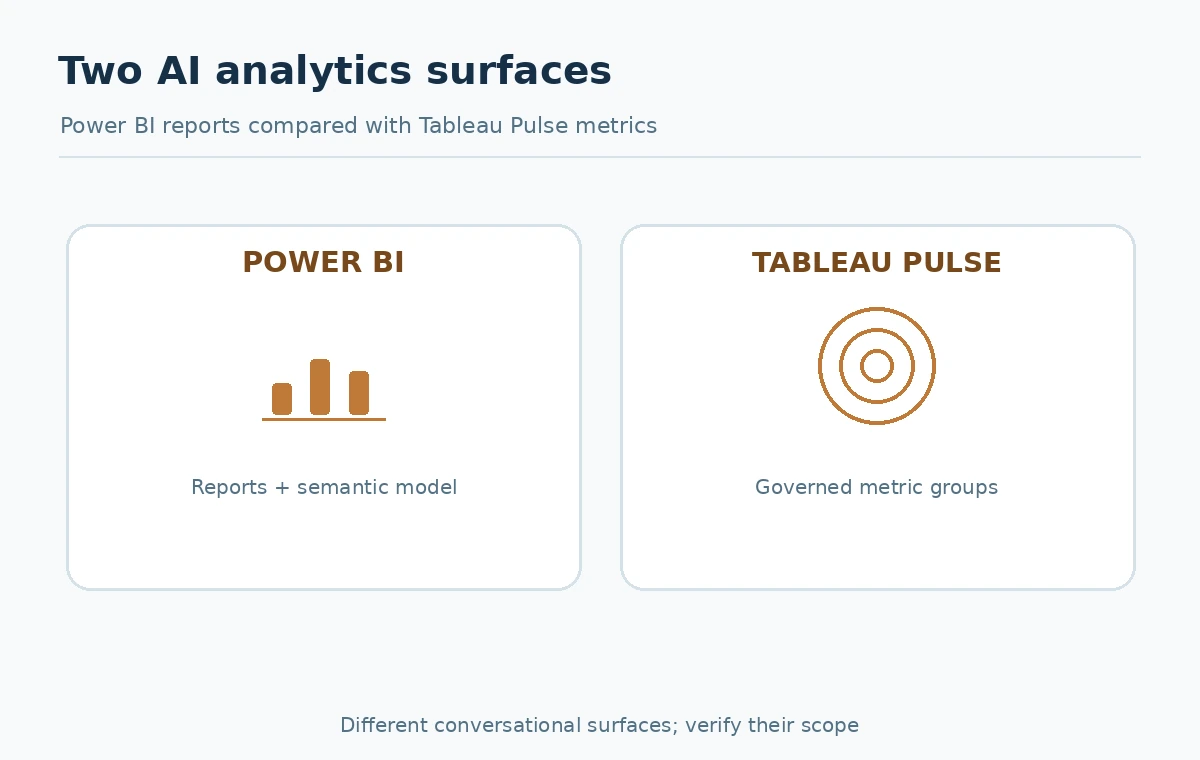
Power BI Copilot and Tableau Agent in Pulse both help people ask questions about business data, but their documented boundaries are different. Power BI Copilot works across experiences involving reports, a semantic model and report summaries. Tableau Agent in Pulse is scoped to groups of metrics defined in Tableau Pulse. Picking by the words “chat with data” misses the administration and trust work that determines whether either experience is useful. This article offers a fit comparison and a 10-question pilot scorecard, without claiming an unperformed speed test or publishing fabricated prices.
Start with the analytical surface your team already uses
If the organization already curates Power BI reports and semantic models, the cheapest operational path may be strengthening that governance before adding a conversational assistant. If stakeholders actively follow curated Tableau Pulse metrics, natural-language exploration of those metric groups may be the better match. Neither product automatically converts a disorganized data warehouse into a reliable single source of truth. The tool should answer questions about governed data, not invent definitions for ambiguous business measures.
Write down which tasks actually matter: summarizing an executive report, finding an unusual metric change, explaining a dimension-level contributor, or helping an analyst author report content. These tasks should not be collapsed into one score. A report author and a nontechnical executive may prefer different surfaces even within the same platform.
What Power BI Copilot documents
Microsoft’s Copilot for Power BI overview describes AI-assisted report and semantic-model experiences, including chat-based analysis, summaries, and support for some creator tasks. Features differ by experience and some are preview rather than generally available. In the report pane, Microsoft documents summaries grounded in report visuals. An answer about a semantic model is only as defensible as the model’s definitions and access boundaries.
Copilot availability depends on organizational prerequisites. Microsoft currently lists paid Fabric capacity F2 or higher or Power BI Premium P1 or higher for core eligibility, along with administrator settings, supported region and experience-specific requirements. Do not interpret that as a universal per-user price or a promise that all Copilot surfaces work with every capacity. Confirm the tenant, location and current licensing terms with an administrator before planning a rollout.
What Tableau Agent in Pulse documents
Tableau’s Pulse documentation describes Tableau Agent in Pulse as conversational exploration across groups of metrics. It can surface relevant trends, shared contributors and outliers with visual references to underlying governed metrics. This is more focused than asking an unrestricted assistant to analyze every possible data table. Tableau separately describes Ask Q&A for a single metric, which is not the same as Tableau Agent in Pulse.
Tableau notes that Tableau Agent in Pulse is a Tableau+ capability with site configuration requirements, while trial pathways may exist. Site setup guidance includes a connected Salesforce org and appropriate AI configuration for regular use. Confirm current entitlements and settings; a working Tableau dashboard does not prove that conversational Pulse functionality is automatically enabled.
Compare prerequisites before comparing prompts
Make two checklists. For Power BI: paid supported capacity, workspace and report permissions, correct admin switches, region support, prepared semantic model, and the exact Copilot experience needed. For Tableau: Tableau Cloud and Pulse setup, eligible product edition or trial, AI site configuration, connection requirements, and metrics grouped in a form users actually need. When procurement is involved, ask vendors for current quotes rather than translating unlike capacity and edition charges into an unsupported universal winner.
Prerequisite failures should end the pilot early. A team cannot fairly compare one enabled platform with a second platform that lacks permissions or quality metric definitions. Document which prerequisites are verified, missing or unknown. If either product is only available in preview for your target surface, label the pilot accordingly and plan for possible interface changes.

Check scope and evidence in the answers
Power BI report summaries should be tested against the visible reports and the semantic model. Tableau Agent in Pulse should be evaluated against followed or grouped Pulse metrics, with the model’s citations and linked visuals checked. Tableau explicitly states that its agent is not a general question-answering tool and cannot answer about arbitrary fields outside Pulse metric definitions. A prompt that asks for unsanctioned external market predictions is therefore not a fair evaluation of metric intelligence.
A useful acceptance question has a known answer and a traceable denominator. For example, “Which of our supported regions had the largest week-over-week change in booked revenue?” needs a governed region dimension, currency definition, comparable dates and a known revenue measure. Ask the answerer to show scope, source and supporting visualization, then verify against the underlying report. Count “not enough information” as a correct safety outcome when data is absent.
Run a 10-question matched pilot
Use the same verified dataset and equivalent business definitions where available. Prepare ten questions: three straightforward metric lookups, two period comparisons, two segment drill-downs, one trend anomaly, one ambiguous term, and one access-restricted query. These are proposed categories for a pilot, not a claim of a completed benchmark. Record the expected answer, allowed source, user role and acceptance test before the exercise begins.
For each product, evaluate correctness, ability to point to source evidence, treatment of ambiguity, enforcement of permissions, reviewer effort and whether the question falls within its intended scope. A user should not be penalized for the product declining an unsupported task. Score only comparable cases and keep “not applicable” separate from a wrong answer. Do not multiply subjective scores into an exact vendor ranking without publishing the measurement rules.

Decide by ownership and workflow rather than novelty
Ask who maintains the metric definitions and who resolves wrong answers. A governed BI team may value Power BI’s semantic-model context and established report workflows. A metrics-driven organization may prefer Pulse’s experience of following defined KPIs and exploring related changes. Neither preference is a test result; it is a fit hypothesis that the pilot can confirm or reject. Also consider accessibility, sharing rules and how people receive or act on insights after the conversation.
Define the escalation path for a suspicious answer: viewer flags, data steward checks definitions, BI author confirms calculations, and administrator reviews access where needed. Record product edition and feature availability on the decision date. “Supports AI” is not an operational requirement; “answers six out of seven eligible approved questions with supporting governed references” is a meaningful pilot criterion only if observed and logged.
Create an implementation decision record
Make a final one-page decision with columns for target user, data surface, required feature, license and capacity status, admin owner, 10-question pilot outcome, source traceability, permission outcome, and unresolved risk. Avoid assigning numeric grades to an undocumented feature. Attach links to the current Microsoft and Tableau requirements so the record can be refreshed when product names, previews or editions change.
Choose a staged rollout: first a read-only pilot on non-sensitive governed data, then a broader role test, then documented enablement for the target team. Explain what users must still verify independently. A successful AI analytics deployment is one that helps people ask better questions while keeping definitions, evidence and access controls in charge of the answer.
How We Research
On October 27, 2026, we checked the following named primary-source materials: Microsoft Copilot Power BI overview, Microsoft Copilot report summaries, Tableau Agent in Pulse Q&A, Tableau Pulse setup. This article is an editorial workflow and source-based product description, not a claim of completed hands-on benchmarks, access to customer accounts, observed test results, or guaranteed outcomes. Examples, numerical placeholders and proposed test cases are instructional; readers must verify their own real values. Plan access, permissions, AI settings, availability and documentation change. Recheck product sources and consult appropriate administrators before making account or customer-facing changes.
Frequently Asked Questions
No. Microsoft documents eligible paid capacity and administrative and geographic requirements. Verify the specific Copilot experience and tenant before budgeting.
No. Tableau distinguishes a single-metric Ask Q&A experience from the conversational Agent that explores groups of Pulse metrics.
Its Pulse experience is scoped to configured metrics and related insight groups, not arbitrary columns or unrelated data sources.
There is no justified universal accuracy ranking here. Test the same governed questions under equivalent definitions and independently check source-backed answers.
A failure to respect access controls or consistent business definitions should stop expansion until the cause is diagnosed and corrected.