
A volunteer organization has two versions of its equipment-checkout policy. Staff must learn which rule changed before circulating an update, but an exception about trained operators is buried in a long paragraph. Copilot in OneDrive can summarize differences across selected files; it cannot authorize the new policy or replace a review of the actual language. This article follows a hypothetical editorial exercise using invented policy records, not a live OneDrive test or legal interpretation.
Identify the controlling files first
Begin with the actual Word or PDF documents that staff use, including their version dates, document owners, and approval signatures. Do not compare two copies downloaded from chat if their filenames hide which is current. Place the copies in a review folder that respects the organization’s access rules, then write down the policy question: Did the sign-out requirement change, and does the trained-operator exception still apply? This frames the task so a comparison cannot drift into an unrelated general summary. An AI-generated table may help locate likely changes but cannot determine which document has governance authority.
In the hypothetical example, Version A requires a supervisor for all loans; Version B proposes an exception for certified operators. That exception requires direct confirmation.
Confirm OneDrive access and supported inputs
Microsoft documents a Compare files option in OneDrive and limits a selection to up to five files for the described comparison workflow. OneDrive Copilot availability depends on Microsoft licensing, account type, region, and rollout. Its frequently asked questions say text-oriented documents are supported while videos and images are not supported for the relevant file-comparison experience. Verify the files are under your permitted access and do not upload private records into a shared account merely to make the button appear. If the option is missing, do a conventional document comparison instead.
The tutorial focuses on two versions because that is easier to audit than a stack of five different policies with overlapping dates and unrelated annotations.

Ask for a clause-level comparison
Select the intended files and use the Compare files command shown by the current OneDrive interface. Ask for a table of changed obligations, deleted exceptions, new roles, and effective dates, with a source filename for every row. Avoid a broad prompt such as Which policy is better, because that would encourage judgments rather than evidence extraction. Review the answer as an index of possible differences. If the tool does not surface a reference clearly, find the passage by searching within the originals. Generated comparison text can omit meaningful qualifiers or merge similar paragraphs.
Request explicit treatment of negative words such as only, except, unless, and not. Those tiny words frequently matter more than an entire paragraph about intent.
Open both source clauses, side by side
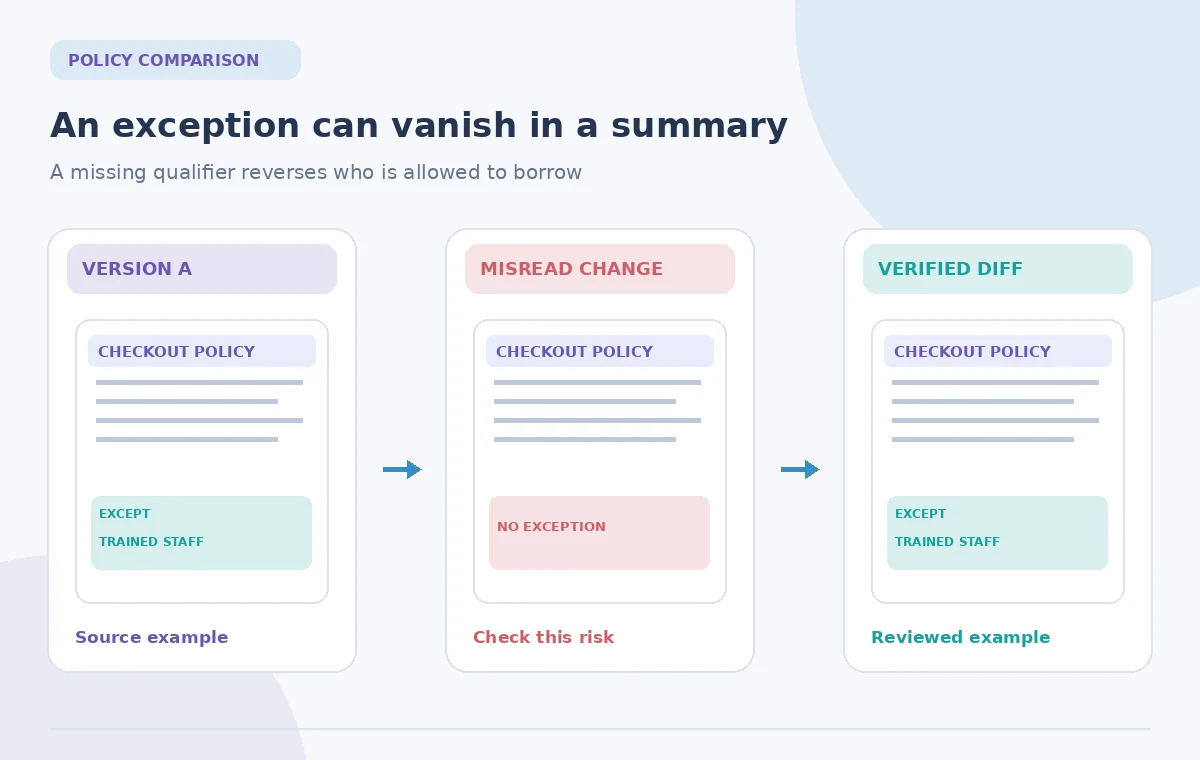
For each alleged change, open both documents at the actual clause and compare the words. Mark text that is identical, genuinely modified, newly inserted, or removed. Check page footers, document history, and headings to distinguish a change in formatting from a new policy. A generated summary might say sign-out approval is simplified while missing a conditional requirement for safety training. The only acceptable release note gives the exact changed condition and a link to the approved document. Avoid quoting invented page numbers based on the illustrative diagrams in this article.
The comparison illustration uses three clearly fictional states: original wording, a faulty paraphrase dropping except, and a reviewed statement tied to the right version.
Check effective dates and unresolved decisions
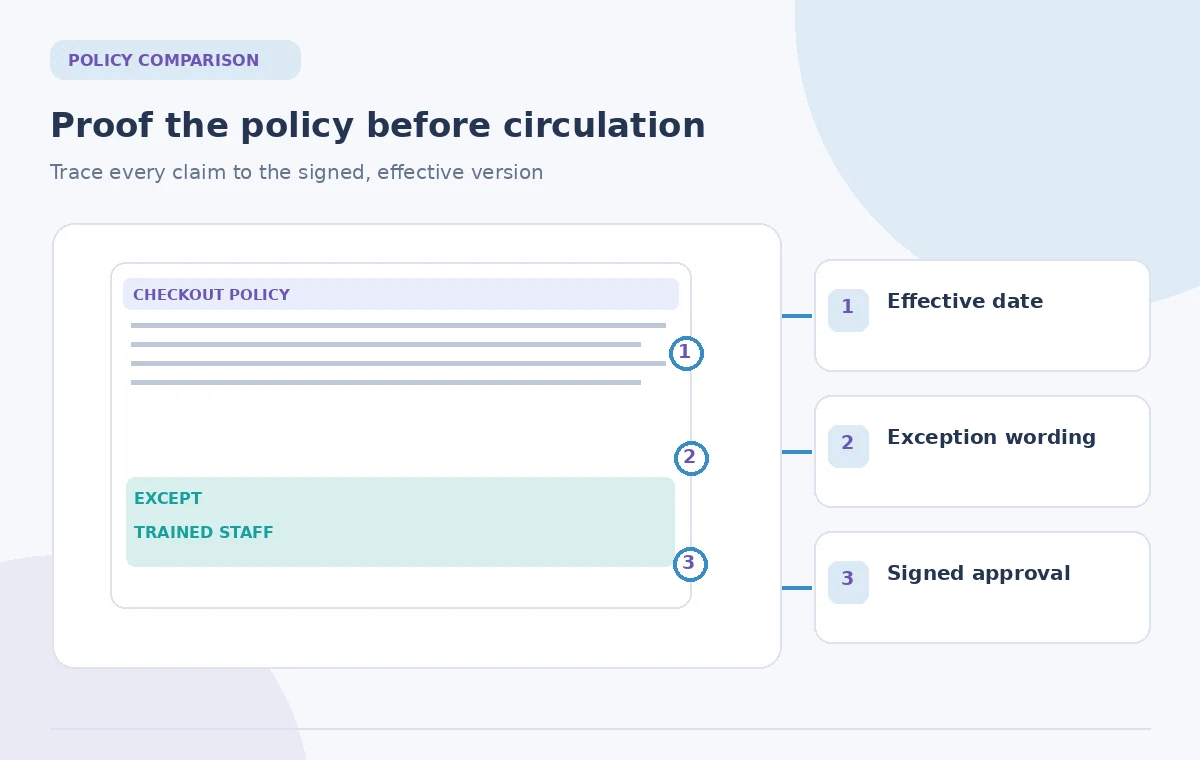
A newer filename does not prove a newer rule has taken effect. Confirm whether Version B is a proposal, board-approved revision, or published staff procedure. Effective dates, signatures, and the intended audience should be checked independently. If two documents conflict because a committee postponed a vote, report the conflict rather than claiming the later file supersedes the earlier one. Keep a separate decision log showing who can resolve ambiguities. Human governance must control changes affecting safety, liability, access rights, or eligibility.
For example, a draft dated November 1 is not automatically valid on that date. The organization must determine when and by whom the rule was approved.
Handle privacy and sensitive references
Copilot uses the files that the account is permitted to access, according to Microsoft’s documentation. That does not mean every permitted file is appropriate for every working group. Apply your organization’s retention, sharing, and sensitivity policies to personnel records, disciplinary notes, and equipment usage reports. Compare a minimally necessary set rather than pulling unrelated volunteer files into one prompt. If the draft mentions people by name, remove names from the public summary unless disclosure is authorized. Do not use generated output as a reason to broaden access to restricted files.
Keep the approved comparison table in the same controlled location as the version records. A copied AI response in an unsecured chat is not a safe system of record.
Write a reviewable change bulletin
Convert verified differences into a short bulletin with three columns: old rule, new rule, and who approved the change. Include the effective date and a clear distinction between confirmed wording and items still awaiting a decision. Describe only actual changes; avoid editorial promises such as making the process easier if no one has evaluated its effect. Where a clause is unchanged, do not manufacture a change to fill the table. An authorized coordinator should sign off before distribution. The final bulletin is a human-authored interpretation supported by documents, not the Copilot answer pasted without checking.
Add a direct link to the source policy so a volunteer can inspect the complete exception before taking action rather than depending on an abbreviated summary.
Verify the final handoff
Ask a reviewer who did not create the comparison to answer two questions from the bulletin: Who may borrow the equipment, and what happens when that person lacks training? If their answers differ from the controlling source, correct the bulletin. Test internal file links and confirm that the older version remains archived, labeled as superseded only when the approving body has acted. Finally, document the review date, files compared, and unresolved issues. That is stronger evidence of a safe update than a plausible-looking AI summary.
The figures show conceptual documents and a highlighted exception, not screenshots or a measured Microsoft Copilot accuracy test.
How We Research
We reviewed the named official product documentation, including Microsoft Support: Compare your files with Copilot in OneDrive; Microsoft Support: Frequently asked questions about Copilot in OneDrive. We used those sources to verify the feature entry point, stated capabilities and limitations, and important access caveats. The use case, source documents, example objects, and all original diagrams are hypothetical; we did not operate a live account, measure model performance, or claim real-world permission. We recommend separate source-of-truth review, independent quality checking, and approval by the person responsible for the content. Current menus, plans, and restrictions may change after this review.
Frequently Asked Questions
Microsoft documents up to five selected files for the current OneDrive comparison workflow. Check the latest service guidance for your account.
No. An authorized person must confirm the effective date, approval, and controlling source.
Microsoft describes support primarily for text-based files in this workflow; images and videos are not supported as comparable source types.
Words that create or remove exceptions, requirements, deadlines, or role-specific permissions deserve clause-level checking.
No. Turn it into a verified change bulletin with sources, approval status, and a human reviewer.