
A Five-Word Note Is Not a Language Certificate
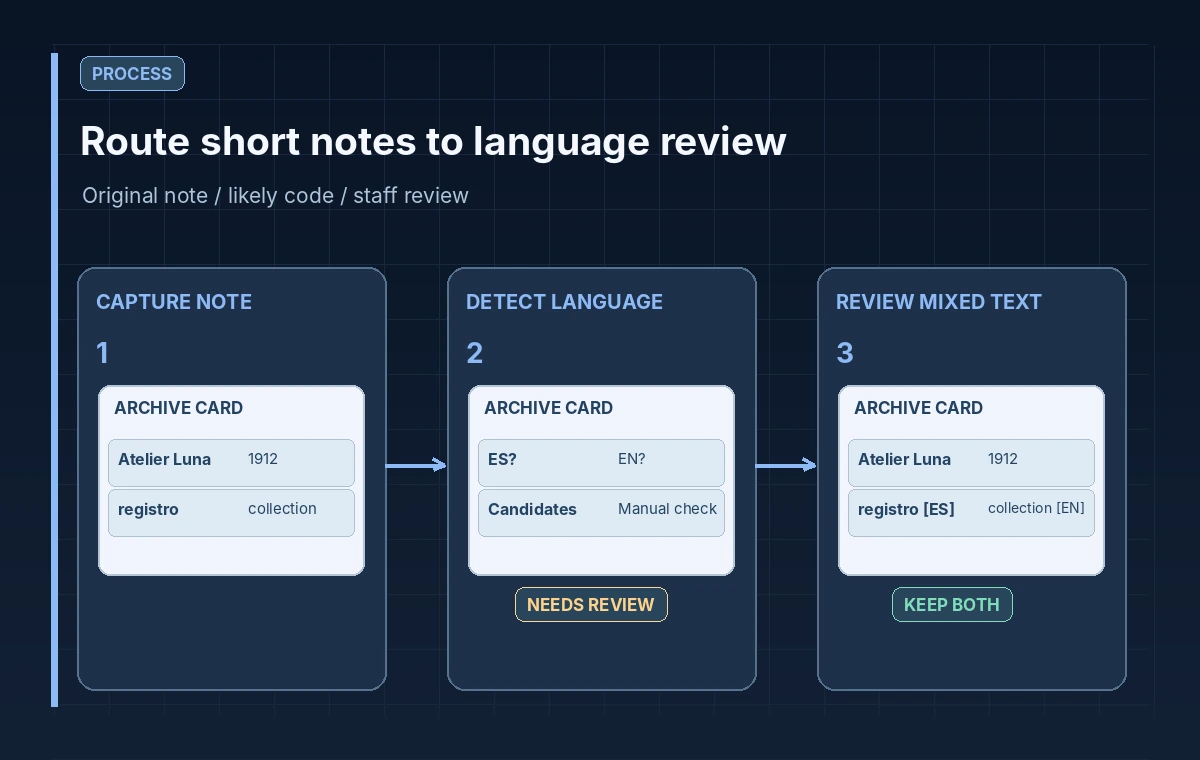
An archive box contains a short handwritten card: “Atelier Luna, registro 1912.” The catalog clerk sees a name, a borrowed word and a year. A language classifier may return one likely code, but the card may combine languages or use a local spelling. Automatically relabeling the whole document as a definitive single language could misroute it to the wrong translator and alter a proper name in the process.
The goal is triage, not automatic linguistic attribution. A language-detection API can help send a note to an appropriate reviewer, provided the workflow preserves the original text and accepts ambiguity. Use fictional examples for initial testing, and separate an assigned review queue from the authoritative language metadata in a museum record. These are not measured output examples from a live Google project.
Use the Documented DetectLanguage Request
Cloud Translation Advanced documents a v3 detectLanguage method using a project and location in its request path. The input can be plain text or supported HTML, and the response can contain candidate language codes with confidence values. The official example shows languageCode and confidence fields. Basic edition also offers language detection, but its request and response shapes differ; do not mix examples from the two APIs in one implementation.
Choose the API edition and location supported by the actual application, authenticate through the organization’s approved Google Cloud setup and minimize the input. Record whether a string is user-supplied, OCR-extracted or human-transcribed, because upstream mistakes may change the detected language. The presence of a language code in the response is not proof that every word on the card belongs to that language.
Preserve Diacritics, Names and Original Script
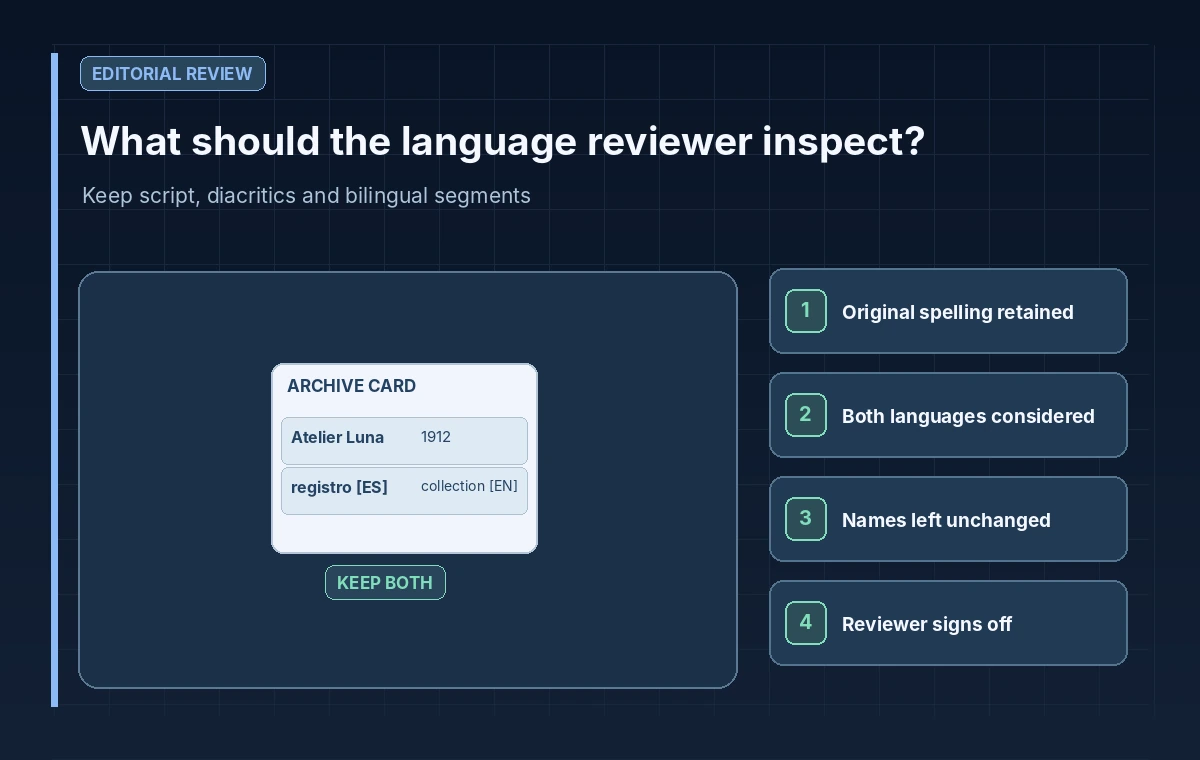
Before detection, save an immutable original transcription or image reference. Do not translate a family name, accession code or street title merely to make the classifier’s result look consistent. A curator may need the exact diacritic, non-Latin script or unusual abbreviation to trace an object in older records. OCR preprocessing should be conservative and reversible, especially for labels damaged by fading or handwriting.
Segment notes by meaningful phrases when mixed-language content is suspected, but do not assume that an individual word is long enough to classify reliably. Compare each segment against source evidence and the museum’s known collection languages. Keep a separate field for language candidates and their provenance so future staff can distinguish a machine suggestion from an approved bilingual catalog designation.
Understand Confidence as a Signal, Not Consent
Google’s Advanced edition documentation provides confidence values for detected languages. A high value may still be unhelpful on short, formulaic text dominated by names or numbers. Avoid treating a numerical threshold as a certificate of correctness. Also avoid copying deprecated confidence guidance from the older Basic edition into the v3 route. The chosen API documentation must be the authority for response semantics.
A responsible triage policy can say, “If the note is short or mixed, route to human review regardless of candidate score.” This is a proposed editorial rule, not a claimed model performance finding. The reviewer should see alternate candidates when available, a transcription of the original and the exact phrase being classified. Do not silently upgrade a candidate language into a single definitive record field.
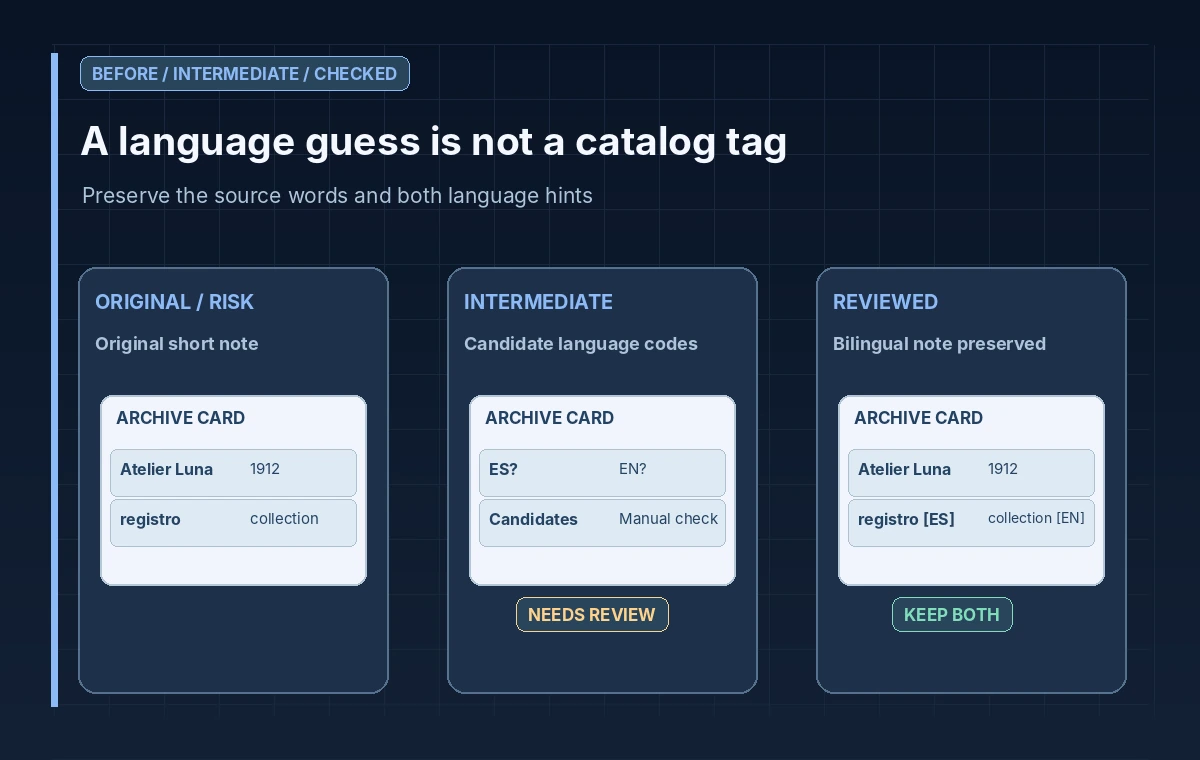
Show the Before, Candidate and Reviewed States
A useful three-panel illustration begins with an entire bilingual note incorrectly tagged as Spanish, moves to a set of candidate language codes, and ends with the original script preserved and the phrase-level review queue labeled for both languages. The visual contrast comes from what text is retained and what metadata is provisional, not three identical checkmarked cards.
For example, the note might mix English “collection” with Spanish “registro.” A reviewer may retain both words and annotate which section needs a bilingual catalog specialist. The drawing remains hypothetical and should not invent a measured confidence percentage. An actual museum may need a human who knows a regional language that the API does not support or cannot confidently distinguish from a close neighbor.
Protect Privacy and Avoid False Automation
A catalog card might contain a donor’s address or a private correspondence note. Do not send entire pages of personal information solely to choose a language queue. Limit the request to a cleared excerpt and enforce cloud security policy, access roles and retention requirements independently. Review whether an external translation service is appropriate for restricted collections before processing any real records.
An error or an empty language response should lead to a clearly labeled manual-language queue. Never interpret a failed API call as English by default. If the text is too short, handwritten ambiguously or made mostly of digits, preserve that uncertainty and let the archivist select the next action. Keep audit logs free of unnecessary card contents and other personally identifying details.
Release Only Verified Language Metadata
Before a language tag is written to the collections database, confirm that a qualified reviewer has examined original wording, proper names, regional variants, diacritics and potential multilingual segments. Record whether the tag is a document-wide language, a passage label or merely a work-queue hint. The application must not erase secondary language information because a classifier returned one top candidate.
Evaluate the proposed workflow with invented short notes, names, bilingual fragments, OCR errors and unsupported-language cases. Compare expected review routing without claiming test accuracy. Google Cloud Translation detectLanguage is useful for first-pass organization, but cultural and linguistic interpretation still belongs to the people responsible for the collection and its source context.
How We Research
We consulted the following official developer documentation on November 8, 2026: Google Cloud Translation: Detecting languages; Google Cloud Translation v3: DetectLanguage method; Google Cloud Translation: Supported languages. We compared the documented parameters, data flow and stated limitations with this hypothetical editorial scenario. The diagrams are original instructional illustrations, not real vendor screenshots or outputs. We did not submit private archive material, run a production API evaluation, measure tool accuracy, obtain legal consent, or test a live service configuration. Product behavior, access rules, quotas and supported settings may change; confirm the latest documentation and your organization’s policies before deployment.
Frequently Asked Questions
No. Language detection returns language candidates; translation is a separate operation.
It may return candidate languages, but a whole-string result does not establish phrase-level language boundaries. Review mixed text manually.
No. Treat the reported value as a ranking signal, especially when the source is short, formulaic or dominated by names.
No. Preserve an unknown or needs-review state rather than silently assigning a language.
No. They are hypothetical examples for training an editorial review workflow.