
GitHub Copilot custom instructions can stop a coding assistant from repeatedly guessing how your repository works. They do not force perfect compliance or replace code review. The productive use is to describe verifiable project facts: how to install dependencies, where tests live, which conventions must remain stable and which commands are prohibited without human permission.
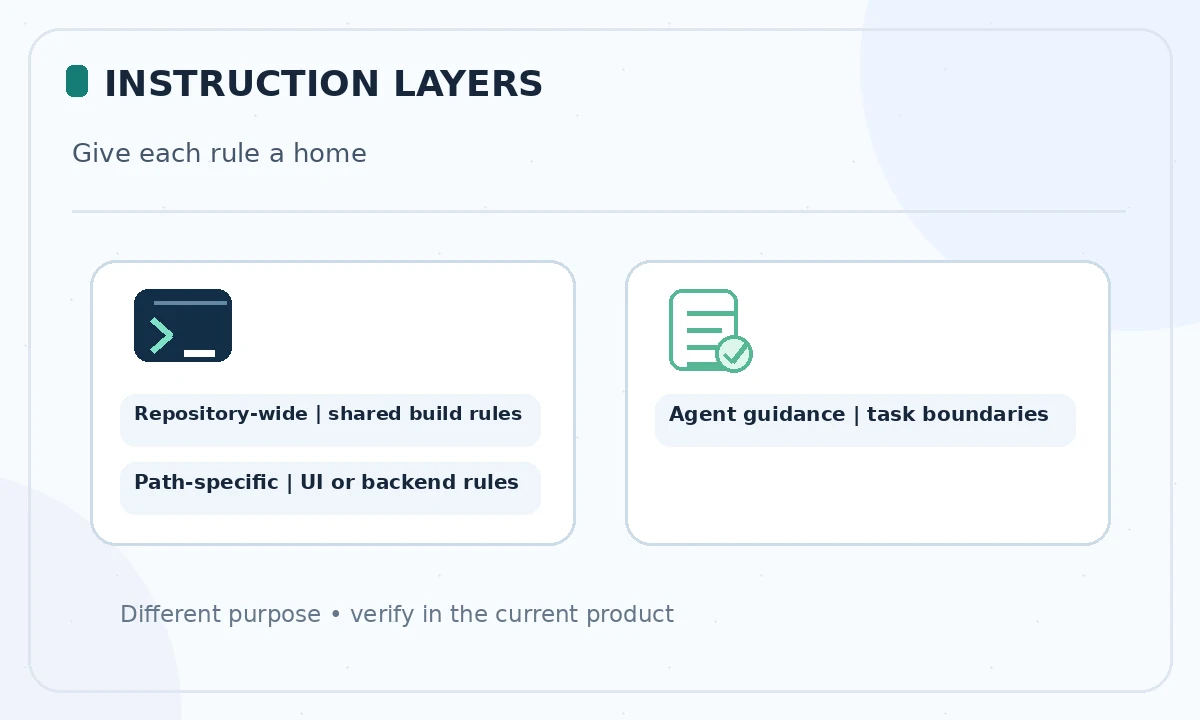
This tutorial deliberately covers team guidance rather than repeating LabFin’s existing Copilot-versus-Claude comparison. GitHub currently documents repository-wide instructions at `.github/copilot-instructions.md`, optional path-specific files under `.github/instructions/`, and agent-focused `AGENTS.md`. Support varies by surface and feature, so test with the actual IDE or GitHub agent you plan to use.
Inventory the facts before writing instructions
Ask a maintainer which commands are known good for setup, tests, linting and building. Read the package manager lockfile, CI workflow, language-version declarations and README. Do not copy commands from a generic example if your repository uses a different build system. List unsafe operations, such as modifying production infrastructure or running a migration against a shared database.
Keep a one-page instruction draft with three groups: repository structure, validation commands and human-approval boundaries. Separate permanent rules from one-off ticket requirements. If a fact is uncertain, mark it for maintenance review rather than creating a confident but incorrect instruction that the assistant will repeat across many tasks.
Add a repository-wide instruction file
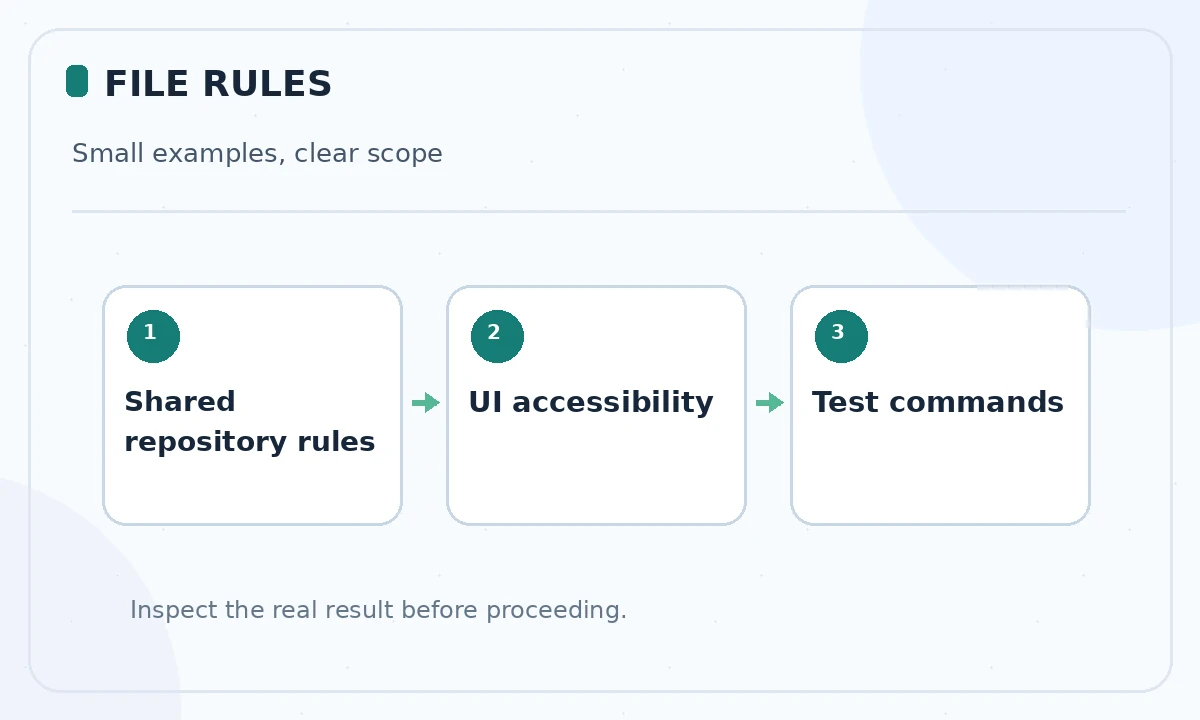
Create `.github/copilot-instructions.md` in the repository root. Describe where the main application and tests live, the language version, accepted formatting and a concrete test command. A helpful rule is “Run the existing unit tests relevant to changed files; report skipped tests explicitly.” An unhelpful rule is “Produce flawless enterprise-grade code,” which gives no checkable constraint.
Use concise sentences and avoid repeating the same policy under several headings. GitHub documents this root-level file as automatically available for supported requests in the repository context. It is still just guidance. Review and merge it like any code change because incorrect instructions can affect all future contributors.
Use path-specific rules only where necessary
If a repository contains both a backend and a web interface, their testing commands or accessibility requirements may differ. GitHub documents files ending in `.instructions.md` under `.github/instructions`, with an `applyTo` glob in YAML frontmatter. For example, one file may apply to `web/**/*.tsx` and request keyboard-accessible controls; another may target backend migrations.
Do not spread basic rules into dozens of overlapping glob files. Overlap makes precedence hard to reason about and can add needless context to requests. Check the current support table: path-specific instructions are not consistently applied to every Copilot surface. A rule that only loads for cloud code review should not be assumed active for your local autocomplete.
Distinguish agent instructions from general guidance
GitHub documents `AGENTS.md` as a mechanism for code agents, with the nearest file in the directory tree relevant to the working location. For example, a database directory could specify that schema changes require an approved migration plan and rollback instructions. An agent instruction is useful when it names concrete checks, not when it attempts to grant broader permissions.
Never store secrets, personal tokens or private credentials in instruction files. Treat external pull requests and repository content as potentially untrusted instructions; a malicious file or comment must not outrank your organization’s policies. Permission prompts and explicit human approval remain necessary for network calls, package installation and destructive operations.
Test whether instructions actually load
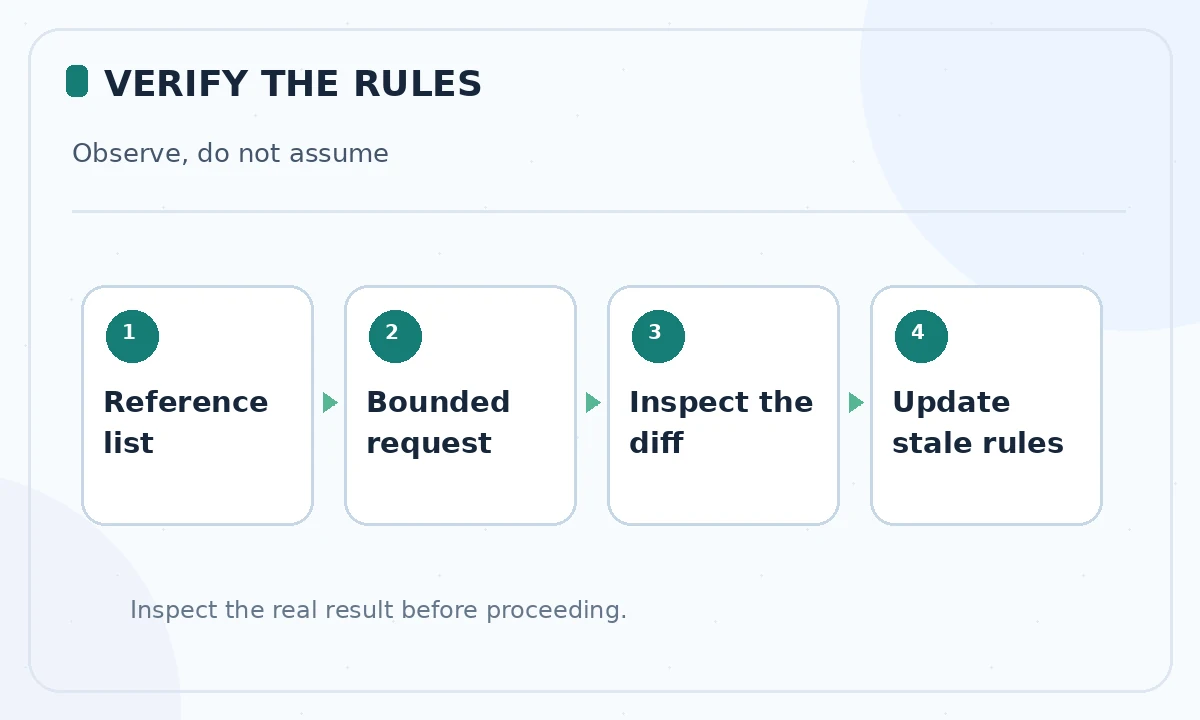
Open a small issue in a feature branch. Ask Copilot to summarize relevant test commands before editing. On supported IDE chat surfaces, GitHub explains that the References list can show which custom instruction files were included. Inspect that list rather than assuming instructions applied because an answer happened to mention the right technology.
Next request one bounded change and compare the resulting plan with the instruction file. Did it select the right test suite, preserve an API contract and identify the approval boundary? If not, determine whether the file was not loaded, was ambiguous or conflicted with another instruction. Improve one rule at a time and repeat the same prompt; do not invent a compliance rate from a single check.
Resolve conflicts and avoid instruction bloat
Repository guidance can conflict with personal, organization or ticket instructions. GitHub documents separate types and prioritization; scope differs across features. Where conflicts matter, use organization-level policy for non-negotiable security constraints and keep local files focused on implementation details. Write down who can approve exceptions rather than asking an assistant to choose which human rule is more important.
Periodically remove obsolete file paths, outdated scripts and redundant style preferences. Every additional rule consumes attention and may obscure the few constraints that are essential. Prefer referencing a checked-in policy file for detailed explanations while retaining only necessary actionable guidance in the context-loaded instruction.
Review a minimal worked example
Imagine an API service using Python and a front end using TypeScript. The root instructions say: “Use the checked-in environment instructions. Do not alter API response fields without approval. Run Python unit tests and front-end checks for changed areas.” A path rule for UI files adds: “Keep form labels and keyboard focus visible.” None of these claims pretend that Copilot ran the commands.
Ask the assistant to update a fictional settings form. It should identify the UI path rule, show the form-level validation, avoid server API changes and list the test commands it would run. The human reviewer then checks both result and instruction adherence. The example is a design pattern, not a benchmark or a report of a completed live test.
Maintain instructions as part of the repository lifecycle
Assign ownership of instruction changes just as you would for CI policy. Update rules when build scripts, dependency managers or folder boundaries change. If a new contributor cannot understand a rule without proprietary context, clarify it or link to an accessible internal document, not to a secret system prompt.
For major changes, review the diff alongside the application code it affects. After merge, ask a teammate to run a small repeatable test and record what loaded. Good instructions reduce ambiguity; they cannot guarantee correctness, security or compliance without independent engineering controls.
How We Research
We reviewed the current primary-source documentation as of October 26, 2026: GitHub repository instructions documentation; GitHub agent instruction guidance. We distinguished documented plan features and limits from editorial workflow suggestions, and we compared the intended reader task with the previously published LabFin material. We did not purchase plans, perform product benchmarks, run code or verify an individual account’s entitlements. Where product pages conflict or terms may change, we have identified the uncertainty and recommend confirming checkout or live account details.
Frequently Asked Questions
GitHub documents repository-wide instructions at `.github/copilot-instructions.md` in the repository root.
Yes, supported surfaces can use path-specific `.instructions.md` files with `applyTo` globs, but feature support differs.
They are related but distinct guidance for coding agents. Check scope and support in the current GitHub documentation.
For supported chat workflows, inspect the References list for the instruction file, then test one bounded task against expected behavior.
No. Instructions may be ignored or misunderstood. Keep permission boundaries, tests and human review independent of the assistant.