
A productive first Claude Code session begins with an existing repository and a small change that a human can verify. This guide uses a fictional issue: a task-list application accepts whitespace-only task names, and we want both the client and server to reject them. It describes a reproducible workflow, not a claim that we ran Claude Code on a real project or measured a speed improvement.
Anthropic’s current Claude Code quickstart documents native installation for macOS, Linux and Windows, plus sign-in through a qualifying Claude subscription, Console account or approved provider. It also explains that Claude Code runs in several environments beyond a terminal. We focus on the terminal experience, because it makes the file changes, shell commands and approval boundaries especially clear for a beginner.
Install from the current official instructions
Open Anthropic’s live quickstart for the appropriate operating system. On supported Windows systems the documentation provides PowerShell and WinGet routes; on macOS and Linux it documents a native installer and other options. Do not copy a year-old community installation command into a trusted corporate workstation without checking it. Confirm the command in the official source and comply with your organization’s software policy.
After installation, run `claude –version` and verify that the command resolves from the expected location. Use the login route authorized for you. Pro or Max credentials are not the same as an API key with unrestricted spend; if you are using Console billing, understand the charging arrangement before invoking automation.
Establish a clean branch and a test baseline
Navigate to the repository root and inspect Git status. Create a dedicated feature branch, confirm the intended language versions and find the existing test commands. Run the current tests manually first and record failures that already exist. If the project has uncommitted unrelated work, pause rather than allowing an agent to mingle its edits with your local changes.
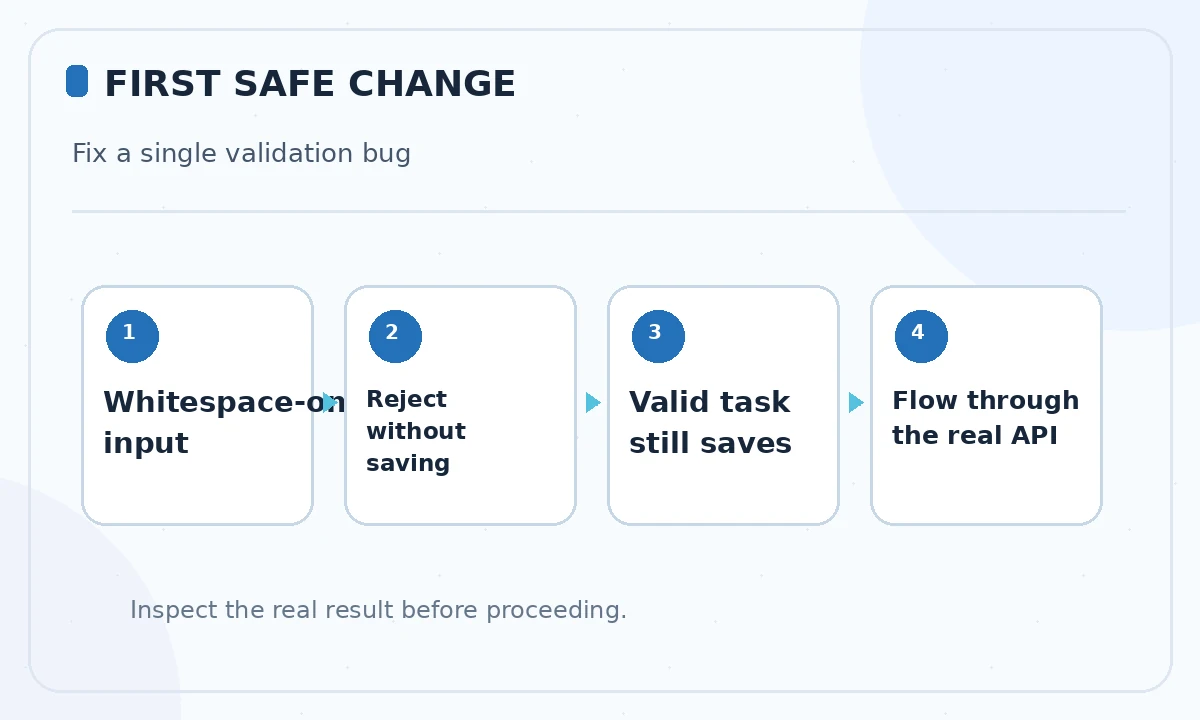
For the fictional task list, write an acceptance statement: whitespace-only task names must be rejected without creating a record, while a normal name should still save successfully. The server must enforce the rule even if client validation is bypassed. This is a deliberately small change with a clear independent pass/fail test.
Ask for an explanation before requesting edits
Launch Claude Code from the repository directory. Start with a read-oriented question such as: “Locate the task-creation endpoint and UI form. Explain the current validation path and name the tests that cover it. Do not change any files.” Review every cited file rather than treating the narrative as proof. A coding agent may confidently overlook a shared helper or secondary API route.
If it proposes reading secrets or files outside your scoped project, stop and narrow the context. Your goal is to learn which functions are actually involved and which tests reveal regressions. Ask it to report uncertainties explicitly: for example, whether a mobile client calls the same API endpoint or whether the repository uses a validation schema elsewhere.
Specify an edit plan and an explicit non-goals list
After you understand the path, issue a narrow instruction: “Reject task names that are empty after trimming. Update server validation, show a helpful UI error, and add negative and positive tests. Do not modify database schema, authentication or third-party dependencies.” Request a concise plan listing touched files and commands. This matters more than a long prompt full of vague goals.
Keep acceptance tests independent from the proposed patch. A useful negative case submits spaces to the API, expects a validation error and confirms no new task exists. A positive case submits a normal name and expects the existing success behavior. If the agent suggests weakening an assertion or deleting a failing test, reject that shortcut.
Review the permission requests and file diff
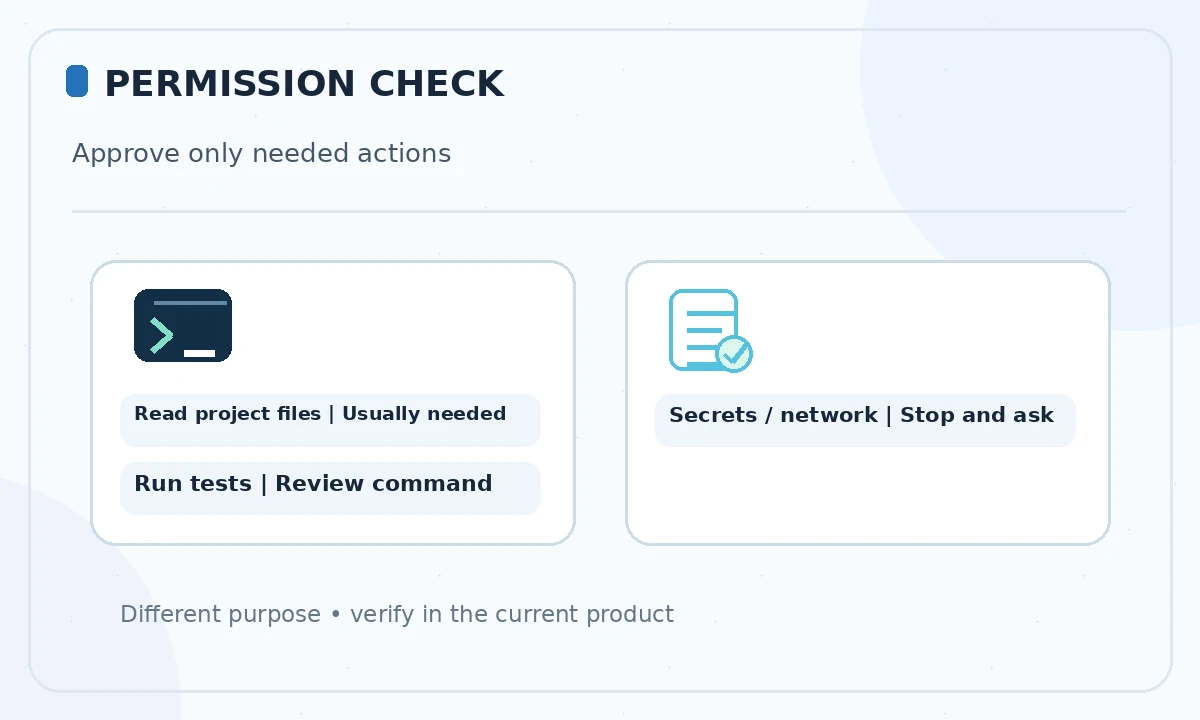
Claude Code may request permission for shell commands, tools or file changes. Approve only actions necessary for the current task. Avoid blanket permission for network access, package installation, force pushes or destructive file operations on a first session. The official documentation includes guidance on available permissions and workflows; actual prompts depend on your installation and environment.
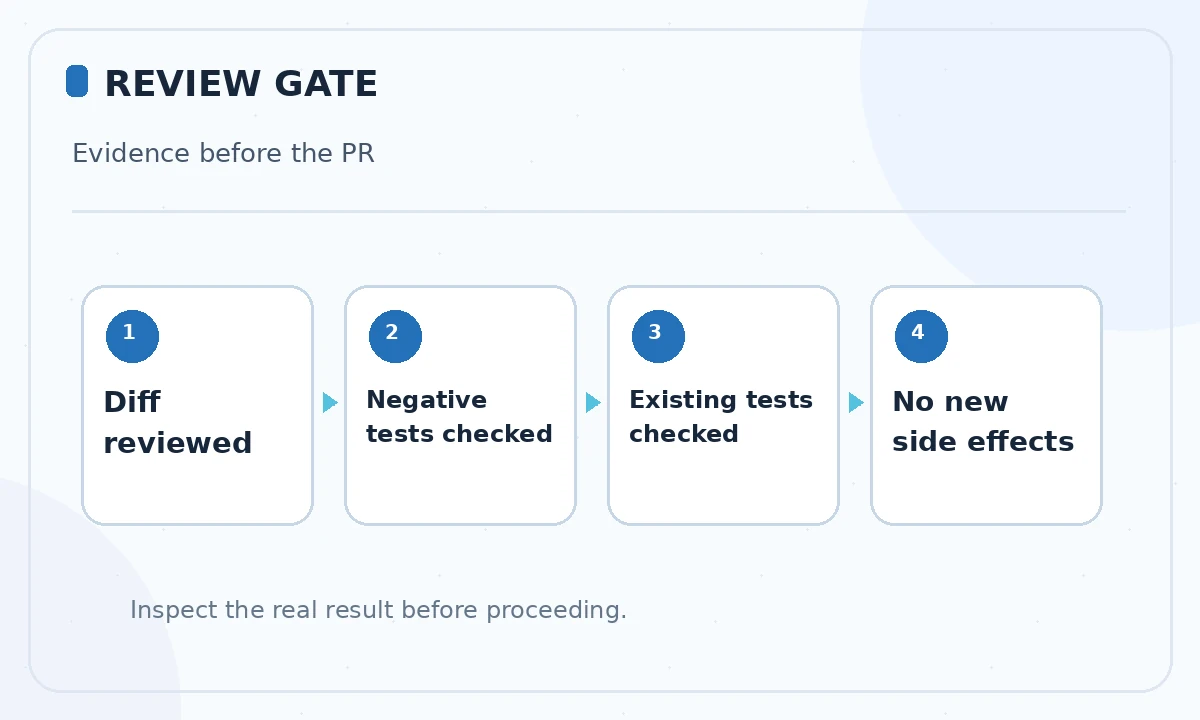
Inspect all modified files when the agent finishes. Check whether it validated the trimmed value on the server, whether the front-end message is accessible and whether error handling maintains existing behavior. A model-written change description is a starting point for review, not a replacement for inspecting the Git diff.
Run tests independently and probe edge cases
Run the test command yourself. Verify cases for an empty string, whitespace-only input, a valid name and any Unicode whitespace relevant to your application. Confirm that the server rejects invalid requests without requiring the browser to cooperate. Where practical, exercise the UI keyboard flow and screen-reader label behavior as well.
If a test fails, collect the actual failure output and ask Claude Code to propose the smallest corrective patch. Do not allow it to silently widen scope into migrations or dependency upgrades. After changes, rerun the tests and inspect the final diff again. No testing tool guarantees a bug-free result; independent assertions and human judgment remain decisive.
Handle context, cost and recovery deliberately
Keep the conversation focused on the specific files and requirement. Long sessions can accumulate irrelevant context and use more of your available usage. Anthropic documents subscription usage indicators and separate API billing. Check the right meter for your account, and stop a session that starts opening broad unrelated directories or repeating failed attempts without new evidence.
Use version control as the ultimate recovery route. Commit only a reviewed change, not a large agent-produced patch whose effects you cannot explain. If a proposed edit breaks the baseline, restore the affected files from a known-good branch or commit. Do not rely on a chat transcript as your only backup.
Finish with a pull request someone can review
Write a pull request summary with four items: the user-visible defect, the new validation rule, test evidence and any remaining uncertainty. Link the issue and identify the components touched. Do not claim a test passed unless you actually ran it. Include screenshots only if they genuinely came from your test environment.
The next time you use Claude Code, repeat the same flow for a different small task: inspect, specify, approve, review, test and document. Once this is predictable, consider larger work in stages. The habit of verifying behavior scales much better than escalating directly from a successful demo to autonomous production changes.
How We Research
We reviewed the current primary-source documentation as of October 26, 2026: Claude Code quickstart; Claude Code cost and usage guidance. We distinguished documented plan features and limits from editorial workflow suggestions, and we compared the intended reader task with the previously published LabFin material. We did not purchase plans, perform product benchmarks, run code or verify an individual account’s entitlements. Where product pages conflict or terms may change, we have identified the uncertainty and recommend confirming checkout or live account details.
Frequently Asked Questions
Not always. Claude Code supports eligible Claude subscriptions, Console billing and some approved cloud-provider routes; choose the access method for your account.
Anthropic documents native Windows setup as well as other installation routes. Follow the currently supported official quickstart for your environment.
For a first project, inspect the repo and agree on acceptance criteria first. Review permissions and the proposed diff before committing.
Treat the claim as unverified. Run the relevant tests yourself and inspect their actual output before merging.
Use appropriate isolation, backups, scoped credentials, code review and organizational policy. A beginner tutorial alone does not establish production safety.