
A passing build can hide unreadable caption evidence
A small museum publishes captioned orientation videos after automated checks and human review. The GitHub Actions job generates detailed logs for subtitle timing, missing speaker labels, and file naming. Reviewers who only see a green status may miss an unresolved issue tucked away in hundreds of log lines. GitHub offers job summaries to make important results visible on the workflow run page. This hypothetical use case concerns reporting, not a tested release. A readable summary can help staff find evidence quickly, but it must not replace the tests, review sign-off, or source files that establish whether captions are actually accessible.
What the GITHUB_STEP_SUMMARY file is for
GitHub Actions exposes GITHUB_STEP_SUMMARY as the path to a runner-managed file for Markdown job-summary content. Each step receives its own summary file path. Writing supported GitHub-flavored Markdown to that file lets the platform display a report on the workflow run’s summary page after the step and job processing. The environment file is for presentation, not a durable artifact database or a hidden channel. GitHub documents that step summaries are grouped into job summaries on the run page and that multiple jobs are ordered by completion time. Do not confuse this file with GITHUB_ENV, GITHUB_OUTPUT, or a public website publishing directory.
Start with a small, structured review report
Decide what a caption reviewer needs to know before writing Markdown. Useful fields might include video identifier, caption language, check names, pass or fail states, unresolved warning count, and a pointer to a restricted evidence artifact. Do not paste the full raw transcript or personal contact details into the summary simply because Markdown makes it convenient. A concise report makes a failure actionable: for example, timing check failed for Spanish captions and needs manual review. Define status vocabulary carefully so a skipped check cannot be mistaken for a passed check. The diagram traces the quality job, summary file, and reviewer without inventing actual test outcomes.
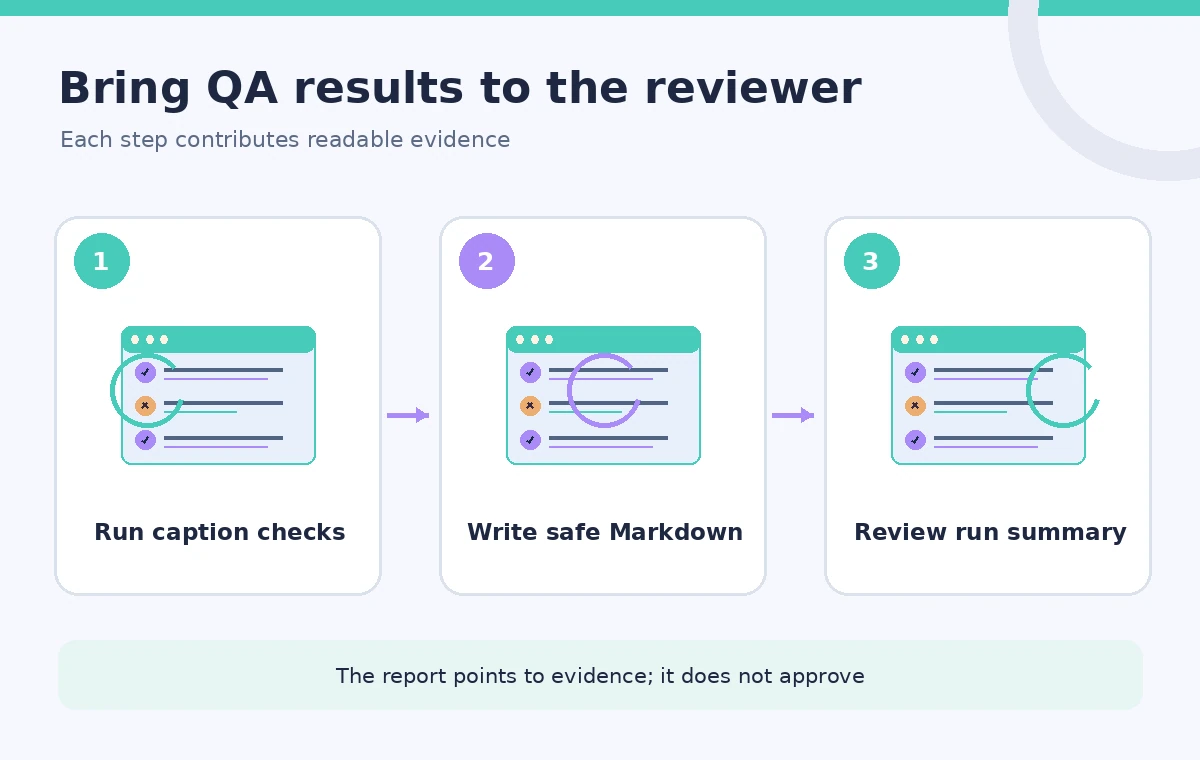
Append Markdown from the step that owns the check
GitHub’s documented Bash example appends text with echo redirected using double angle brackets to $GITHUB_STEP_SUMMARY. PowerShell uses the corresponding $env:GITHUB_STEP_SUMMARY path. In a caption workflow, write a heading, then a short Markdown table of check results or a safe summary sentence. Escape content that comes from untrusted filenames or pull-request text before rendering it into Markdown. Do not copy shell debug dumps wholesale. The file belongs to the current step; another step does not gain the ability to edit that completed step’s uploaded summary. If different checks need separate sections, write each section from its own step.
Make a summary readable, not authoritative by itself
The summary should state what automated checks actually measured and what remains for human review. It can tell a reviewer that timestamp overlaps were detected or that one subtitle file was absent. It cannot assert that a person with a disability successfully understood a video unless that evaluation occurred. Keep links or identifiers for reviewable evidence within an appropriate access-controlled system. Avoid percentages that appear to measure comprehension when the tool merely checked file structure. If a caption check is informational only, label it as such. If it is a release blocker, the workflow must enforce that separately rather than relying on Markdown wording.
Compare buried logs with an explicit review surface
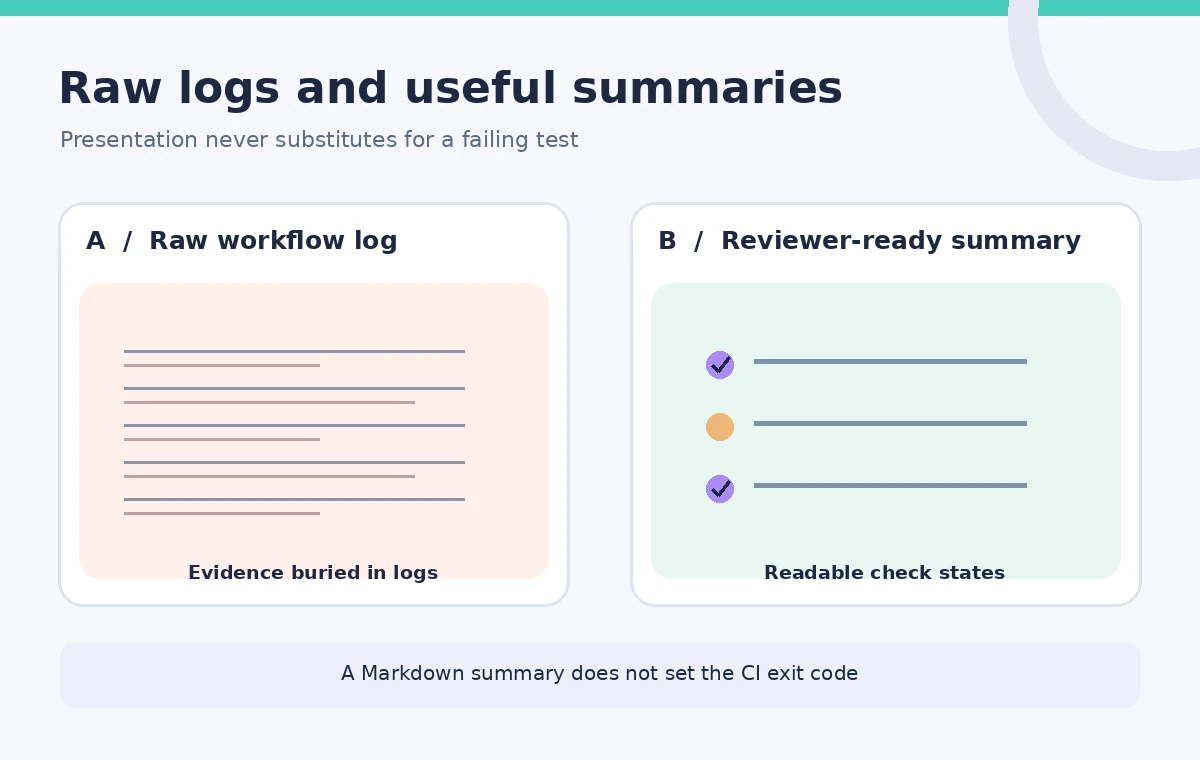
A raw workflow log is often useful to an engineer but may contain implementation details, transient paths, or output from dependencies. A job summary gives a reviewer an intentional view of verified checks, open problems, and next steps. The comparison illustration shows a dense log beside a compact report, not two actual GitHub screenshots. Redaction is important: summaries are visible to people with access to the workflow run, and that audience may be broader than the people authorized to read source interview transcripts. Publishing less sensitive text in a summary is a design choice; it is not a guarantee that the underlying logs are already safe.
Respect per-step isolation and documented limits
GitHub documents a size limit of 1 MiB for the summary content of a step and says at most 20 step summaries are displayed per job. An oversized summary upload can fail and create an annotation without changing the success status of the step or job. That last detail matters: a missing report does not automatically make the caption test fail. Store extensive machine-readable evidence as an appropriately controlled artifact, then link or summarize it. Keep the summary compact enough to scan on a phone or in a release review. Check for summary-upload warnings alongside normal job results and do not treat the mere presence of a heading as proof the report is complete.
Keep secrets and private transcripts out of Markdown
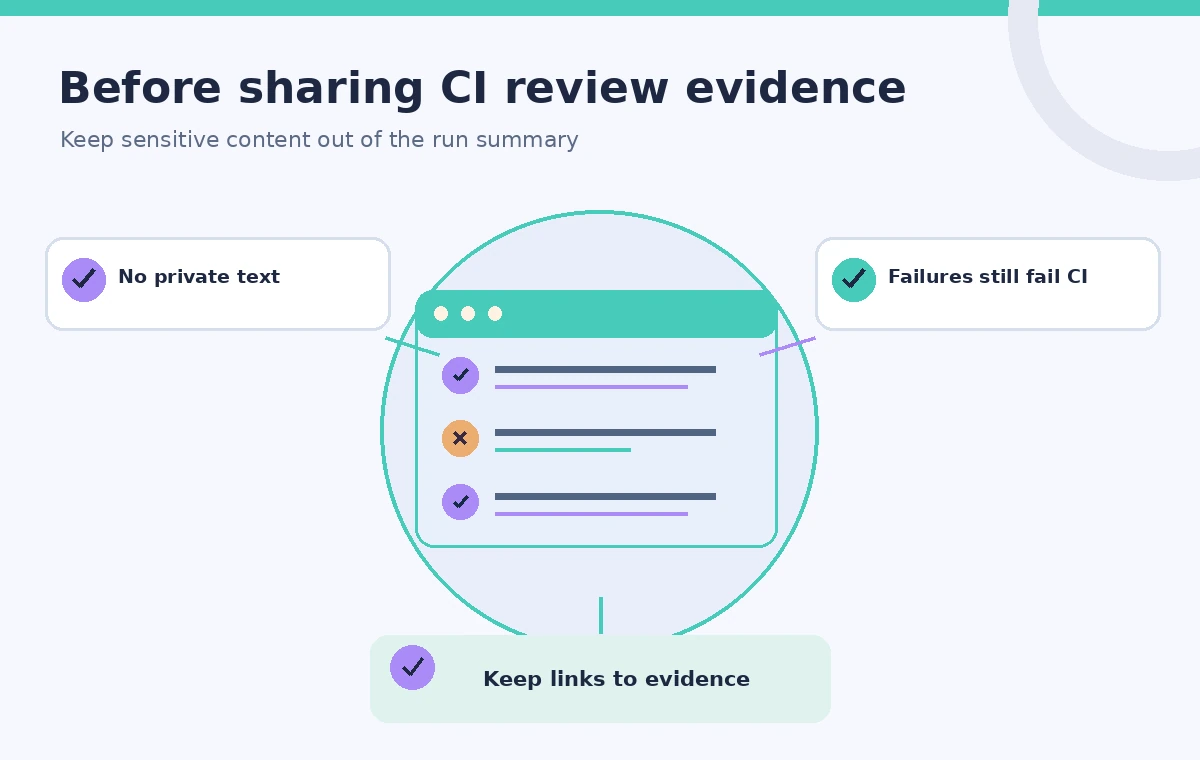
GitHub says summaries automatically mask certain secrets that are accidentally included, but this should not become the privacy design. Masking is not a substitute for data minimization, and it cannot be assumed to catch every private name, interview excerpt, or unregistered credential. Define a strict set of allowed summary fields and scrub untrusted strings. Store restricted transcripts in an access-controlled location rather than embedding them in workflow HTML or Markdown. If sensitive content does reach a summary, follow the incident process; GitHub documents deleting the workflow run as a way to remove its summaries. Preventive filtering is better than hoping a log or display layer will fix an exposure.
Tie release decisions to enforced checks and people
A reviewer-ready report should show which automated tests ran, their true exit states, and which human accessibility checks remain open. A failed blocking check must still exit nonzero or otherwise stop release through an enforced job dependency. An attractive Markdown table can coexist with a passing job even when it says FAILED if the script never signals failure. Test a deliberately invalid caption file and confirm that the build gate behaves as intended. Ask a human reviewer to verify readability, timing, and correct terminology for representative clips. The summary is the navigation surface for that process, not the approval system itself.
How We Research
Our primary sources were GitHub Actions workflow commands and job summaries; GitHub Actions variables reference. We checked the GitHub workflow-command documentation for per-step summary files, Markdown behavior, size limits, and upload failure handling, then checked the variables reference. No CI workflow was run, and no real transcript, reviewer action, or accessibility result was used. Readers should verify the cited product documentation, feature availability, and their own account configuration before deploying anything. The schematics explain the decision process rather than reproduce vendor screens or claim measured outcomes.
Frequently Asked Questions
The Markdown content appears in the workflow run’s job summary, grouped by job after processing.
No. GitHub provides a distinct GITHUB_STEP_SUMMARY file path for each step.
GitHub documents that summary upload failure creates an annotation but does not alter step or job status.
Avoid it. Only show necessary redacted metadata and keep sensitive evidence in an access-controlled system.
No. Enforce blocking test failures through actual workflow exit status or job conditions.