
Why a partner upload suddenly returns an ACL error
A regional history museum hires a digitization partner to transfer high-resolution exhibit photographs into an Amazon S3 bucket. The partner’s old client attaches a canned ACL to every upload because that worked years earlier. The museum creates a modern bucket and the transfer fails even though the partner has permission to write. One plausible cause is the Bucket owner enforced Object Ownership setting, which disables ACLs. This is a hypothetical troubleshooting scenario, not a claim about a real upload. The correct response is not to disable security controls on impulse. Confirm the specific S3 error and determine whether the uploader is sending an ACL header or using an incompatible ACL-setting operation.
Understand the three Object Ownership modes
AWS describes three Object Ownership settings. Bucket owner enforced disables ACLs and gives the bucket owner ownership and control over objects. Bucket owner preferred leaves ACLs enabled and changes ownership for eligible cross-account uploads using the bucket-owner-full-control canned ACL. Object writer leaves ownership with the uploading account. AWS documents Bucket owner enforced as the default for new buckets and recommends keeping ACLs disabled for most modern scenarios. These settings control object ownership and the role of ACLs; they are not a replacement for knowing who can read and write the bucket. The museum must still design IAM and bucket policies carefully, especially for contractors and public distribution.
Inspect ownership and existing permissions before changes
Begin in the bucket’s Permissions settings and confirm Object Ownership rather than inferring it from an old deployment guide. Inventory the uploading identity, the exact requested API operation, and any bucket policy conditions. For existing buckets, review legacy object ACL grants that might have provided external access. AWS’s migration instructions call for moving ACL permissions to policy-based access and resetting the bucket ACL to the default private ACL before disabling ACLs. A change may affect previously readable objects or partner workflows. Record which systems depend on those grants and test representative access paths. The diagram shows a preparation sequence, not a snapshot of a real AWS account.
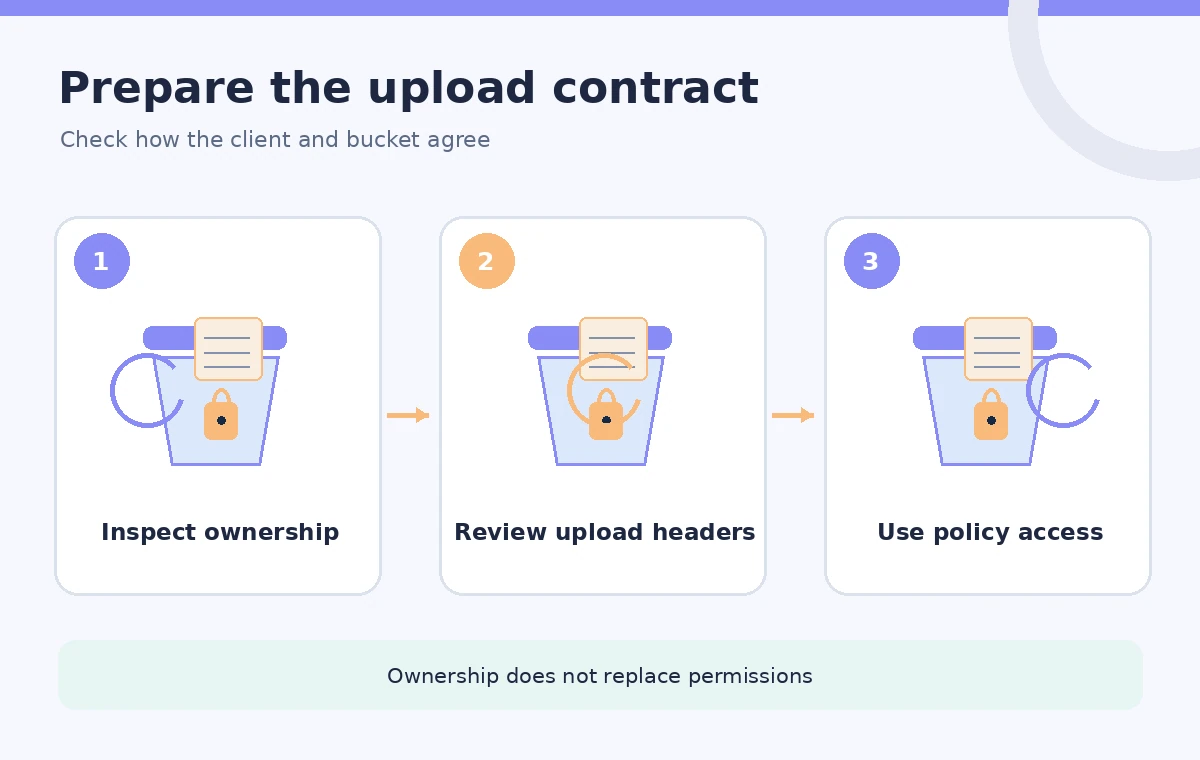
Fix the uploader, not just the bucket
For a Bucket owner enforced bucket, an upload without an ACL is normally accepted if the caller has the required permissions. AWS also allows uploads specifying the bucket-owner-full-control canned ACL, but other ACL requests are not supported. Attempts to set or update ACLs can return AccessControlListNotSupported. Remove unnecessary x-amz-acl headers and any separate PutObjectAcl step from clients that do not need them. Do not interpret the absence of an ACL header as public access. Whether an uploader can write or a visitor can read remains governed by the applicable IAM and bucket policies, organization controls, and other S3 settings.
Build a least-privilege cross-account policy path
A museum may grant a contractor permission to upload to an intake prefix while withholding read access to the preservation master collection. Use a dedicated identity, scope allowed actions and resources, and test which account controls any KMS key if objects are encrypted. Keep upload and publication privileges separate: placing an object in an intake bucket should not grant permission to expose it on the public website. Consider a quarantine or review stage that checks filenames, object metadata, format, and retention policy before copying into the approved archive. Object Ownership simplifies the ownership model, but it does not automatically verify file contents, licensing rights, or public access rules.
Compare ACL-dependent and policy-based deliveries
In a legacy transfer, the external writer might rely on an object ACL grant to let the museum read a new scan. Under Bucket owner enforced, ACL grants no longer determine access and the bucket owner owns all objects. That can simplify cross-account transfers when properly configured, but old tooling that still sets unsupported ACLs can fail. The visual comparison places the legacy upload request beside a policy-based request, emphasizing header differences and the bucket’s ownership outcome. This is a conceptual comparison; individual results depend on the caller’s policy permissions and actual request. Do not claim that enabling this setting cures every AccessDenied or KMS error.
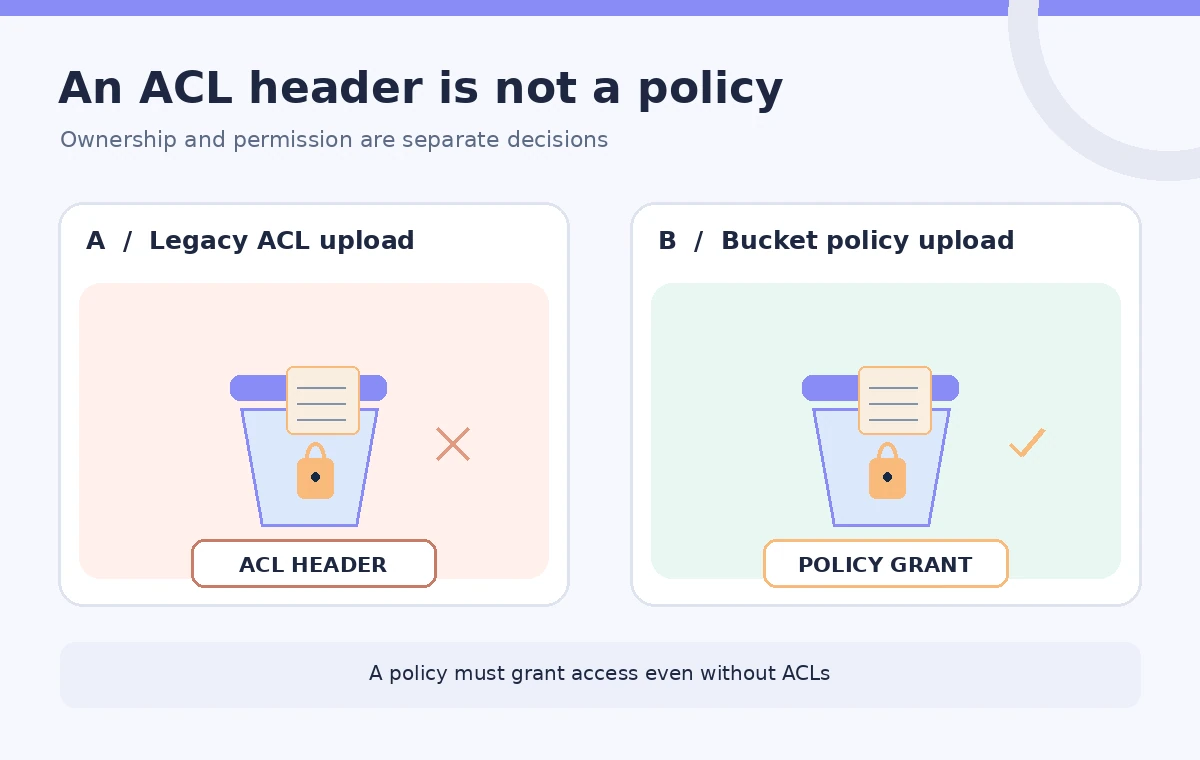
Migrate an existing bucket conservatively
Before changing Object Ownership on an established archive, list applications that use object ACL grants, document external account dependencies, and map those permissions into appropriate policies. Coordinate the change with the digitization partner and any public media service. Test the revised uploader against a staging bucket that matches the intended configuration. Verify read access for the museum, write access for the partner, and denial of unintended public access. Back up policy documents, track configuration changes, and preserve object version history where applicable. AWS explicitly cautions that migration requires prerequisites; do not switch a production bucket solely because a new-bucket default appears more convenient.
Verify the stored object and its access boundary
After a test upload, compare the object key, byte length, checksum where available, version ID if versioning is enabled, and intended encryption settings against the original transfer record. Test both allowed and denied operations using appropriate authorized identities. Confirm a contractor cannot list or overwrite unrelated masters and that public delivery uses only approved derivative files. Check that unsupported ACL headers were removed from every code path, including multipart and retry logic if relevant. A successful HTTP response alone does not prove an image is an authentic archival master; content integrity and provenance checks remain separate responsibilities.
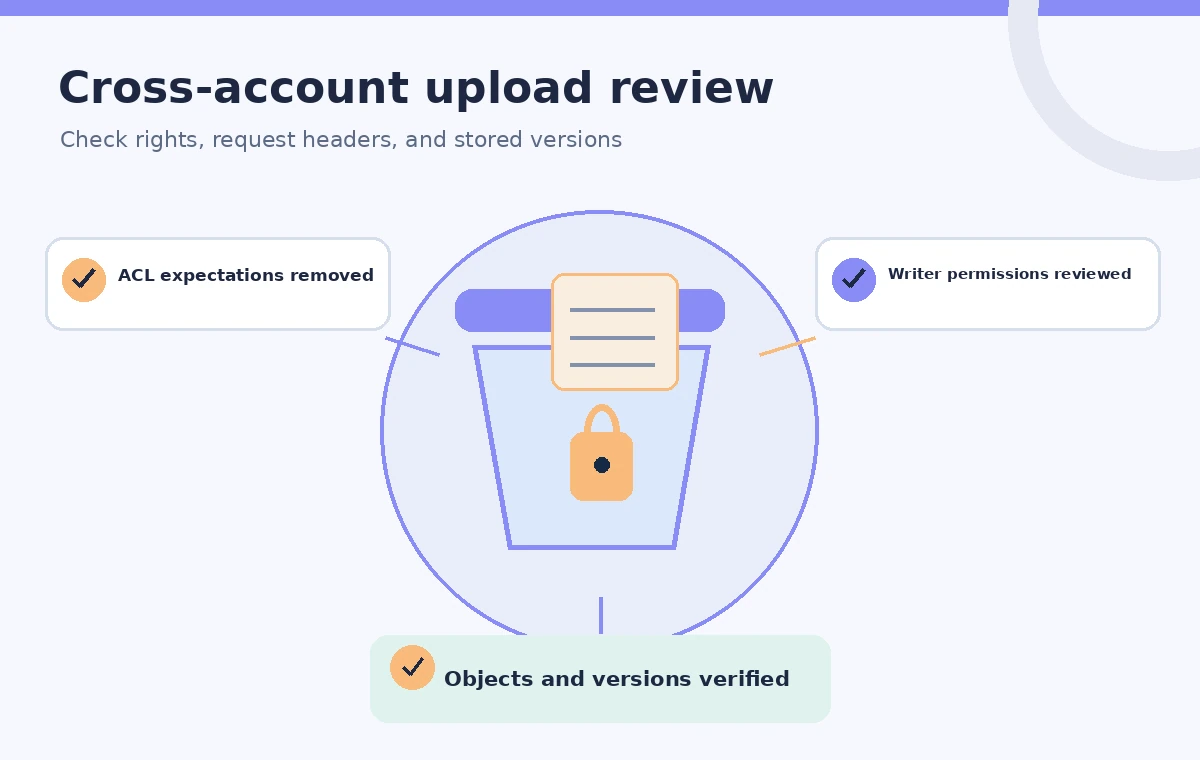
Adopt a policy-first transfer checklist
For new archives, start with the default Bucket owner enforced setting unless a documented exceptional need demands ACL-based ownership. For existing archives, plan migration rather than switching blindly. Maintain a short transfer contract explaining who uploads, the allowed prefix, encryption expectations, integrity evidence, and which staff approve publication. Revisit the arrangement when partners change their SDK, IAM roles, or account structure. The practical gain is a cleaner ownership boundary in which the bucket owner can manage access through policies. It is not permission to treat all incoming museum files as public, verified, or safe to overwrite.
How We Research
Our primary sources were Amazon S3 Object Ownership overview; S3 Object Ownership for existing buckets. We compared AWS Object Ownership modes, supported upload ACL combinations, and prerequisites for converting existing buckets. The archive-transfer example is hypothetical; we did not access a customer bucket, test KMS policy access, or verify a real transfer checksum. Readers should verify the cited product documentation, feature availability, and their own account configuration before deploying anything. The schematics explain the decision process rather than reproduce vendor screens or claim measured outcomes.
Frequently Asked Questions
Yes. AWS documents it as the default Object Ownership setting for newly created buckets.
Uploads without ACLs or with the bucket-owner-full-control canned ACL are supported; other ACL-setting requests can fail.
No. Access is governed by applicable access-management policies and other S3 controls.
No. Review legacy object ACL grants and migrate needed permissions to policies first.
No. Independently check object identifiers, versions, checksums, and provenance.