
A report link can be wrong while its caption checks pass
A museum team uses GitHub Actions to validate subtitles for online exhibition tours. The project may live on github.com today and later move to an authorized GitHub Enterprise Server installation. A script that hardcodes https://github.com in the report summary can send editors to the wrong host even when the test artifact itself was created successfully.
GITHUB_SERVER_URL is a runner-provided default variable for the GitHub server hosting the workflow. Use it to construct links appropriate to that execution environment. It does not prove that a report was reviewed, that the linked run contains correct subtitles, or that everyone who receives the link is authorized to open it.
Use the documented variable instead of a guessed domain
GitHub defines GITHUB_SERVER_URL as the server URL, for example https://github.com. It is distinct from GITHUB_API_URL, which is an API endpoint, and GITHUB_GRAPHQL_URL, which points to GraphQL. A web-facing workflow run link should be built from the server URL rather than assuming an API hostname can also display a report page.
Shell code and workflow expressions reference variables in different ways. For a step script, the runner provides GITHUB_SERVER_URL in the environment. For workflow expression planning, review the github context and the permitted evaluation scope. Avoid constructing a host by rewriting domain strings or assuming every enterprise installation uses the same hostname pattern.
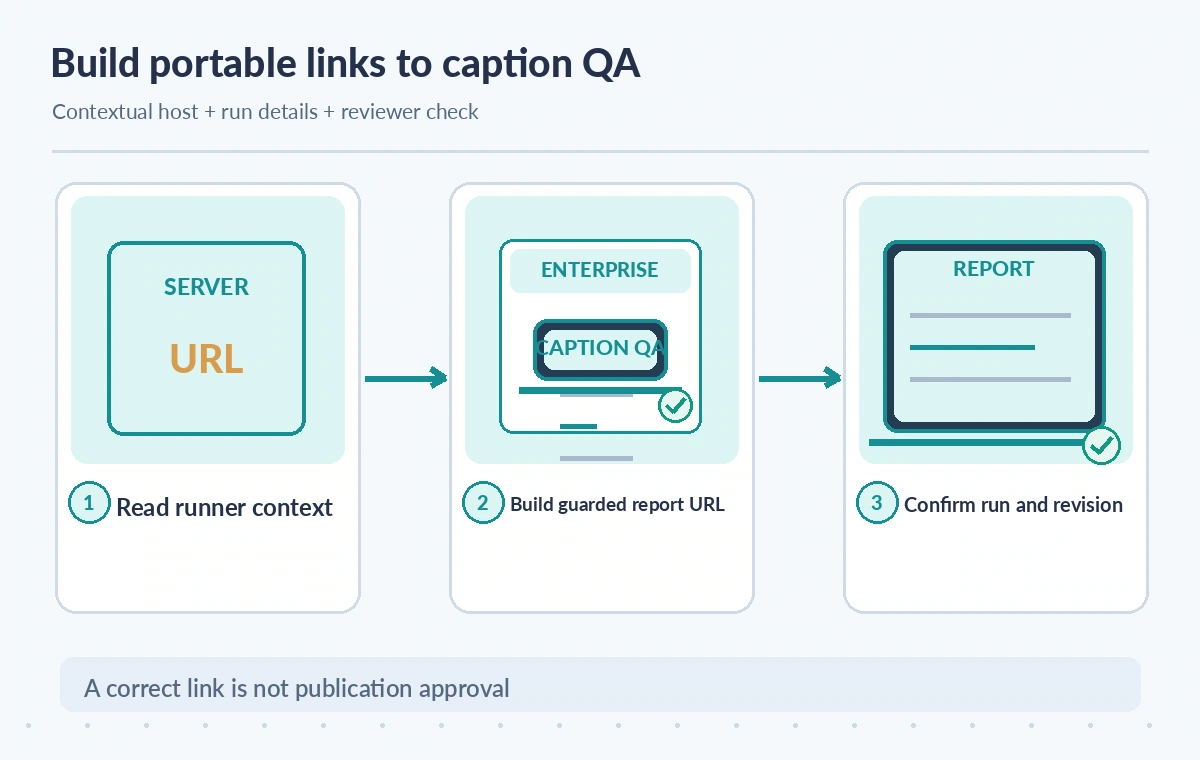
Record the run context needed for audit
A URL to a repository homepage is not enough to reproduce a caption check. Associate the report with GITHUB_REPOSITORY, GITHUB_RUN_ID, GITHUB_RUN_ATTEMPT, and GITHUB_SHA, plus the workflow identity and test artifact digest. The ID stays the same across reruns, while the attempt number differentiates attempts; GitHub documents both behaviors.
Keep a stable object ID for the submitted subtitle file and its approved script. Otherwise a later successful run of newer captions could be mistaken for approval of the earlier version. The reviewer needs a trace from source transcript and caption language to the exact commit and archived report, not just a green badge.
Separate a link origin from a trust decision
A workflow can print a syntactically valid URL that points to an unapproved enterprise host, or to a private run the editor cannot open. Validate allowed server origins in the institution’s configuration and enforce HTTPS for official report links. A workflow-supplied variable should be treated as environment context, not a substitute for permissions or domain policy.
Do not accept an arbitrary link from pull-request text and concatenate it into the output without validation. Workflow content can come from untrusted contributors, particularly when a caption change arrives through a fork. Use established repository and run metadata, URL-encode any variable path segments used for display, and escape values included in Markdown summaries.
Make report generation independent of public visibility
Caption accessibility checks may include transcripts, private interviews, or unpublished exhibit names. Keep CI artifacts private where required and publish only a curated, approved public accessibility statement. A correct GITHUB_SERVER_URL does not open a firewall, grant GitHub permissions, or make a private artifact publicly viewable.
If editors lack access, provide a governed export or read-only report through an approved channel. Do not create a public mirror merely to make the link work. The team should know which actors can view workflows, download artifacts, or inspect logs containing restricted source material.
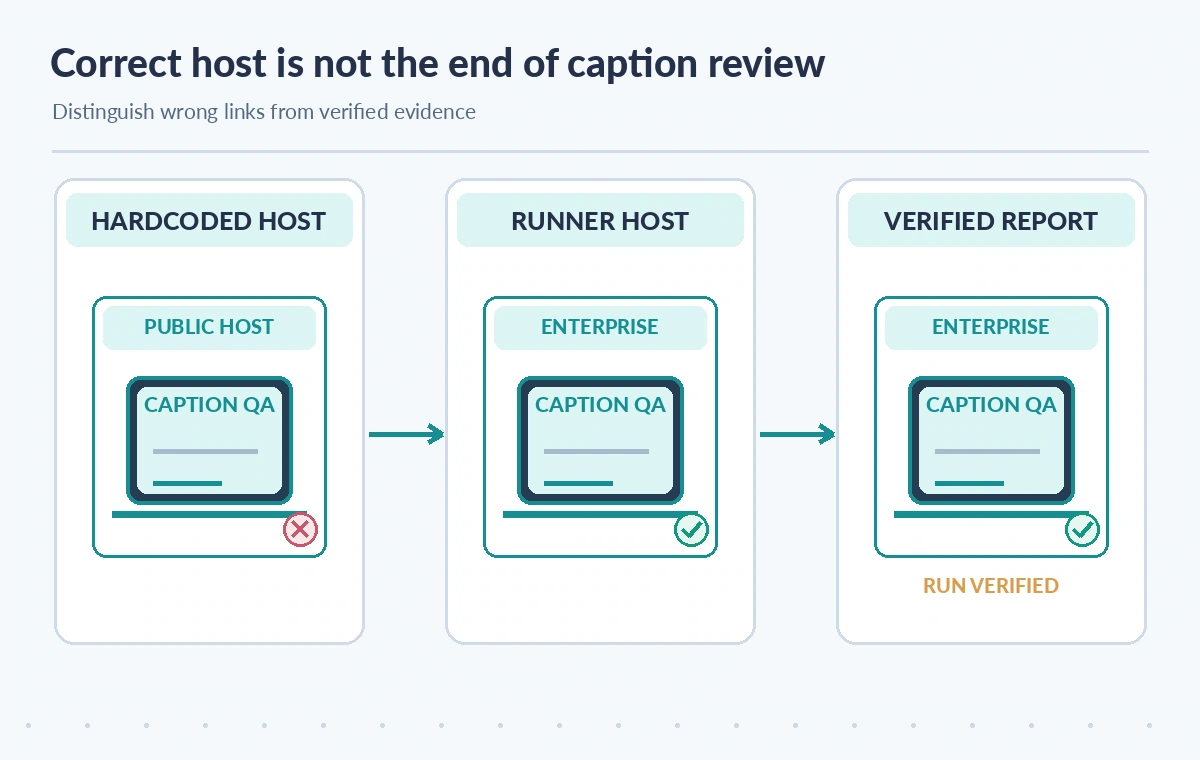
Compare hardcoded and contextual URL designs
In the first conceptual state, a script embeds github.com even for an enterprise repository; its report link points to the wrong place. In the second, the script uses GITHUB_SERVER_URL with the repository and run context. In the third, an editor opens the actual run and confirms its commit, attempt, artifact identity, and access scope.
These are architectural examples, not screenshots of a live repository or measured failure rates. Reproduce the comparison in a controlled test project if the team manages several GitHub hosts. Do not assume link correctness solely because a dry-run string resembles a familiar GitHub URL.
Capture failures without leaking workflow data
A network error, a removed artifact, a renamed repository, and an expired authentication session can all interrupt a link. Record diagnostic error classes without copying sensitive token-bearing requests or raw subtitle text into a public issue. A stale run link should prompt a source- and attempt-aware lookup rather than a silent redirect to the latest run.
Configure reasonable artifact retention and document the expiration window. GITHUB_RETENTION_DAYS provides the effective retention configuration context, but it is not evidence that a specific artifact still exists. If the release requires longer preservation, deposit an approved report and digest in a governed institutional archive.
Keep security boundaries intact in workflows
Use least-privilege permissions for GitHub tokens and protect deployment or publication environments with reviewer gates. Do not run unreviewed pull-request scripts with write tokens just to attach report links. A successful caption validator can be subverted by untrusted workflow modifications or unpinned third-party actions, so the CI design itself needs review.
The server URL variable addresses host portability only. It does not authenticate the URL recipient, validate the origin of the subtitle file, or establish the correctness of the accessibility guidance. Separate those controls in the release checklist and use a trusted reviewer for final verification.
Design the caption release record
A useful record includes source clip ID, approved transcript revision, caption format and language, commit SHA, workflow run and attempt, report artifact checksum, and a signed editorial decision. Include the contextual server URL so reviewers can navigate to the correct installation. The record should remain interpretable even if repository display names change later.
For a fictional exhibit orientation video, have a reviewer compare timestamps, speaker labeling, accessibility cues, and proper names against the authoritative recording. The workflow can flag problems, but a passing test cannot approve translation choices or donor restrictions. Save manual decisions alongside the automated result.
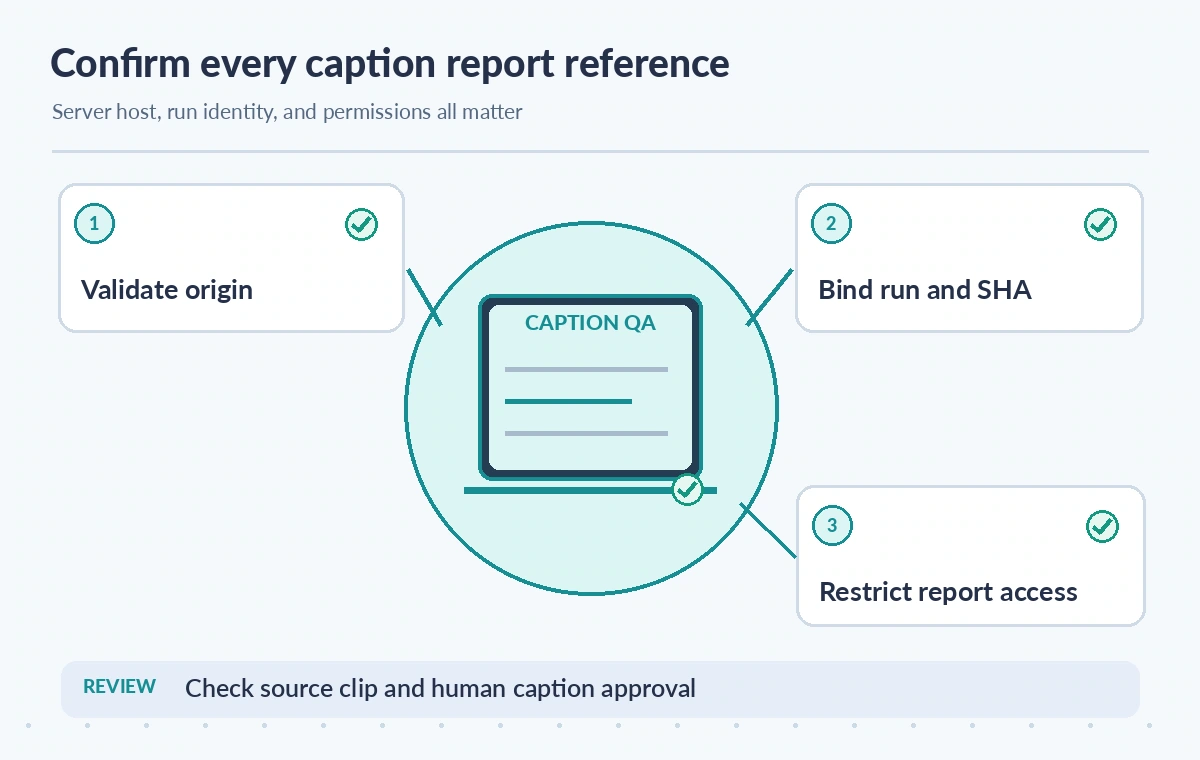
Verify the links before the batch goes live
Test a normal repository run, a rerun, a private artifact, and—if applicable—a controlled enterprise-host run. Check that the origin is allowed, the path resolves to the intended run, and the saved report identifies the same commit and attempt. This testing is recommended, not something performed for this article.
GitHub’s variable reference supports the GITHUB_SERVER_URL behavior described here. No account, repository, runner log, or enterprise server was accessed in preparing this guide. Before production deployment, review current workflow permission rules, report retention requirements, and the museum’s policy for sharing caption test outputs.
How We Research
We examined primary vendor documentation on November 11, 2026: GitHub Actions variables reference; GitHub Actions contexts reference; GitHub Actions security hardening guide. The feature boundaries described above come from these references; the museum and archive scenarios are deliberately hypothetical. We compared the documented fields against likely failure modes, including source omission, access restrictions, and incomplete downstream work. Each illustration depicts an explanatory example rather than a real product screen, observed experiment, performance metric, or customer data. We did not issue live requests to the services, inspect private content, test prices, or certify security. Verify current API behavior, organization permissions, storage terms, billing, and source rights before making production changes.
Frequently Asked Questions
It contains the GitHub server URL for the workflow, such as https://github.com or the applicable enterprise host.
No. The API URL is a distinct endpoint; use the server URL and verified run metadata for a human-facing link.
No. Require the exact commit, run attempt, report artifact, and human sign-off.
Not necessarily. GitHub repository permissions and artifact access remain independent of URL construction.
Save both GITHUB_RUN_ID and GITHUB_RUN_ATTEMPT, along with SHA and the source caption revision.