
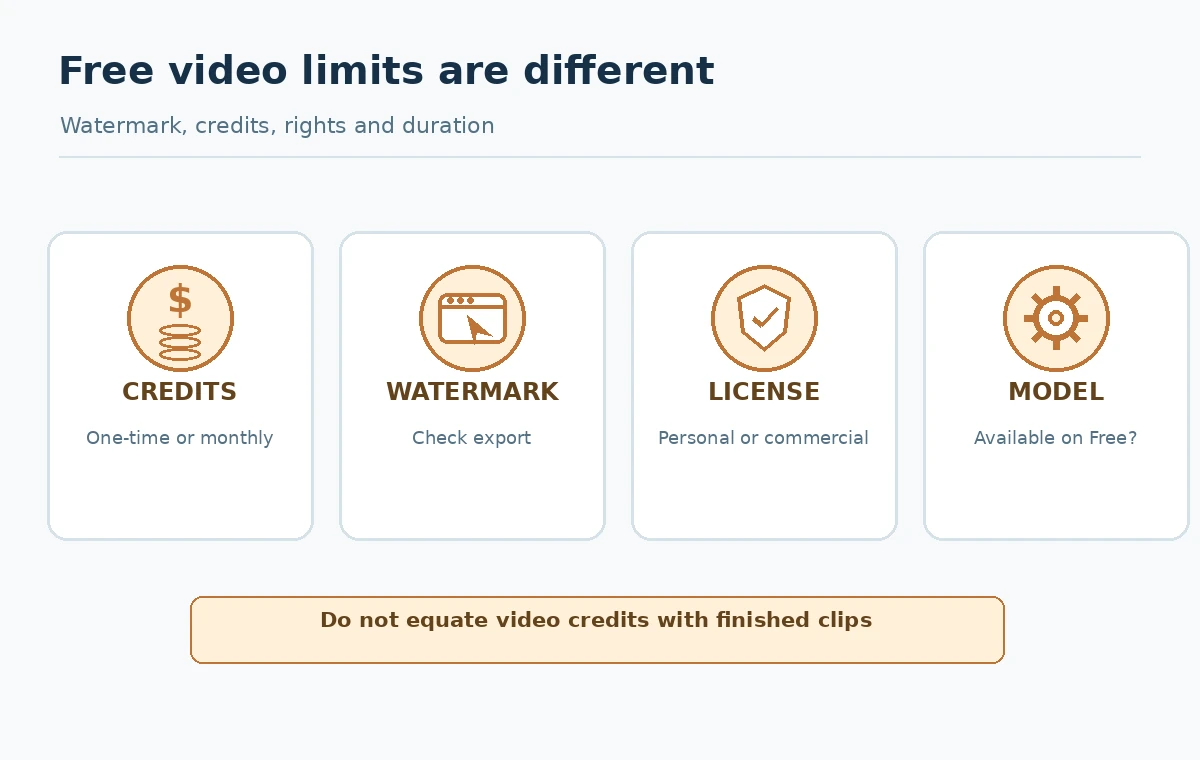
A free AI video generator is most useful when it helps you decide whether a motion idea works before you pay for production. But “free” can mean a one-time credit grant, a replenishing monthly allowance, an account-limited model selection, watermarked exports or personal-use-only clips. Comparing only spectacular sample videos hides the practical restrictions. This guide explains how to choose a short test clip and verify the conditions that determine whether it can become a deliverable.
Start with one short, measurable clip
Pick a five-second idea that has a clear beginning and end. Good examples include a stationary cup releasing visible steam, a slow camera push toward a book on a table, or a gentle product-background movement. Avoid crowds, fast hand interactions and complex action for the first comparison: those make failures harder to diagnose. Specify orientation and intended placement such as vertical social teaser or widescreen blog introduction.
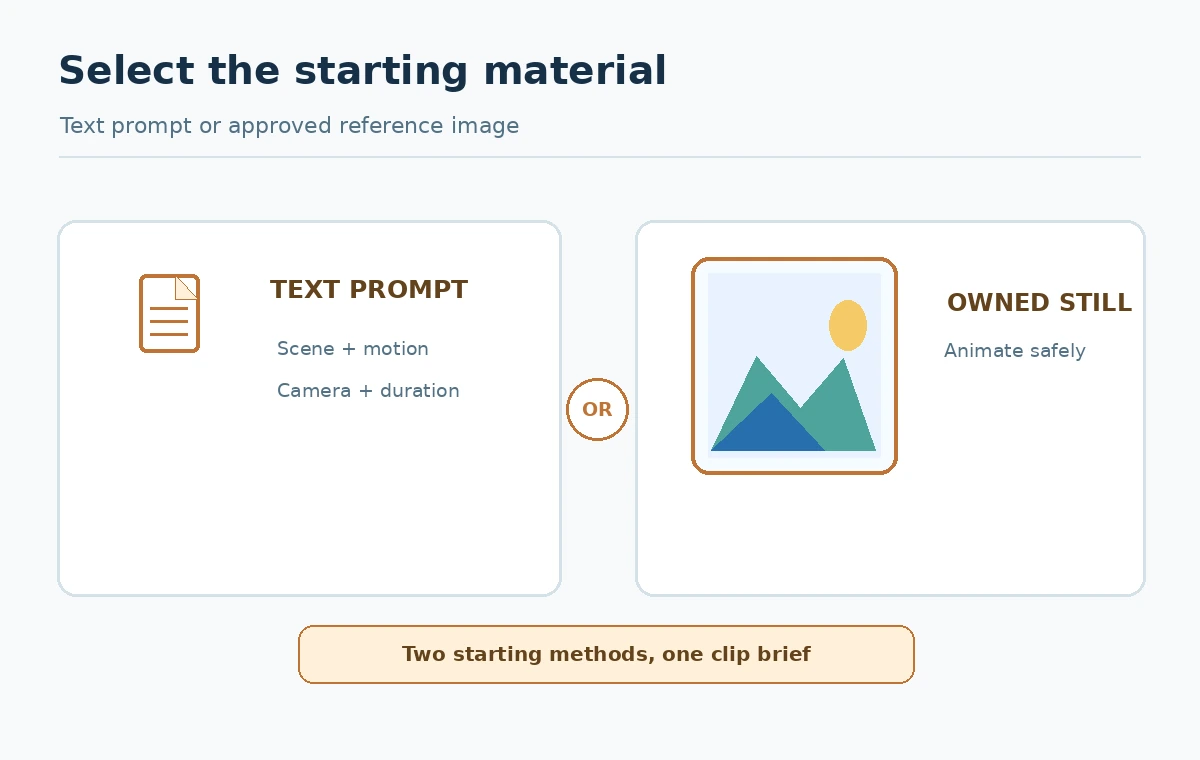
For each tool, use the same scene brief and one approved reference still if image-to-video is supported. Note whether you provided text only, a photograph you own, or a generated still. A model that accepts both inputs should not receive a better reference image than its competitors and then be declared superior. The objective is a production choice, not a beauty contest.
Understand the actual free plans
Runway’s credit help page describes a one-time grant of 125 credits on the Free plan. Its free-plan guide also says the selectable model set can change and free video output includes a watermark. The 125-credit grant is not a recurring monthly balance. A particular model may be unavailable to the Free account even when the account shows credits.
Pika’s official FAQ lists a Basic free plan with 150 monthly credits and tool-specific generation costs. The number of clips depends on the mode chosen, so monthly credits should not be equated with monthly videos. Luma’s Dream Machine plan guide describes a limited free path with draft-resolution video and restrictions including personal use. Recheck the current product UI, account location and terms because these offers evolve.
Make a comparison that uses equivalent units
Create a table with vendor, input method, free credit cadence, selected mode, credits required for your exact clip, clip length, resolution, watermark, usage rights and export availability. Record the date and URL for each vendor claim. If a vendor quotes “credits per second,” multiply by the actual supported clip duration. If another lists “credits per generation,” do not convert unless both action costs and settings are known.
A hypothetical example illustrates the arithmetic without promising availability: at an action cost of 20 credits, a balance of 100 credits funds five attempts before retries or variations. That does not mean five approved clips. Log failed generations and rejected takes separately. Factor in paid editing, sound design, music licensing and final assembly; many supposedly free clips are only the raw motion stage.
Test motion rather than just first-frame appeal
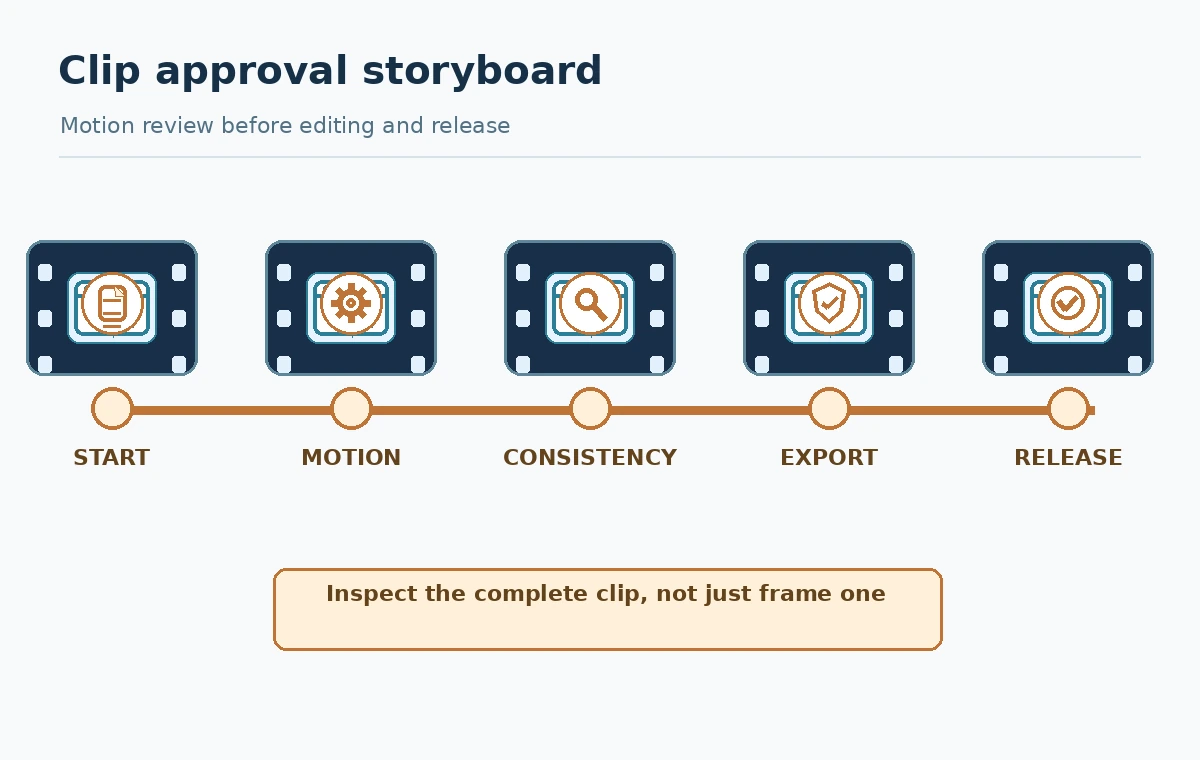
Watch each result from start to finish at normal speed, then step through unstable frames. Check subject identity, spatial continuity, physics, object count, camera drift and edges. A beautiful opening frame cannot rescue a product that melts into a different shape by second four. Check loop friendliness if the asset will be used in a repeating background. Listen for unexpected generated audio if the chosen mode includes sound.
Use a simple review record: intended action, achieved action, visible artifacts, editability and acceptable final placement. Keep subjective judgments labeled as your own evaluation rather than a measured industry benchmark. Do not make a numbered quality ranking based on public demo reels or clips generated with different model tiers. A single successful clip is not proof of consistently good results.
Watermarks, permissions and distribution come first
If a client needs a clean paid advertisement, first confirm whether the free video can be used in that context and whether its watermark is unavoidable. Runway says its free clips are watermarked; Luma’s free-tier description includes personal-use limits. A “download” button does not grant broader use than the terms allow. Avoid removing a watermark as a workaround for restrictions. Check whether the background still, logos, actors, voices or music require additional permission.
Be especially careful with synthetic portrayals of real people. Obtain appropriate permission and avoid implying an endorsement or event that did not happen. If a video illustrates a product workflow, label it conceptually unless it is a verified recording of that workflow. Fictional interface clips should never be presented as actual screenshots. Preserve the generation settings, source assets and review notes for later licensing checks.
A low-waste production workflow
Write a compact shot brief with subject, movement, camera, duration, aspect ratio and what must not change. Prepare an owned reference still if the platform supports that method. Generate one rough clip, inspect failure modes, then revise only the relevant part of the prompt. If geometry keeps drifting, simplify the scene or move part of the motion into conventional editing software instead of using more credits.
After the motion looks acceptable, import the approved clip into a normal video editor. Add factual captions, accessible subtitles, narration and licensed music there. This separation means you can repair a typo without generating the entire clip again. Export a small preview and inspect it on a phone before committing to a full-quality output or paid plan.
When does a paid plan make sense?
A paid plan is justified when an approved workload needs a specific model, a watermark-free export, commercial-use permissions, higher resolution, regular credit replenishment or team collaboration. Write down the exact blocker rather than assuming “more expensive” means better movement. Compare total deliverable cost, including failed attempts and editor time, against stock footage, custom animation or real shooting.
Review the renewal terms and whether credits carry over. One-time free grants, monthly recurring allowances and separately purchased top-ups should occupy distinct spreadsheet rows. Before upgrading, try a representative test on the free model actually available to the account. It is not valid to assess a paid-only engine from a free trial you never accessed.
An honest publish-ready decision rubric
Pass a clip only if the motion communicates the intended action, critical objects remain stable, no fabricated factual claims appear, export quality meets the destination, rights are checked and a reviewer accepts its limitations. Reject or rework clips with unreadable embedded text, flickering objects, deceptive demonstrations, uncontrolled faces or a restriction that conflicts with the intended campaign.
The decision sheet should end with one of three actions: use the clip for an allowed low-risk purpose, buy access to an explicitly required capability, or switch to conventional editing or licensed footage. This approach avoids claiming that one free product wins every use case. Your successful outcome is a usable, rights-cleared video with predictable effort.
How We Research
Source verification date: October 27, 2026. This review consulted these product and policy documents: Runway free plan details, Runway credit guide, Pika help and credit plans, Luma Dream Machine payment guide. The workflow examples, decision matrices, and test rubrics are editorial methods for readers, not a claim that LabFin bought subscriptions, tested live customer accounts, ran controlled product benchmarks or obtained commercial legal advice. When limits, license terms, access or rollout status matter, confirm the current information in your own account and destination market.
Frequently Asked Questions
The current Runway credit documentation describes its Free 125 credits as a one-time grant, not a monthly refill.
No. Its FAQ lists 150 monthly credits; each generation mode consumes a different amount.
Do not assume that. The cited free plan description includes personal-use restrictions. Check current terms before commercial distribution.
Use the same simple scene brief and track actual clip duration, mode, failed attempts, watermarks, motion continuity and export rights.
No. Respect the applicable license and use a plan or source that explicitly permits the deliverable you need.