
Searching for a free AI image generator usually produces a misleading leaderboard. A tool can be free to try yet unsuitable for a client graphic because outputs are public, edits cost extra, or the current allowance expires before you finish revisions. This guide starts with the asset you need, then checks accessible features and publication conditions. The example evaluation is a proposed test a reader can perform; it is not a claim that LabFin measured image quality across accounts.
Define the job before the image model
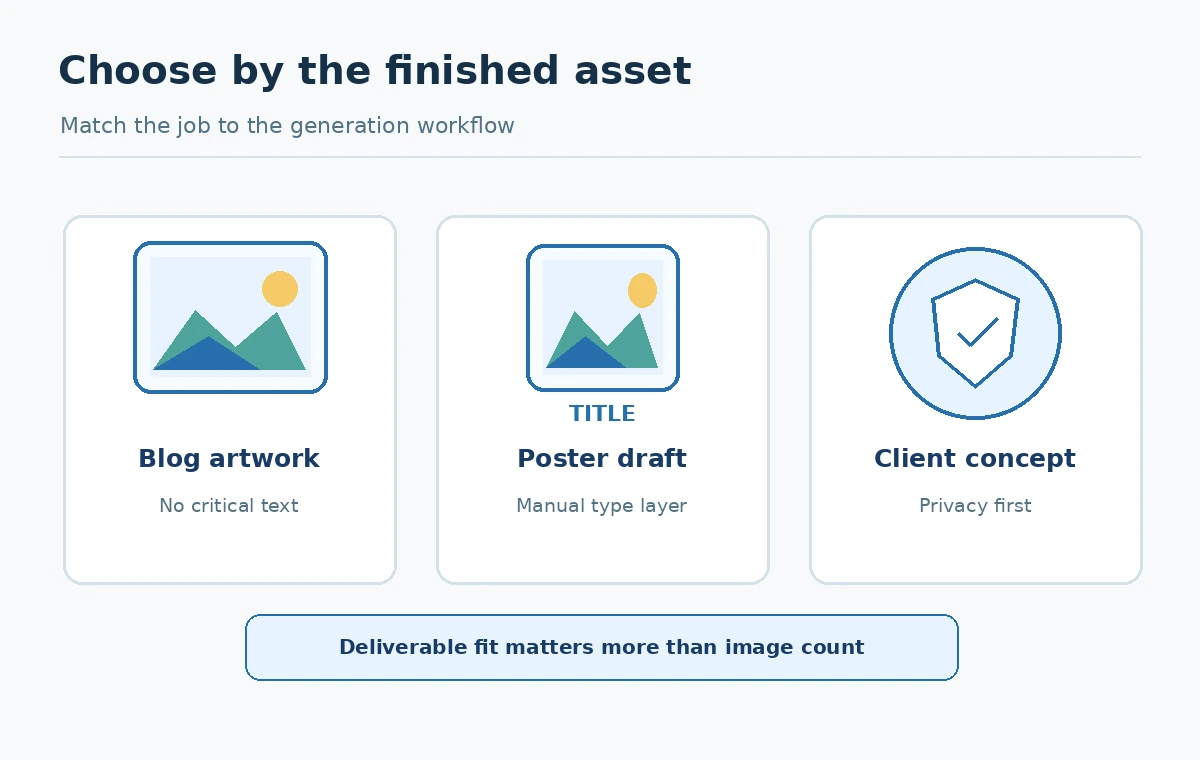
A decorative blog illustration, a poster with legible words, an editable advertising graphic, and a consistent character illustration are four different problems. Write a one-sentence brief with aspect ratio, intended viewer, essential objects, required text, and whether the output will be published commercially. For a comparison trial, keep the brief fixed across tools. A vague prompt such as “beautiful futuristic city” is entertaining but reveals little about a generator’s suitability for real work.
For example, a local bakery might request a square illustration of bread, a clearly separated blank area for its real headline, and colors that remain readable on a phone. This avoids relying on generated typography or an invented business logo. Reserve a human-designed layer for legally important copy, nutritional claims and contact details. The final file should meet accessibility, cropping and brand requirements, not merely look attractive at full resolution.
What each accessible free path actually provides
OpenAI’s Free Tier FAQ says free ChatGPT accounts can create images, while image generation has a separate usage limit. The help material does not promise the same fixed image count to every user. Adobe’s credit FAQ describes limited free daily generations across selected apps and models; the exact feature selection and quota can change. Both are reasonable starting points for low-volume ideation, subject to the account’s displayed permissions.
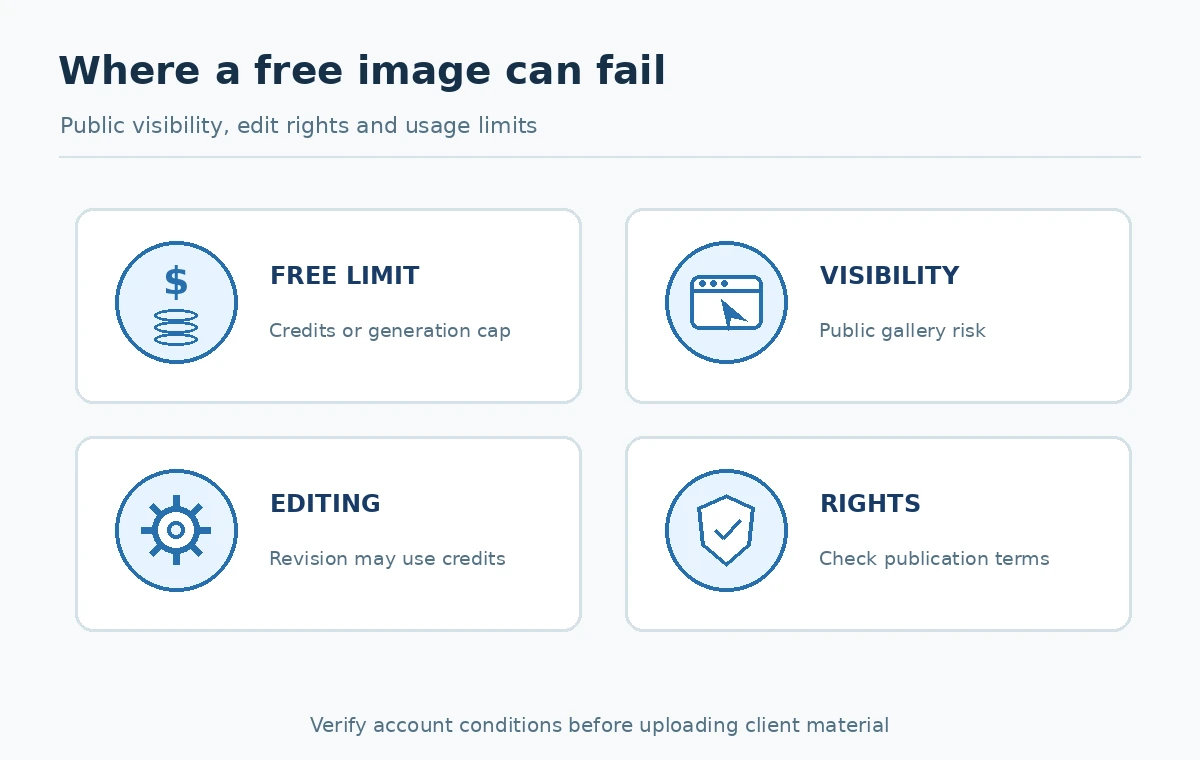
Ideogram’s official pricing page describes credits for eligible free sign-ins and says generated images are published by default; private generation is a paid benefit. Leonardo’s September 2026 token FAQ says free users get 150 daily tokens and that costs vary by model, image size, and settings. These four products therefore cannot be honestly ranked by a single “free images per month” column. Track the unit, reset cadence, edit availability and public visibility separately.
Use a four-column free-tier decision sheet
Create rows for each service and columns for access, output control, privacy and publishing rights. In access, record “free account,” “daily generations,” “weekly credits,” or “daily tokens” from the current account screen and vendor rules. In output control, record supported aspect ratios, text rendering, seed or reference controls, and whether edits count against quota. In privacy, record whether output is publicly visible by default. In publishing rights, read current product terms and any model-specific restrictions before committing to a campaign.
Do not transform tokens into image counts unless you know the exact action cost at the settings you will use. A 150-token balance does not guarantee 150 usable images, and a limited daily generation benefit might exclude the particular model you expected. Mark uncertain cells “verify in account.” A tool with fewer generations but the right editing workflow may be cheaper in actual labor than one that produces many unusable drafts.
Run a controlled visual test without inventing scores
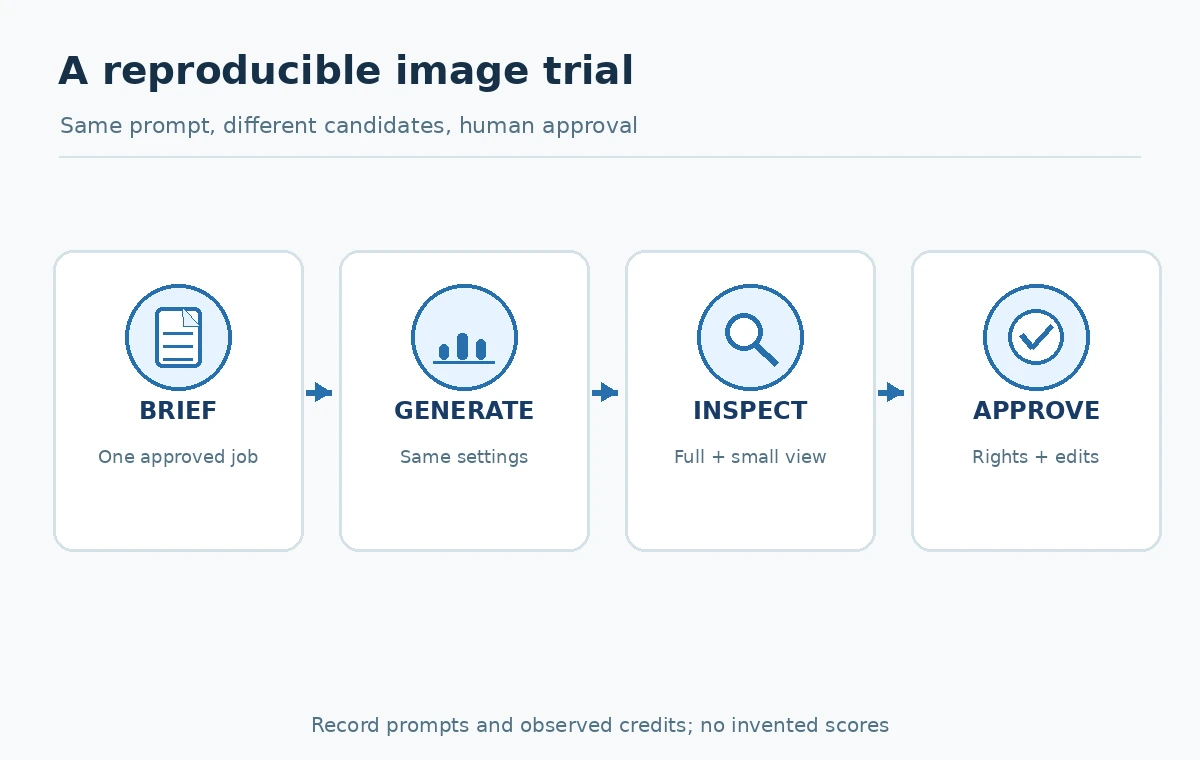
Use one approved subject and three purposeful prompts. First request composition: “A simple editorial illustration of a home office, desk on the left, open negative space on the right, muted colors, no lettering.” Second request an object relationship, such as an unplugged laptop beside a notebook, to test spatial consistency. Third request a two-line sample headline only if on-image lettering is an essential job requirement. Save each original prompt, chosen options and actual output; do not judge products from vendor demo images.
Inspect at intended display size and at full size. Look for clipped objects, invented labels, ambiguous anatomy, overly smooth details and illegible letters. Record correction time and whether the image can be edited without rebuilding it. For a blog graphic, also check contrast and whether a meaningful alt description can be written. Treat this as your own future evaluation procedure, not published LabFin lab results.
Make public-output and rights decisions early
Privacy is not the same as ownership, and permission to download is not the same as a guarantee of exclusive rights. If a generator places free outputs in a public community gallery, do not upload unreleased product photography, private customer information or confidential branding. Ideogram explicitly discloses default publication behavior, so check the visibility controls before entering a sensitive prompt. Review each service’s terms for permitted use, third-party assets, and changes to restrictions.
Also consider what an image depicts. Do not infer that a model-produced likeness of a real person comes with consent. Do not use an AI-created “safety certified” badge, official-looking seal or fabricated product image as proof of a claim. If your publication needs an authentic screenshot, photograph or evidence of performance, commission or license the real item and preserve its source. Visual originality is separate from factual reliability.
Prepare a reusable prompt and revision record
Keep a small project folder with brief.md, prompts.md, source-notes.md and an approved image. In the prompt record, keep the text, service, date, selected setting, observed credit deduction, and why a version was accepted or rejected. Use a neutral filename for the approved asset and save the untouched original when the license permits. This gives editors a reliable way to recreate or replace the graphic as capabilities change.
Specify objective constraints in the prompt: composition, focal object, color family, negative space, lighting, and prohibited elements. Separate those from aesthetic preferences such as “playful.” When a model ignores a crucial constraint, reduce complexity rather than generating dozens of nearly identical attempts. Ask whether manual editing would be faster before burning the remaining allowance.
Know when to upgrade or switch workflows
Upgrade for a measurable obstruction, not because the pricing page looks premium. Useful triggers include inability to keep client assets private, lack of a necessary commercial entitlement, an essential editor locked behind a plan, insufficient output resolution, or repeated exhaustion of the allowance during approved work. A marketing team requiring consistent brand layouts may be better served by a design editor with human-controlled text layers than by a more powerful image model alone.
Before purchasing, estimate the number of concepts, expected revision rounds and permitted uses per month. Capture the current checkout currency, billing cadence, included capacity and cancellation rules. Compare the expense to manual design time and to licensed stock or custom illustration. The cheapest generator may still impose the largest revision cost.
A practical publish-or-reject checklist
Approve a finished graphic only when the subject matches the article, important objects are coherent, text is accurate or replaced in a real design layer, cropping works at common device sizes, and the creator has checked relevant rights and disclosure obligations. Keep an accessible alt description focused on information conveyed rather than marketing language. If the image is decorative only, do not pretend it proves a claim or depicts a real product UI.
Reject images with false logos, invented statistics, impossible process arrows, personal information, hidden public sharing or visual artifacts that change the intended meaning. Record the final reviewer and what was checked. A free-tier decision is successful when a dependable publishable file is obtained under the right conditions, not when a dashboard shows the largest number of remaining credits.
How We Research
Source verification date: October 27, 2026. This review consulted these product and policy documents: ChatGPT Free Tier FAQ, Adobe generative credits FAQ, Ideogram plans and publication settings, Leonardo token FAQ. The workflow examples, decision matrices, and test rubrics are editorial methods for readers, not a claim that LabFin bought subscriptions, tested live customer accounts, ran controlled product benchmarks or obtained commercial legal advice. When limits, license terms, access or rollout status matter, confirm the current information in your own account and destination market.
Frequently Asked Questions
Use the service whose current plan explicitly allows the visibility and data handling your client requires. Do not assume a free gallery is private; Ideogram describes public-by-default images.
No. Leonardo says token costs depend on the model, settings, size and feature, so calculate from the action shown in your account.
Do not assume so. Read the current service terms, asset restrictions and client requirements, and check rights to any recognizable third-party material.
Their official free-tier documentation describes limits that depend on current access and can change. Verify the live allowance rather than relying on an old quoted number.
Repeat an approved composition prompt, record edits and credits, inspect a phone-size crop, and confirm privacy, output rights and the necessary export workflow.