
An international photo deposit needs a measured transfer plan
A museum receives large preservation images from photographers working in several countries. Administrators want to know whether the destination S3 bucket has Transfer Acceleration configured before telling contributors to use an alternate upload endpoint. A fast-sounding feature is not enough: actual performance can depend on distance, connectivity, file size, and the chosen client.
GetBucketAccelerateConfiguration retrieves the existing acceleration state. It does not measure throughput, make an upload, change the configuration, or prove that every contributor can benefit. The appropriate outcome is a documented decision about a specific approved upload path, accompanied by cautious performance testing rather than an unsupported claim that the archive will transfer faster.
Read Enabled, Suspended, and unset separately
AWS states that GetBucketAccelerateConfiguration returns Enabled or Suspended when an acceleration state has been set. The API reference also describes a response with no state value when the bucket has never had a Transfer Acceleration state. Do not report an unset state as an explicitly suspended feature; the distinction matters for configuration history and change management.
The operation is not supported for directory buckets. It requires s3:GetAccelerateConfiguration permission, which the owner has by default and may delegate. Read the targeted general-purpose bucket with approved credentials, preserve the current response, and do not attempt a configuration write merely to learn whether the current state is known.
Verify bucket identity and endpoint eligibility
The API supports an expected-bucket-owner value that can prevent a mistaken read against a bucket belonging to another account. Record the intended AWS account, region, bucket name, and read date in a restricted change register. A 403 response should trigger an authorization or identity investigation, not an invented conclusion that acceleration is disabled.
AWS documents that Transfer Acceleration requires a DNS-compliant bucket name without periods and virtual-hosted-style requests. It also has regional support constraints. Check those rules before constructing the acceleration endpoint for a contributor. The usual form is the bucket name under s3-accelerate.amazonaws.com; an endpoint alone is not evidence of a valid policy or working connection.
Separate configuration from the client path
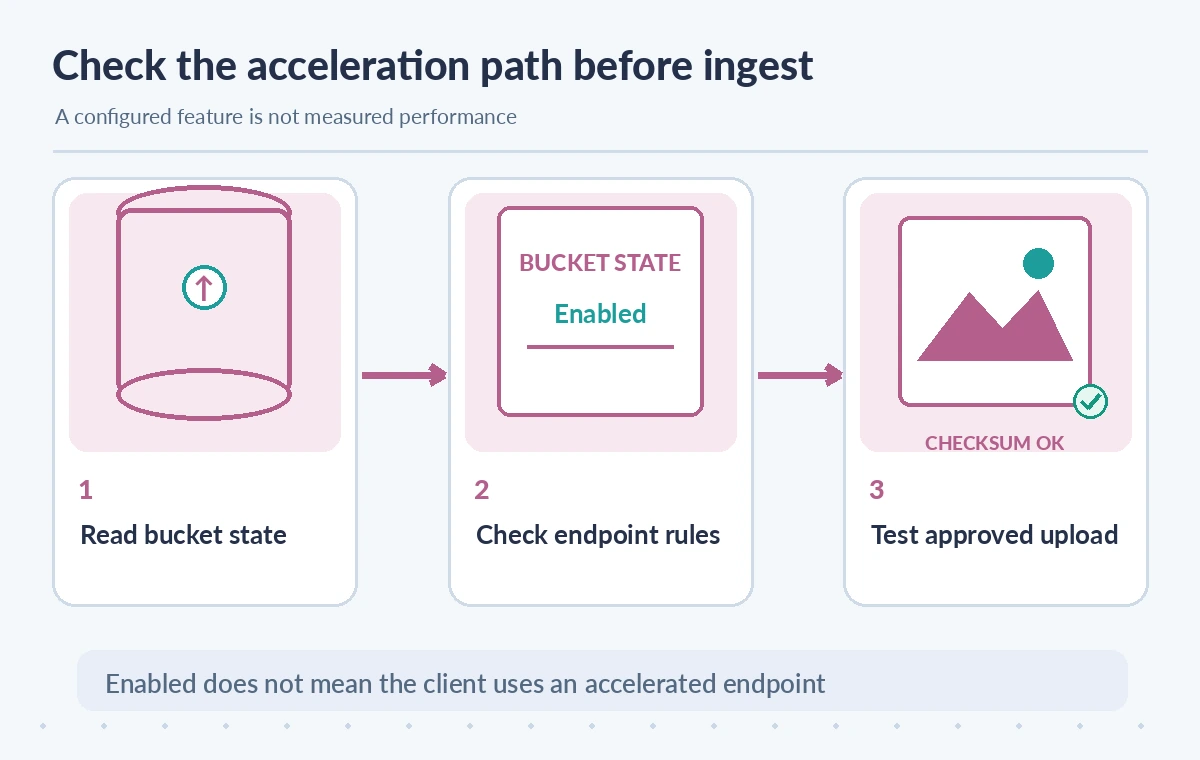
Enabling Transfer Acceleration is a bucket-level choice, but clients must use the accelerated endpoint to benefit. AWS documents that regular endpoints can continue to work for standard transfers. An administrator can therefore observe Enabled while a contributor’s upload still uses an ordinary regional endpoint with no acceleration benefit.
Capture how the approved desktop uploader or SDK chooses its destination and whether it is using the intended endpoint. A code review should consider signing, region behavior, multipart transfer, resumability, and least-privilege credentials. Do not let contributors switch endpoints manually by pasting secrets into an untrusted web uploader or publishing unrestricted write access to the preservation bucket.
Compare three distinct transfer states
A bucket with no recorded acceleration state gives no assurance the feature is configured. An Enabled state identifies a configured service feature, not a successful or faster upload. A measured transfer adds an authorized test using an approved object, known endpoint, verified checksum, and a comparable ordinary-route baseline under documented conditions.
The comparison image shows these three states conceptually. It is not a genuine speed test, benchmark chart, S3 console screenshot, or recorded improvement. Avoid quoting a universal percentage gain. A particular contributor’s network could favor a normal transfer or see no meaningful difference, while additional acceleration charges may still apply when the feature is used.

Check the cost and rollout implications
AWS warns that Transfer Acceleration can carry additional data transfer charges. Before making it the default for a collection deposit portal, inspect current service pricing and expected upload size, and compare the total transfer cost against the operational value of saved time. Do not infer cost from the existence of the Enabled setting alone.
An acceleration configuration change can take time to have an effect. The AWS user guide describes a propagation interval, so a test immediately after enabling may not represent a steady state. If the bucket is part of a preservation workflow, arrange change approval and rollback first; even a beneficial network feature should not bypass checksum, archival metadata, and access-control gates.
Test with a permitted synthetic upload
Prepare an unclassified sample file with known size and SHA-256 and use a nonproduction path with narrowly scoped write credentials. Compare an ordinary transfer with the accelerated endpoint for the same file under controlled, documented conditions. Record elapsed times, client version, region, network conditions, endpoint, and final object checksum so the result can be interpreted honestly.
For a museum-scale evaluation, test representative file sizes and likely geographic contributors rather than a single convenient workstation. Respect billing and rate limits, and keep all tests authorized. This guide does not claim any actual S3 upload, successful configuration read, measured bandwidth, or cost result; the procedure is a recommended evaluation method, not a report of completed testing.
Preserve the archive security boundary
Acceleration concerns the network route. It does not change donor rights, object ownership, encryption requirements, malware screening, retention settings, or who can read a newly uploaded file. Those controls should remain enforced on both ordinary and accelerated upload paths. Where the intake system uses presigned requests, review expiry, client authentication, and object scope separately.
Do not automatically expose preservation originals while troubleshooting a failed upload. Preserve an independent intake receipt with expected object key, version, source permission, and checksum. If an accelerated transfer fails, the retry process should be idempotent and should not overwrite a newer approved version. Operators must reconcile every attempted upload against durable storage rather than counting successful HTTP sessions alone.
Approve the feature only after evidence is checked
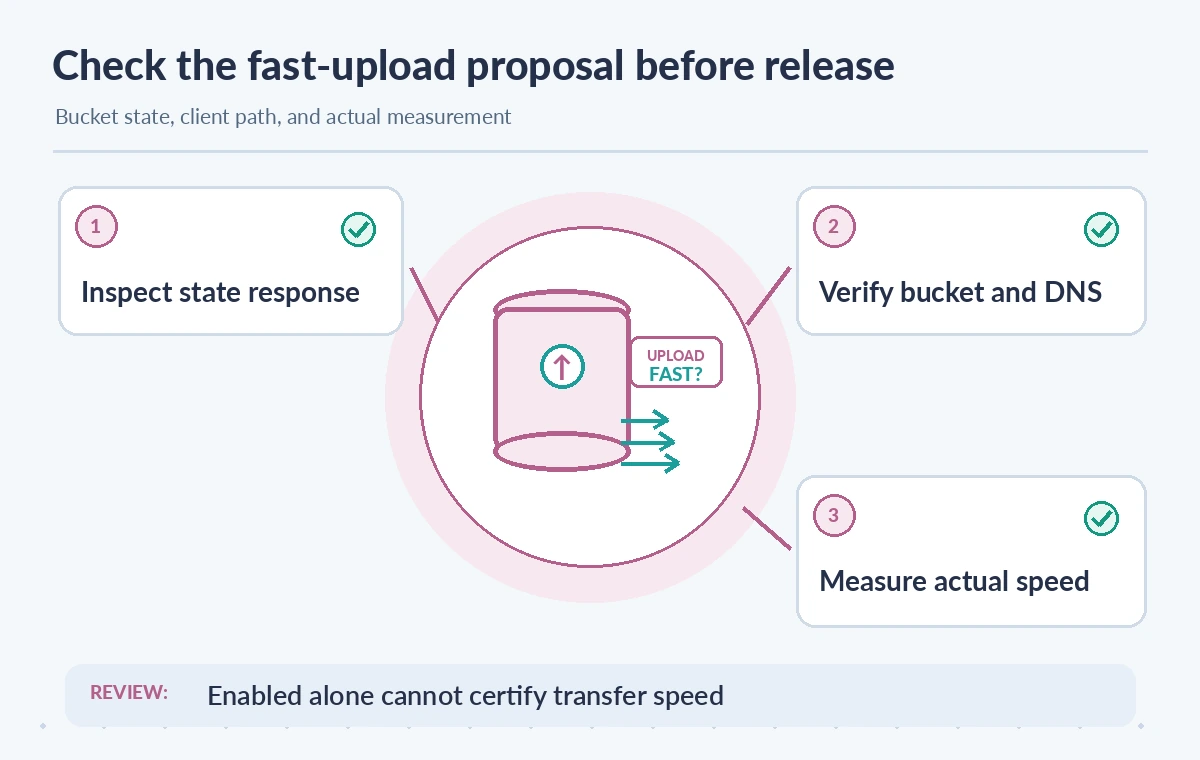
A release decision should identify the current acceleration state, supported bucket type and region, DNS eligibility, authorized client endpoint, test method, observed results where available, expected charges, and rollback owner. Keep the decision linked to a specific bucket and policy revision. A get-only read should not modify any production setting.
AWS’s API and Transfer Acceleration guides support the configuration and eligibility facts stated here. They do not establish that the hypothetical museum would save time or money. Recheck AWS region coverage, charges, endpoint requirements, security policy, and client compatibility before starting real archival transfers or telling outside contributors to change their upload software.
How We Research
We reviewed the following primary documentation on November 11, 2026: AWS GetBucketAccelerateConfiguration API reference; AWS S3 Transfer Acceleration requirements; AWS enabling and using Transfer Acceleration. We compared the named feature with the official API or workflow reference and designed failure-case checks for a fictional museum or archive process. The diagrams show conceptual states rather than authentic vendor screenshots or measured service performance. No real user files, cloud accounts, production calls, pricing benchmarks, security audit, or observed product output were used. Confirm API version, model and region support, source rights, organization permissions, current rates, and operational limits before adoption.
Frequently Asked Questions
It returns Enabled or Suspended when set; AWS also documents an empty state when no acceleration configuration has ever been set.
No. The GetBucketAccelerateConfiguration API is not supported for directory buckets.
No. The client must use the appropriate endpoint, and actual speed depends on network and workload conditions.
AWS says accelerated buckets must have DNS-compliant names without periods.
No. Additional charges can apply, and acceleration does not replace IAM, rights reviews, encryption, or archive intake validation.