
A billing label is not permission to publish an object
A museum operates several S3 buckets for conservation masters, approved visitor images, and temporary scan processing. Finance wants each bucket assigned to a cost center, while curators must decide which individual images may appear on the public website. Someone notices a tag called collection and proposes using that bucket label as a shortcut for image-release approval.
GetBucketTagging retrieves the tag set associated with a general-purpose bucket. The resulting key-value pairs can help audit organizational labeling, but they do not establish object-specific copyright, donor restrictions, access policy, or preservation status. Keep financial metadata and content governance as two separate data models.
Know the scope and permissions of the API
AWS documents GetBucketTagging for general-purpose S3 buckets and requires s3:GetBucketTagging permission. The operation is not supported for directory buckets. A bucket owner can ordinarily grant access to the operation, subject to applicable permissions and organizational controls. Do not rely on a filename or bucket display name as proof of ownership.
Use authorized credentials and verify the expected bucket owner where supported by the request. Keep audit calls scoped to the organization’s inventory. A denied request is a permission or routing issue to investigate, not evidence that the bucket has no tags or that every object is protected.
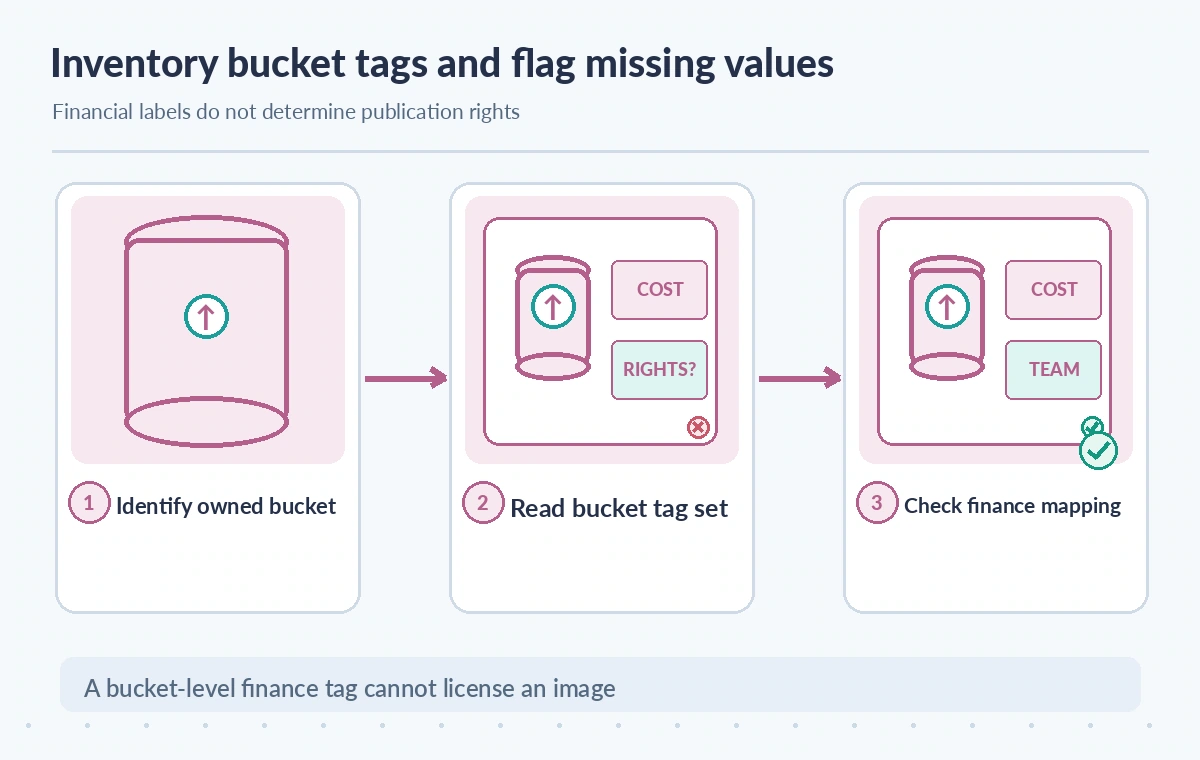
Handle NoSuchTagSet as a distinct outcome
The S3 documentation names NoSuchTagSet as a special error when no tag set is associated with the bucket. This differs from an access denial or a transport failure. An audit routine should record missing bucket tags as a governance exception, not quietly replace the result with invented default values or a fabricated finance department.
Treat each error state explicitly. A missing tag set may require the owner to define a cost center through a separate change process, while a 403 or connection problem requires investigation before any conclusion. Avoid automatically writing tags in a read-only audit; a wrong organization-wide label can distort cost reporting.
Define a controlled bucket tag vocabulary
A simple policy might allow cost_center, archive_tier, environment, and steward with approved values. Choose tags whose meanings and ownership are documented. Do not place donor names, personal contact information, or embargo details in bucket-wide metadata. Bucket tags are broad operational descriptors and may be visible to administrators who do not need private collection notes.
Version the allowed values and provide a change approval path. If one bucket hosts several collections, a single collection tag cannot represent the licensing status of every contained file. Use a separate controlled object-level rights register and avoid misrepresenting one bucket label as a complete preservation or compliance inventory.
Distinguish bucket tags from object tags and policies
S3 bucket tagging and object tagging are separate features with different scopes. A bucket cost tag says something about the container, not about the provenance or approved reuse of a specific photograph. A restrictive bucket policy, object-level access controls, and collection records must be reviewed through their own authorized mechanisms.
Likewise, a bucket with a label such as public_preview is not automatically publicly accessible, and a label such as restricted does not replace enforceable permissions. Do not confuse descriptive governance with technical authorization. A public media release needs independent evidence that the exact object version is approved.
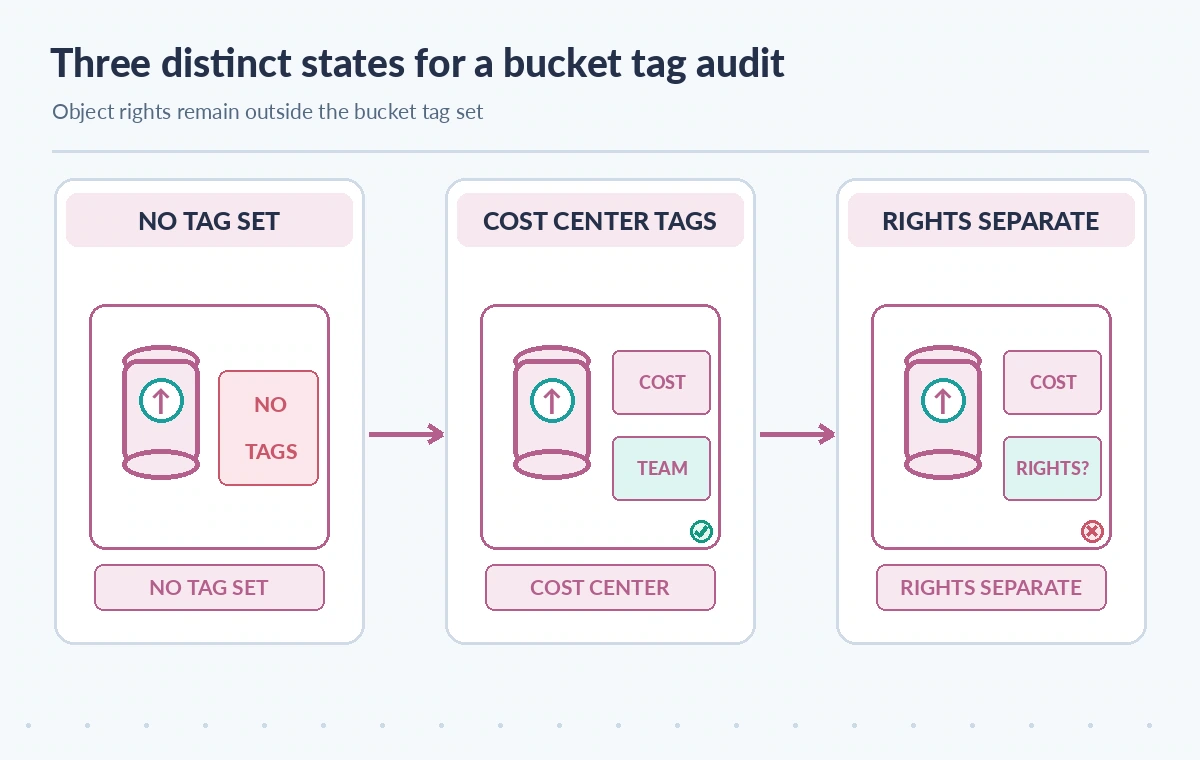
Compare missing, assigned, and independently reviewed tags
In the first conceptual state, no bucket tag set is returned, so the cost-center audit is incomplete. In the second, finance tags are present and can be reconciled with an approved mapping. In the third, object rights remain separately checked before anything is released. These states illustrate a workflow; they do not show a real AWS account or cost allocation results.
A well-tagged bucket can still contain unlicensed or mislabeled materials. Conversely, missing bucket finance tags do not imply that objects are unsecured. Each field answers a different question. The diagram makes the separation visible so an operations dashboard cannot accidentally turn billing completeness into a publication indicator.
Reconcile bucket labels with the approved inventory
List the organization’s intended buckets from a trusted inventory and record the audit date, intended account, bucket purpose, owner, and returned tag keys. Compare them with the finance mapping table. A tag that exists but uses an obsolete department code should be flagged for a controlled correction rather than treated as a successful match.
Maintain a list of unknown tag keys and values. A read-only audit should never purge unfamiliar labels without a change request, because other systems may depend on them. For a migration, retain snapshots before and after the approved tag change so allocation disputes can be reconstructed later.
Keep credentials and collection details out of logs
Audit logs should contain sanitized bucket identifiers, allowed tag keys, and the result category. Do not print temporary credentials, full policy documents, or private object keys into unrestricted dashboards. The right to read bucket tags does not confer permission to inspect restricted source files; grant the minimum S3 actions required.
If the museum shares cost reports with outside auditors, aggregate tag compliance by organizational unit and remove unnecessary internal names. Coordinate access with financial and collection staff. A value such as steward may identify an internal team, but it is not a legal determination of who owns the copyright in digitized material.
Test common failure cases before automating
In an authorized test account, examine one bucket with approved tags, one intentionally untagged fixture, and one request made without sufficient tagging permission. Verify that the tool distinguishes success, NoSuchTagSet, and access errors, and never writes changes during an inventory-only run. Check behavior for the exact S3 bucket type used.
This article does not include a real AWS request, account data, cost totals, or live rights assessment. The testing sequence is a proposed control and should be run by operators with the appropriate access. If the organization relies on tags for billing allocation, confirm current AWS billing and tag activation rules separately.
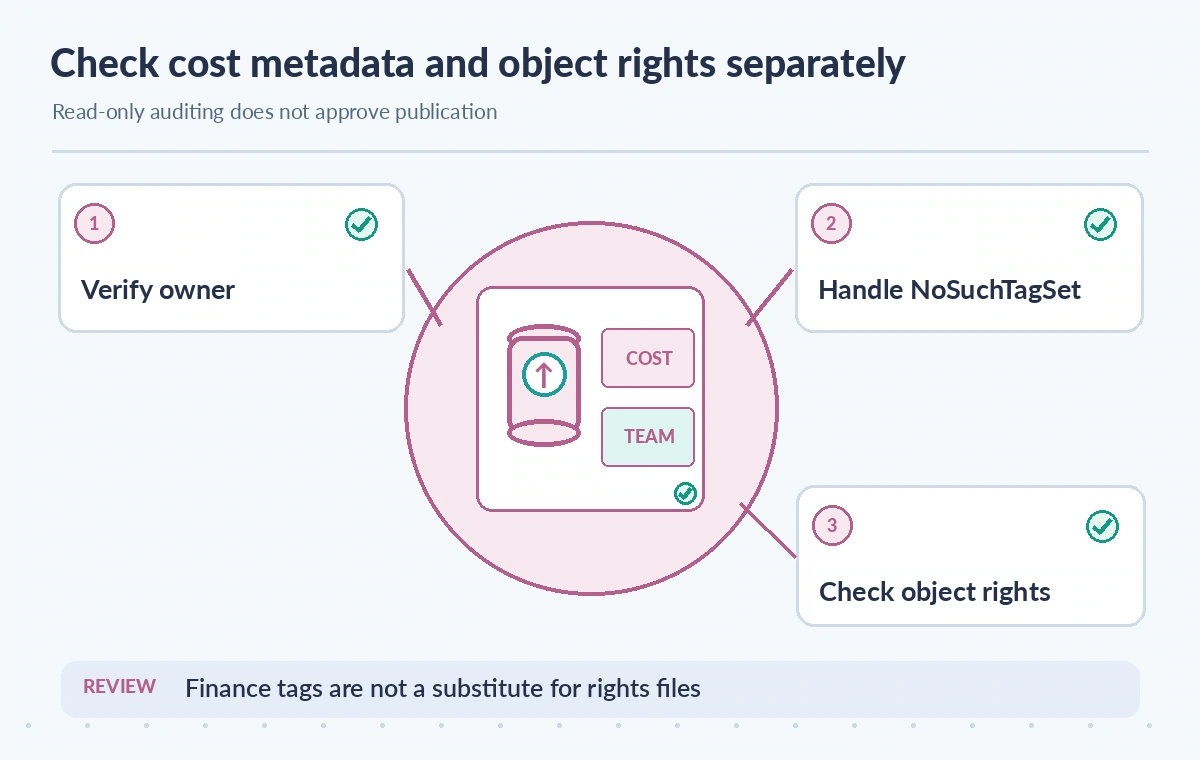
Release public media only through object-level review
Before publishing an archive image, inspect its exact object version, verified source provenance, licensing record, embargo status, approved derivative, accessibility text, and named curatorial decision. Bucket tags may help explain stewardship or cost attribution but cannot satisfy these content checks. Keep the release system from using finance tag presence as a shortcut.
GetBucketTagging can support a useful administrative inventory when its limits are understood. Recheck AWS API behavior, bucket-type support, permission scope, and organization tag policy before deploying automation. Preserve an explicit distinction between operational classification and permission to distribute collection materials.
How We Research
We examined primary vendor documentation on November 11, 2026: Amazon S3 GetBucketTagging API; AWS CLI get-bucket-tagging reference; Amazon S3 bucket tagging guidance. The feature boundaries described above come from these references; the museum and archive scenarios are deliberately hypothetical. We compared the documented fields against likely failure modes, including source omission, access restrictions, and incomplete downstream work. Each illustration depicts an explanatory example rather than a real product screen, observed experiment, performance metric, or customer data. We did not issue live requests to the services, inspect private content, test prices, or certify security. Verify current API behavior, organization permissions, storage terms, billing, and source rights before making production changes.
Frequently Asked Questions
It returns the tag set for a general-purpose S3 bucket when configured and authorized.
The bucket has no associated tag set; it is distinct from an access error.
No. Tags are metadata and do not replace bucket policies, permissions, or object-specific rights.
No. AWS documents that GetBucketTagging is not supported for directory buckets.
No. Check the precise object version, licensing, embargo, and authorized curator approval.