
An AI stock photo generator can create marketable-looking commercial visuals, but the real bottleneck is whether an asset meets contributor rules and buyer expectations. Adobe Stock accepts appropriately disclosed generative work under specific technical, legal and originality requirements. That does not mean every image, model, prompt or style is eligible. This guide translates the official rules into a submission workflow for contributors who want to avoid rejected assets, misleading depictions and unsupported claims about commercial rights.
Confirm the generator license before producing stock assets
Adobe instructs contributors to verify that their generator’s terms permit submitting AI creations for broad commercial stock licensing under the Adobe Stock Contributor Agreement. Permission to share a picture on social media or use it in a personal project is not necessarily permission to resell the asset through a stock marketplace. Review the plan’s current license, output ownership language, reference-image conditions and restrictions on commercial sublicensing.
Make a rights record for each project: vendor and account plan, creation date, source assets, relevant license text and any approvals. A seemingly harmless upload reference can contain a protected logo or an unauthorized portrait. The correct first step is a rights check, not a mass generation session. If the license is unclear, postpone submission rather than assuming the tool’s paid tier settles every legal question.
Pick a commercially useful subject without borrowing protected identity
Build a brief around a genuine content need such as a neutral work-from-home desk, an abstract scientific background or fictional garden packaging. Keep people, branded items and identifiable real property out unless you can provide the required rights. Adobe’s generative AI guidelines prohibit certain references to artists, real people, copyrighted characters, protected works and implied actual news events in prompts and metadata.
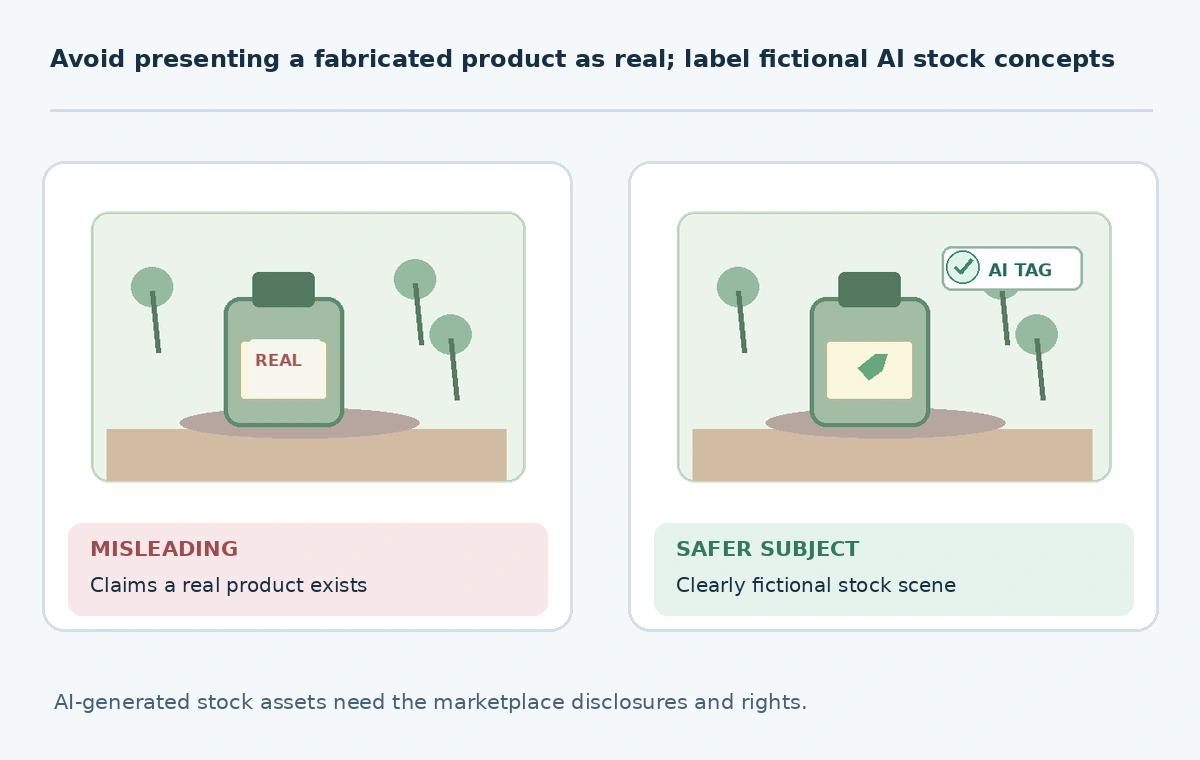
Include purpose, subject, camera angle, lighting, negative space and a realistic delivery format in the brief. Avoid generating fake documentary scenes of a named disaster, election or crime; customers must not be led to believe a fabricated image records actual events. A commercial concept image is useful when its fictional status is clear. A beautiful imitation of documentary evidence is not a safe shortcut to authentic editorial stock.
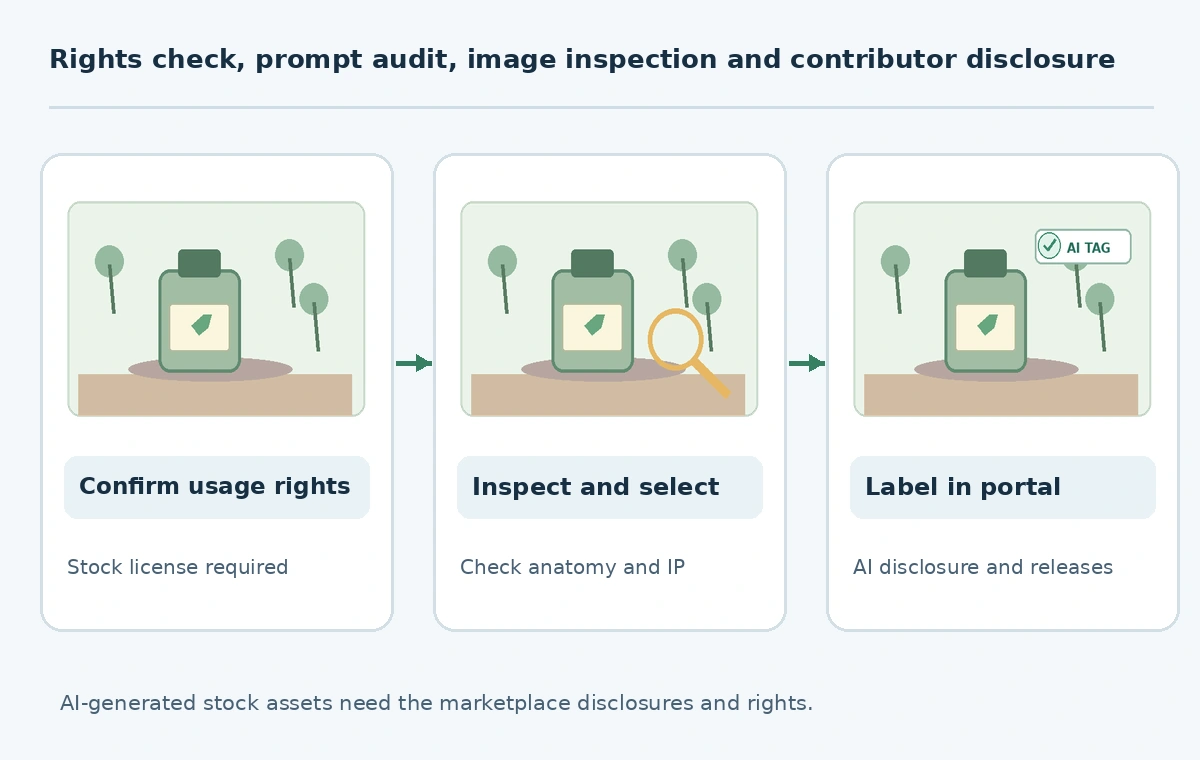
Inspect visible anatomy, text, physics and repetition
At native resolution, inspect hands, fingers, teeth, labels, reflections, shadows and object connections. Problems often hide at 100 percent zoom even when a thumbnail looks convincing. Check the edges of every prominent object against the scene’s geometry. Where text appears, proofread exact wording and replace incorrect lettering only using tools allowed under the relevant submission workflow.
Compare assets within the same batch for near-duplicates. Adobe discourages uploading multiple similar generations from the same prompt and asks contributors to offer distinctive value. Create an editorial selection table: intended buyer use, authentic subject treatment, defect severity, uniqueness and repair decision. This is not a promise of marketplace approval; it is a human QA protocol that identifies obvious problems before moderation.
Apply the generative-AI and fictional-person labels correctly
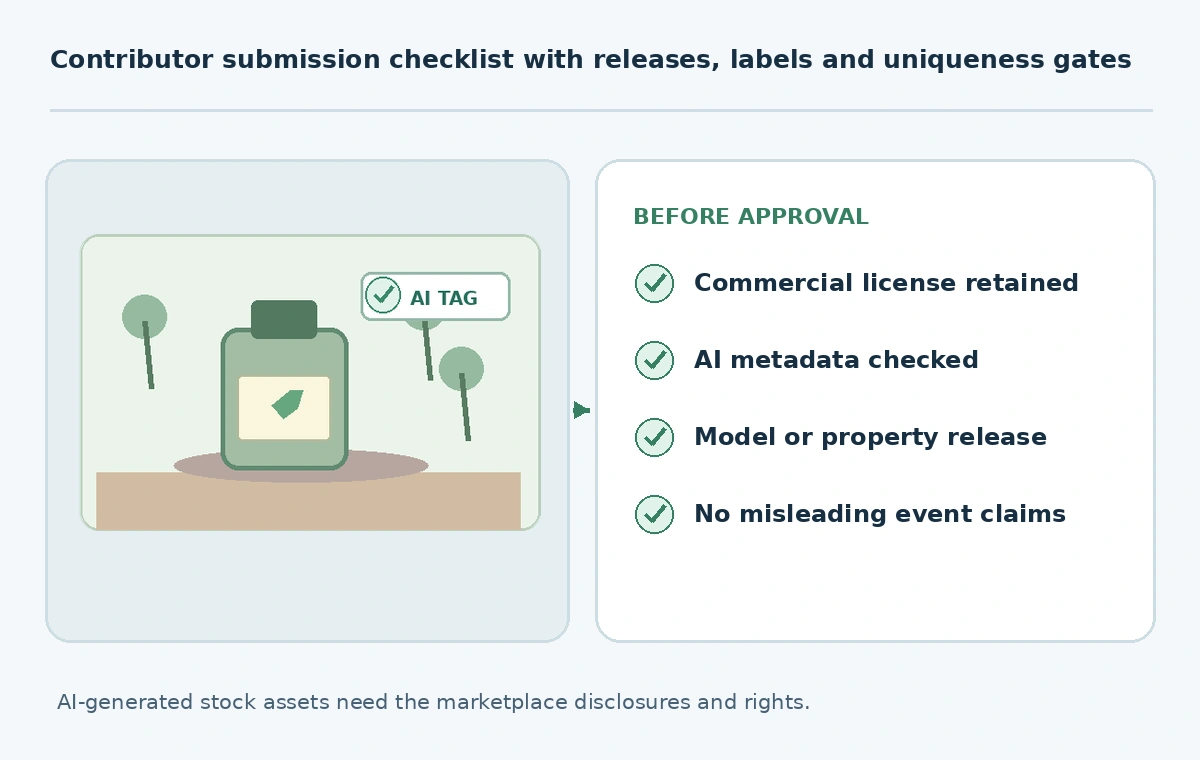
Adobe Stock requires contributors to check the Created using generative AI tools metadata box for content classified as generative AI. Where people or property are entirely fictional, its instructions specify the appropriate People and Property are fictional declaration. Adobe also distinguishes material generative alterations from some minor background-only or retouching edits; read its examples rather than inventing a universal rule for every Photoshop operation.
This classification is not a decorative label to improve search results. It tells the marketplace what the asset is. Select the content type according to appearance—photo, illustration or vector—and write metadata that describes the actual visible subject. Do not label a fabricated person with the name of a real person or imply that a fictional location is a real destination. When classification is doubtful, review the current Adobe examples before uploading.
Handle model and property releases by what is depicted
If an AI image depicts, is based on or is intended to portray an identifiable real person, Adobe’s guidance requires a model release. Depicting recognizable real property can require a property release. A fully fictional human may instead require the corresponding fictional-people metadata declaration. The exact applicability depends on the submitted work, not on whether the prompt was entirely text-based.
Do not upload a friend’s photo as an AI reference and assume the regenerated face is automatically release-free. Store any signed releases in the contributor project with a clear correspondence to the image. A release is separate from a license granting rights to an input photo. Both issues may have to be resolved. If permission cannot be obtained, choose a different generic fictional concept rather than manipulating the resemblance.
Write search metadata that buyers can trust
A useful title might describe a fictional sunlit home-office desk with a blank wall, not “Perfect AI-generated 8K masterpiece.” Use specific nouns for visible objects, purpose and mood. The Adobe guide advises descriptive titles without “generative AI” or technical prompt parameters and warns against keywords implying real news events or unauthorized names.
Create a concise metadata packet: accurate title, relevant keywords, correct category and required AI declarations. Mark the asset as an illustration when the scene is clearly imaginary. Check every keyword against the actual pixels. Invented location names or unrelated brand terms mislead buyers and can cause policy issues. Stock SEO should improve discoverability of a truthful asset, not maximize impressions for every possible query.
Submit a small, traceable batch and study moderation
Submit a small set of distinct, fully reviewed examples. Keep a record of file name, prompt, creator license, AI labels, releases, reviewer, metadata and moderation decision. If an item is rejected, use the actual reason to improve the process; never invent an internal acceptance statistic. The Adobe Stock policies say that submitted generative assets enter the moderation queue and may be refused for technical, legal or quality issues.
The output of this workflow is an auditable submission register rather than guaranteed passive income. Treat platform approval as a separate outcome and avoid claims about earnings or automatically granted copyright. Recheck the marketplace policy whenever you return to the contributor portal, especially for generated people, fabricated editorial-looking scenes and borderline retouching cases.
How We Research
We reviewed Adobe Stock submission instructions and Adobe Stock generative AI guidelines, updated in 2026, on October 27, 2026. The examples and review matrix are editorial illustrations; no account submissions, acceptance rates, legal opinions or earnings tests are claimed.
Frequently Asked Questions
Yes, when you hold the needed rights and comply with Adobe’s labeling, release, quality and other submission rules.
Adobe requires the generative-AI declaration for content created with generative AI tools under its specified rules.
Review whether anyone is identifiable or based on a real person, and follow Adobe’s fictional-people and release guidance.
Adobe discourages repetitive, overly similar generations; select distinct assets offering real buyer value.
No. Marketplace moderation does not settle every copyright or ownership question.