
A search for an “AI passport photo maker” often starts with a simple goal: save a trip to a photo counter. For a U.S. passport application, however, the important question is not whether an app can fabricate a spotless background or retouch a face. It is whether the submitted picture is a recent, unedited photograph that follows Department of State rules. This guide separates legitimate capture-and-measure steps from prohibited AI enhancements, and gives a concrete home-photo workflow without suggesting that a generated face or replacement background is acceptable.
Follow the U.S. Department of State, not a vendor preview
The authoritative U.S. passport photo requirements call for a recent color photograph with a clear frontal face, plain white or off-white background and uniform lighting. Crucially, they say to submit the original, unchanged photo, without digital changes, filters or artificial intelligence. This applies even when a retouched version appears more flattering or visually compliant.
An AI app can produce a persuasive identity portrait that is nevertheless unacceptable. Do not use generative background replacement to turn a cluttered room into a white wall, remove spectacles in postprocessing, reshape a face or hallucinate a cleaner hairline. For high-stakes identity evidence, accurate capture matters more than cosmetic appearance. Always revisit official guidance close to the application date because government requirements can change.
Set up a real neutral backdrop and even light
Choose a real white or off-white wall or seamless backdrop that has no texture, props or dark shadows. Place the subject several feet from the camera to limit lens distortion, keep the camera at eye level and let soft light illuminate both sides of the face. If a cast shadow appears, move the lights or subject and retake the picture rather than repairing the wall with generative fill.
The State Department photo guidance warns against overexposure, underexposure and shadows. Use the highest available camera quality and verify natural skin tones. A smartphone can work when it produces a sharp photograph, but harsh portrait-mode processing, digital beauty filters or background synthesis are not safe substitutes for accurate optics. The goal is an honest capture, not a visual simulation of an official picture.

Position face and expression before taking the picture
The subject should face the lens directly, with the head level and fully visible, eyes open and mouth closed; a natural expression or slight smile is acceptable within the official examples. Eyeglasses generally must be removed. Headwear is restricted except documented religious or medical exceptions. Read the government rules for attire and children rather than relying on an AI tool to decide compliance.
Take several natural frames so you can select a clear original with no blur or closed eyes. Do not stretch a face or create new pixels to fix a tilted head. If hair obscures the eyes, change the hairstyle and retake. For infants or people with special circumstances, consult the relevant official examples instead of forcing one generic software-generated pose onto every applicant.
Measure the photograph without modifying its content
A paper U.S. passport photo is 2 × 2 inches, and the official page says the head should measure approximately 1 to 1⅜ inches from chin to crown. Measure a physical print with a ruler. Use the published photo illustrations to verify that the centered head is at the appropriate scale, not a guessed “AI quality score.” Digital renewal can have its own upload instructions; follow that process rather than assuming a printed template applies to every pathway.
There is a meaningful distinction between checking measurements and changing appearance. Use a layout guide to assess spacing and to identify the need for a new capture. Do not use a generative face editor, AI unblur, virtual wardrobe change or background synthesis to rescue a failed frame. If the composition is wrong, retake the photograph with a better camera position.

Do not equate background cleanup with compliance
Many photo-making apps advertise white background removal, automatic smoothing or shadow erasing. Those features can be valuable for social media avatars but are incompatible with the State Department’s instruction to provide an unaltered passport photo. An image can be dimensionally correct while still failing authenticity review. A generated replacement wall is not the same as a real white backdrop recorded by the camera.
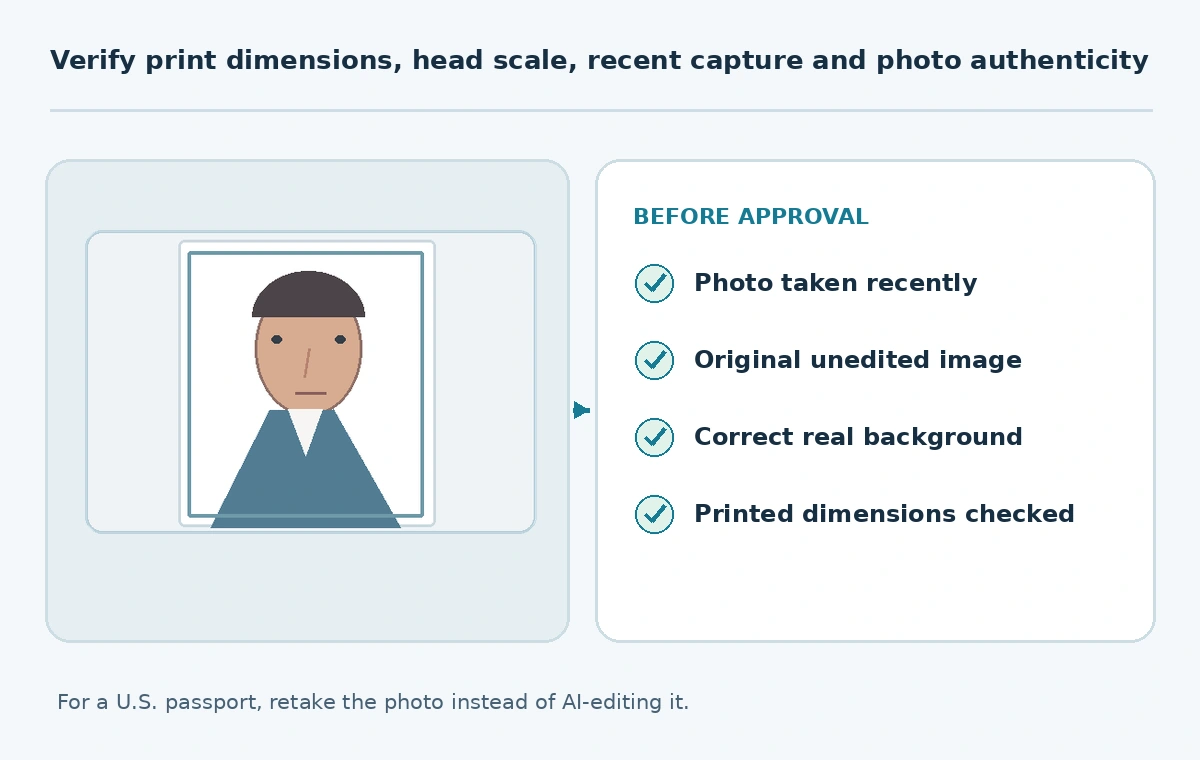
The official digital changes examples specifically reject altered backgrounds and AI-edited appearance. Keep the original capture and do not submit a “before/after” enhanced version. An editor can assist with viewing dimensions or organizing files, but it must not generate or retouch the submitted image. When uncertain, start over with better lighting.
Print or upload through the correct application path
For a paper application, print a high-quality color photo on matte or glossy photo-quality paper; do not hand in a low-resolution, pixelated, visibly grainy or damaged print. Check that the final physical dimensions are correct and that the print does not crop the chin or crown. The State Department asks for one recent photo, not a collage of enhanced attempts.
For eligible online renewals, follow the dedicated digital photo upload instructions from the renewal service. Keep an unmodified original file and avoid adding borders, stamps or text overlays. If using a printing service, tell it not to apply automatic beautification. Inspect the delivered image before submitting; software “passport compliant” badges do not replace a government decision.
Use a practical rejection-prevention worksheet
Mark seven checks before submitting: captured within six months, original photo retained, no AI or beauty processing, plain real background, even light, direct pose, and appropriate framing or print measurements. If any item is uncertain, capture another original. Record which application route you are using so you do not mix printed and online instructions. It is safer to pay for a retake than to attempt a digital repair that violates the stated rules.
This workflow is tailored to a U.S. passport. Other countries may apply different dimensions and retouching standards; a generic app cannot silently substitute one country’s template for another. Read the current agency requirements for the jurisdiction and application type. The successful result is a truthful, accepted photo—not a polished AI portrait.
How We Research
We checked the U.S. Department of State passport photo instructions and official photo examples and the related Foreign Affairs Manual on October 27, 2026. The numeric print dimensions and original-photo/no-AI rules come from these government sources. The home-studio checklist is editorial guidance, not an agency certification, and no AI passport app was tested or endorsed.
Frequently Asked Questions
No. U.S. guidance requires an original unchanged photo; retake it against a real plain backdrop.
Do not digitally remove glasses. Take a new photo without them, subject to official exception rules.
Two inches by two inches, with the head sized according to State Department guidance.
A visual measurement aid may help you decide to retake, but do not alter or generate the submitted image.
The official agency decides acceptability; vendor claims do not override the original-photo rule.