
Small stores rarely need an all-in-one AI commerce platform. They need a few reliable functions: accurate product data, useful customer messages, a manageable marketing workflow and a way to spot errors before they reach shoppers. Choosing tools by the store’s operational pain points helps avoid paying twice for overlapping content generation.
This guide compares tool categories across the order journey. Unlike a product description generator comparison, the aim is to map the whole workflow from catalog maintenance to post-purchase communications. The examples cover Shopify’s documented features and general alternatives; availability, plan inclusions and integration permissions should be checked inside each merchant account.
Find the real bottleneck in the store journey
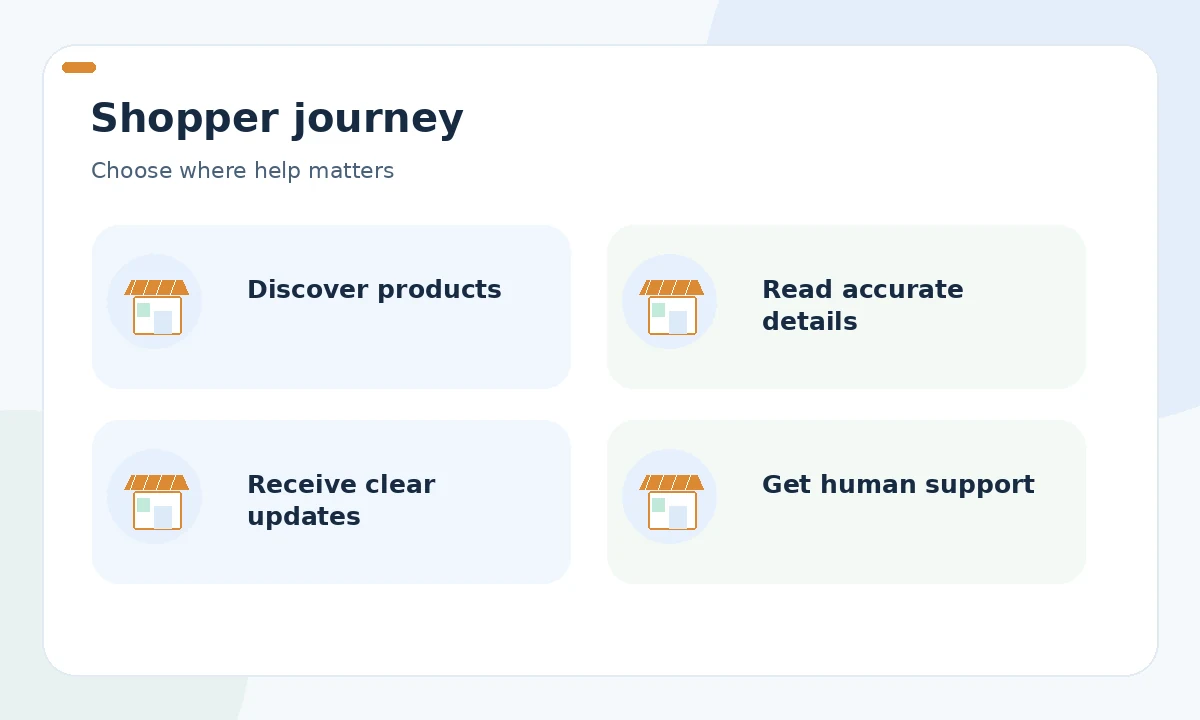
Walk through the steps a customer sees: discovery, product detail, selection, checkout, confirmation and support. Then inspect the staff side: inventory source of truth, product updates, campaign preparation, fulfillment exceptions and refund handling. Put a red marker wherever errors repeat or delays cause customers to contact the team.
If hundreds of descriptions need accuracy checks, improve product data first. If customer support repeats the same shipping-policy answer, build a verified response library. If email campaigns are inconsistent, fix consent and segmentation before automating new messages. AI works best when the inputs and approval responsibilities are already understood.
Catalog enrichment should not invent attributes
Store-native writing assistants can summarize known SKU attributes, but they should not infer material, country of origin or compatibility from photographs. Shopify documents Sidekick-assisted description drafting with an explicit merchant responsibility warning. For a small store, the strongest starting point is often to clean the catalog spreadsheet and assign an owner for exceptions.
Make a product-data checklist that distinguishes source records, public descriptions and feed fields. Google Merchant Center warns that missing or conflicting product information can cause display or eligibility problems. If a store changes a bundle or size variant, update the authoritative record and every downstream channel. A new AI writer will not repair a broken source-of-truth process.
Customer messaging: use approved policies
Shopify Messaging supports campaign and automation workflows; its help materials describe Sidekick-assisted text suggestions for subject lines and email bodies. That can reduce drafting work, but the merchant still needs to verify claims, current stock, eligibility and consent. Customer-support replies require a different level of care than promotional messages.
For a shipping question, use the current order record and a verified policy excerpt, not an AI guess about delivery times. Escalate damaged goods, identity-sensitive requests and disputes to an authorized human. Keep templates for restock notices, abandoned checkout and post-purchase updates separate so a marketing message never masquerades as an operational guarantee.
Ad and merchandising tools serve different goals
AI may help create seasonal visual concepts or produce campaign drafts, while merchandising relies on accurate product grouping, availability and site navigation. A generic image generator might create attractive lifestyle scenes but also imply accessories that are not for sale. Brand and rights checks belong before any such asset reaches an ad or product page.
Start from existing store-channel integrations where possible, then add specialist tools only if a measurable job is missing. Compare editorial control, export format, catalog synchronization and reversibility. Be cautious about tools that claim to autonomously improve margins or revenue without showing what they change; human owners must understand discounts, audiences and spend.
Privacy and permissions are procurement requirements
Customer records, order histories and location data require stricter handling than public product copy. Determine which data a vendor receives, whether staff roles can restrict access, how long data is retained and how a deletion request would be honored. Review live documentation and contractual terms rather than assuming a tool is safe because its website displays security badges.
For a first pilot, use test orders and synthetic customer profiles. Do not upload real payment details or private conversations to a general-purpose assistant without proper authorization. Assign one accountable person to approve connected apps and another to verify that marketing consent and opt-out settings are preserved across automations.
Build a lean stack with clear boundaries
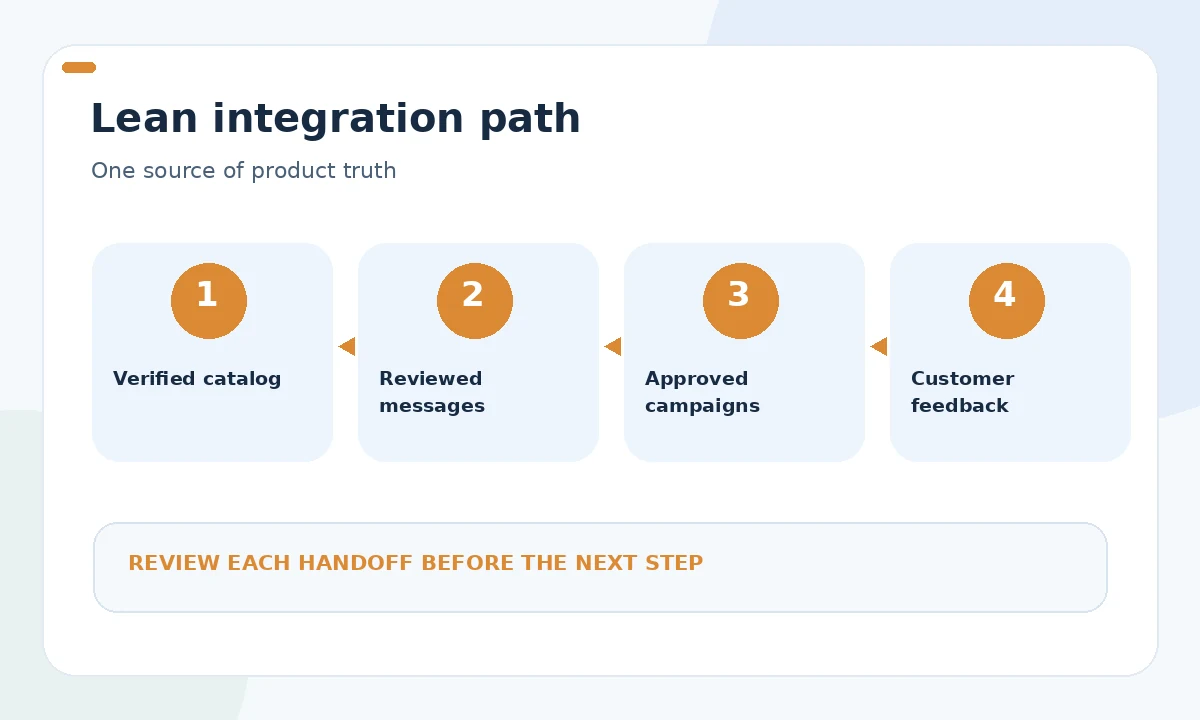
A practical small-store setup might include native catalog editing, one governed text assistant for approved drafts and the store’s existing messaging automation. Write down which system owns each field and where staff make corrections. Duplicate inventories, audience lists and price sources create more operational risk than an imperfect first draft.
Use a comparison grid with rows for source accuracy, data permissions, approvals, integration maintenance and recurring costs. Ask whether the merchant can exit the tool cleanly, export owned materials and revert an accidental update. Pricing and plan availability can change quickly, so confirm them at procurement rather than embedding an assumed monthly total in a permanent operating budget.

Measure avoided errors as well as time saved
Count product records that need correction, customer messages requiring escalation, campaign drafts rejected and time spent resolving data mismatches. Record a baseline from actual store activity before installing new software. If you cannot measure conversion reliably, do not replace it with a made-up percentage. Useful pilot outcomes include fewer incorrect listings or faster approved replies.
Revisit the tool stack quarterly or whenever policies, catalogs or team ownership change. A store that expands to new countries may need localization and legal review rather than another copy generator. Keep AI proposals reversible and human approvals clear. The goal is a simpler operation with fewer customer surprises, not the maximum number of AI subscriptions.
How We Research
We compared the public primary documentation for Shopify marketing documentation, Shopify Messaging AI text, and Google Merchant Center specification, reviewed on October 26, 2026. We mapped documented features and obligations to a specific user task, separated vendor descriptions from our editorial reasoning, and flagged areas that require account-level verification. We did not run paid campaigns, access merchant accounts, purchase subscriptions, or measure financial or ranking outcomes. Changes to platform interfaces, policies, access and plans should be checked before making an operational commitment.
Frequently Asked Questions
Start with the most frequent verified problem, such as catalog errors or repetitive approved customer messaging, and check what the existing store platform already includes.
It should not invent order-specific outcomes. Use verified policies and account records, and escalate disputes or sensitive situations to authorized staff.
No. Accurate SKU, variant, inventory and price records remain essential, especially for marketplace and shopping-feed integrations.
No. An additional connector can increase data duplication, approval burden and customer risk unless it removes a measured bottleneck.
Track verified rework, rejected drafts, catalog corrections and handling time, using real baselines and without claiming conversion gains that were not tested.