
An AI coding agent can edit many files, launch commands and sometimes interact with connected tools. The risky question is not whether its generated code reads well; it is which actions the tool may take before a human has inspected the consequences. Permissions should reflect the environment’s real blast radius.
This article is distinct from a tool ranking or a legacy-code migration workflow. It gives a five-level action policy, a sample approval ledger and a reproducible rollback drill that teams can adopt independently of the provider. Controls, labels and defaults may vary by plan, client and software version.
Classify each action before choosing a permission mode
Separate passive source reading, proposed file edits, local test commands, network calls and irreversible external effects. The first usually has the smallest operational footprint; the last may include deployments, deleting resources, modifying tickets or publishing data. A single “allow agent” checkbox cannot meaningfully express these differences.
Write a policy row for each action class with three fields: who can approve it, which environment it may run in, and how its effects are recorded. A local test runner in a disposable workspace deserves a different approval path from a command that can reach production storage or customer data.
Begin with read-only planning
Claude Code documents a plan permission mode designed for exploring a task without making edits. GitHub Copilot offers planning and interactive agent workflows depending on the IDE and organization settings. Before enabling modifications, ask for a list of files, commands, unknown dependencies and expected changes to review.
Do not interpret a model’s confidence as authorization. Even a clear plan may have missed hidden inputs or policy restrictions. Give the agent only the files it needs and remove secrets from the workspace. A proposed external API lookup should be justified separately from reading local source code.

Allow small edits within a bounded workspace
Grant write access to a development branch or disposable checkout rather than directly to a protected production branch. Enumerate the directories that may change and identify excluded configuration, credentials and generated artifacts. Prefer one task per diff and require an updated test or explanation for every behavior change.
When an assistant expands beyond the approved scope, stop to review the reason. Some tasks genuinely reveal hidden dependencies, but that is a fresh decision by the maintainer. The model should not be permitted to broaden its own authority because it encountered an obstacle.
Approve commands based on side effects
Local test commands and formatters can still rewrite files or invoke scripts with side effects. Inspect package scripts and shell pipelines before approval. Treat installation hooks, network-enabled tests and commands operating on credentials as higher risk than static linting. Log what actually ran and whether the exit status was successful.
Claude Code’s documented modes include manual, accept-edits and more autonomous options, with platform and organization differences. GitHub Copilot agent mode can propose or execute commands under client-specific controls. Do not publish one presumed default for all users: verify the active settings in the account at hand.
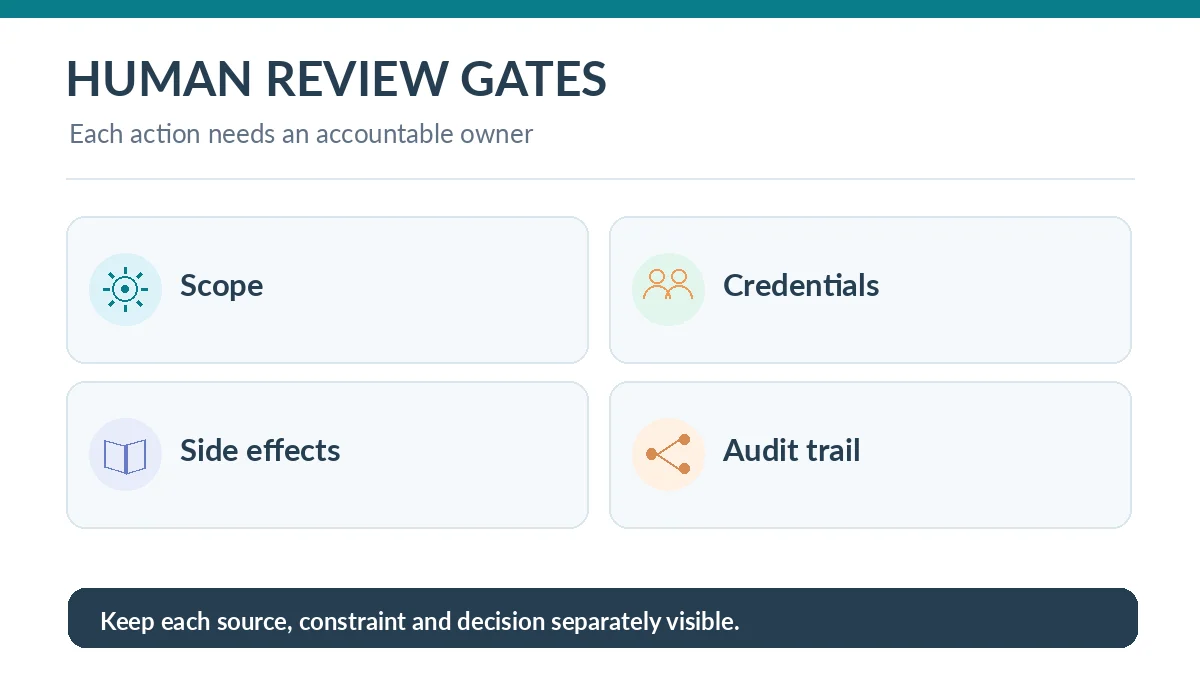
Treat connected systems as a separate trust boundary
An agent connected through tool protocols or service integrations may be able to read repositories, query issue trackers or operate cloud services. Permission to edit code does not imply permission to mutate those systems. Consider read-only credentials where available and require explicit approvals for external writes.
Prompts, repository documents and fetched pages can contain text that looks like instructions. Such material is task data, not automatically an authorized request from the operator. Prevent a retrieved comment or documentation page from deciding which shell command executes next.
Distinguish checkpoints from durable rollback
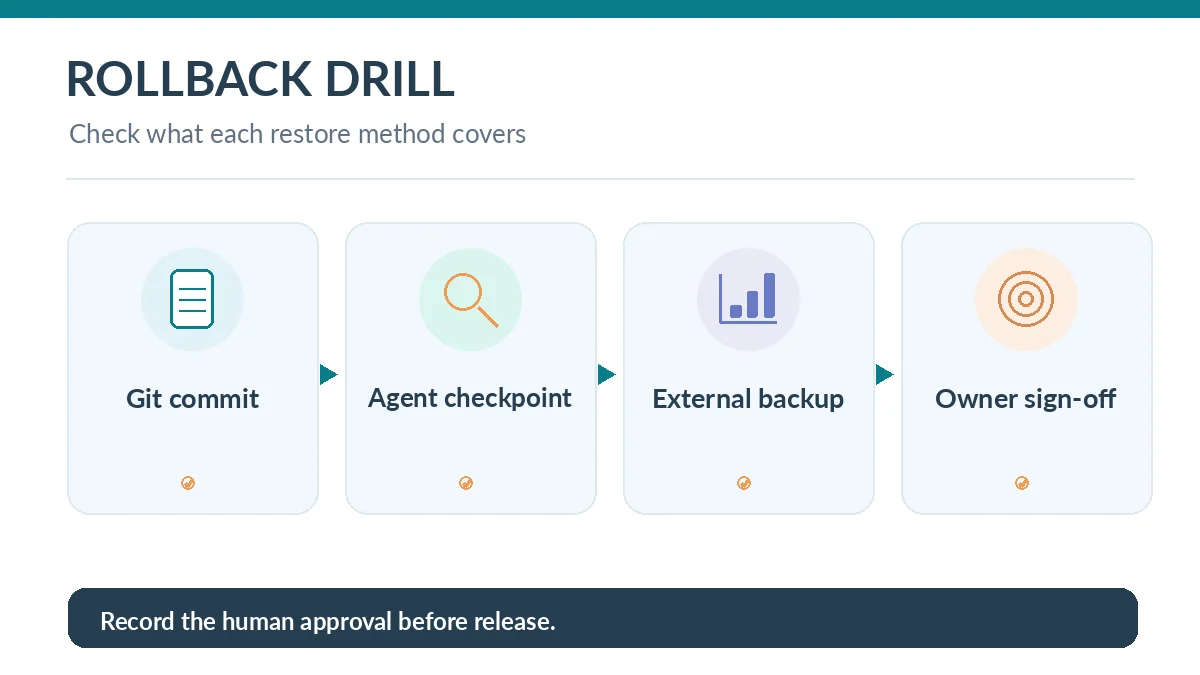
Cursor documents agent checkpoints that snapshot changed files and can restore them during a session. It explicitly distinguishes those local snapshots from Git version control. An undo action might not restore manual edits, external writes, deployments or third-party service state.
Before an agent session, make a Git commit or clean branch. For changes involving a database, infrastructure or external API, define their own backup and rollback procedures. Test the recovery path once in a nonproduction environment, rather than hoping a conversational restore button undoes every effect.
Keep the human review gate explicit
Require a diff summary, changed-file inventory, test outputs, pending warnings and a list of commands executed. Review security-sensitive surfaces such as authentication, dependency manifests, serialization, data retention and deployment configuration. A passing CI suite is an input, not a complete permission or security assessment.
For a higher-risk repository, use a second reviewer who did not direct the agent session. That reviewer should be able to reproduce evidence from commits and logs. If essential context exists only in a chat transcript, move it into the pull request so subsequent maintainers can understand the decision.
Run a small rollback drill and record lessons
In a test branch, ask the agent to make a reversible change, inspect its diff, then restore using the documented checkpoint feature if offered. Next restore with Git and compare the files. Finally check whether any external side effect would remain. This exercise reveals the actual limits of the tool’s undo mechanism.
After the drill, update the policy: which actions are safe for automatic approval, which always need a person, and which are categorically prohibited in the current environment. Revisit the policy when adding tools, changing IDE integrations or upgrading an agent platform.
How We Research
We checked Claude Code permission controls, GitHub Copilot agent-mode documentation, repository instructions and the Cursor checkpoint explanation on October 26, 2026. The action policy is our editorial synthesis of risk boundaries; it was not security-certified, and no production agent session was executed as a test.
Frequently Asked Questions
No. Automated permission systems reduce friction but cannot guarantee an operation will preserve data, contracts or security boundaries.
No. Cursor says checkpoints are local undo snapshots for agent changes and are separate from durable Git version history.
Not by default. Use least-privilege development credentials and explicit operational authorization for actions affecting production.
A changed-file list, exact diff, tests run and their results, commands executed, known risks and a rollback method that can be reproduced.
Review them whenever the scope, connected tools, repository sensitivity, IDE client or model permissions change, and after any near miss.