
An AI anime character generator can produce one striking portrait quickly. Building a repeatable character for a game, comic pitch or animation is harder: colors drift, accessories disappear and silhouettes mutate when the camera turns. This guide focuses on a model sheet for one original fictional courier with a teal jacket, copper hairclip and asymmetrical satchel. You will define observable identity anchors, generate several views and reject near-misses. It is not another guide to making a comic page; this one produces the character reference asset that later scenes can use.
Write a character brief that survives a new camera angle
Specify a character with repeatable, observable facts. The fictional courier has short dark hair, a triangular copper hairclip on the right side, a teal jacket with a narrow orange cuff and one cross-body satchel. Choose a primary silhouette and two secondary markers, not twenty intricate details that no model can consistently reproduce at small scale. Store a fixed palette and three neutral facial expressions.
Describe the protected features separately from the variable elements. Identity includes the hairclip’s location and jacket seams; variable elements include pose, lighting and background. Avoid relying on a long literary biography as the sole prompt. A person reading the brief should be able to compare two images without inventing a new standard halfway through approval.
Understand current Midjourney reference tools
Midjourney’s Edit Model documentation describes using up to four reference images with version 8.1 and 8.2, and making local edits. The company notes that this new approach replaces the older Character Reference and Omni Reference paths for V8.X. Older tutorials that advise using V7 Omni Reference as if it were the current default can lead to the wrong controls.
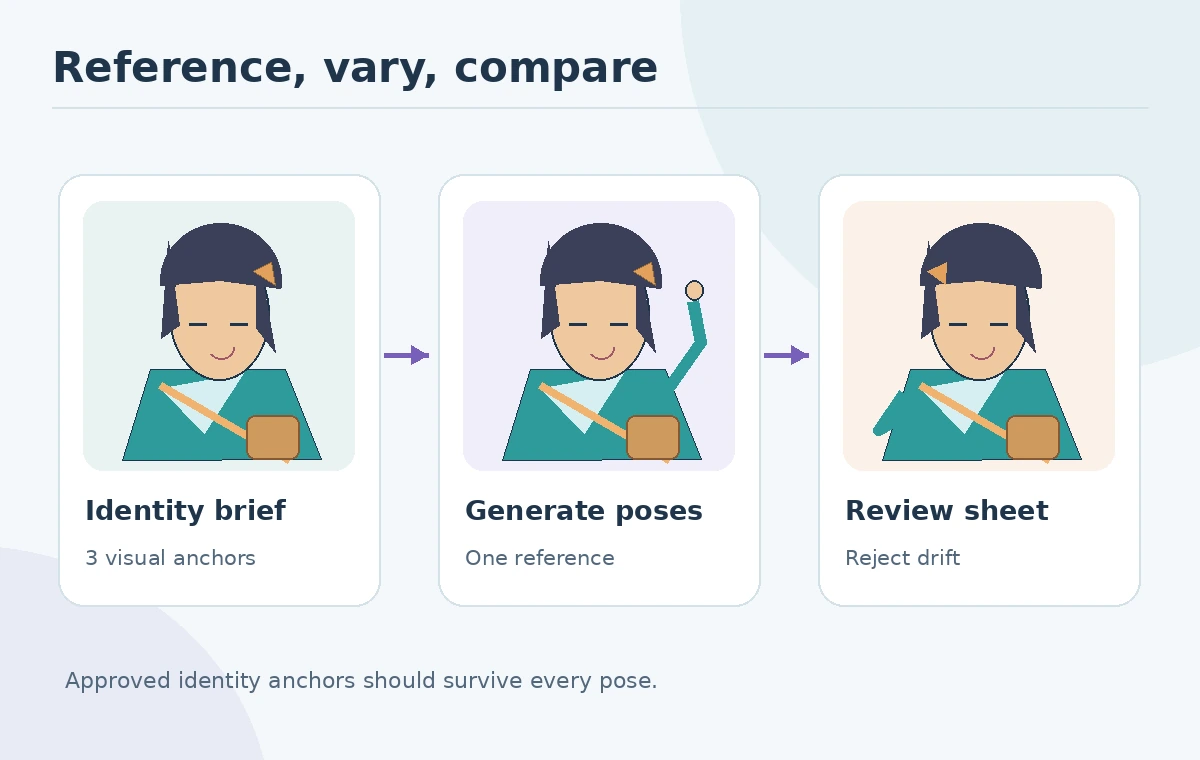
Use an original approved full-body reference and, where helpful, one close-up showing the accessory placement. Ask for one new view at a time. Do not interpret a successful multi-reference render as a guarantee of identity consistency; compare the actual outputs. Record which model version and reference set generated each candidate so a reviewer can reproduce the method later.
Design front, side and three-quarter views deliberately
A usable minimum sheet includes neutral front, side and three-quarter views on a plain background. Match head-to-body proportions, jacket length and the satchel strap across each. For the side view, explicitly state which side of the head faces the camera so the copper hairclip is not duplicated or mirrored. A three-quarter view tests whether the defining marks remain legible under rotation.
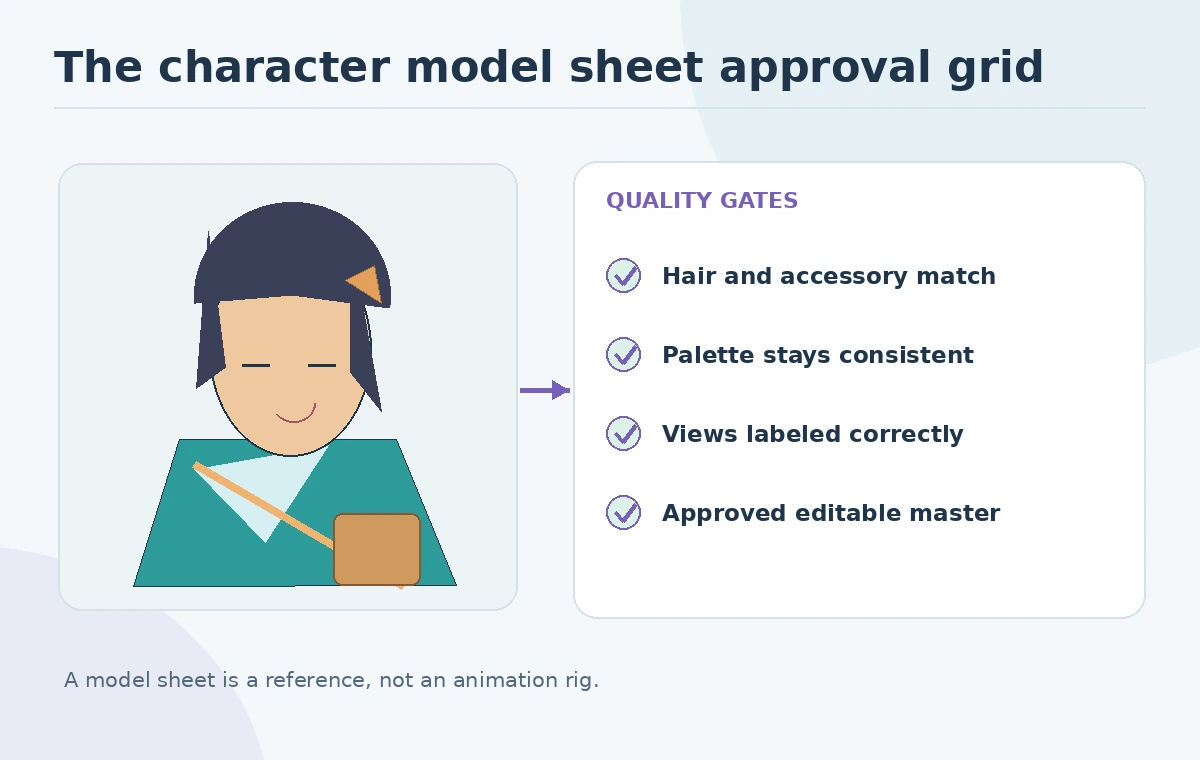
Do not use the most decorative image as the master if it hides the costume structure. A simple front-facing pose makes a better baseline. Place each approved image inside matching-height cells and annotate any allowed stylization changes, such as softer shadows or wider eyes. The sheet is conceptual artwork, not production-ready rigging or a three-dimensional character model.
Separate identity drift from natural pose variation
Create an identity check for each view: hairclip on correct side, jacket teal, cuff orange, satchel strap correct, and same hair silhouette. If a view fails two protected features, regenerate from the reference rather than fixing each mistake by adding more vague adjectives. Keep pose variation in a different column: raised hand, running stride, seated angle.
Unwanted drift includes changed eye spacing, a second strap or reversed insignia, even when the drawing is attractive. Natural changes include foreshortening and partially hidden clothing caused by the pose. Show both columns to the approver. Avoid blending the faces of several recognizable performers or artists into a supposedly original character; keep identifiable references limited to work for which you have permission.

Create an expression sheet without changing the face
After the neutral geometry is accepted, generate happy, concerned and focused expressions while retaining the same reference and camera distance. Compare eye shape, jawline and hairline before judging emotional readability. A smile may change the cheeks; a different facial skeleton is identity drift. Draw a small set of consistent mouth shapes manually if a model cannot hold the face steady.
Use explicit constraints such as “same teal jacket, no new ornaments, plain background” rather than hoping the model remembers hidden instructions. Save rejected variants with a short failure reason; this helps the next artist avoid accidental reuse. Treat prompt history as a production record, not proof that an output matches its input.
Decide what should be drawn or corrected by a human
AI is useful for exploring options and generating a first set of pose ideas. An artist remains responsible for turnarounds requiring strict anatomy, line thickness or costume construction. Correcting a single strap or badge in an editable illustration may be faster and more predictable than several rounds of image generation. For animation, add an orthographic turnaround and separate layers after the image stage.
The US Copyright Office’s AI authorship summary emphasizes human expressive contributions when analyzing protection; prompting alone is not a blanket copyright guarantee. Keep records of the artist’s own revisions and verify licensing of any references and fonts. This is process advice, not legal advice or a guarantee of protectability.
Hand off a reusable sheet and drift log
Deliver the approved front, side and three-quarter frames, palette swatches, a short identity checklist, original reference source and an editable layered source file. Add notes for mirror-sensitive details: “clip on character’s right,” not “clip on viewer’s left.” The distinction matters when moving from a portrait to action poses. Include the chosen expression examples only after identity approval.
For the courier exercise, a reviewer should be able to point to five exact anchors across all views. If one frame is rejected, replace that frame without silently changing the other approved images. This workflow creates a stable starting point for later comic or animation work while avoiding the false promise of pixel-perfect consistency from a generator.
How We Research
We reviewed Midjourney’s Edit Model and version notes, plus the US Copyright Office 2025 AI authorship overview, on October 27, 2026. Our fictional courier and consistency rubric are design examples; we did not test model consistency or measure success rates. Our method was to compare published vendor feature descriptions with the article’s concrete decision checkpoints, avoid unsupported performance claims, and keep fictional illustrations separate from documented product behavior.
Frequently Asked Questions
Lock a small set of visual identity markers, reuse an authorized reference, and compare each new view against a model sheet.
No. Midjourney says its Edit Model replaces Character Reference and Omni Reference for V8.X workflows.
A practical minimum is front, side and three-quarter, with any expression sheet handled separately.
A set of pictures is not automatically a rig. Rigging, turnarounds and layer separation need additional work.
Do not assume so. US protection depends on sufficient human-authored expressive contribution and other facts.