
Why one green step can build the wrong kiosk
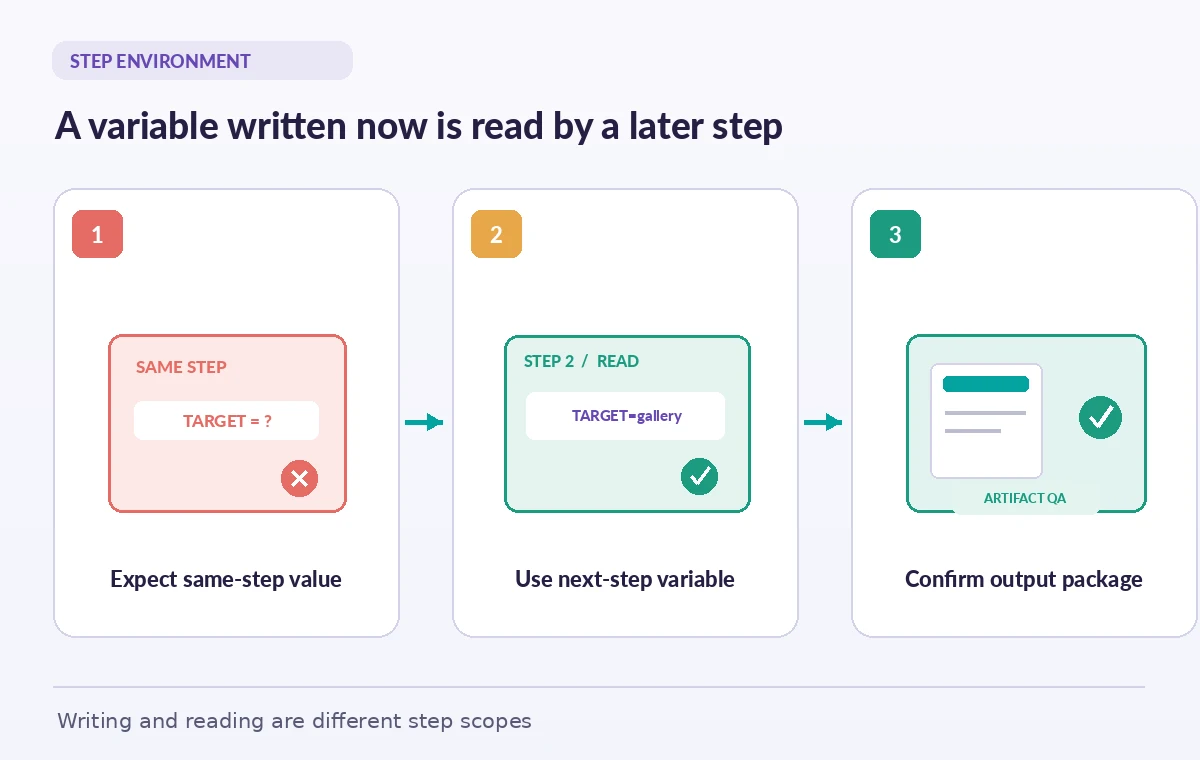
A museum maintains two public kiosk layouts: a touchscreen gallery guide and a smaller accessibility terminal. Its GitHub Actions workflow decides which layout to build based on a validated configuration file. The setup script writes the selected target to the special GITHUB_ENV file, then tries to read the new variable immediately in the same script. That expectation is incorrect: GitHub documents that the step writing to GITHUB_ENV cannot use the newly created value, while subsequent steps in the same job can. A test may pass using an older default setting, producing an artifact for the wrong kiosk. This is not a reason to abandon environment files; it is a reason to model exactly when a configuration value becomes available and to verify the resulting build.
Understand the runner-created environment file
GitHub Actions supplies GITHUB_ENV as an environment file path for commands running on the job runner. Writing a line such as TARGET_KIOSK=gallery to that file makes the variable available to later steps in the job. It is not a universal store shared automatically across all jobs or future workflow runs. GitHub also provides distinct files for outputs, paths, and step summaries, each with a different purpose. Choose GITHUB_ENV for a value that later steps in the current job need as environment configuration. Use step outputs and explicit job outputs when another job needs a value. Avoid trying to pass state through the filesystem merely because a string already exists there; choose the mechanism that makes its scope auditable.

Write the value only after validating its source
If the target comes from workflow input, branch metadata, or a manifest, restrict it to an explicit allowlist rather than interpolating arbitrary text into a shell command. For example, accept only gallery or accessible and reject everything else before appending the selected name to GITHUB_ENV. Quote shell values correctly and do not evaluate untrusted content as code. GitHub recommends treating environment variable names as case sensitive to avoid platform-dependent surprises. A kiosk build needs a small, stable set of options, not an unrestricted string the repository or pull-request author can manipulate. Record the selected target in a non-sensitive job summary or artifact manifest for debugging. The summary should identify the approved option, not print the complete environment for convenience.
Respect the same-step visibility boundary
The step that appends to GITHUB_ENV continues with its original environment. If it needs the chosen value immediately, retain it in a local shell variable and separately write it for later steps. The following step can read the runner-provided environment variable in its normal shell syntax. This distinction matters when a quality gate compares build settings with the approved manifest. If the gate runs in the writing step and reads only the environment variable, it may check the wrong value. Place the authoritative comparison after the step boundary or pass the local value directly with a clear variable name. Test this behavior with two different targets so a default cannot accidentally make every example pass.
Know which names the runner protects
GitHub documents that values of default variables with names beginning GITHUB_ and RUNNER_ cannot be overwritten through this mechanism. It also restricts setting NODE_OPTIONS through GITHUB_ENV for security reasons. A workflow that tries to redefine a protected runner variable can fail or behave differently than intended. Use project-specific names such as LABFIN_KIOSK_TARGET instead. Do not assume that the ability to write a file implies permission to change GitHub’s execution identity. If a required setting is an official workflow context, read it through the supported context rather than reassigning it. Document which values come from repository configuration and which ones are deliberately generated during the run.
Handle multiline configuration without delimiter collisions
The documented environment-file format supports multiline values using a delimiter marker, but the marker must not occur by itself within the value. This becomes risky when an application inserts arbitrary JSON, rendered HTML, or content derived from repository text. If the value is uncontrolled, write it to a dedicated file instead of forcing it through an environment variable. Use GITHUB_ENV for small configuration values such as a target name, locale list identifier, or non-secret build mode. For larger test fixtures, pass a vetted file path and verify the file’s digest. This makes the build easier to inspect and reduces the possibility that an unexpected line terminates a multiline assignment and changes the runner’s environment. Do not copy untrusted webhook payloads into that file verbatim.
Keep credentials out of configuration transfer
A museum site release may require a deployment credential, but GITHUB_ENV should not become an informal secret store. Use GitHub’s secrets and scoped credentials through the supported workflow mechanisms, apply least-privilege permissions, and avoid echoing secret material to logs. A value written to GITHUB_ENV may be read by subsequent actions in the job, so consider which steps are trusted to see it. If a later third-party action runs in the same job, sharing a credential through an environment variable can widen exposure beyond the intended deployment step. Keep build targets and public flags separate from keys, and use the masking and authentication controls the platform provides. A green workflow does not demonstrate that no secret was exposed; review the trust boundary.
Verify the artifact, not just the exported string
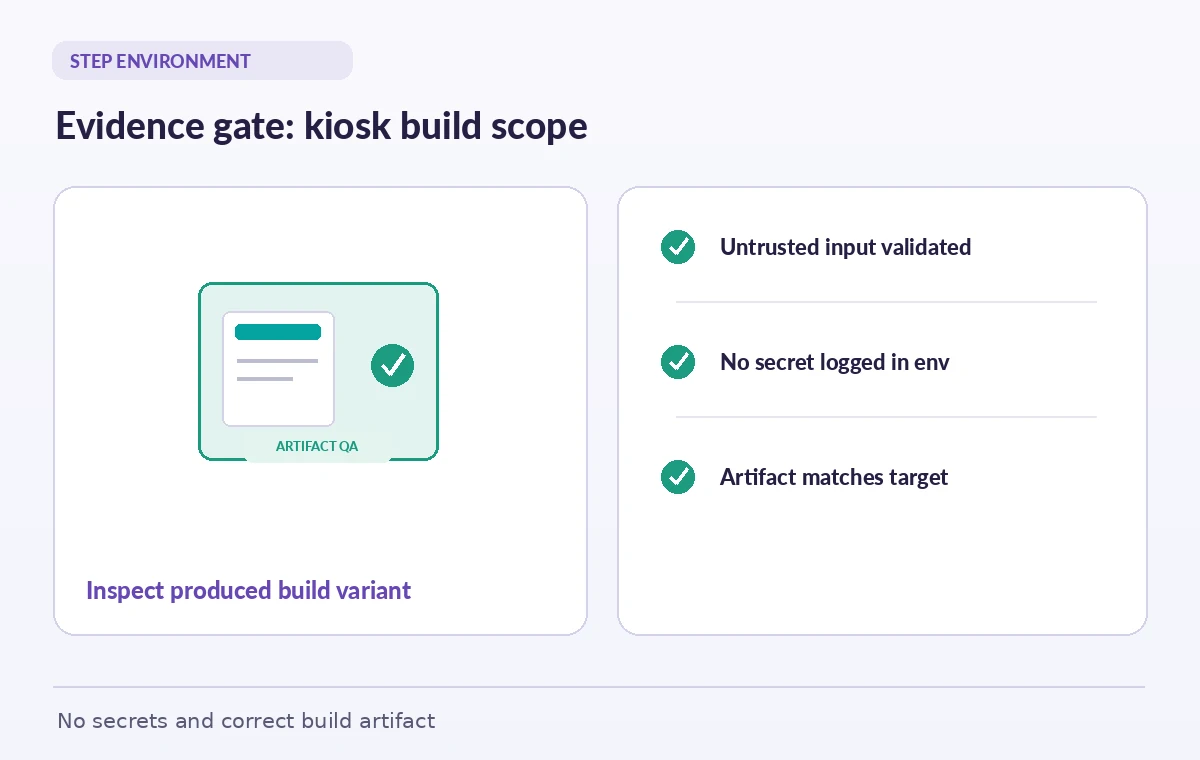
After setting LABFIN_KIOSK_TARGET, have a later step print only the non-secret selected target, compile the matching assets, and inspect the resulting artifact manifest. For example, ensure the gallery build contains the wide-layout asset and the accessible build contains the declared high-contrast stylesheet. Test both target values, an invalid value, and an empty configuration input. A run should fail before packaging when the target is unsupported, and should not fall back silently to a default that happens to compile. Record the expected and produced target in a checksum or metadata file that reviewers can compare without opening the entire archive. This shifts approval from ‘the environment variable existed’ to ‘the correct variant was actually built.’
A release gate that respects every scope
Before the museum publishes a kiosk update, review the workflow’s configuration source, allowlisted target values, step ordering, and which components receive the exported environment. Verify that GITHUB_ENV is used for subsequent steps within the same job, that cross-job values use their intended output mechanism, and that no credential has been appended as a debugging shortcut. Inspect the generated artifact and run the tests for both supported kiosk variants. Save the run ID, commit, target, and final package digest for the release reviewer. Do not infer publication from a successful build: deployment and public activation are separate stages. The correct use of GITHUB_ENV makes the handoff between build steps predictable, but only the final artifact review proves the museum is releasing the intended visitor experience.
How We Research
We consulted the original provider documentation: GitHub Actions workflow commands and environment files; GitHub Actions variables reference. We inspected GitHub’s environment-file rules, protected variable names and documented step visibility. No private repository or real token was used; the kiosk build examples are illustrations. We checked the terms and limits against the cited references but did not manufacture benchmarks, source access, or simulated production outcomes. Recheck provider settings and local organizational policy before a live rollout.
Frequently Asked Questions
No. GitHub documents that the writing step does not receive the new value; subsequent steps in that job do.
No. Use explicit outputs and job dependencies for cross-job communication.
No. GitHub restricts changes to these default runner variables.
Avoid treating it as a secret store. Use scoped GitHub secrets or identities and minimize exposure to later steps.
Validate the selected target and inspect the final artifact manifest and target-specific assets, not merely the environment string.