
An Internal Token May Be Invisible to Generic Detectors
A small historical archive might run a kiosk that authenticates with a token issued by its own backend. The token format is not one of the well-known cloud provider keys. A developer accidentally pastes one into a configuration example, then proposes a pull request. Generic secret scanning can recognize many common credentials, but a private token format may require a custom rule. The problem is finding it without blocking harmless archive identifiers.
Use fabricated token examples while designing the detection pattern. Never put a real credential into a tutorial, a test fixture or an issue comment. Choose an illustrative format such as ARCHIVE_TOKEN_TEST_ followed by placeholders, and clearly distinguish this from a working production secret. Treat discovery as an incident response lead: a detected exposed token may need revocation, not only a source-code edit.
Confirm Repository Access and Feature Availability
GitHub documents custom patterns for eligible repositories, organizations and enterprises with Secret Protection and appropriate administrative roles. Feature availability depends on the account and security configuration. A project maintainer should verify which organization owns the repository and who is allowed to change the pattern before assuming that a settings panel will be available.
Avoid enabling a powerful rule across all repositories without understanding where archived example files live. A broad expression matching every string beginning with ARC could flag thousands of normal object IDs and disrupt work. A narrowly scoped pattern can look for a token-specific prefix, length and surrounding syntax, but it still needs evidence from representative safe samples and intentionally fake matches.
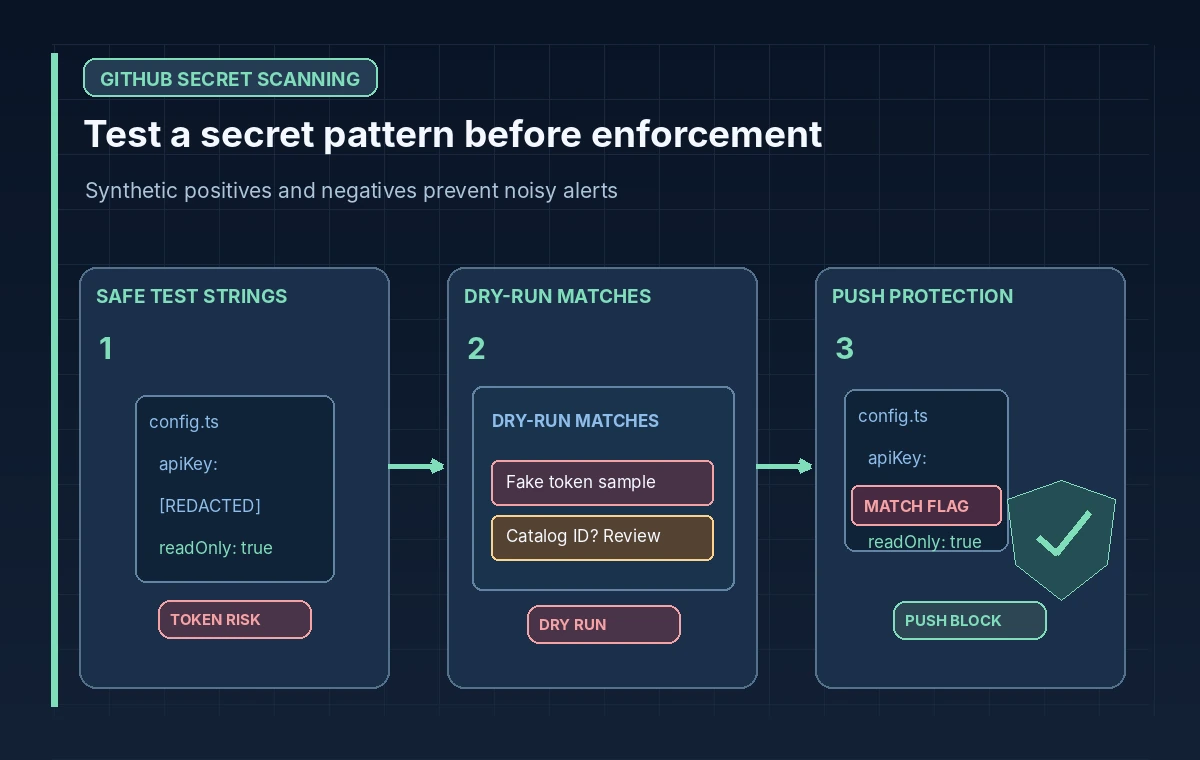
Build a Pattern Against Synthetic Fixtures
Create two collections of safe strings: fake tokens that the detector should find and legitimate catalog IDs that it should ignore. Include case variations, separators, invalid lengths, examples within Markdown and strings broken by punctuation. Build the regular expression around the secret’s actual structural characteristics, not around a popular keyword that appears in public collection notes.
Do not publish the actual production token format in a public article if its shape is itself sensitive. In a private organization, share the pattern only with authorized security reviewers. The pattern should also be maintained when your token issuer changes its format. A stale rule is dangerous because maintainers may believe a clean scan proves the repository contains no secret material.
Dry Run Before Publishing a Rule
GitHub’s documented workflow supports saving a custom pattern and running a dry run that identifies matches without generating normal alerts. The repository workflow presents a sample of up to 1,000 results for review. Examine the matches, count obvious false positives and refine the expression before publishing. For an organization-level dry run, carefully choose the repositories included in the test.
Make a review worksheet with the file path, whether the sample was a fake key, a real secret indicator or an ordinary record ID, and the corrective change to the rule. Do not copy the matched credential into the worksheet. Store only limited, redacted evidence. If a genuine leaked credential is discovered during review, follow the incident process immediately rather than waiting until the pattern is enabled globally.
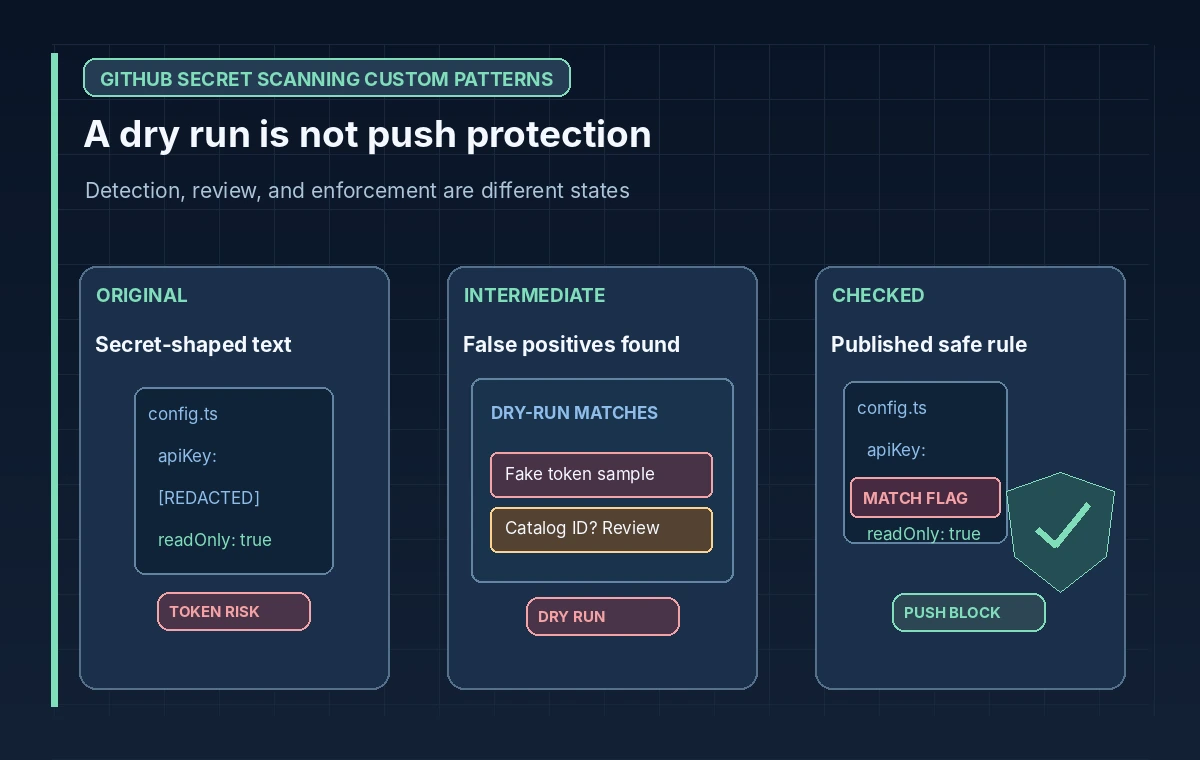
Distinguish Scanning From Push Protection
Publishing a custom pattern allows GitHub secret scanning to check for the format in available repository history, subject to the account’s configuration. Push protection is a separate enforcement step that may be enabled for eligible published patterns. GitHub notes that the option is available after a successful dry run and publication, with organizational prerequisites where applicable.
In the comparison graphic, show three distinct states: token-shaped text exists in code, a dry run highlights matches for review, and a published rule blocks a future unsafe push where push protection is enabled. Do not depict a dry run as blocking commits; it is diagnostic. Similarly, do not assume every bypass or historic credential is automatically made harmless by a blocking control.
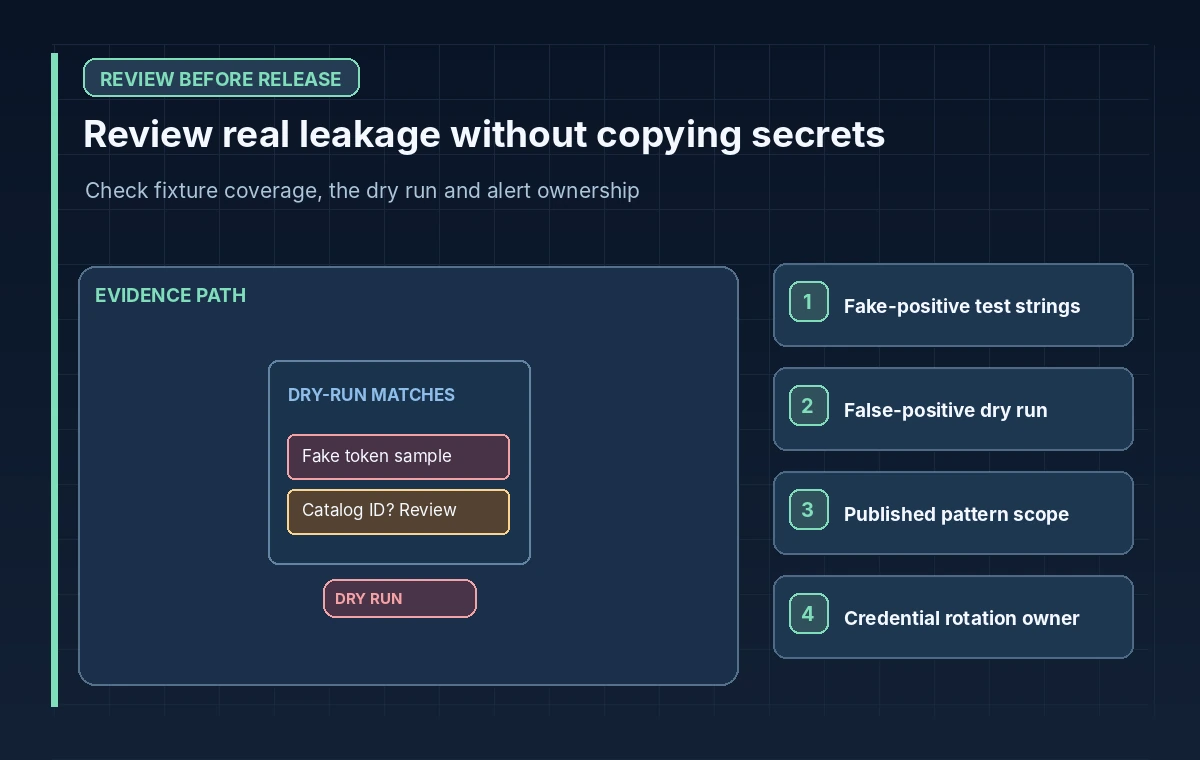
Respond to Alerts Without Leaking More Data
When an alert identifies a credential, verify ownership and exposure through the approved security channel, rotate or revoke affected credentials and remove them from code. Removing a line from the latest branch may be insufficient if the credential remains in history or logs. Escalate repository history remediation to a qualified maintainer; careless rewriting can break references and spread copies.
A false-positive alert still deserves an intentional classification. Document why a sample is safe without exposing token values. Avoid broad exclusions that hide entire source directories merely to quiet notifications. Review bypass decisions and train developers not to paste real secrets into issues while asking for assistance. Scanning is one layer of defense, not a substitute for least-privilege tokens and short lifetimes.
Test the Rule as Software, Not a One-Time Setting
Keep a private non-secret fixture suite representing known positive and negative cases. When the backend changes token formats, rerun the pattern tests and evaluate the effect on sample repositories before editing the rule. Track approved pattern versions, dates and owners. Changes should be reviewed like changes to an authorization policy because an overbroad rule can interrupt deployments and an underbroad rule can miss credentials.
Exercise the workflow with fabricated strings only; do not intentionally push a real secret to demonstrate blocking. Check that GitHub settings and notifications match the intended repository and that false positives can be reviewed without disabling protection indiscriminately. Any claimed detection rate must come from a real documented evaluation, not a diagram of colored match boxes.
Publish With a Clear Ownership and Rotation Plan
A production checklist includes the pattern owner, approved regex revision, dry-run review, alert routing, push-protection setting and an incident contact. Record what the pattern cannot detect: different credential types, obfuscated values and secrets stored outside the scanned repository. If a collaborator cannot enable the feature, use secure local secret checks and a CI policy while resolving account eligibility.
The goal is not a badge that says secret scanning is on; it is a documented process that reduces time to discovery and safe response. A custom pattern is useful precisely because the organization understands its own credential format. That understanding must be paired with disciplined testing, least-privilege issuance and prompt revocation when exposure occurs.
How We Research
We reviewed the following official developer documentation on November 8, 2026: GitHub: Define custom patterns for secret scanning; GitHub: Manage custom patterns; GitHub: Supported secret scanning patterns. We compared the documented parameters, data flow and stated limitations with this hypothetical editorial scenario. The diagrams are original instructional illustrations, not real vendor screenshots or outputs. We did not submit private archive material, run a production API evaluation, measure tool accuracy, obtain legal consent, or test a live service configuration. Product behavior, access rules, quotas and supported settings may change; confirm the latest documentation and your organization’s policies before deployment.
Frequently Asked Questions
Yes, eligible GitHub configurations support regex-based custom patterns. Design the rule against synthetic positive and negative samples.
No. It previews potential matches for review. Push protection is a separate option for eligible published patterns.
No. Use fake values that demonstrate the format. A real token discovered in a scan should trigger your incident response process.
Not necessarily. It may remain in history, logs or forks; revoke or rotate the secret and evaluate further remediation.
Availability depends on GitHub plan, Secret Protection configuration and the user’s administrative role.