
The artifact that helped QA can leak configuration
A museum website’s CI job generates an accessibility and subtitle-quality report after checking bilingual exhibit videos. The report belongs in a downloadable build artifact so a reviewer can inspect it. The same workspace may also contain .env files, development tokens, private catalog exports, or machine-generated logs. Uploading the entire working directory is convenient but can expose more than the approval needs. GitHub’s maintained actions/upload-artifact action excludes hidden files by default, while offering an include-hidden-files option. This default is useful defense in depth, not a guarantee that only safe files are included. Plan the artifact boundary from an explicit list of approved outputs.
Know what hidden means in the action
The upload-artifact documentation defines hidden files as names beginning with a dot or files inside dot-prefixed directories. On Windows, a native hidden attribute alone does not make the file hidden for this purpose without the dot prefix. That distinction matters for cross-platform jobs. A secret named qa-token.txt may be fully visible to the uploader even though staff think of it as a private file. Conversely, a legitimate .well-known test fixture could be skipped unless the workflow deliberately includes hidden files. Review actual path patterns and run outputs on each operating system instead of assuming all hidden-item conventions are the same.
Keep include-hidden-files disabled unless justified
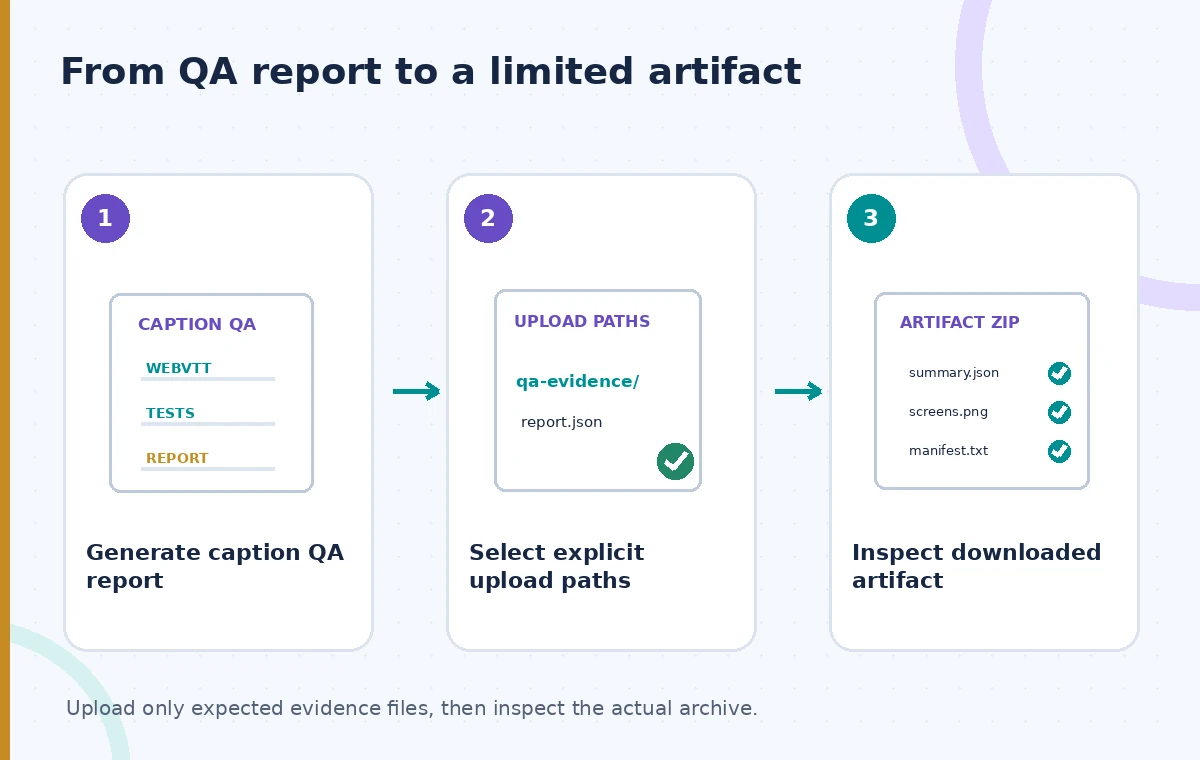
In current action documentation, include-hidden-files defaults to false. Enable it only if a documented QA artifact truly requires a dot-prefixed path, and first confirm its contents are safe. The README demonstrates exclusion patterns for sensitive files when hidden content is intentionally included. A simpler and more reliable design is to copy only the approved report and test summary to a clean staging directory, then upload that directory. Avoid a broad glob that includes temporary inputs, debug dumps, or credentials. Document why the artifact exists, who may download it, how long it is needed, and which files are allowed inside.
Do not rely on filenames to classify secrets
Sensitive information can appear in ordinary JSON reports, command-line arguments, screenshots, crash logs, and filenames. A job that prints authorization headers into a visible log can leak information even if .env is excluded perfectly. Review the QA generator’s output schema and redact sensitive values at their source before artifact creation. Check for donor identifiers, access tokens, private image URLs, staff email addresses, and unpublished collection notes. Masking secrets in logs is separate from cleaning downloadable files. An artifact permission model may limit downloaders, but the archive should still contain the minimum evidence needed for the release decision.
Build a clean upload directory
Give the QA job a dedicated output path such as qa-evidence/ and populate it with a known manifest, a results summary, and any approved screenshots. Keep input data and private configuration outside this path. The manifest can include expected report filenames, a source commit, a tool version, and integrity hashes for each report. Validate that the directory includes exactly these files before calling upload-artifact. Prefer file paths and negated patterns that are easy for a reviewer to understand; a short allowlist is safer than trying to enumerate every possible secret filename. Do not add entire repository roots merely to simplify YAML.

Understand artifacts across builds and reruns
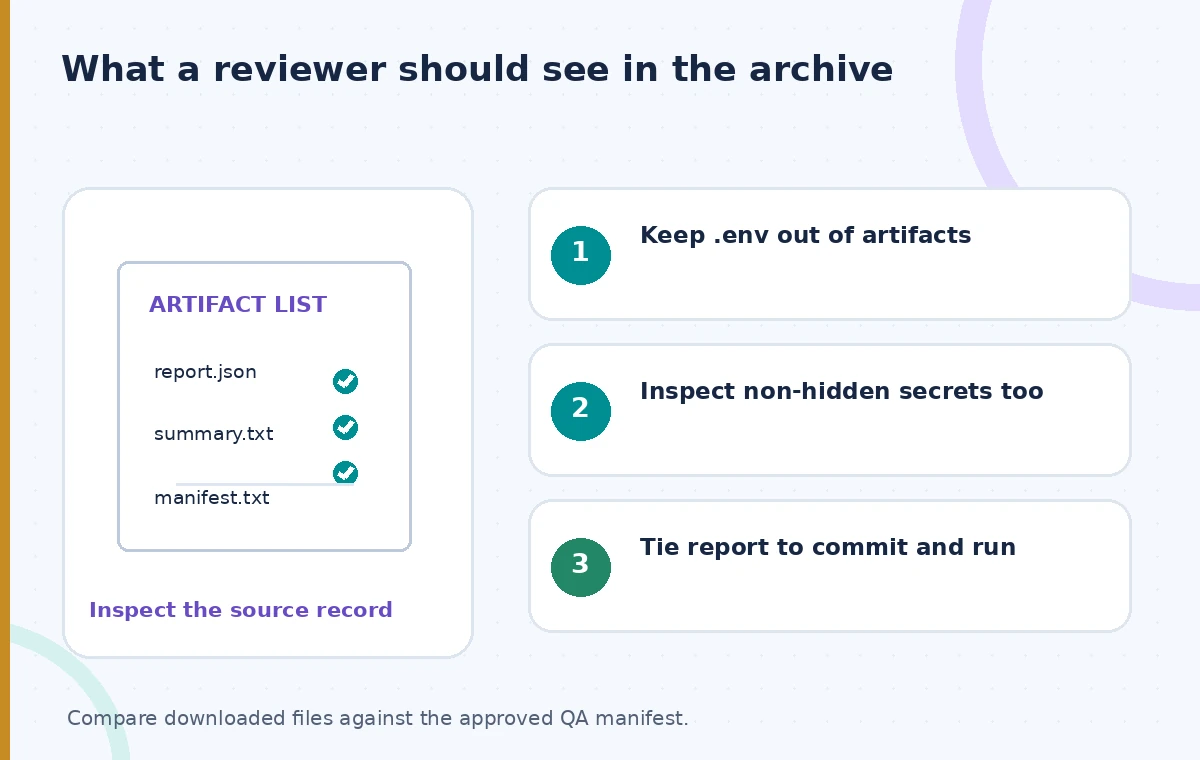
The action reports artifact identifiers and, in current versions, a digest that can support integrity checks. A rerun can create a new artifact or overwrite one under configured rules, so the reviewer must know which workflow run, attempt, and commit produced the file. A digest is about archive bytes, not the factual correctness of captions. A correct report might still be attached to the wrong source revision. Preserve the relationship between the source files, the test configuration, and the artifact. If a report is missing because a path was not included, the release must not silently interpret absence as a passing result.
Show the difference between three upload scopes
A comparison diagram shows an unsafe broad workspace selection containing a report and private files, a default hidden-file filter that removes a dotfile but may still leave other sensitive documents, and a clean allowlisted QA export containing only review evidence. These are conceptual file selections rather than actual GitHub screenshots. The middle state is safer than the first but is not sufficient to approve the archive. The third requires both a narrow path and a content review. Explicitly showing the visible non-hidden risk helps teams avoid turning a helpful default into a blanket confidentiality claim.
Verify the downloaded archive, not only the YAML
After CI finishes, download the artifact from an authorized test run and list every entry. Compare it against the expected manifest, verify file hashes when appropriate, scan report contents for synthetic secret markers, and ensure no unexpected dotfiles or full source datasets appear. Test a case with a hidden mock .env and a non-hidden mock credentials.txt containing harmless dummy strings. Both should be absent from the approved output. Reviewers should check that the report actually describes the current caption build, that a failing test is visible, and that no missing file was silently ignored. Do not perform the check using live credentials.
Preserve evidence without publishing private records
Retention should follow the organization’s operational and privacy needs, not simply the maximum supported artifact lifetime. The report should contain enough detail to explain which tests ran and what failed, while avoiding raw restricted transcripts or patron information. Limit who may access workflow artifacts and document when they can be deleted. Before making the website public, require editorial approval independent of the CI job’s successful upload. If the artifact is compromised or contains private data, revoke access and follow the organization’s response procedure rather than treating file deletion alone as proof the content was never downloaded. GitHub artifacts are delivery containers, not publication permissions.
How We Research
Our research consulted these named official documents: GitHub actions/upload-artifact README; GitHub actions/upload-artifact action inputs; GitHub upload-artifact migration guide. We checked tool behavior, version-specific options, and stated limitations against an illustrative museum scenario. The examples are suggested implementation and editorial review procedures, not production tests. We did not call the services with live patron records, benchmark latency or accuracy, measure storage savings, or obtain third-party consent. All images are original explanatory drawings rather than screenshots or claimed measured results. Verify provider documentation, service availability, access policies and current organization rules before adoption; keep final publication approval with authorized staff.
Frequently Asked Questions
Dot-prefixed files and paths are excluded by default in the maintained action, but inspect actual paths and the action version rather than assuming complete safety.
The action documentation says that attribute alone is not treated as hidden without a dot-prefixed name.
Yes. A visible JSON report or log can contain tokens or private data. Review content, not only filenames.
Only when a specific reviewed and necessary dot-prefixed file must be uploaded, with safe paths and exclusions.
No. The digest supports byte integrity; accuracy, source revision, permissions, and editorial approval require separate checks.