
Live replication does not cover every historical master
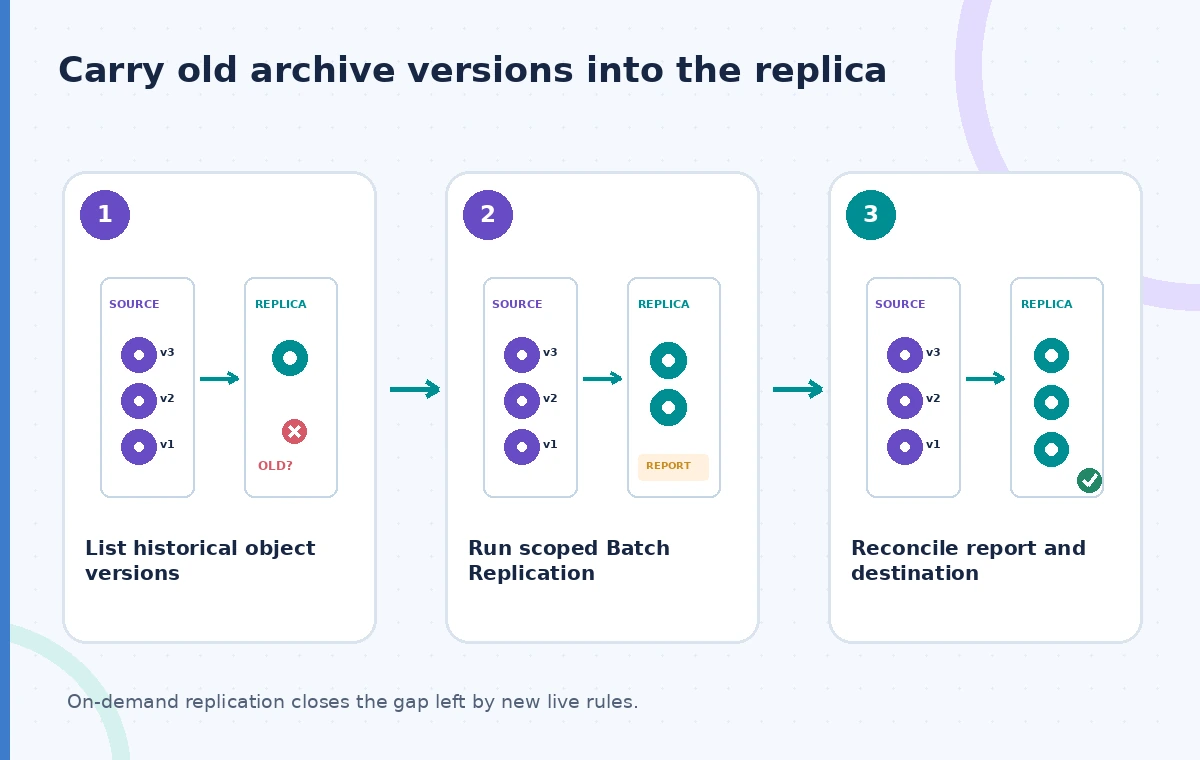
A local history center enables cross-region replication for an S3 bucket containing oral-history recordings. New uploads start following the rule, and the operations dashboard looks healthy. Years of existing recordings, however, do not automatically appear at the destination simply because a live replication rule has been added. Amazon S3 Batch Replication is an on-demand Batch Operations mechanism for copying previously existing objects, retrying some failed replications and targeting specified object populations. It solves a different problem from real-time replication status monitoring. Before the original archive is retired, a preservation specialist must account for every required source object version, permissions and retention obligation. A completed batch job is a useful operational milestone, not a legal or archival certification.
Build an approved version inventory first
Start with a manifest of master audio, transcript, consent materials and descriptive metadata. Note bucket and key, version ID when versioning is enabled, content checksums or archive fingerprints, object ownership, encryption needs and rights status. Exclude files for which the destination lacks approved handling arrangements. Do not treat a current listing of object keys as a full accounting of historical versions or delete markers. A recording may have a corrected transcript and two prior edits under the same key. Decide which versions must survive for preservation and which contain material subject to restricted access or deletion. Obtain sign-off on the destination region and access model before creating any large backfill job.
Prepare the existing replication configuration
AWS documents that a source bucket needs a replication configuration before S3 Batch Replication runs. Check versioning, appropriate IAM roles, permissions for source and destination, encryption configuration, and any cross-account requirements. Live replication and batch replication use related settings but have different initiation behavior. A Batch Replication job can be created through the console, CLI, SDKs or APIs, depending on the workflow. Review object ownership and KMS permissions carefully if your archive contains encrypted files. Do not enable an expansive job with broader rights merely to bypass an access error. A controlled staging destination and a small non-sensitive pilot can reveal missing prerequisites before processing the full historical collection.
Choose source objects and statuses deliberately
The Batch Replication documentation describes selecting objects using statuses such as NONE for never-replicated items and FAILED for objects whose previous replication failed. Other statuses serve different use cases, including already completed or replica objects. Use the source inventory to determine precisely which population the backfill should cover. A manifest that accidentally lists only the newest versions could lead to a misleading completion report. Conversely, selecting more objects than necessary can add processing time and copies that the rights officer did not authorize. Capture the exact manifest, filters, rule version and job ID so a later reviewer can explain why an object was or was not in scope.
Review the job report rather than the success banner
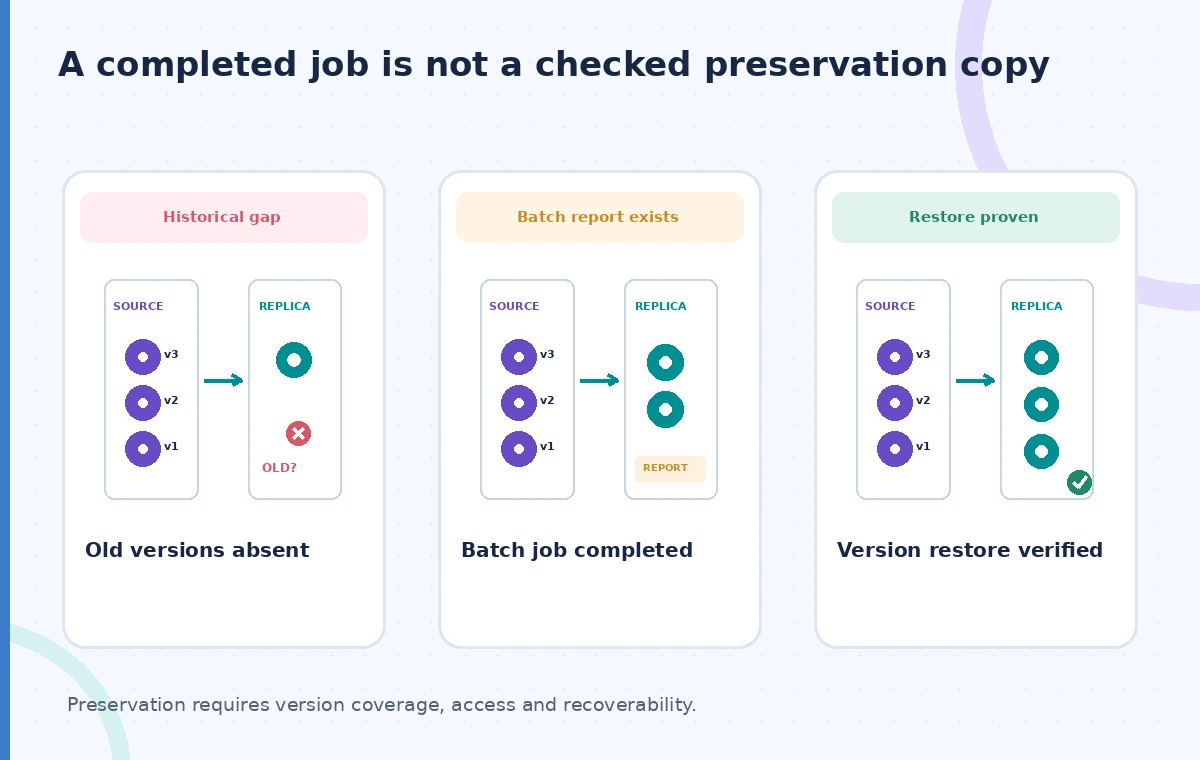
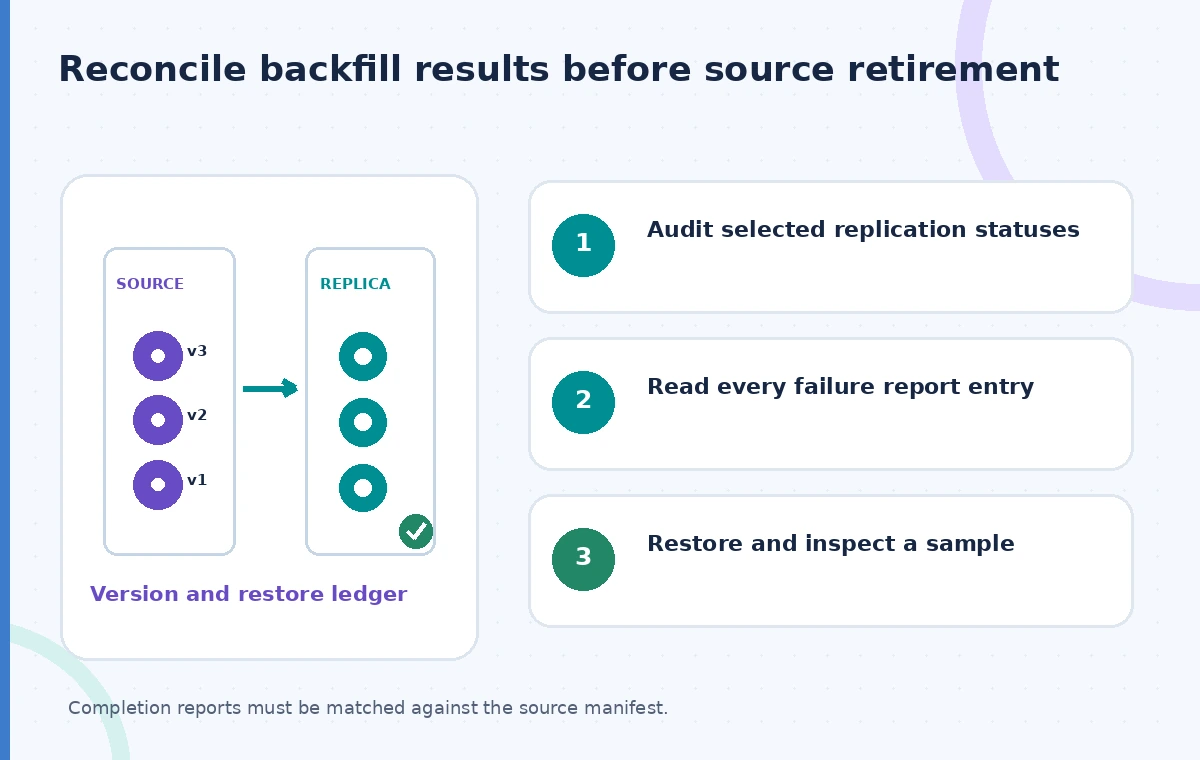
A Batch Replication job can generate a CSV completion report describing processed objects, success or failure information and error details. Preserve that report as part of the preservation evidence. Reconcile its rows against the original object-version manifest, and investigate every failed or omitted required item. An overall completion state can coexist with individual failures, skipped records or source-side changes during the operation. Separate expected exclusions from unexpected omissions. The diagram shows three different states: an old version absent from the destination, a batch job that has reported completion, and a version whose destination copy has actually been checked. Those checkpoints cannot be collapsed into a single green icon.
Watch lifecycle rules during a backfill
AWS cautions that lifecycle configuration can create differences between source and destination during a Batch Replication job, and recommends considering disabling relevant lifecycle rules while it runs. For example, changes to old versions or delete markers may prevent an exact match between the two buckets. Any temporary lifecycle change must be reviewed against the archive retention policy and restored deliberately afterward. Do not disable legal protections or change a lock configuration casually. Freeze ordinary edits where feasible and document unavoidable writes. If the source collection continues changing, reconcile a second delta manifest before calling the destination complete. The public catalog may be available while preservation copies are still being reviewed.
Validate checksums and recovery permissions
Compare the selected source version with the destination version using the strongest available documented integrity information, and verify that the destination identity can actually read and restore it. Object metadata, encryption keys, storage classes and permissions matter as much as the bytes. Run a small authorized restore exercise using a representative audio master, transcript and a restricted item. Confirm the restored assets can be opened and their descriptive links still identify the intended version. Do not confuse S3 ETags with a universal full-object checksum, especially for multipart or differently encrypted copies. Preserve test evidence without duplicating private interview contents in a log or screenshot.
Keep a rollback plan and separate access review
A remote bucket can hold a valid copy and still expose an interview to the wrong group if bucket policies are too broad. Apply least privilege, verify access-denied cases and record any cross-account grants. Maintain the original repository until the destination has passed the archive acceptance checklist, not simply until the Batch Operations console shows done. If a backfill is interrupted, use its report and documented object status to create a scoped follow-up job rather than restarting blindly. Know which versions were added after the first manifest. The preservation plan should define what happens if the replica region becomes unavailable or its key management service cannot decrypt a stored object.
Sign off a backfill with evidence, not optimism
An archive acceptance packet should include the approved manifest, replication rule, job and completion-report identifiers, remediation list, checksum or integrity comparison results, restore exercise and permissions review. Name the person authorized to approve source retirement and the point at which any previous versions may be removed under policy. The goal is not to claim that Batch Replication itself prevents all data loss. It is to make the gap between newly configured live replication and a complete historic archive visible and actionable. Re-run a limited reconciliation when retention settings, object versions or destination rules change. Only then can a museum reasonably regard the historical copy as ready for the next preservation stage.
How We Research
Our research consulted these named official documents: AWS: Replicating existing objects with Batch Replication; AWS: Create a Batch Replication job for existing rules; AWS: Tracking S3 Batch Operations job status. We checked tool behavior, version-specific options, and stated limitations against an illustrative museum scenario. The examples are suggested implementation and editorial review procedures, not production tests. We did not call the services with live patron records, benchmark latency or accuracy, measure storage savings, or obtain third-party consent. All images are original explanatory drawings rather than screenshots or claimed measured results. Verify provider documentation, service availability, access policies and current organization rules before adoption; keep final publication approval with authorized staff.
Frequently Asked Questions
No. Existing objects generally require an on-demand backfill such as S3 Batch Replication.
Yes. The documented object replication status filters can target FAILED items.
No. Inspect the completion report and reconcile it against the approved source-version manifest.
Lifecycle actions on versions or delete markers can produce source-destination differences while the job runs.
Only after rights, version coverage, recovery and access checks meet the organization’s retention policy.