
A returned image reference is not a provenance record
A museum application asks a vision-capable model to help draft alt text for an approved exhibit photograph. The request may supply an image URL, but the editor later sees only generated prose. To audit what was submitted, a developer wants to inspect the image input reference associated with the response. The record must also identify the authoritative asset version and the source rights decision.
The Responses API documents an include value named message.input_image.image_url. It can include image URLs from input messages in response data. This is useful for examining request references where supported, but a URL alone does not certify that an image was readable, authentic, current, or licensed for public use.
Understand what the include field requests
The current Responses create reference lists message.input_image.image_url among the permitted include values. Separately, input_image items may use an image_url or a file_id, depending on how a supported request is constructed. Do not assume a request supplied by file ID will produce the same URL detail as one supplied with an image URL; examine the actual supported output.
An included reference identifies a locator, not a cryptographic content digest or an editorial sign-off. A signed URL can expire, a remote image can change, and a link can direct to a resized derivative. If the workflow depends on exactly which pixels were reviewed, preserve an authorized asset ID, version, dimensions, and a source-level integrity record elsewhere.

Choose an approved way to send the picture
The Images and vision guide describes supplying images as publicly reachable URLs, Base64 data URLs, or file IDs where available. Each option has a different data-handling and access story. The organization should choose a method that respects source permissions, storage retention, and its cloud security boundaries rather than picking whichever locator is easiest to copy into a prompt.
For a public exhibit icon, a stable approved media URL might be acceptable. For a restricted portrait, do not issue an unrestricted public URL simply to satisfy a model request. Verify whether the image may be transmitted to the service at all, and favor institution-approved file or tokenized access mechanisms with limited lifetime.
Build an image provenance ledger before generation
Create an internal record containing the source catalog ID, exact image derivative, storage version, approved rights classification, crop decision, dimensions, and content checksum when suitable. Associate the model request ID with that record. The response reference can then be compared with the expected image locator without becoming the source of truth.
Keep the original master separate from public derivatives. An AI-produced caption should not silently inherit the filename of a preview and treat it as proof of historic attribution. If the underlying record changes, mark earlier generated descriptions for re-review and retain the source revision that informed them.
Inspect returned URL information in a protected audit
When the API and model support the include value, request it during an authorized diagnostic flow. Inspect which input image references are present and match them to the submitted records. Avoid relying on generated text that happens to quote a URL, since the model may paraphrase or omit parts of it and such output is not a reliable transport log.
Protect response payloads as carefully as request logs. Signed links and opaque file references may be security-sensitive. Do not place raw temporary URLs in a public issue, analytics dashboard, or visitor-facing alt text. Store only the identifiers and redacted link metadata required for accountable debugging.
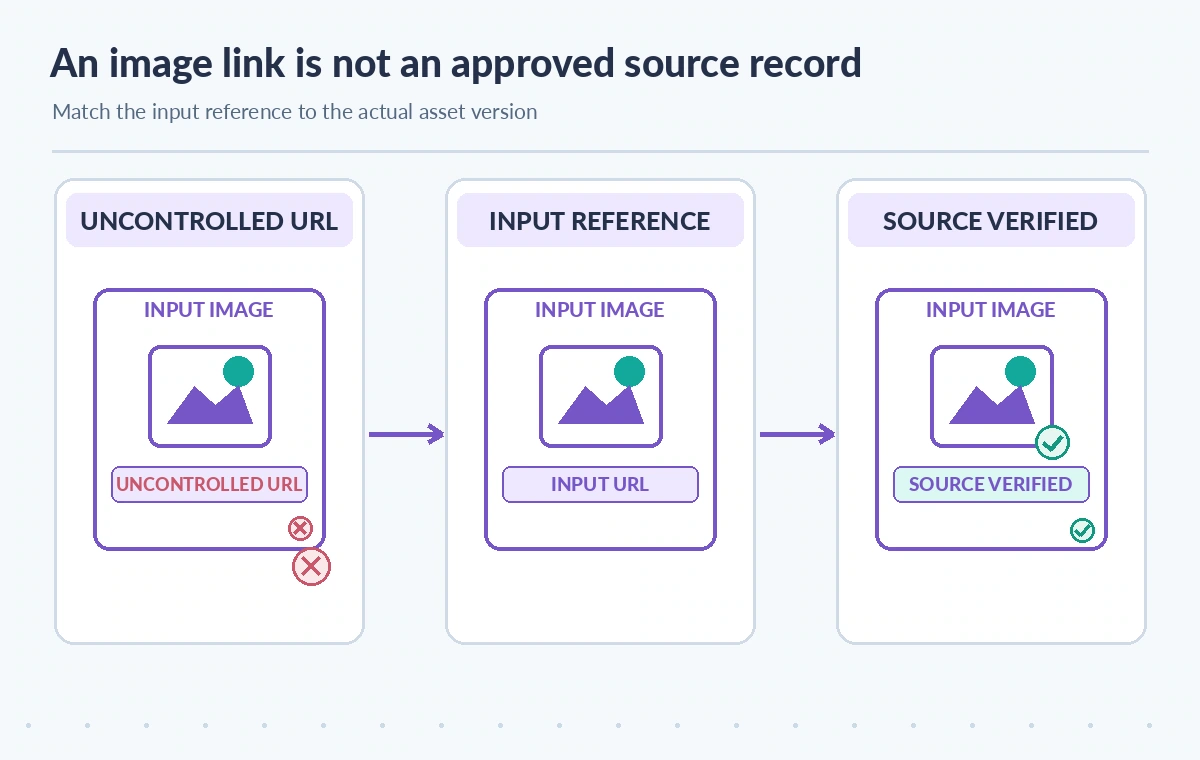
Compare three different image-reference states
A weak workflow stores a loose URL and assumes it permanently represents the same photograph. A better one saves the returned input reference where available. A release-ready design matches that reference against an approved asset version and verifies the image rights and actual visual content separately. These are conceptual scenarios, not captures of an observed OpenAI exchange.
A URL successfully returned by the service cannot prove that the vision model interpreted a small inscription correctly. Likewise, a missing included field is not proof that no image was used: it may reflect input form, model capability, output shape, or an unrequested include option. Review the full request construction and documented output schema.
Handle link expiry and changed image content
Time-limited signed URLs are attractive because they restrict fetching windows, but they can expire before an auditor revisits the request. Preserve an approved internal asset locator and its version independently of the temporary link. If the image is updated at the same URL, retain a checksum or version record to show what the application intended to provide.
Do not create an automatically refreshed public URL merely to keep an audit page clickable. The right response to an expired access token is an authorized re-resolution through the museum’s media service, not a permanent bypass of storage policy. Keep expired link values out of public logs.
Check the generated description against the actual pixels
Alt text can omit an inscription, misidentify a tool, or confuse a replica with an original even when the input locator is correct. Have a trained editor open the approved asset, check object orientation and visible details, and compare relevant metadata with the collection record. Where a crop was supplied, verify that the model was not asked to describe content outside it.
Image detail settings and preprocessing may affect what can be read from small regions, and support varies by model. Do not infer pixel-level fidelity from the include result. If a task needs precise lettering, use a higher-fidelity approved workflow and independently inspect the inscription instead of treating generative output as optical evidence.
Plan consent, retention, and logging controls
Before sending any image, confirm rights and consent requirements for living people, private collections, or unpublished donor material. The include mechanism can increase the amount of locator information present in a response; it does not expand the institution’s permission to store or disclose that data. Consult current provider data controls and internal retention policy.
Use role-based access to request and response traces. Give front-end editors an approved source thumbnail and record ID, not the raw access token or private cloud URL. An external reviewer may need an authorized media export with a time-bound permission rather than direct access to the original request payload.
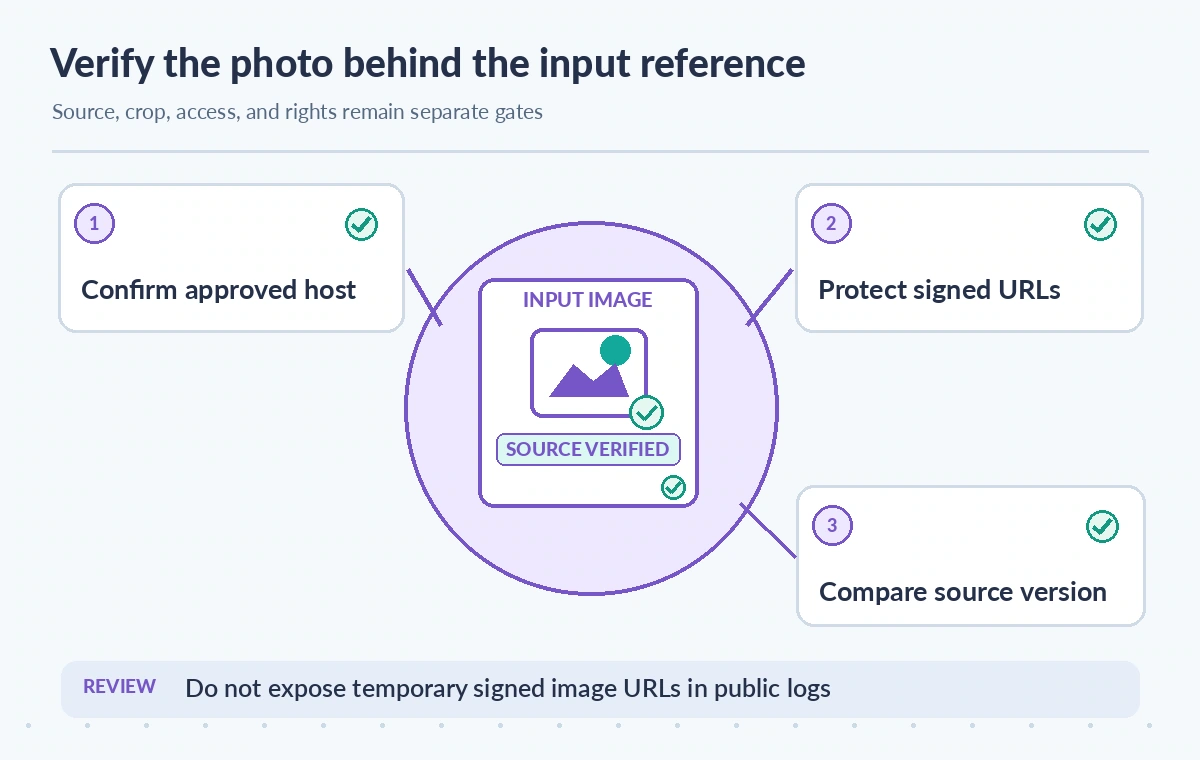
Release descriptions only after independent source review
The final checklist should verify image identity, version, crop, rights, visible subject matter, alt text accuracy, and named approval. The included image URL can help trace the request but never replaces these checks. A corrected source record should trigger the appropriate redrafting and review before the public label or alt text changes.
This tutorial is grounded in the documented Responses include field and vision input options. It does not describe a live API request, inspected private photograph, accessibility test, observed returned URL, or measured model performance. Verify current model and SDK compatibility before relying on this audit pattern in production.
How We Research
We examined primary vendor documentation on November 11, 2026: OpenAI Responses create API reference; OpenAI Images and vision guide; OpenAI API data controls. The feature boundaries described above come from these references; the museum and archive scenarios are deliberately hypothetical. We compared the documented fields against likely failure modes, including source omission, access restrictions, and incomplete downstream work. Each illustration depicts an explanatory example rather than a real product screen, observed experiment, performance metric, or customer data. We did not issue live requests to the services, inspect private content, test prices, or certify security. Verify current API behavior, organization permissions, storage terms, billing, and source rights before making production changes.
Frequently Asked Questions
It requests image URL references from input messages in the response where supported, rather than certifying source authenticity.
No. Keep the approved asset version, source checksum, crop, and a separate visual review.
Do not assume so. Input forms and returned details differ; inspect documented behavior for your model and request.
No. Treat them as potentially sensitive and store only appropriately redacted audit metadata.
No. A human editor must verify the correct source, visible details, rights, and final accessibility wording.