
A public image URL is not a prerequisite for visual review
A hypothetical museum digitization team wants an AI-assisted description of an unpublished label photograph. A developer proposes placing the master image at a publicly reachable URL so that a vision model can read it. That would unnecessarily expose the image location and potentially the asset itself. OpenAI’s vision guidance documents an alternative: upload the approved image using the Files API and reference its file ID as an input_image item in a Responses request. This avoids needing a public image URL for that request, but it still sends image content to an external API provider. Privacy, rights, retention and human review remain separate questions.
Distinguish input_image from a PDF file input
The Responses API supports image content with type input_image and an optional file_id field, alongside image_url as another input method. For a directly provided image, use the image content type rather than assuming every visual input is an input_file PDF. The input_image object can also specify a detail level, whose supported values and resizing behavior depend on the selected model. Verify current API syntax and model support rather than copying an older chat-completions payload. A local filename is not the API file ID; the upload operation must succeed and return an identifier before the response request can reference it.
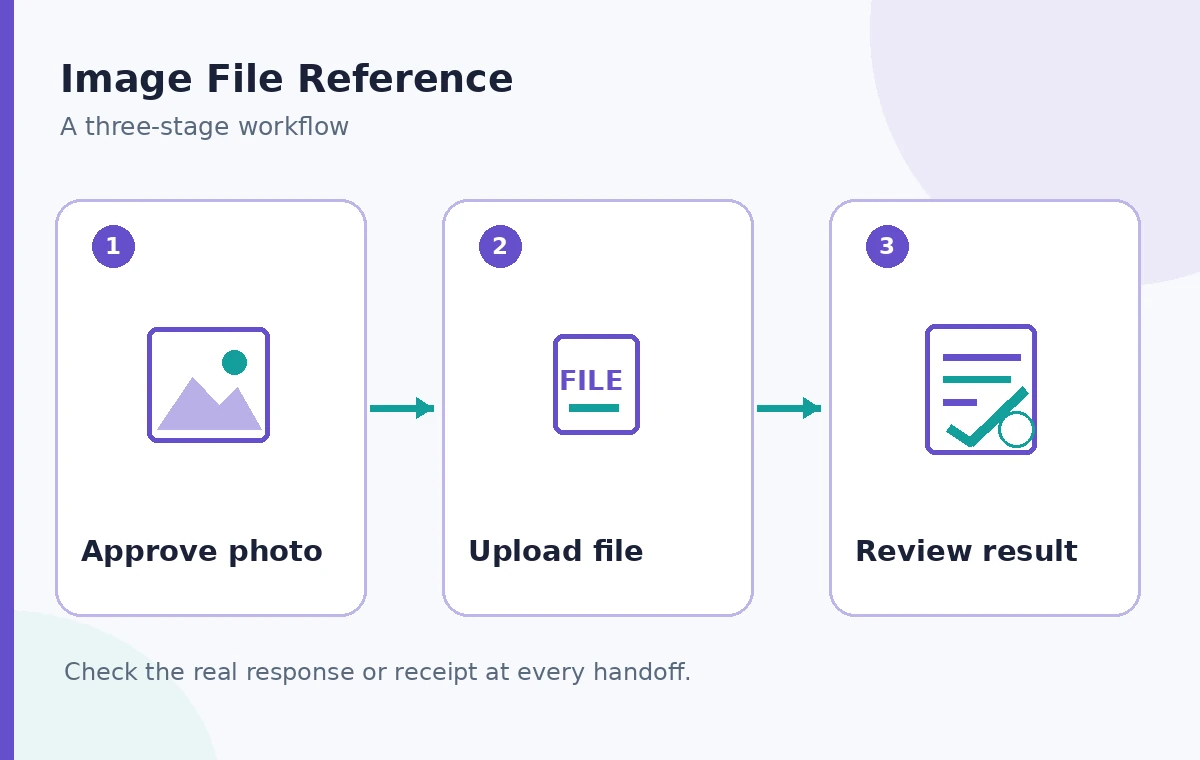
Establish permission to process the image first
Before uploading, confirm whether the archive owns the photograph, has a processing license, or needs contributor permission. Copyright clearance for an online exhibition is not necessarily permission to send a master to a third-party processor. Identify whether the image contains personal information, addresses, security labels or unpublished acquisitions data. Apply the organization’s approved data-processing policy and redact sensitive material where the review task allows. Keep original master files in the governed archive and make an authorized working copy for AI analysis. The API’s support for file IDs should not be described as an automatic privacy certification.
Upload a controlled working copy and preserve its mapping
Use a supported image format and an approved Files API workflow to obtain a file ID. Maintain a private mapping from the archive’s accession identifier to that file ID, the working-copy checksum, authorized operator, upload time and review purpose. A file ID should be treated as a provider resource reference, not as a stable public accession number or something to print in an article. Do not put credentials, account IDs or visitor information into filenames. If the upload fails, stop before requesting analysis; guessing or recycling an unrelated file ID could associate an answer with the wrong museum object.
Construct the Responses image input deliberately
Create a user content array that pairs a short instruction with an input_image item containing file_id, as documented in the Responses API reference. State the task narrowly, for example identify readable printed headings and mark uncertain text instead of reconstructing missing letters. Do not ask for fictional attributions, photographer names or licensing judgments from visual appearance. If an image includes another document or a handwritten note, the model may misread fine detail. Capture the request’s local intake identifier and model name without placing private photo content into unrestricted logs. Never assume that a successful HTTP response means the resulting caption is accurate.
Keep image detail and costs under review
OpenAI documents low, high, original and auto detail options on supported vision models, with model-specific sizing and limits. Higher detail is not guaranteed to recover unreadable small text, and image tokens contribute to API usage. Choose a detail level based on whether the task is a coarse scene description or a close reading of a small label. A small approved crop may make a difficult line easier to inspect while reducing unnecessary background exposure. Record the chosen setting so that staff can reproduce the editorial task; do not claim a measured accuracy gain without testing the actual material and approved model.
Compare three different routes and outcomes
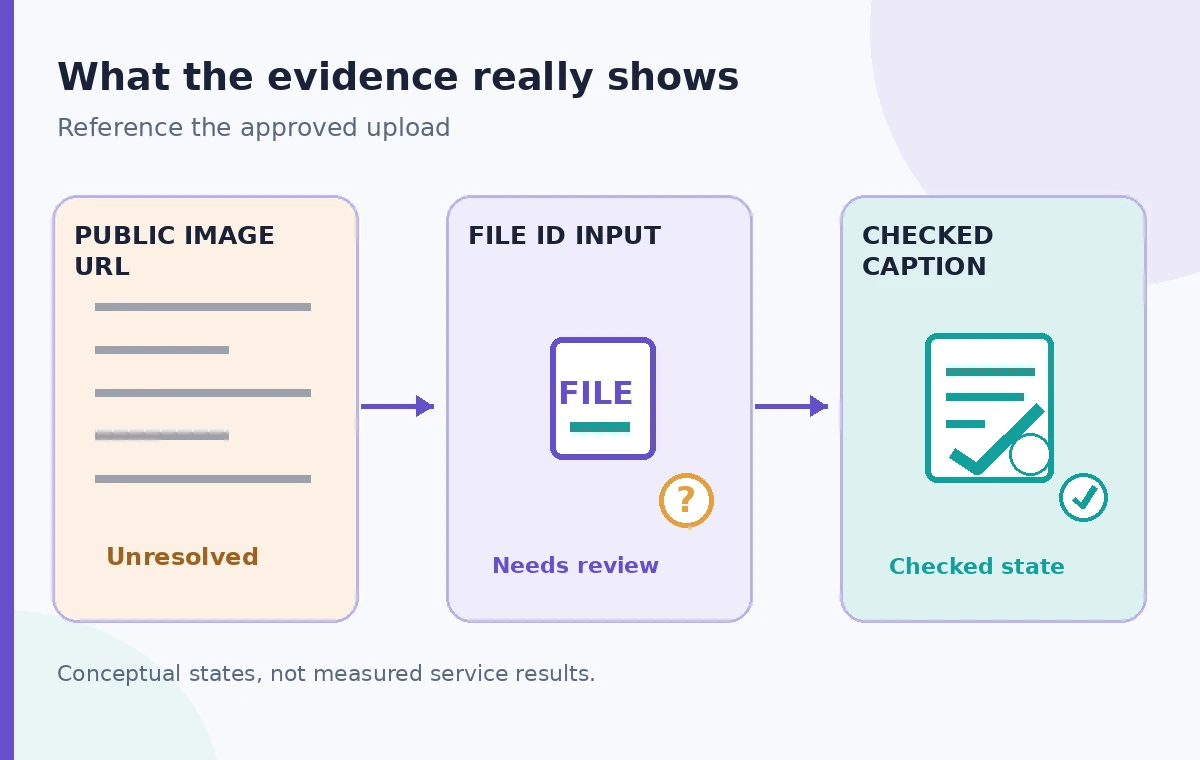
A public URL route makes an image address reachable to the service, but may conflict with an unpublished archive’s sharing policy. A file ID route references a previously uploaded image without putting its URL on a public website; it still requires secure upload handling and proper data governance. A reviewed caption adds a separate evidence step: a human checks every visible claim against the source photograph and the accession register. These are alternatives and evidence states, not automatic stages of improvement. The diagrams in this article are conceptual, and no real museum photograph or model output was evaluated for this guide.
Examine vision limitations before publishing labels
Vision models can misread small writing, count objects incorrectly, misinterpret rotated images and infer plausible context that is not visible. Treat generated descriptions as suggestions requiring proof, not as an authoritative catalog entry. A reviewer should zoom into the authorized working copy, compare spelling, layout and object characteristics, and verify names or dates against the collection database. Where the photo does not support a detail, use an explicit uncertainty note or omit the claim. Never insert a plausible location, donor identity or object age because a caption reads smoothly. This is especially important for public accessibility descriptions and conservation records.
Plan file lifecycle and access separately
Using file_id does not mean the provider keeps no data or that uploaded files disappear with a single response. Review current API file retention, deletion controls, organizational agreements and any approved data residency requirements. Maintain a process for removing working copies and their provider-side references when no longer needed, subject to recordkeeping obligations. Restrict who can view the upload mapping and prevent file IDs from being accidentally exposed through debugging dashboards. If an upload must be revoked for rights reasons, the incident workflow should address both the external processing copy and any downstream generated captions or caches.
Build a release checklist that separates the three approvals
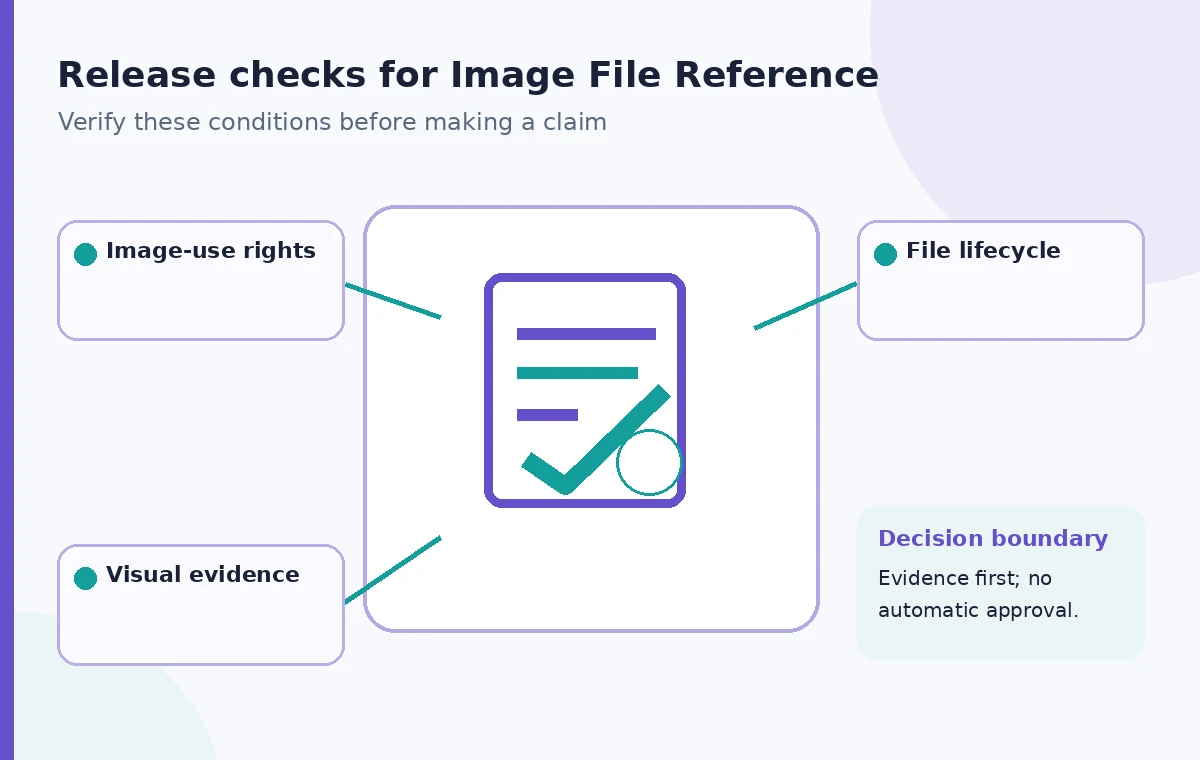
A production-ready workflow needs three independent approvals: the right to process the photo, a technically valid file upload and response association, and human verification of the final description. Record the accession key, approved crop or derivative, file reference in a restricted ledger, model configuration, reviewed claims and unresolved uncertainties. Keep the original master separate from working files. This article is a documentation-based hypothetical workflow, not a live API test or proof that sending a file ID is always preferable for a given archive. Confirm current image-input limits and privacy terms before implementing with real collection assets.
How We Research
For this guide we reviewed named official primary sources on November 11, 2026: OpenAI Responses create API reference; OpenAI images and vision guide. We checked the operation name, response or configuration fields, documented prerequisites and relevant caveats; then wrote an original hypothetical museum workflow and instructional diagrams. We did not access live customer accounts, conduct measured performance tests, confirm any private grant or visitor records, or use genuine service screenshots. Illustrated before/after examples are schematic rather than observed results. Technical specifications may change, so verify the latest service documentation and test approved synthetic records before production changes.
Frequently Asked Questions
No. It references an image uploaded through the Files API instead of an image_url in the request.
No. Uploading sends data to the provider; access, retention, processing rights and deletion must be governed separately.
No. Review rights records and license documents independently of any image description.
The Responses API defines input_image for images; input_file is a separate input type for files such as PDFs.
No. Check names, dates, text and accessibility descriptions against the actual image and archival records.