
The starryai image generator can help build illustrative concepts from prompts and image references. The useful question for a commercial designer is not whether the output looks appealing: it is whether every input can be used legally, the final visual matches the brief, and the export has been checked for unwanted elements. This practical walkthrough uses a fictional mountain-tour poster, with an approval ledger that distinguishes source permissions from a platform’s license statement. It does not pretend that we ran a comparative image-quality test.
Start with a narrowly defined image assignment
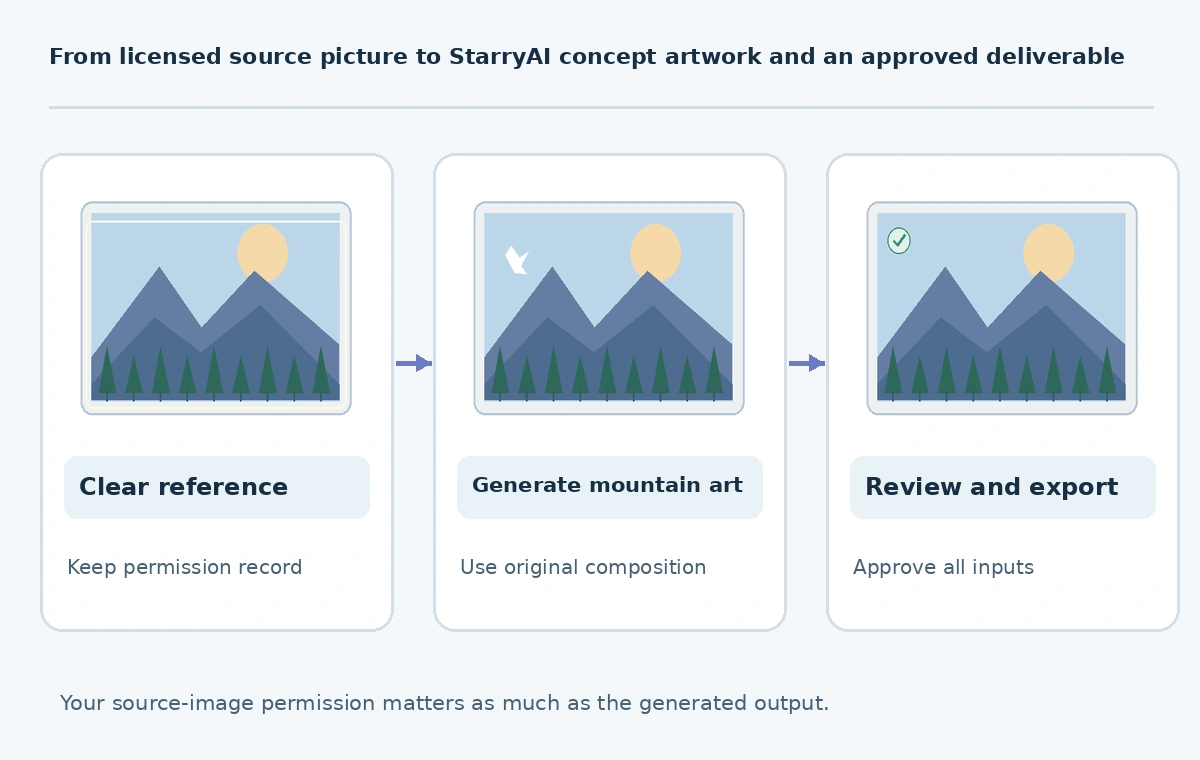
Imagine a community travel organizer that needs an original illustrated mountain poster for a fall event. Write down the deliverable before opening an AI tool: portrait illustration, two-color mountain shapes, room for a headline, no recognizable company insignia, and a calm outdoor mood. Specify whether the result will appear in a paid advertisement or a personal mockup. This matters because image provenance and rights cannot be reconstructed reliably after several downloaded variations have been mixed together.
Create two folders, one for material you are allowed to upload and one for generated drafts. Record who commissioned the work, the intended publication channel and the final reviewer. The poster example is a fictional project; its visual criteria are our editorial method, not a documented starryai benchmark. Keep readable text as a separate editable layer instead of assuming that an image model will spell the final event name correctly.
Check starryai usage rights against the source inputs
The starryai Help Center ownership article, dated February 16, 2026, says creators can use their generations commercially and noncommercially provided they have rights to any uploaded reference images. The published art license also lists content-policy and model-license restrictions. Do not turn that product statement into a universal guarantee of US copyright registration or exclusive rights: originality, third-party works and applicable law remain separate questions.
Make a short permission ledger for every uploaded photo or drawing: creator, license or written authorization, permitted uses and where the evidence is stored. An image found on social media does not become authorized because it was transformed by AI. Exclude client portraits, proprietary sketches and copyrighted character references unless the person granting access has the relevant rights and your use complies with the platform terms.
Write a generation brief that can be reviewed
Use a prompt with a subject, composition, color direction and explicit exclusion list: “Original flat illustration of distant blue mountains, foreground pine silhouettes, open upper third for headline, portrait layout; no lettering, logos or identifiable brands.” Describe visual goals without claiming to impersonate a living artist’s signature style. Upload only a cleared landscape reference if you actually need the mountains to follow an approved composition.
Save the input prompt with the output rather than keeping it only in chat history. Track the model or preset exposed by the current interface, aspect ratio, date and any applicable credit usage shown at generation time. Starryai describes configurable styles and models on its product site, but exact presets and free allocations may change; read the in-app meter instead of planning around a cached promotional number.
Evaluate the candidate image as an illustration, not a license
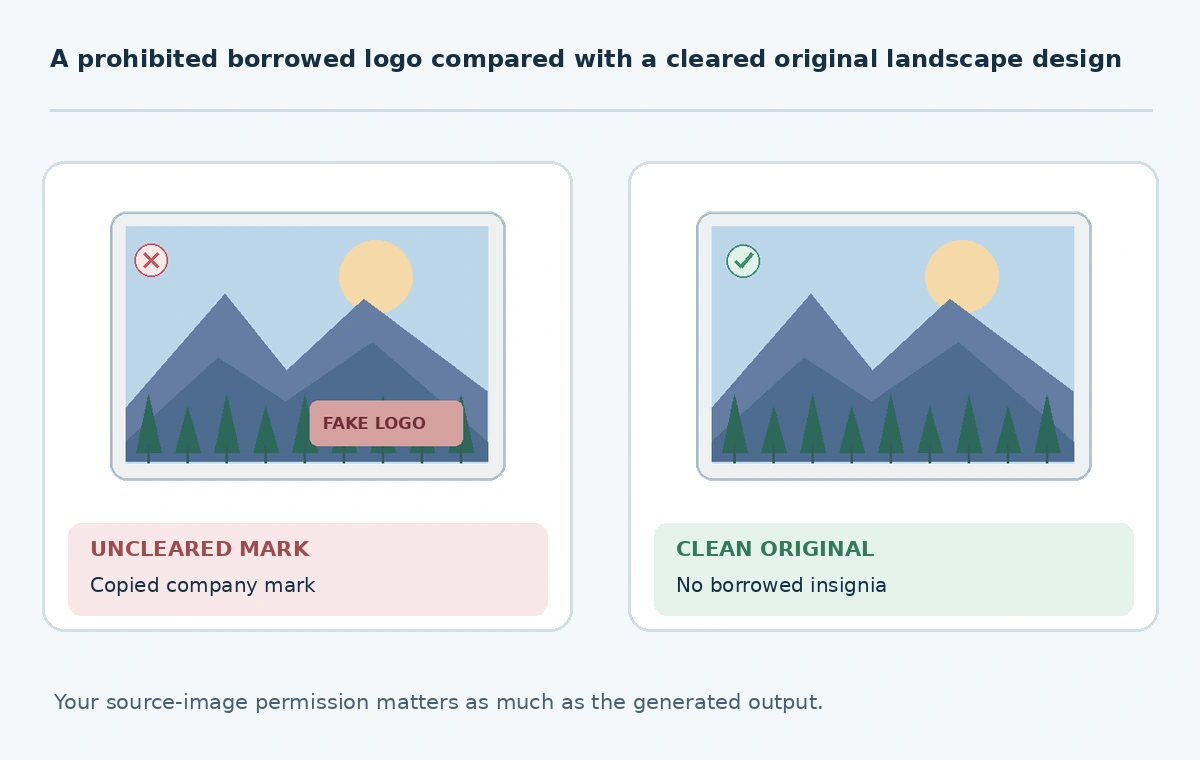
Review three dimensions independently. First, brief fidelity: are there mountains, a readable open text area and the desired palette? Second, visual coherence: do overlapping ridges, tree silhouettes and lighting cues make sense? Third, legal and editorial concerns: is there a brand mark, famous character, likeness or unintended text that a client might reasonably mistake for official sponsorship? Save rejections with short reasons so that later team members do not accidentally restore a problematic draft.
For the mountain example, prefer a simpler candidate with clear negative space over a dense, impressive rendering that leaves no room for the real headline. Do not rate generations with invented accuracy percentages. If you cannot reproduce a desired detail consistently, move that detail to an editable design layer or draw it manually. A good poster may require normal graphic-design finishing after AI generation.
Prepare the final poster with editable typography
Export the selected artwork and compose the finished layout in an editor that supports separate text layers. Check the final format, target dimensions, legibility at phone width and sufficient contrast between the art and headline. Keep the unmodified AI file as a source, and avoid flattening the only editable working document. Inspect a full-size export for seams, suspicious symbols, malformed animals and visual defects near the trim edge.
If print is planned, ask the printer for their actual bleed, resolution and color requirements; do not assume a social-media image is ready for offset printing. Document how and why the final poster differs from the generated draft, including any original illustration work. Design approval should be based on the exported artifact, not on a thumbnail inside the generator.
Use a rights-and-release ledger for repeatable projects
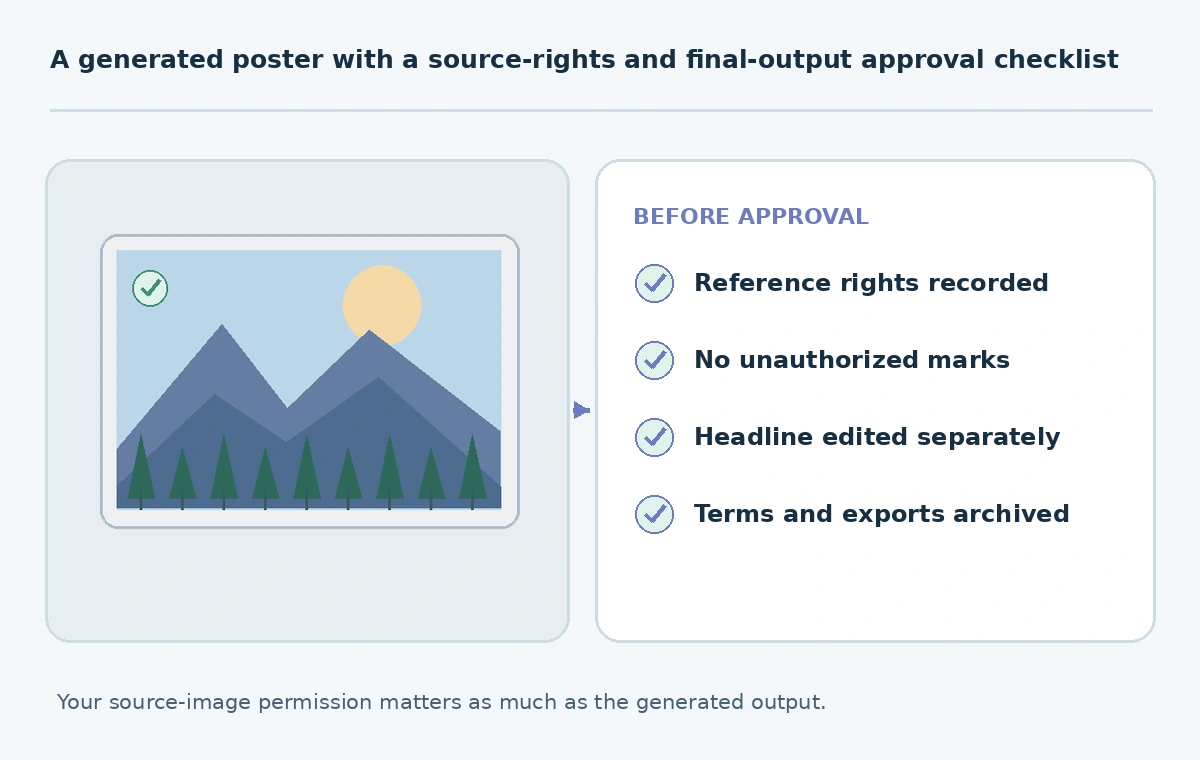
A compact ledger has six fields: asset, input-source permission, tool/license snapshot date, known exclusions, reviewer and approved use. Keep the license link with the asset. The source-rights check is especially important when a client asks for variants based on photographs that they did not create. If the work includes a real person, obtain separate permission rather than assuming the AI platform’s general commercial-use statement covers publicity or privacy rights.
Before publishing, reopen the intended product page and current license. Identify unresolved questions to the client in writing. Mark a design “approved for this campaign,” not “copyright guaranteed.” This prevents a sound creative workflow from making legal promises a software provider did not make. After approval, archive the source art, permission evidence, versioned exports and a screenshot or note of the terms consulted.
How We Research
We consulted starryai’s ownership guidance, its art license and official product information on October 27, 2026. The fictional travel poster, permission ledger and review steps are editorial workflow examples, not firsthand platform tests or guarantees of copyright protection.
Frequently Asked Questions
The published license permits commercial use subject to its restrictions and your rights to all input material; it does not grant rights to unauthorized references.
No. Copyright eligibility and exclusivity are separate legal questions, not guarantees made by the workflow.
Only if you have sufficient authorization for the intended upload and commercial use.
For reliable spelling, accessibility and last-minute edits, use a separate editable typography layer.
The approved export, editable layout, source permissions, generation settings, license snapshot and review decision.