
A local history project recorded an hour-long interview about a neighborhood flood. The editor wants a ten-minute listening-room excerpt that preserves the narrator’s exact meaning. Riverside’s editor supports removing a word or section from a recording using the transcript, but an easy text cut can remove the qualifier that makes a quote accurate. This hypothetical guide treats the untouched recording as the master, the transcript as an editing map, and each short excerpt as a claim that needs context.
Get permission and preserve the original
Verify what the interviewee agreed to: recording, editing, public display, transcript distribution, and the use of their name. Consent to an interview is not necessarily consent to a promotional soundbite. Keep the original tracks and any consent documents in an authorized archive before making a shortened version. Record project identifiers and dates separately from the edited media.
Create an edit brief that states the intended audience, total duration, sensitive topics, and any restrictions placed by the speaker. If the history includes names of third parties or unverified allegations, route those passages to an editor. AI transcription and editing tools can help manipulate media, but they cannot resolve the ethics of publishing testimony or the accuracy of remembered events.
Understand the Riverside text editor
Riverside documents transcript-based editing actions such as removing a word, trimming a selected phrase, creating a new edit from selected text, and restoring sections. Open the relevant recording in the editor and locate the transcript associated with the actual uploaded tracks. Confirm that every speaker has finished uploading and processing before treating the transcript as complete.
Riverside also documents a difference between transcript text correction and edits that change the media. Correcting a misspelled town name in captions does not necessarily replace spoken audio; deleting selected transcript content can remove the associated clip segment. Keep those operations distinct in your editing log so that a factual annotation is not mistaken for spoken dialogue.
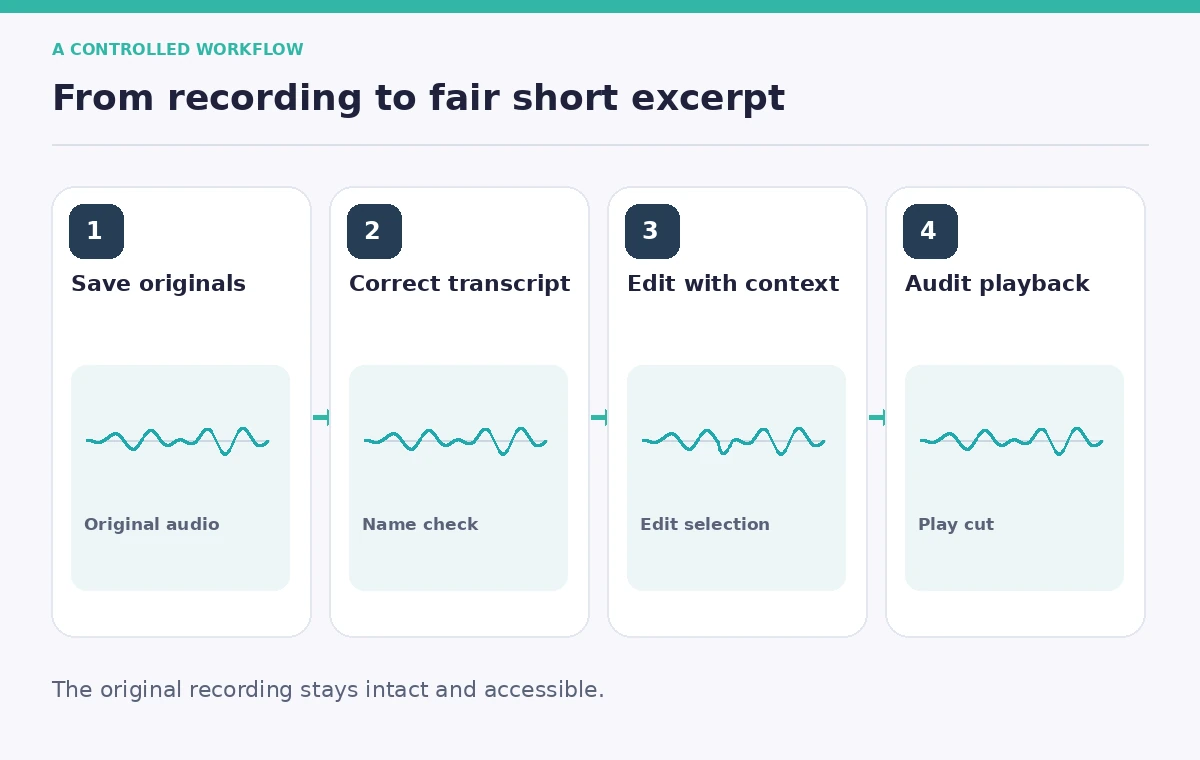
Correct names before cutting content
Listen to names, road labels, dates, and local expressions while reviewing the source audio. Correct transcription errors in the editor where needed, without claiming the narrator pronounced something they did not. Use Riverside’s transcript correction options and preserve the unedited original separately. If a proper noun remains uncertain, flag it for human review instead of silently choosing a likely spelling.
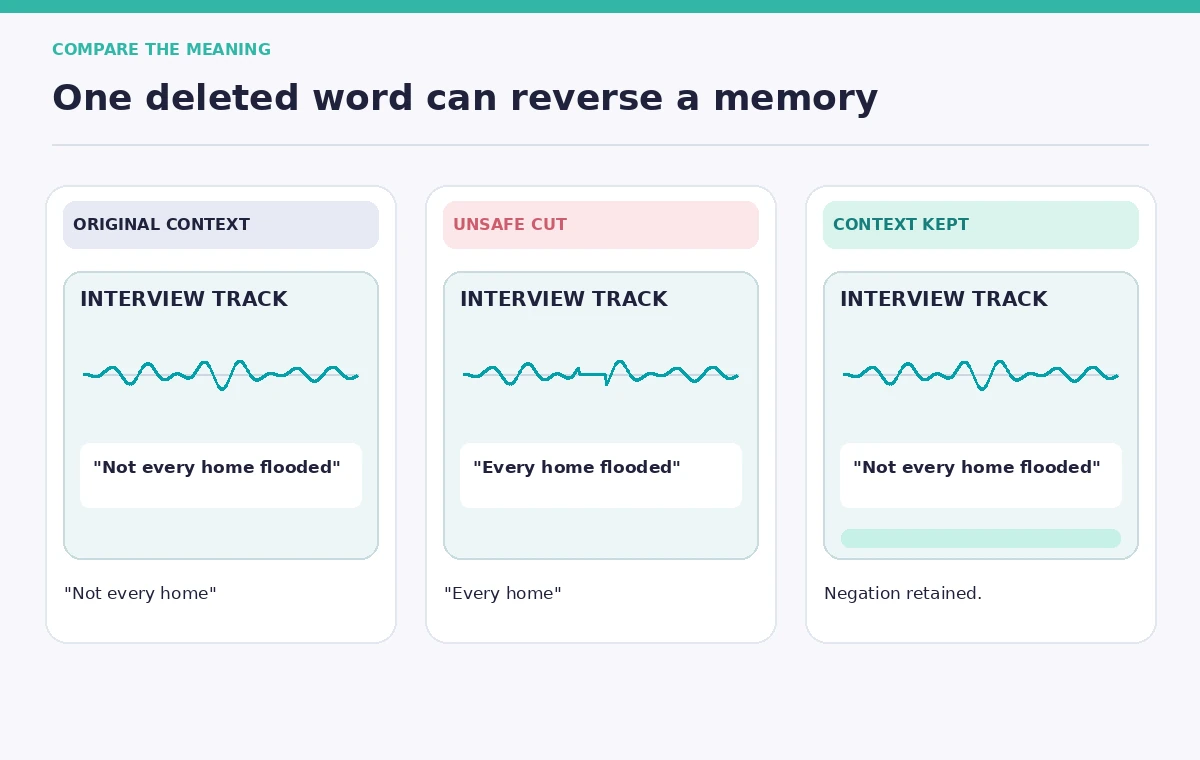
A transcript search can find the sentence ‘the bridge was closed,’ but the next sentence may say ‘for one morning only.’ The illustrated example warns against turning ‘not every house was flooded’ into ‘every house was flooded’ by cutting a short word. Preserve negatives, estimates, jokes, and speaker qualifications as part of the recorded meaning.
Build a paper edit with context windows
Select candidate passages on a separate notes sheet first. Include a timecode for the start and end, the speaker, a short synopsis, and the sentence immediately before and after the quote. A paper edit makes it possible to test whether an excerpt still answers the same question the interviewer asked. Avoid rearranging sentences to imply a chronological sequence that was not stated.
Choose a coherent narrative arc: what the speaker saw, what they could verify, and what they remember with uncertainty. Track which segments are removed as well as which remain. In the teaching diagram, the full recording stays intact while a proposed excerpt is compared with a safer excerpt retaining ‘I think’ and the associated time reference. The graphics are not actual Riverside screenshots.
Make small transcript-based cuts
Use Riverside’s transcript selection controls to remove truly redundant passages or long digressions, rather than selecting every filler word automatically. Listen after each material cut. A cut between speakers can make one person’s response sound like the other’s, while a cut mid-breath can become jarring despite a clean text transcript. Restore a section if it loses the original tone or context.
Work with a duplicate edit or clearly named version rather than overwriting the archived recording. Label each approved passage by its source timecodes and edited timeline position. If the interface offers clip rearrangement, document any reorder so historians can distinguish narrative construction from source chronology. Never fabricate a new answer by stitching together unrelated phrases.
Audit speaker attribution and audio seams
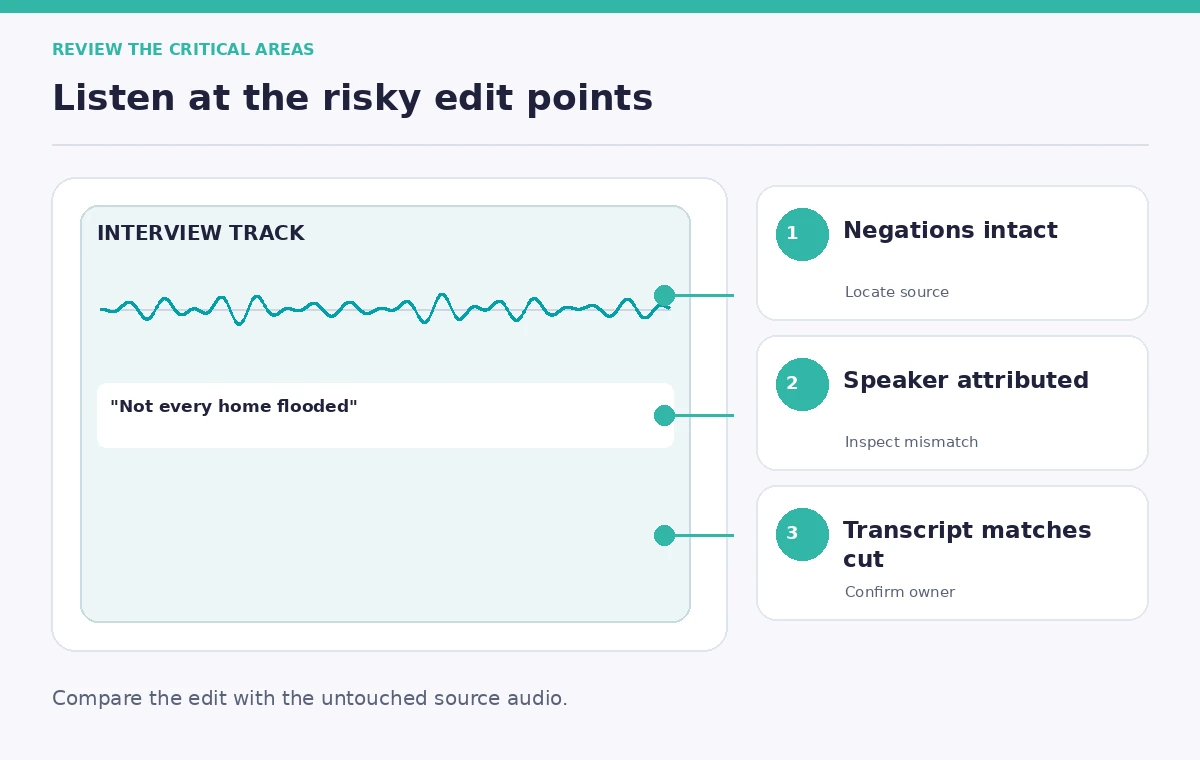
Listen to every transition at normal speed with the transcript hidden for a moment. Check whether speaker voices, background noise, room tone, and microphone perspective change abruptly. Inspect interruptions and overlapping speech carefully because text selection may hide who was talking. If a statement becomes ambiguous, retain more of the original question or add an editorial narration break rather than relying on a misleading splice.
Compare the edited sentence against the untouched recording using a side-by-side transcript log. Important facts include people’s names, locations, dates, quantities, and qualifiers such as ‘perhaps’ or ‘we later learned.’ The review should prioritize meaning over achieving an arbitrary exact length. If the project requests a fixed duration, shorten less consequential sections instead.
Export the right transcript version
Riverside distinguishes downloading the full transcript from downloading one that reflects the edited recording. Its documentation says the edited transcript can capture cuts, rearrangements, and corrections; options may depend on the account plan. Export a readable text transcript and, when the exhibition uses captions, an SRT subtitle file corresponding to the final media edit.
Check timestamp alignment on the exported file. Riverside notes that SRT does not preserve every caption design choice from its editor, such as animation or typeface, so captions need another visual review in the actual player. Label which export is the archival source transcript and which is the public edit. They should never be silently substituted for one another.
Publish an accountable excerpt
Ask a second reviewer to compare the final selected quotes to the original audio and consent restrictions. Include the interview date and an indication that the listening-room version is edited. If a factual memory cannot be corroborated, describe it as the interviewee’s account rather than a verified fact. Keep an accessible copy of the unedited recording under appropriate archive permissions.
The release checklist should also include intelligibility, captions, attribution, accessibility, and safeguarding of private information. All people, quotes, and timestamps in this teaching scenario are hypothetical, and no result is presented as a measured Riverside test. The goal is a transparent media edit that communicates the speaker’s actual experience.
How We Research
We reviewed official product documentation rather than relying on unverified product descriptions: Riverside Help Center: Editor overview; Riverside Help Center: Transcriptions overview; Riverside: Edited transcript export. We compared documented feature scope, entry points, access limitations, and export behavior with the risks in this use case. The article presents a hypothetical editorial workflow and original explanatory illustrations; we did not operate the tools with these sample records or measure output quality. Details and interface labels can change with plans and updates. A human must inspect the original records and approve any public claim or consequential action.
Frequently Asked Questions
No. Text corrections and media deletions are different operations. Check Riverside’s current controls and always verify the actual audio after editing.
You may trim genuinely redundant hesitation with permission, but keep meaningful uncertainty, emotional pauses, and qualifiers that affect interpretation.
Keep both, clearly labeled. The source transcript supports archival review; the edited transcript and captions should match the public excerpt.
Riverside says the SRT does not include every editor styling choice, so review appearance and timing again in the destination player.
Give them the final quote, source timecode, the surrounding original audio, and the edit log so they can compare context independently.