
Replit Agent can turn a specification into working project files, but the shortcut is only helpful when you can tell correct behavior from plausible output. This tutorial uses a local-style task tracker as an instructional example: create tasks, mark them complete and show an error for blank entries. Nothing here is presented as a live app we built or a verified benchmark.
In current Replit documentation, the Agent has distinct Plan and Build workflows, multiple capability/cost modes and checkpoints that can preserve project state. The key is to use them in a deliberate sequence. Start small, verify every milestone and withhold production access until the application passes independent checks.
Write acceptance criteria before entering a prompt
Use a brief with three required screens or states: an empty list with an add form, a populated list with completion toggles, and a validation message when a blank title is submitted. Specify where tasks will be stored, whether multiple users exist and what should happen after refreshing the browser. If you cannot answer these questions, the Agent cannot reliably invent the right product behavior.
Use fictitious data and a throwaway project. List out-of-scope requirements such as payments, personal accounts, email delivery and external APIs. This prevents a proof-of-concept from silently expanding into a system that requires security review or additional monthly services.
Begin in Plan mode rather than Build mode
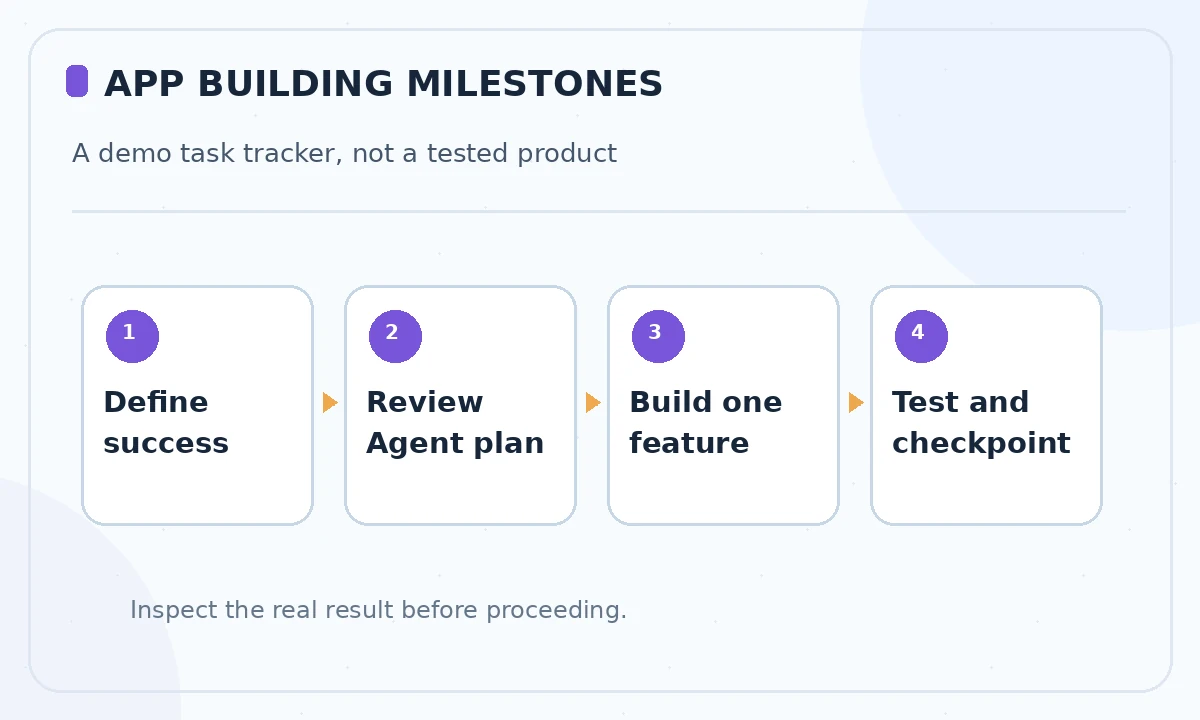
Replit documents Plan mode for brainstorming and structured task lists before implementation; Build is for making actual changes. Ask for a sequence of milestones, a file and data model outline, two design trade-offs and the tests needed for each milestone. Do not ask the Agent to build everything before reviewing those decisions.
A useful brief is: “Create a single-user task tracker with add, complete and delete actions. Blank titles must be rejected. Show storage choices and testing steps. Do not install extra services or deploy without approval.” Review the proposed architecture for hidden network or database dependencies. Plan activity can still consume billable Agent work, so keep the discussion focused.
Choose an Agent mode intentionally
Current documentation describes Lite for small edits, Economy for cost-minded work and Power for demanding standard builds; Turbo favors speed with a higher cost on eligible plans. Select the mode that matches the next milestone, not whichever label sounds most powerful. An initial architecture discussion differs from polishing a single border or renaming a heading.
Before switching modes, define an endpoint: “Stop after the add-task form, display a diff and show how to run tests.” For complex functionality, ask Agent to state uncertainty and check assumptions. The result remains generated code that a person must read, test and maintain.
Build a minimal vertical slice
Approve implementation only for entering a task and seeing it in the list. Inspect project files and dependencies once that works. Test a normal title, an empty title, whitespace-only input and a very long string. Confirm whether validation runs in the browser, on the server or both. Do not confuse a visual success message with persistent storage actually working.
After the first slice, add completion toggles and then deletion as separate milestones. For each change, ask for the exact affected files and a concise rationale. This lets you identify regressions early. If the Agent proposes an unexpected authentication or payment integration, pause and revisit the brief.

Use checkpoints and Git for different kinds of recovery
Replit’s version-control documentation describes Agent checkpoints that can include project files, AI memory and database state. Git commits remain useful for a durable human-readable history and collaboration with external repositories. Take a checkpoint after each verified milestone, and commit a clean branch when the feature is reviewable.
A rollback is only safe when you understand what it restores. Replit-managed checkpoint restoration and external services have different boundaries; do not promise that clicking rollback undoes an email, third-party API call or deployment. Record any external side effects before testing them and use dummy endpoints where possible.
Verify behavior without relying on Agent testimony
Run the app in its preview, exercise all acceptance cases and look at errors in both browser and server logs. For a task tracker, reload the page and confirm the intended persistence policy. Try deleting a nonexistent item and inserting text with markup characters; the UI should handle it without corrupting layout or executing unsafe content.
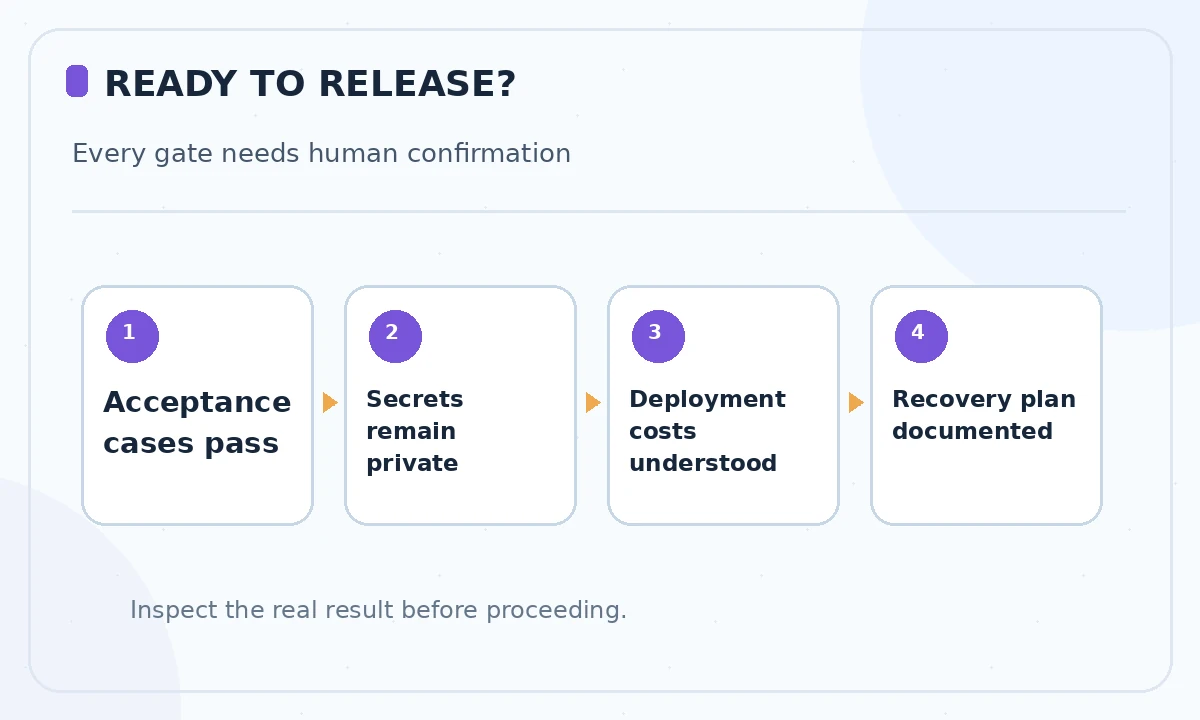
Ask Agent to generate unit tests for core state changes, then review the assertions. Add at least one deliberate failure case so you know the tests can detect a broken implementation. If tests are absent or fail, the correct status is not “ready to publish,” regardless of how polished the preview looks.
Prepare a limited publishing decision
Before publishing, identify ownership of the app, runtime charges, storage, logs and any available access-control settings. Make sure demo content has no real customer information. Use a staging or restricted preview when supported, then confirm mobile layout, accessibility basics and form validation. Check for exposed environment variables and unexpected endpoints.
Replit can publish apps, but deployment is not a substitute for security, privacy or operational planning. If a project will accept public submissions, add abuse controls and a data-retention policy. If these steps are out of scope, keep the app private and describe it as a prototype rather than a released product.
Improve the next iteration using evidence
Create a small decision log after each build: prompt, plan approved, files changed, tests passed, estimated or actual billed usage and corrections made. Compare actual task completion with the original acceptance criteria. A developer may decide that manual coding is faster for one repetitive edit; that is a valid result rather than a failure to adopt AI.
For your next project, reuse the process rather than copying an entire prompt verbatim. The right data model, privacy boundary and deployment workflow depend on the app. Replit’s official docs are a starting point, while correctness requires review in your own environment.
How We Research
We reviewed the current primary-source documentation as of October 26, 2026: Replit Agent modes; Replit effective prompting; Replit version control and checkpoints. We distinguished documented plan features and limits from editorial workflow suggestions, and we compared the intended reader task with the previously published LabFin material. We did not purchase plans, perform product benchmarks, run code or verify an individual account’s entitlements. Where product pages conflict or terms may change, we have identified the uncertainty and recommend confirming checkout or live account details.
Frequently Asked Questions
Replit documents Plan mode as focused on planning and questions, before Build mode performs changes. Confirm the active mode in your workspace.
Do not assume so. Replit explains that Agent work can be effort-billed, including planning interactions.
A versioned project snapshot that may include app state, AI memory and database state; review current scope before relying on recovery.
Replit recommends Lite for small scoped edits, with Economy for cost-conscious work and Power for more demanding tasks.
You can use Replit publishing features where supported, but should first review code, tests, privacy, permissions and ongoing costs.