
Replit pricing has two questions, not one: which subscription unlocks the workspace you need, and how much will Agent, publishing and other metered activity cost while you use it? A low entry subscription does not make repeated autonomous builds free. Replit explicitly describes Agent as probabilistic, and its billing approach depends on work performed rather than a universal flat price per prompt.
As of October 26, 2026, Replit’s official pricing surfaces show Starter, Core, Pro and custom Enterprise options. Some official pages show different monthly-equivalent discounts or included-credit wording. Instead of combining figures from incompatible screens, this guide separates relatively stable plan roles from checkout-sensitive prices and gives you a decision worksheet.
Separate the subscription from metered activity
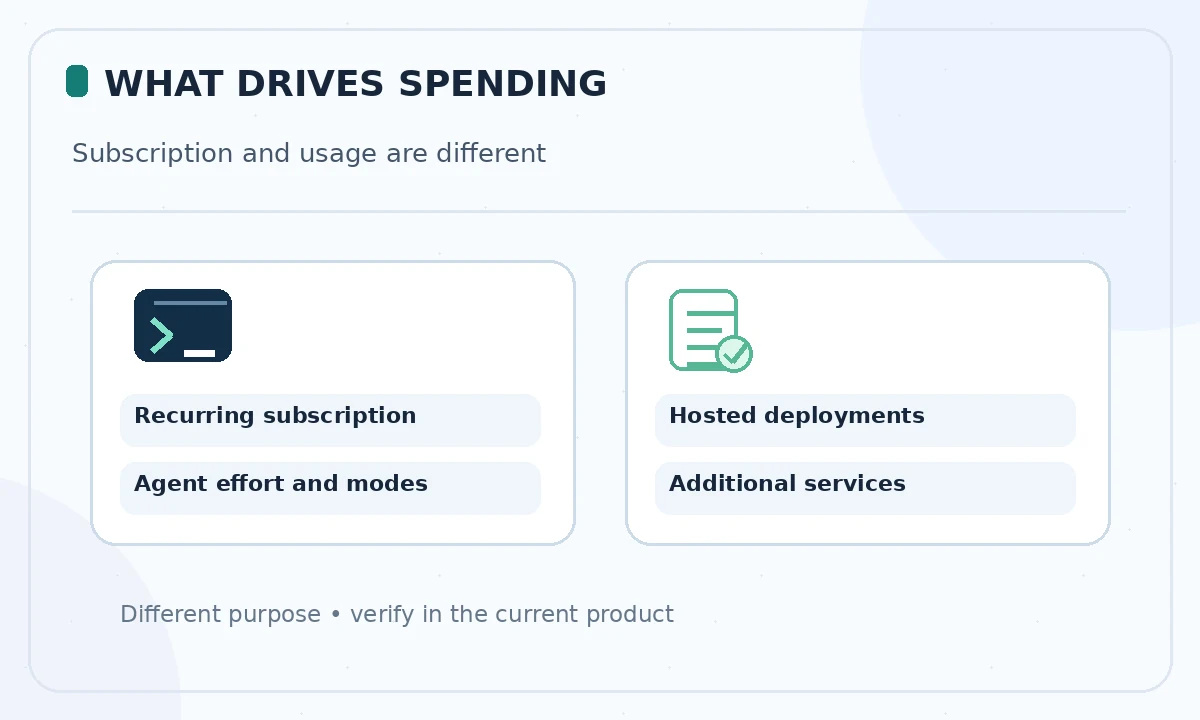
A Replit subscription is the recurring plan fee; it does not necessarily cover all model, Agent, deployment and database use. Official pricing pages discuss monthly credits and effort-based pay-as-you-go. The cost of a request can change with the amount of planning, coding, testing and debugging the system performs. Two requests with similar wording may require very different work.
When reviewing a plan, write down three independent entries: the plan’s recurring fee, the included usage allowance and the rule for usage after that allowance. Do not estimate monthly spending by counting prompts alone. Check billing settings for current consumption and alert options before running long build sessions.
What Starter, Core and Pro are for
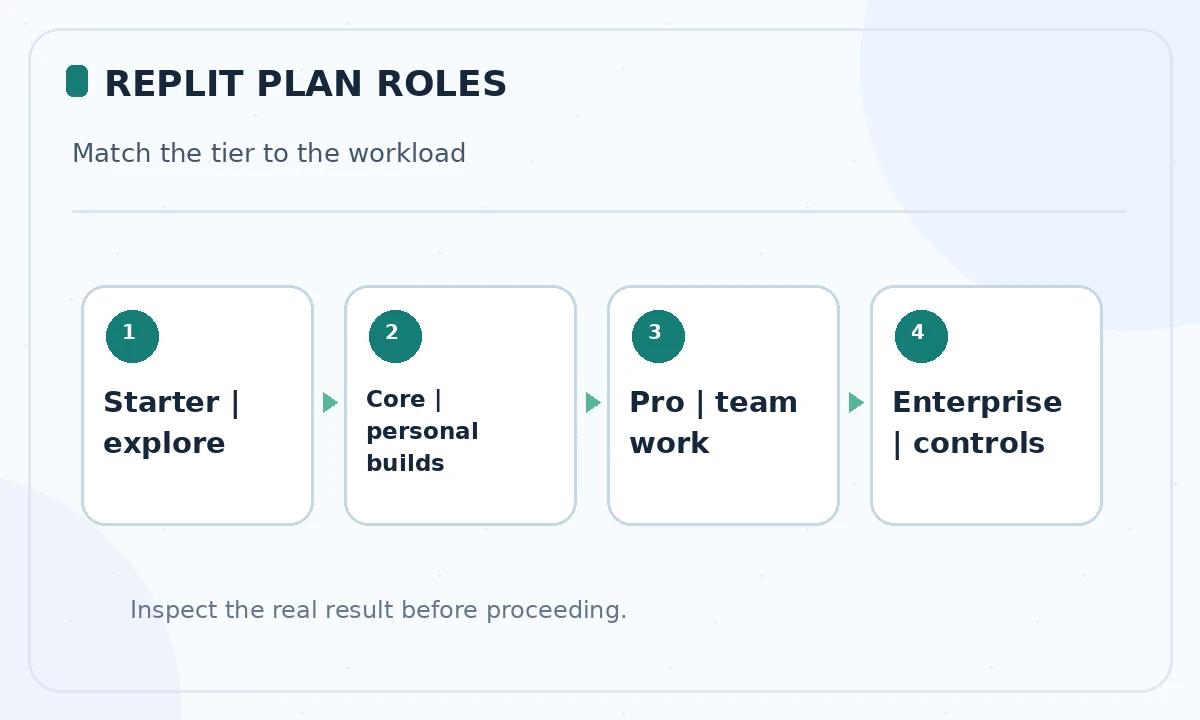
Starter is the no-cost entry for exploring Replit with limits on Agent activity and publishing. Core targets an individual who needs larger builds and a sustained personal workspace. Pro adds broader collaboration and higher resource allowances for more demanding or commercial projects. Enterprise is a sales-led option for organizations requiring centralized control and security terms.
Replit’s current public pricing entry lists Core around $20 per month and Pro around $100 per month on a monthly headline view, with lower monthly-equivalent annual examples shown on another page. A separate official pricing URL still presents a different annual discount and included credits. Treat any specific amount in marketing as a snapshot; confirm billing frequency, tax and included credits in the exact checkout account.
Read included credits without double counting
An included credit allowance is consumption capacity, not money automatically deposited into your bank or an unlimited Agent subscription. On some Replit pages Core and Pro credit amounts are advertised alongside access to stronger models, Free Mode usage and collaboration limits. Compare the actual billing dashboard categories before deciding that every feature spends the same balance.
Make a monthly ledger with columns for Agent work, deployment, database or integrations where applicable. Record posted charges or documented credits from your own usage view, not guessed per-request prices. If the plan bundles specific capabilities, verify whether they apply to your app type, region and workspace before taking them as guarantees.
Estimate a month of work with a scenario worksheet
Imagine an illustrative month containing a landing-page prototype, four small bug fixes, one authentication integration and a hosted demo. These are planning categories, not claimed Replit prices. List the tasks, how often you expect to run them, the chance of retry, and which services remain active after you stop prompting. Long-running hosting is a separate responsibility from initial code generation.
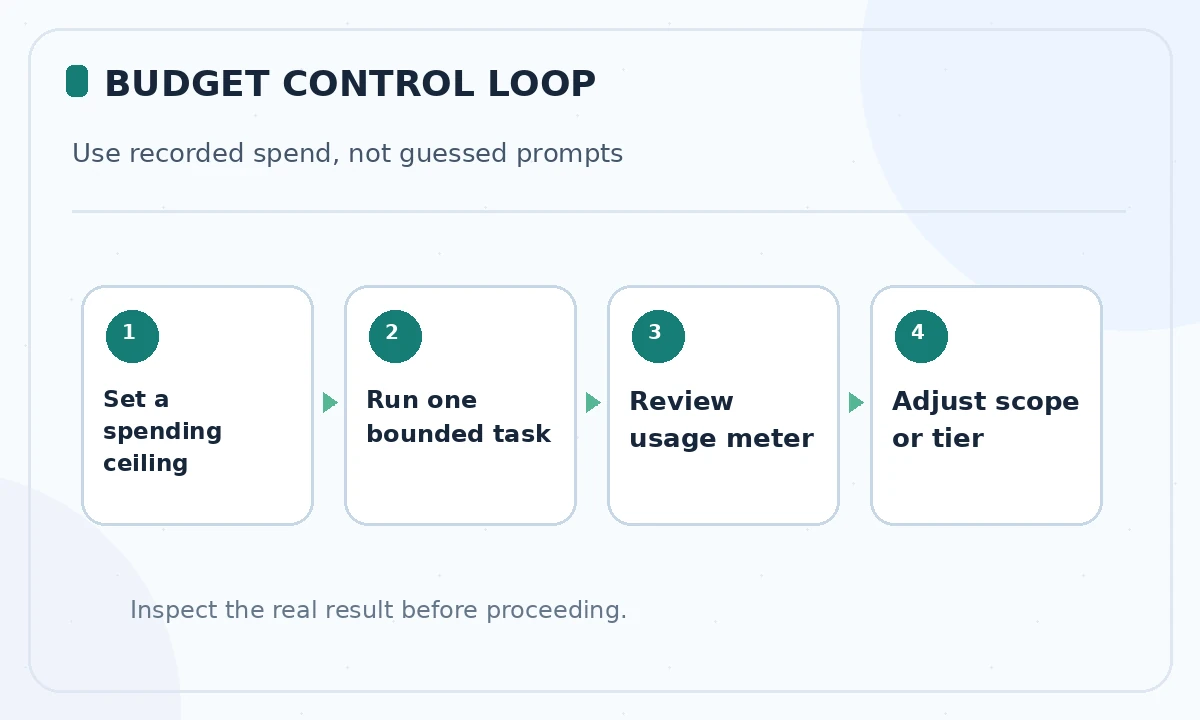
After the first few real tasks, substitute observed dashboard spending into the worksheet. For example, if you spend 60% of a budget on one integration, stop and improve its specification before continuing. Set your monthly spend ceiling at the account level where supported, and consider a simple manual implementation for tasks whose Agent review cost dominates.
Use Agent modes as a cost-control tool
Replit documents Lite for narrow UI fixes, Economy for cheaper work, Power for more capable standard builds and Turbo for a faster, more expensive path on eligible plans. The mode name is not a fixed dollars-per-task guarantee. Lite can be appropriate for changing button spacing, while a database schema or authentication design deserves a carefully reviewed plan.
Try Plan mode to examine requirements before allowing changes, but remember that planning interactions may also be billed. Ask Agent for a bounded milestone with a stopping condition, then review output and usage. If it drifts into repeated retries, stop instead of assuming the next run will be free or successful.
Account for people and deployment responsibilities
If two developers need simultaneous access, check the plan’s collaboration allowance and workspace permissions. Pro may make more sense than several disconnected individual environments, but only if its controls fit your team. For a customer-facing product, include operational requirements: private deployment availability, production logs, backups, domains and incident response.
A sandbox that runs during development is not necessarily a complete production service. Document which databases and endpoints are active, who owns billing and whether any third-party integration carries its own fees. Replit does not replace cloud cost planning merely because an agent generated the app.
Choose an upgrade trigger based on evidence
Stay on Starter if you are experimenting with small, non-sensitive tasks and do not require paid-only functionality. Consider Core when you repeatedly hit meaningful limits or need a dependable private workspace. Consider Pro if multiple collaborators or higher usage and operational features are essential, rather than paying merely because a demo looked impressive.
Before upgrading, inspect your last two weeks of work: completed outcomes, retries, time spent checking generated code, actual charges and features you could not use. An upgrade is justified only when it removes a real obstacle at an acceptable total cost. Beware of comparing yearly advertised rates to monthly cancel-anytime offers.
Prevent billing surprises before launch
Open the billing dashboard, review the spend policy and identify a person who receives alerts. Do a small end-to-end deploy before switching on background activity. After release, review any running services, unneeded preview deployments or integrations. Keep change logs and rollback plans, since a mistaken agent edit can cost much more than its generation fee.
Prices and allowances change quickly. Revisit the official checkout and the latest Replit billing documentation when making a purchase. This article is an editorial budgeting framework based on published terms, not a quotation for your account or a benchmark of Agent performance.
How We Research
We reviewed the current primary-source documentation as of October 26, 2026: Replit current pricing; Replit subscription comparison; Replit Agent mode guide. We distinguished documented plan features and limits from editorial workflow suggestions, and we compared the intended reader task with the previously published LabFin material. We did not purchase plans, perform product benchmarks, run code or verify an individual account’s entitlements. Where product pages conflict or terms may change, we have identified the uncertainty and recommend confirming checkout or live account details.
Frequently Asked Questions
Yes. Starter is the entry tier, but Agent usage and publishing capabilities are limited; inspect current plan conditions.
Do not assume that. Replit describes effort-based billing and included allowances, with usage varying by task complexity and mode.
Official pricing surfaces can be updated at different times. The exact checkout for your billing interval and account is decisive.
Modes change the speed and cost profile, not all risks. Set a budget, narrow scope and review usage after meaningful steps.
Not necessarily. Treat external services as separate until current integration and billing terms explicitly confirm otherwise.