
A vector that looks sharp in a preview is not necessarily ready for a client. The useful question with Recraft is whether an AI-generated symbol can be edited as separate shapes, exported as an SVG, and licensed for the exact job you plan to do. This guide follows a fictional neighborhood coffee shop creating a simple leaf-and-cup icon. It separates product-documented capabilities from our recommended design checks, without claiming hands-on testing or exclusive rights.
Choose a vector deliverable before generating
Set the final uses first: a small menu icon, a website header mark, and a one-color sticker. Each imposes a different test. For a tiny icon, avoid fine strokes and nested details that disappear at 24 pixels. For the sticker, require closed paths and a clear single-color silhouette. For the header, reserve room beside the icon for human-typeset brand text. Write these criteria in the brief before asking for attractive artwork.
A practical prompt is: “Minimal cup with two leaves, flat editable vector, three solid shapes, no letters, no gradient, no trademark-like symbols, high contrast.” The phrase “editable vector” is a production requirement, not a guarantee. Review what the exporter actually provides.
Build a small selection set, not a huge gallery
Generate three concept directions: leaf inside the cup, leaves forming the handle, and a leaf above the steam. Keep shape count and palette steady so the designs can be compared fairly. Do not score them by which has more flourishes. Instead, place each over a white and dark background and compare its recognizable outline at small size.
Create a decision sheet with columns for silhouette clarity, number of awkward small details, ease of recoloring, and similarity to an existing brand. The highest-scoring option is a candidate for editing, not finished legal clearance. Save the brief and decision notes so later revisions have a traceable purpose.
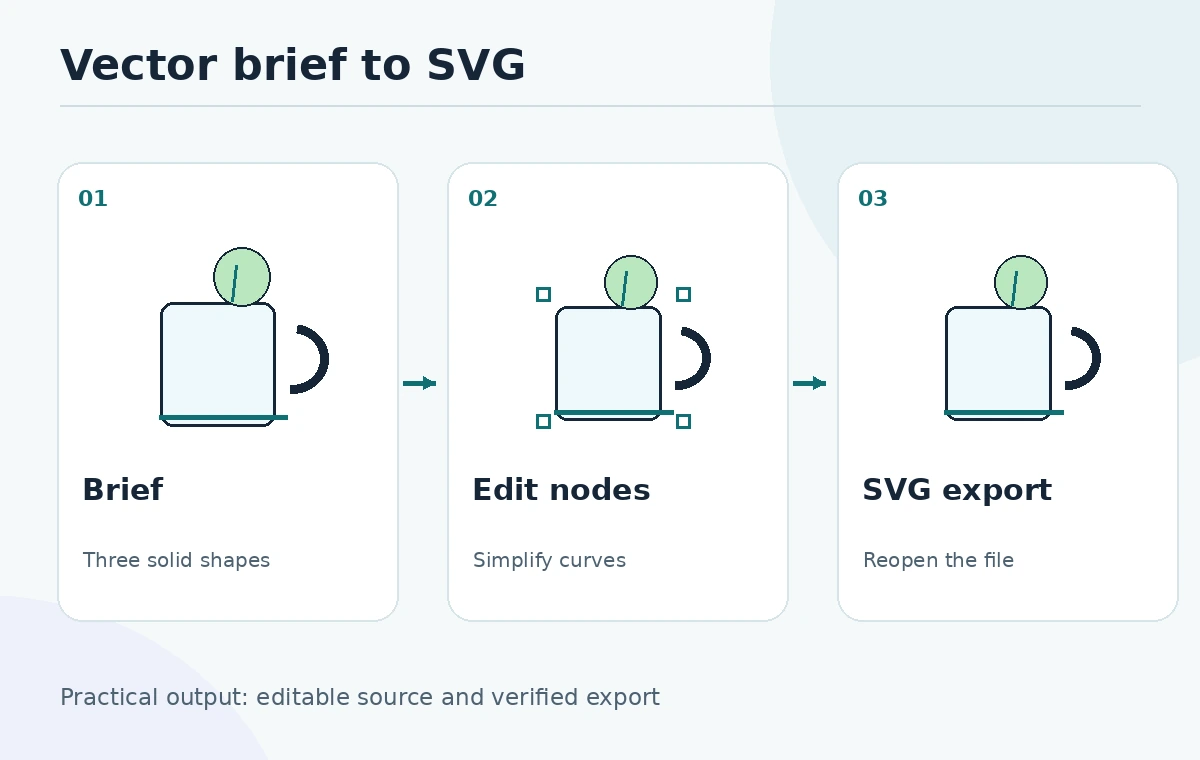
Edit anchor points, fills and unwanted details
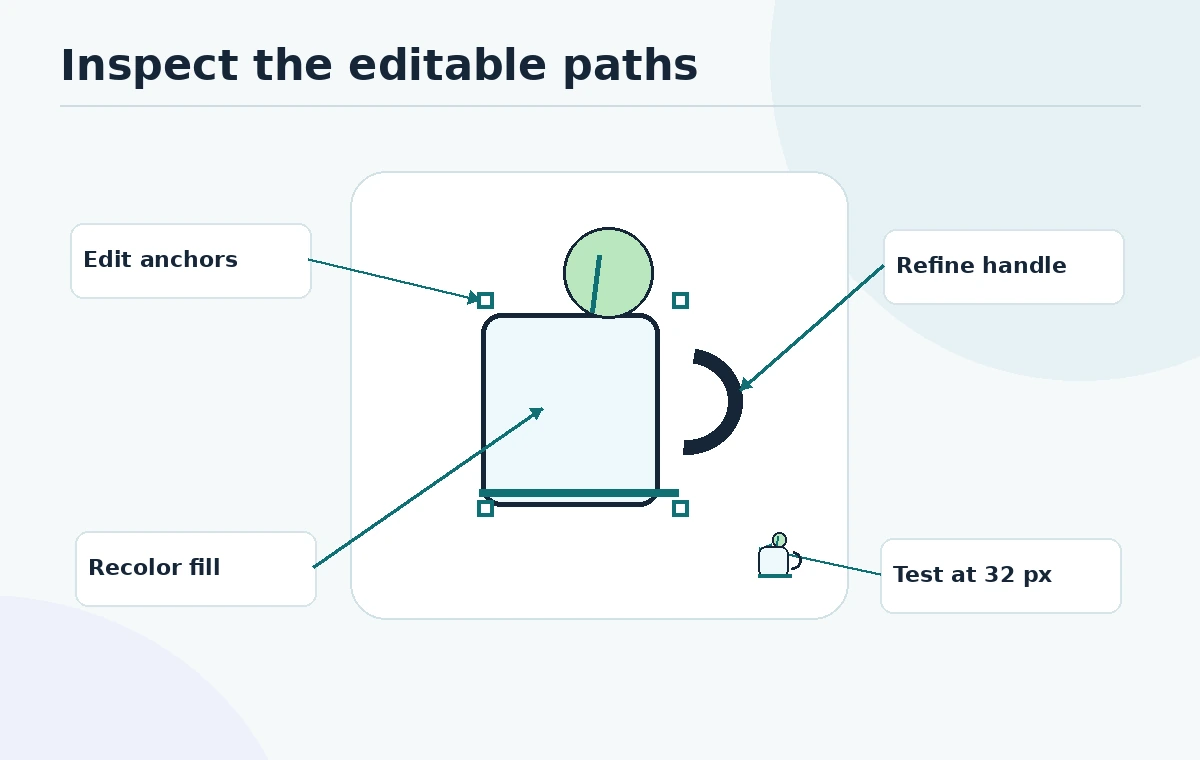
Recraft documents a vector editor in which users can double-click a shape, manipulate anchor points, recolor elements and duplicate components without leaving its Studio. For the leaf-and-cup illustration, simplify an uneven leaf edge, make the handle thicker and reduce the palette to dark teal and cream. Each edit has a visual purpose that survives at small sizes. Recraft’s vector editor overview describes these controls.
After each edit, zoom out to typical display size rather than judging only at 400 percent. Remove decorative lines if they disappear at 32 pixels; they add file complexity without adding information. Keep the original export separately for comparison.
Verify the SVG is truly practical to hand off
Export the edited graphic as SVG and reopen it in the intended design application. Check whether the parts are individual paths or a flattened image embedded in an SVG wrapper; a filename extension alone does not prove editability. Inspect gradients, transparency, unexpected clipping masks, the viewBox and the number of nodes. These checks matter when a designer needs to recolor or resize the mark later.
For final delivery, save an editable SVG, a transparent PNG preview and a one-color test version. Record dimensions and the approved palette. A print vendor may ask for a PDF or another format; confirm its actual specification rather than assuming any SVG will satisfy every vendor.
Separate free personal use from paid commercial rights
The current Recraft terms state that Free Tier assets are for personal use and cannot be used commercially. Its paid-subscription language grants business use and assigns the rights the service can assign, subject to restrictions. Therefore, a free account can be a useful practice environment, but its generated icon should not simply become a paid client deliverable.
The creation date and plan at the time of generation matter. Recraft’s ownership FAQ says upgrading later does not retroactively transfer ownership of free-plan creations. Recreate approved concepts under a qualifying plan and retain billing, license and project records. Rights to third-party marks or copied artwork are a separate question.
Run a visual and brand-confusion check
Place the cup icon on a fictional sign, mobile navigation bar and printed label. Test both very small and very large views. Ask a reviewer to identify what the symbol depicts without explaining the prompt. If it looks like a droplet or a medical emblem, simplify before approval. Convert to monochrome to catch shapes relying entirely on color contrast.
A generator is not a trademark search tool. Search existing marks in relevant product categories and obtain professional advice when the brand stakes justify it. Avoid promising originality or registration eligibility. The benefit of vector output is easier manual editing and reproduction, not automatic freedom from conflicts.
Use a handoff checklist and failure triggers
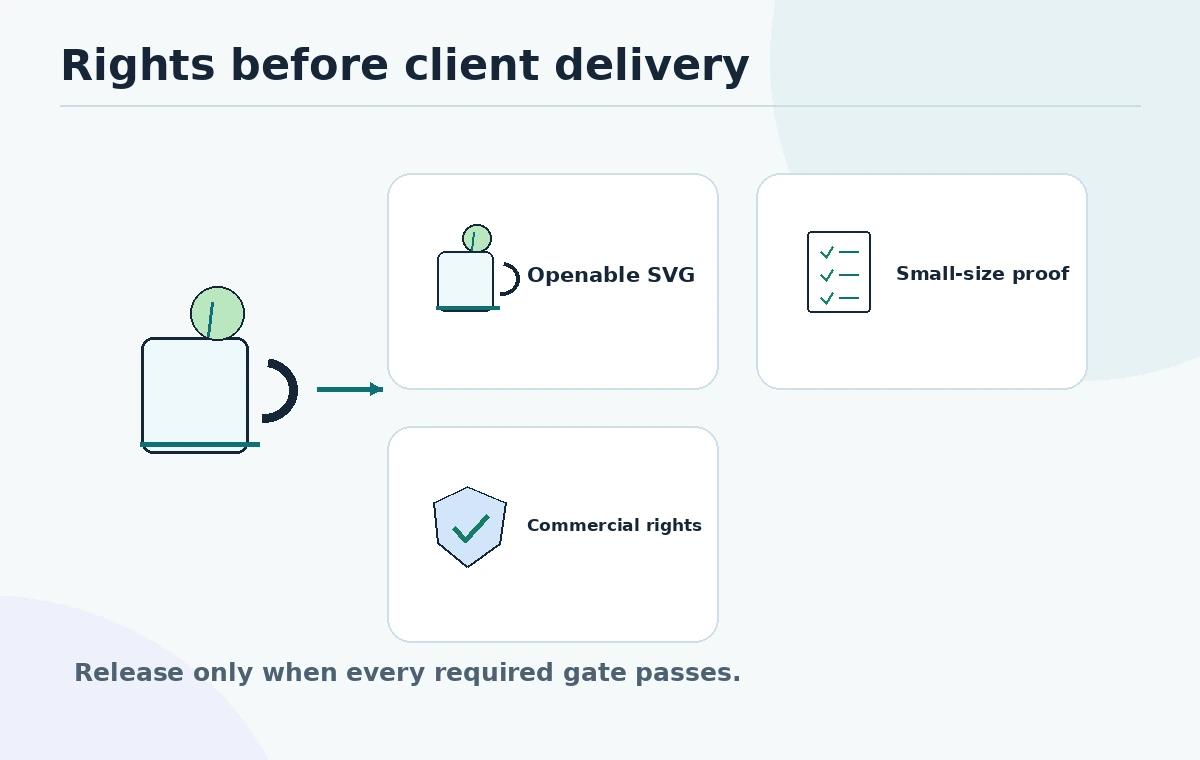
Approve only after the owner can open the SVG, recolor each intended shape, read it at favicon scale, and document a permitted use case. A useful checklist reads: brief saved; free-versus-paid origin known; path count reasonable; transparent preview legible; one-color proof accepted; potential conflicts reviewed; final owner assigned.
Reject or rework the result if the editor exposes an uneditable bitmap, thin strokes disappear, the icon resembles a known logo, or the plan does not support commercial distribution. At that point a conventional illustrator may be cheaper and safer than repeated generation.
For a concrete handoff test, ask a second designer to change the icon from teal to charcoal without modifying the source concept. Give that reviewer only the final SVG and approved color codes, not a screenshot. Record whether each logical shape can be selected separately and whether the design still reads at 24 and 48 pixels. If a leaf requires dozens of points to maintain a simple curve, redraw that path by hand. This small transfer test checks the value of an editable master much better than merely looking at the export in a browser. Keep a separate dated license note with the deliverables.
How We Research
We reviewed Recraft’s editor documentation, its current Terms of Service, and the ownership and commercial-use FAQ on October 27, 2026. The example brand and QA checklist are editorial illustrations, not output from a test account. We avoid quoting fluctuating generation allowances and distinguish contractual use permission from trademark clearance.
Frequently Asked Questions
Recraft documents SVG export and shape-level vector editing. Reopen the file in your actual editor to verify its paths and compatibility.
The current terms restrict free-tier assets to personal use and prohibit commercial use. Check the terms applicable when the image was generated.
Recraft says upgrading does not retroactively transfer rights in free-tier creations. Generate the deliverable under a qualifying plan.
No. SVG describes a file structure, not uniqueness, originality or trademark availability. Perform a separate brand-conflict review.
Yes. Preserve an editable vector master for revision and a transparent raster proof to verify everyday display at small sizes.