
Converting a photo to a painting with AI can be a good way to create editorial artwork, gifts or a campaign concept. The challenge is changing the medium without quietly changing the subject. Our fictional source is a blue vase holding three yellow flowers on a table. The guide explains how to specify painterly style, preserve the core composition, proof details and keep licensing and print requirements separate from the visual effect.
Decide what may change before choosing the style
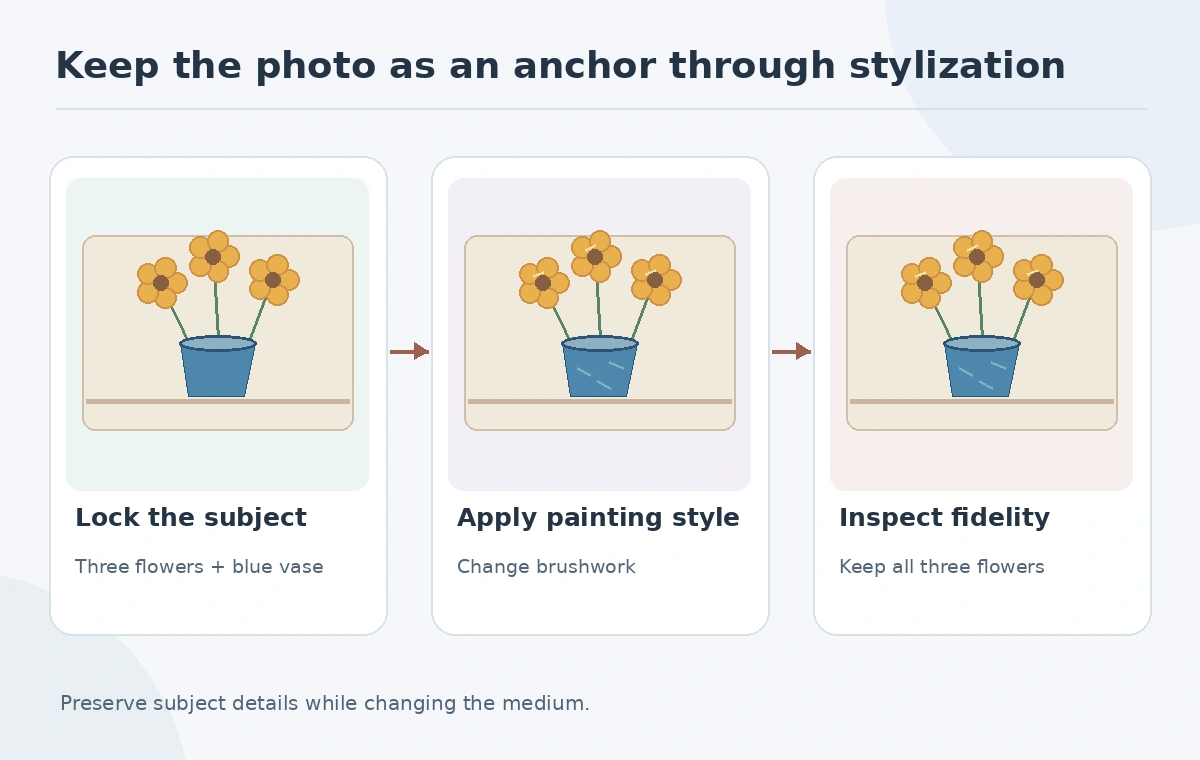
Make two columns in the brief: locked subject facts and flexible artistic choices. For the vase photograph, lock the number of flowers, vase silhouette, table edge and general arrangement. Allow brush texture, color temperature, background treatment and degree of abstraction to vary. Without that separation, a generator can make a beautiful painting that depicts a different still life.
Keep the original image in a separate source folder. If it is a client portrait, product photograph or copyrighted artwork, obtain the permissions needed for transformation and publication. Changing the style does not establish ownership or erase other people’s rights. Do not describe the output as an original hand-painted commission if a generator produced it.
Choose a method: filter, image guidance or manual paintover
A filter-based workflow can be convenient for applying a coherent painterly texture. Adobe’s Neural Filters instructions describe artistic looks and output choices such as a new layer or smart filter. A guided generation workflow can reinterpret the picture more extensively using reference images. Manual paintover remains the most controlled way to repair specific anatomy, objects or brush marks.
Select the method according to the degree of change you can accept. For a corporate product illustration, preserving exact labels or geometry may require a non-generative edit. For a playful floral poster, larger shifts in texture may be fine. Tool availability and filter status can change, so verify the options in the installed version.
Prepare a reference that describes brushwork, not a brand copy
Choose style language such as broad gouache strokes, visible canvas tooth, warm shadows and a limited ocher-and-teal palette. A licensed or self-made style example can clarify the visual direction. Adobe’s Firefly style reference guidance documents using an uploaded image and adjusting reference strength. It does not mean every output will match the source composition automatically.
When the placement of three flowers and a blue vase is essential, consider a separate composition reference where supported. Style guidance sets the look; composition guidance addresses arrangement. Keep these controls conceptually distinct in the review notes.
Work through two controlled visual passes
First generate a restrained painterly treatment and compare the flower count, vase neck and table line to the photograph. If it passes, try a stronger brush texture without changing the reference subject. Record which variation changes palette versus structure. Avoid judging only by visual novelty; an eye-catching but inaccurate vase may not satisfy the brief.
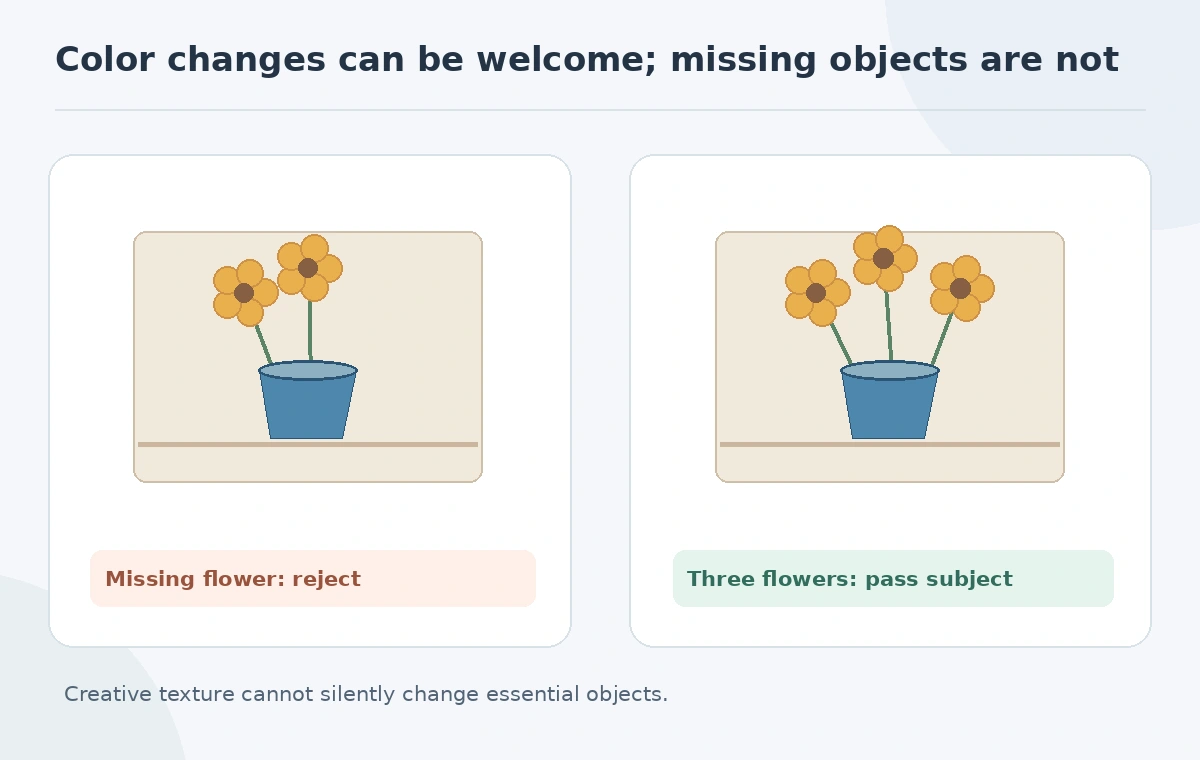
For the example, the successful variant keeps all three yellow flowers and the blue vase in approximately the original places. The failed variant silently adds a fourth flower and bends the vase opening. A simple before-after contact strip gives the reviewer a clear basis for choice. These are illustrative acceptance conditions, not measured test results from a particular tool.
Repair mistakes without painting over the evidence
Zoom into object junctions, flower stems, shadows and the tabletop edge. Texture can conceal a missing stem or distorted rim until the art is printed. If the tool changes a key subject detail, return to the more conservative variant, refine a mask or use manual brushwork. Do not force another random generation if a local fix is safer and more predictable.
Keep a non-destructive working file when the editor supports layers or smart filters. Adobe notes Neural Filters categories, including experimental features whose output can vary. Treat beta results as proposals to inspect rather than as guaranteed production controls.
Prepare different exports for screen and print
For web, decide final pixel dimensions, color profile, compression and alt text. For print, agree on final physical size with the printer and verify effective pixel density at that size. A low-resolution generated painting can look sharp on a phone but fail on paper. Enlarging with an AI upscaler may create plausible brush texture, yet it cannot recover documented detail that was not present.
Inspect a full-size print proof if the job warrants it. Strong brush textures may break into busy noise on an inexpensive paper, and oversaturated blues may shift in print. The review should address actual output conditions, not a vague claim that “AI made it 4K.” Preserve the original photo and layered source alongside flattened exports.
Approve the final painting on two independent criteria
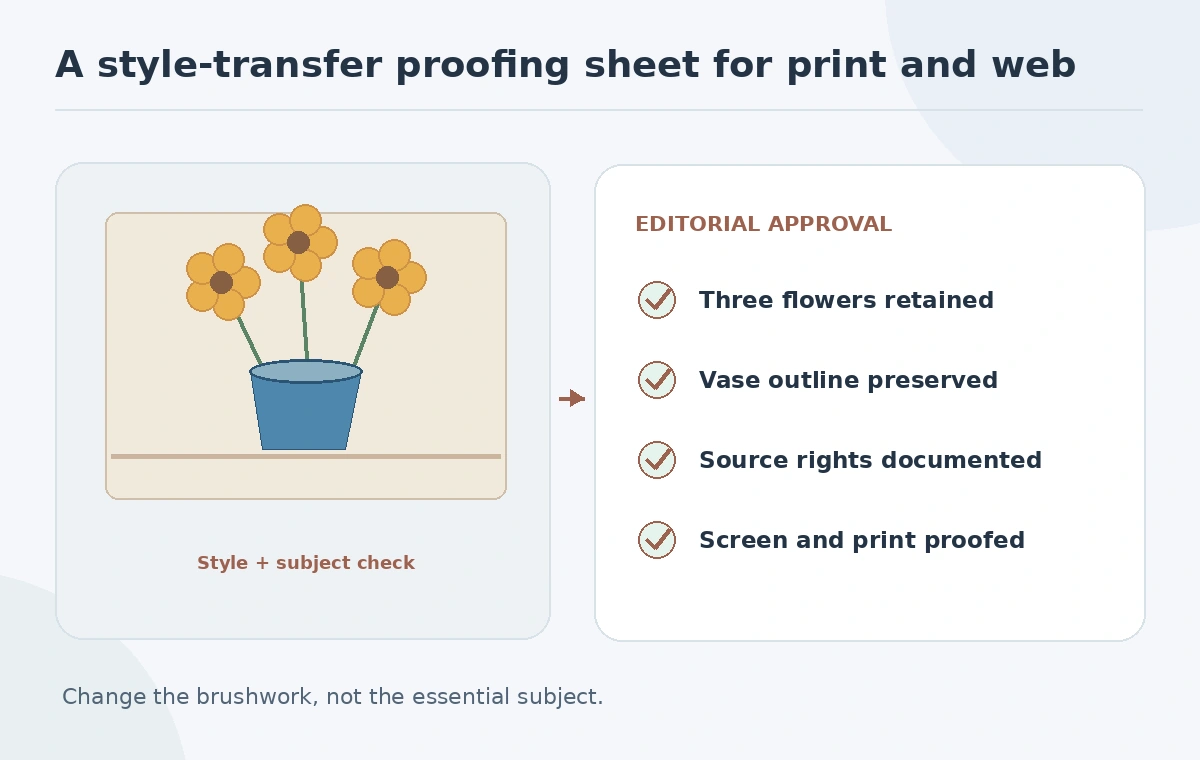
Approve artistic quality and subject fidelity separately. Artistic quality asks whether the brushwork, palette and composition communicate the intended mood. Subject fidelity checks whether the objects, their count and their important proportions remain as agreed. Add a permission and disclosure check for the final publication venue. An aesthetically strong result that changes a client product’s shape is not necessarily usable.
In our vase example, pass means three yellow flowers, the same recognizable blue vase and intentionally painterly texture. Reject if a flower disappears, the vase turns into an invented product or the source image lacks authorization. Save the brief, permission, approved proof and intended-use notes as the durable deliverable.
How We Research
We checked Adobe’s Neural Filters guidance, style reference help and composition reference instructions on October 27, 2026. The flower illustration is hypothetical and no tool-output quality test is claimed. We distinguish product documentation from practical recommendations, use invented examples rather than unperformed tests, and review image claims against the illustrated decision checks.
Frequently Asked Questions
No. Compare subject details and use stronger composition controls or manual editing when needed.
No. Filters can preserve more of the source; generative guidance can reinterpret its contents.
Confirm applicable permissions for uploading, transformation and publication first.
No. Verify effective dimensions and inspect the actual print proof.
Both intended artistic style and the required subject details must pass review.