
Turning a personal photo into anime art can make a profile or gift feel distinctive, but a convincing style transformation is not guaranteed to preserve the source person’s identity, accessories, or body proportions. For other people’s photographs, obtaining permission to upload and transform the image matters before any creative settings. This tutorial uses a fictional consented portrait and Adobe Firefly’s documented anime-image workflow to keep the subject recognizable while leaving room for artistic interpretation. It is not a claim that the examples were generated or experimentally rated.
Get permission and create a source-of-truth portrait
Choose a photograph that you own or are explicitly authorized to upload and modify. For a portrait of someone else, ask whether they consent to AI stylization, where the finished picture will appear, and whether the source may be stored by an external service. A public social-media picture is not automatically permission for private upload, commercial reuse, or digital impersonation. For children or sensitive contexts, use stricter consent and safeguarding rules.
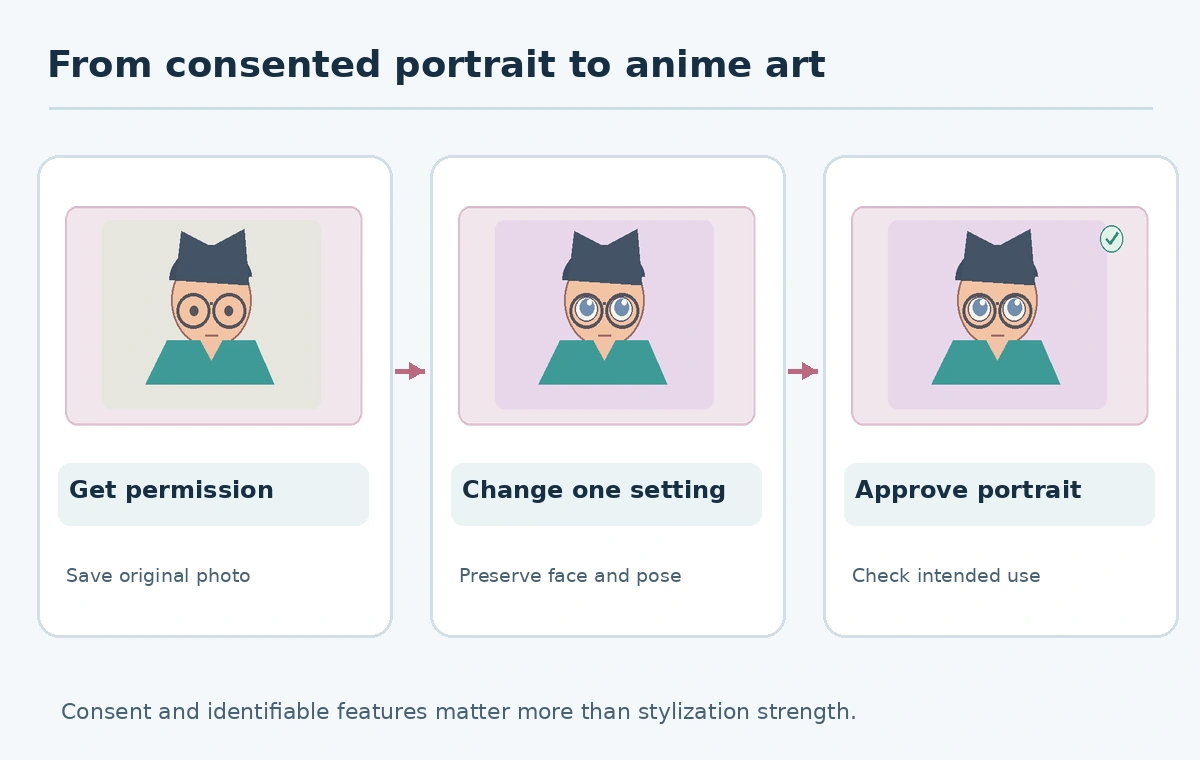
Save the original as the comparison reference. Note distinctive features that matter for recognizing the person: hair shape, glasses, skin tone, clothing, pose, and any visible accessories. Avoid asking the image tool to infer unseen physical features, disabilities, age or identity from the photo. The goal is a stylized likeness, not a deceptive reconstruction of facts about the subject.
Use a supported image-to-image workflow
Adobe’s Firefly anime-filter guide describes uploading a reference photo and writing a style prompt. Its current page lists JPEG, PNG and WebP among supported inputs, while controls vary with the selected model. Work from the official interface, not a search result imitating a vendor upload page. Confirm the current processing terms before sending private photos.
Write a prompt describing a general visual language rather than copying a specific protected character: “anime-inspired portrait, clean expressive outlines, warm palette, simple park backdrop, retain dark round glasses and teal jacket, no added text.” Keep the pose, clothing and background requirements in separate sentences. This helps a reviewer judge whether the result is a deliberate style translation or a complete reimagining.
Adjust style strength one variable at a time
Firefly’s guide documents a strength setting that affects how closely supported results follow the source composition. Begin with a conservative setting if resemblance is important, then change only the style strength across a few candidates. The exact UI and supported models may vary; do not promise a universal numeric slider for every partner model. Retain the settings with each image so a collaborator knows what changed.
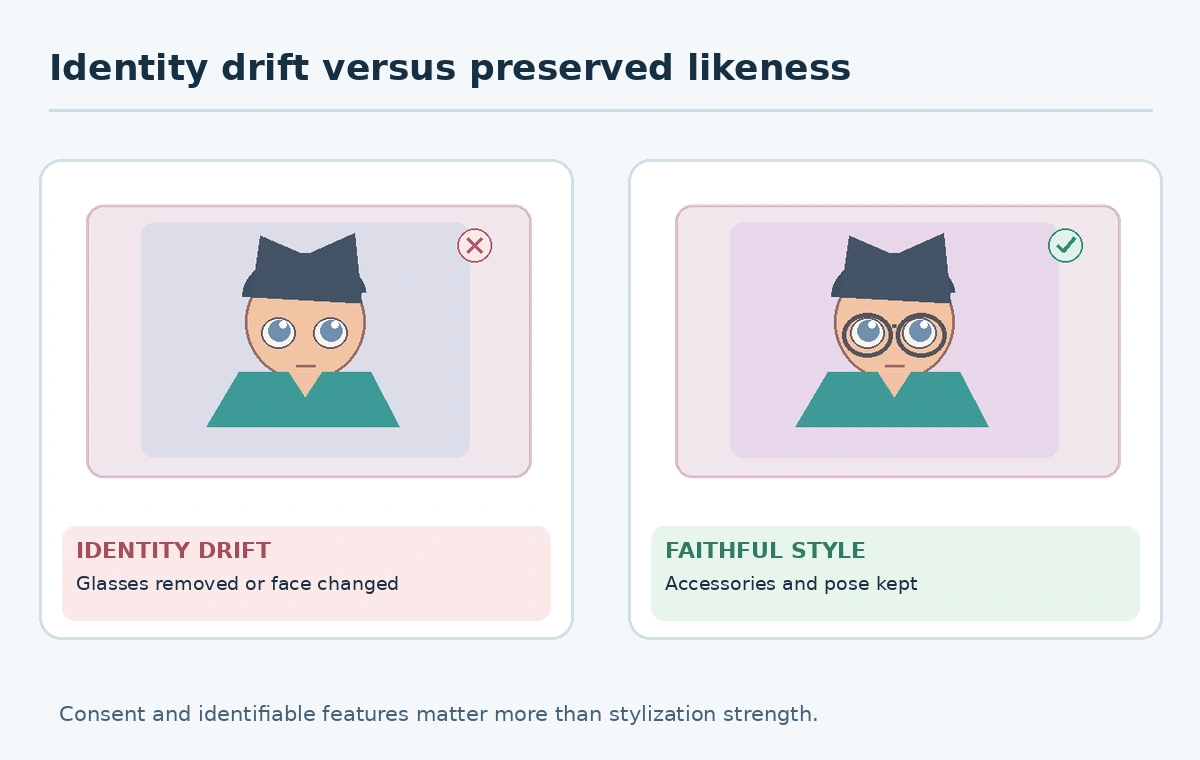
Create a small comparison sheet with the reference and two or three candidates at the same crop. Review hairline, eyeglass rims, garment color, hand count, and any distinctive pose. If every candidate changes an important identity cue, do not keep increasing strength hoping that quality alone will fix it. Return to a more faithful source and refine the text instructions.
Separate intentional stylization from errors
Large eyes, simplified shadows, and graphic outlines can be artistic style choices. Missing earrings, mismatched hands, altered skin color, a new tattoo, or a changed uniform may be mistakes. Ask the subject which details must remain true. The review should include both full-frame and close-up inspection. A facial resemblance judged only by hair color is not enough when a user expects a recognizable portrait.
Do not draw technical or clinical conclusions from an anime image. It cannot reliably establish a person’s age, health, identity or official appearance. Keep the original photo if the picture will be used for a family album or as a commissioned gift; labeling the stylized result helps viewers distinguish art from documentary evidence. Avoid publishing a realistic-looking portrayal that could mislead readers about events that never happened.
Finish editable type and presentation outside the model
If the artwork becomes a birthday card or channel profile, export the accepted image and insert exact wording through a normal design editor. Don’t depend on an image model to spell proper names correctly. Test crops for circular profile avatars and small device previews; glasses or a recognizable hairstyle should not be cut away. Confirm the output resolution is sufficient for the final display or print size.
Adobe says Firefly-model anime images can be used commercially, while advising users to check differing terms for partner models. That vendor statement does not cancel source-photo permissions or likeness rights. For merchandise, verify the selected model terms, any imported backgrounds, and whether the person authorized commercial distribution rather than personal gifting alone.
Use a clear approval and deletion checklist
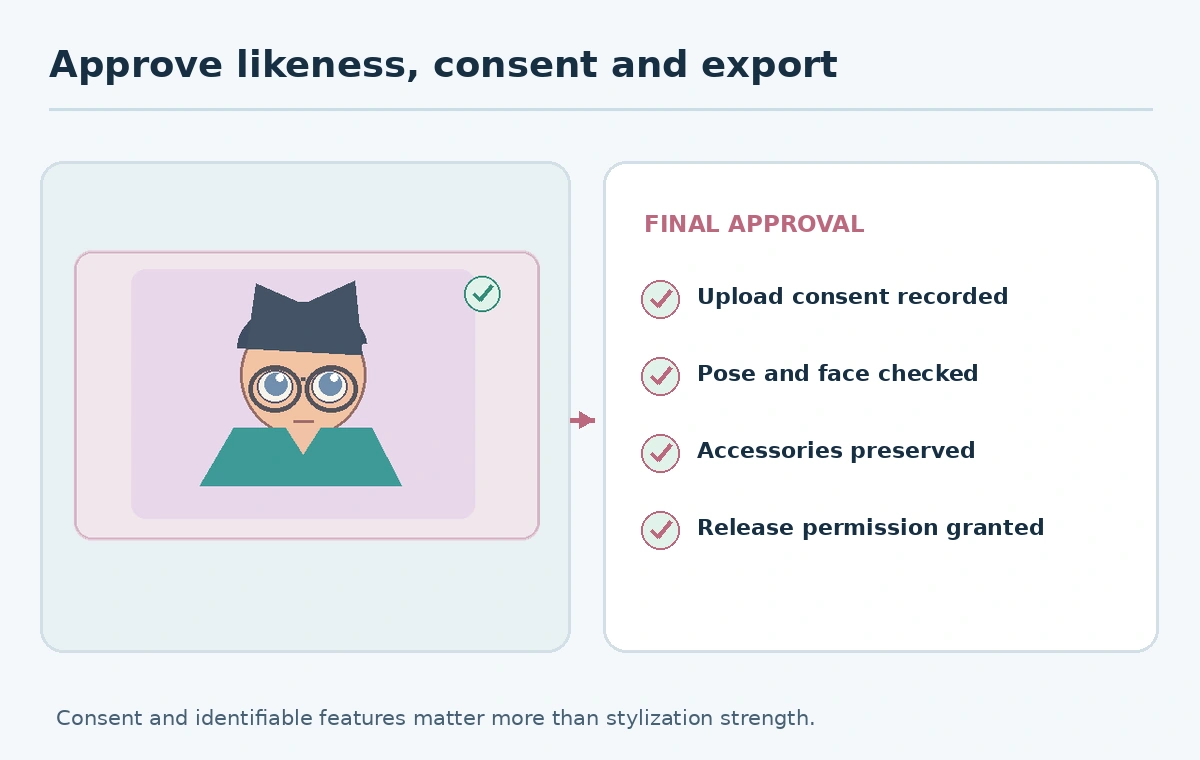
Ask the subject to approve the final crop and depiction when appropriate. Save the accepted version, source permission, provider or model name, and the intended use. Do not send the full original photo to every reviewer if a cropped proof is enough. Keep private references in a limited-access folder and delete unnecessary local drafts according to the agreed policy and provider retention options.
For a repeatable art commission, record two approvals: the right to upload and transform the source image, then approval of the resulting depiction and release context. If either is missing, hold publication. A vivid image can be a good piece of art and still be unsuitable for a public profile, advertisement, or client campaign.
How We Research
We consulted Adobe’s official Firefly anime-image guide on October 27, 2026 for supported inputs, style workflow, strength controls, and distinction between Firefly and partner-model terms. The portrait, consent record, identity cues, and approval process are hypothetical editorial examples. We did not upload personal photographs, test outputs, or verify individual consent.
Frequently Asked Questions
Public visibility is not the same as permission to upload, transform, or commercialize the image.
No. Review distinguishing features against the source and obtain approval for consequential uses.
Start conservatively when likeness matters and change one setting at a time.
Use an editable design application for accurate names, captions and layouts.
No. Check the chosen model’s conditions and permission for the original photograph.