
A recurring character can look like a different person when the outfit, camera angle or environment changes. Ideogram’s current Character workflow uses reference images to guide a new scene. This article uses an invented café-owner character in three simple editorial illustrations and provides a continuity audit you can apply before publishing. The objective is recognizable likeness within a fictional story, not a promise that generative models preserve exact faces or guarantee permission to use real people.
Understand which Character workflow is current
Ideogram’s Character feature page describes the current Image app workflow using Ideogram 4.5: add one to five reference images, write a scene prompt, and refer to a supplied image with a tag such as @img_1. The same page also documents a separate Ideogram 3.0 API endpoint that accepts one character reference image. Those two descriptions should not be combined into an imaginary universal limit or a single identical interface. For the human-facing workflow in this article, choose the current Image app route rather than assuming the older API screen. Use only reference photos or character drawings you are authorized to process. If a real employee will appear in ads, obtain informed consent, agree on allowed contexts, and treat the generated output as a new potentially inaccurate portrayal. See the official Ideogram Character feature guidance.
Design a reference pack that survives camera changes
Start with a sharp front view of your fictional café owner, then add a left three-quarter view and a neutral-profile angle if appropriate. Keep distinctive attributes visible: short dark hair, round gold glasses, a small green scarf, and a calm facial expression. Avoid harsh shadows that conceal eye shape, heavy filters, or cropped ears. For real-person use, ensure each reference is cleared, collected for a defined purpose, and stored with appropriate access controls. More photos do not automatically make a character more accurate; inconsistent ages, haircuts, and wardrobe in the input set can confuse the brief. Document non-negotiable identity traits and explicitly mark flexible ones such as pose, background, jacket, or lighting.
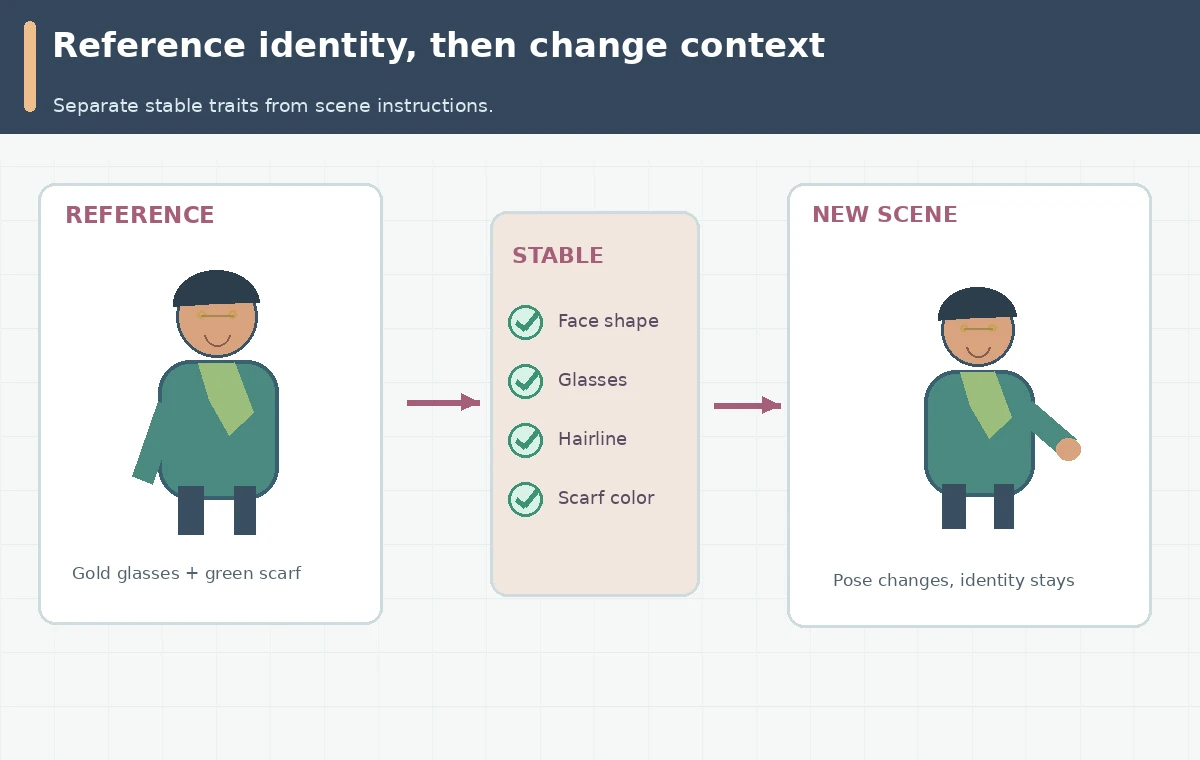
Write three scenes while preserving identity cues
Build a short scene list before generating: the owner hands over a coffee cup at the counter; the same owner reads a menu board; the owner walks outside in a raincoat. Mention the character using the Image app’s actual reference tag, such as @img_1, and request a single focused action with a clear camera perspective. Hold the permitted identity traits steady, and vary one production dimension at a time. For instance, keep framing similar when testing new outfits, then keep outfit constant while changing the location. This reduces the chance of mistaking an image-style change for a likeness failure. A descriptive scene prompt is a brief, not proof that a visual reference will be followed exactly.
Review anatomy, face, wardrobe, and scene continuity separately
Make a four-column continuity scorecard: face, signature accessories, hand/action plausibility, and background continuity. At full resolution, compare eye spacing, jawline, hairline, glasses silhouette and expression to the authorized reference. When the subject carries a cup, check finger count, grip and the location of cup handles. If the scarf changes color, decide whether that is an intentional wardrobe variation or a recognizable character cue that must be restored. Review any sign, menu, brand mark or other exact text in a real design editor. An attractive generated image can still invent a café logo or turn a neutral customer scene into an inaccurate endorsement. A human editor should approve final assets.

Decide when to use Character, Magic Fill, or a style reference
Character reference is for recurring identity across new compositions. Ideogram also presents Magic Fill as an option for localized edits, while Remix borrows characteristics or composition from an input without guaranteeing subject identity. If just the scarf or background is wrong, a selective edit may be less disruptive than generating a completely new character. A style reference can help colors and illustration finish but will not replace an identity reference. Keep these mechanisms distinct in the approval notes, and revalidate after any editor action because even local changes can alter neighboring details. For product photography or portraits, do not use generative likeness to pretend a real event or professional endorsement occurred.
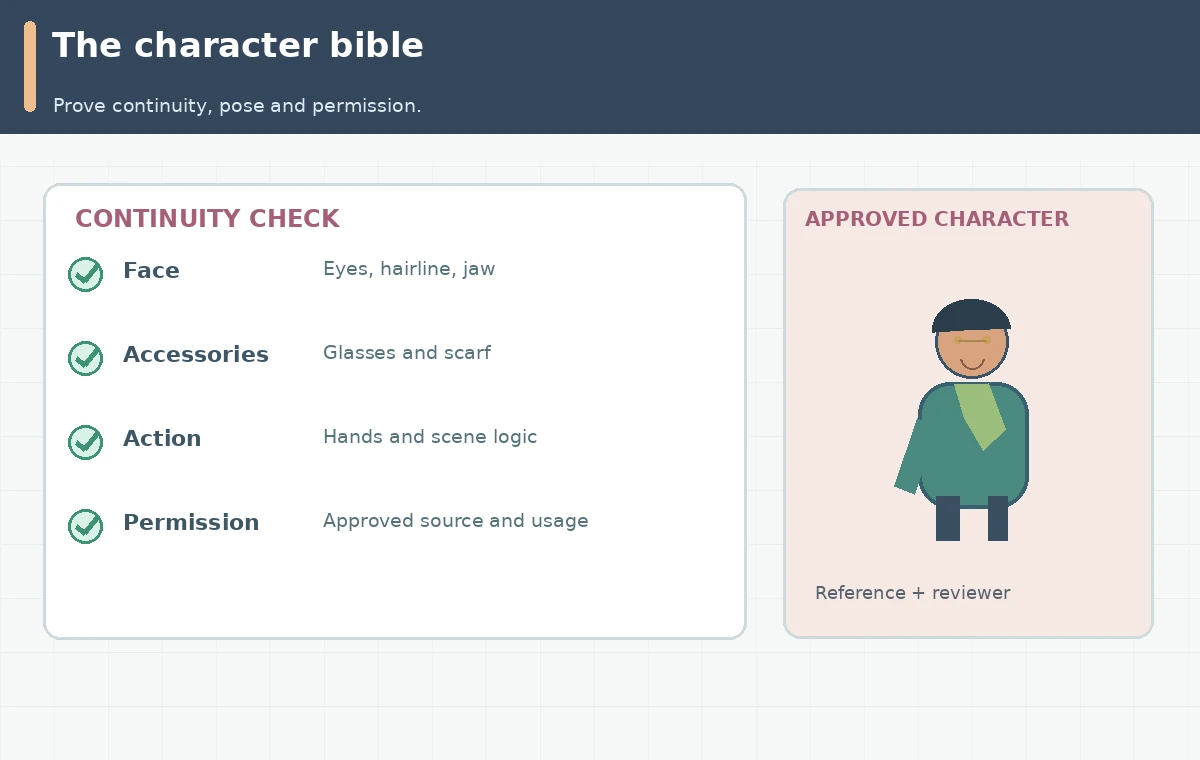
Package a safe character bible for future episodes
The usable deliverable is a one-page character bible with authorized reference thumbnails, a plain-language attribute list, three approved scenes and a table of forbidden deviations. Include filenames, origin of each reference, intended channel, release or consent status, the chosen model, prompt, image tags and who approved the final illustrations. Keep source photographs separate from public creative files. When a new scene is requested next month, begin with that bible rather than only a vague request to “keep her consistent.” For commercial publication, recheck terms and platform policies at the date of use; an official feature page describing commercial uses is not a blanket guarantee about every face, trademark or source image. Remove or revise a result if it misrepresents someone.
How We Research
We examined the current Ideogram Character product documentation on October 28, 2026, distinguishing the Ideogram 4.5 Image app workflow from the Ideogram 3.0 API example. The café owner is a fictional editorial drawing; we did not generate or evaluate likeness on an Ideogram account. The illustrations are original conceptual diagrams. Screens, claims of tested effectiveness, and measured product outcomes are not represented.
Frequently Asked Questions
Its Character guidance currently describes one to five reference images in the Image app.
No. The Ideogram 3.0 API example documents one image for that specific character-reference endpoint.
Yes. Obtain permission and check legal, privacy, and platform requirements before uploading a real person’s likeness.
Not reliably. Style guidance and identity guidance serve different purposes.
Face and accessories, hands and poses, any exact text, allowed scene context, consent, and final human approval.