
Perplexity Projects are built for research that should not vanish into a pile of isolated search sessions. In current product documentation, a Project groups searches, files, instructions and connected tools into a persistent workspace. That is useful when several people need to revisit the same question, but a neatly organized Project does not make its sources true.
This guide explains how to structure a repeatable research hub with explicit source rules, sharing permissions and an evidence-review routine. Perplexity’s interface and product naming have evolved, so check the current Projects menu rather than relying on older guides to collections or Spaces. We do not assume access to a paid account or demonstrate private team data.
Start with a durable question, not a catch-all folder
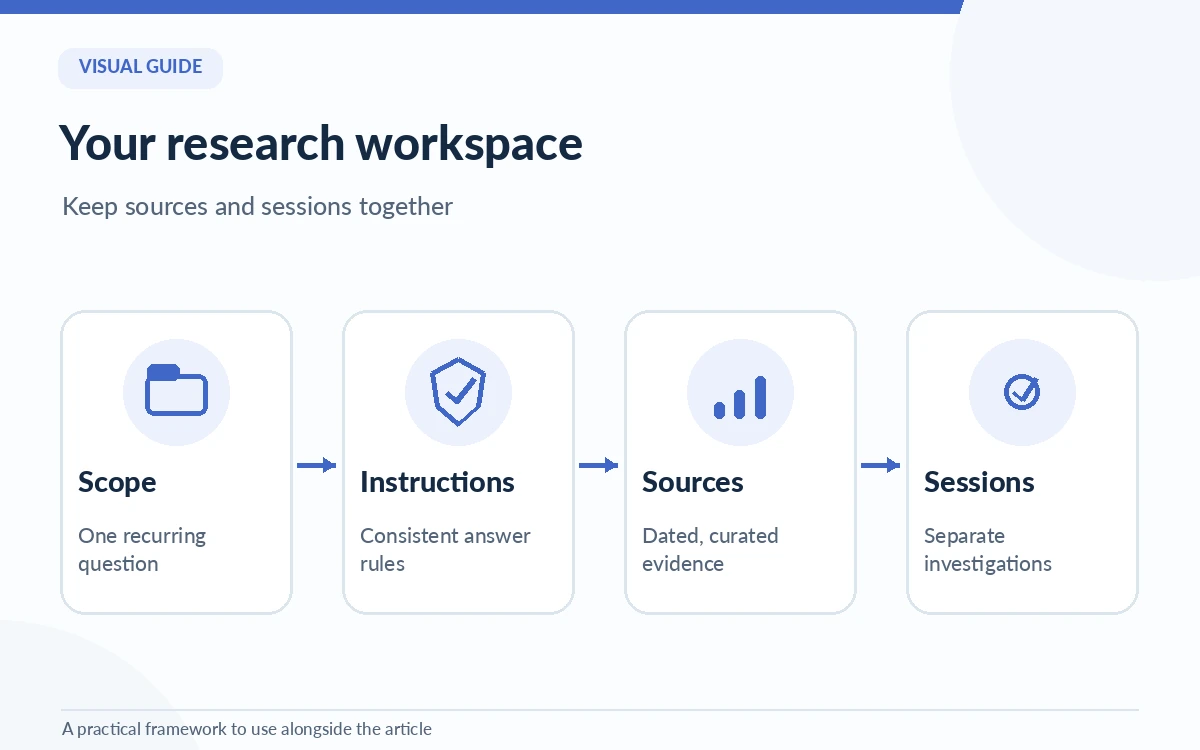
A good Project answers a specific recurring question, such as “What changed in competitor feature documentation this quarter?” or “Which public standards govern this product requirement?” A Project called “Research” will fill with unrelated sessions, making findings difficult to reuse and permission boundaries unclear.
Choose a concise name and description that explain the scope to future collaborators. Define what counts as a decision-ready output: a dated summary, direct links to primary references, unresolved claims and a next-review date. Archive or split themes when the question, audience or confidentiality level changes.
Create the Project and add scoped instructions
Perplexity’s current help directs users to Projects in the left sidebar and then New project. After creating it, add instructions in the Project settings. Those instructions can define the preferred response structure and how to handle missing evidence. For example: “Separate official announcements from independent reporting; include source dates; flag claims with no accessible primary source.”
Do not make the instructions so broad that every query must produce an enormous report. Name the two or three source types that matter to this project. The instructions are reusable guidance, not proof that a response followed them. Test with a question whose correct answer is easy to find in an approved document.
Curate files and connected sources deliberately
Projects can hold files and work with connected sources, but the presence of a document does not imply that its contents are current or authorized for every collaborator. Give each file a descriptive title and revision date. Prefer one canonical policy or dataset over several conflicting versions downloaded from different teams.
For public research, store source notes with links to original reports and publication dates. For internal research, confirm permissions and privacy controls before connecting cloud applications. Separate source discovery from source validation; a retrieved snippet is a lead to inspect, not the end of the evidence chain.
See Perplexity research workflowsDistinguish Projects from individual sessions and research modes
A session is where you ask and refine a particular question. A Project is the wider workspace holding relevant material and activity for an ongoing topic. Perplexity also offers different search or research modes; choosing one is not the same as creating a Project. A persistent workspace does not automatically validate the outputs of any mode.
Use one session for each defined research task, and add a short conclusion with what was verified, what changed and which sources require a follow-up. This makes the trail usable for someone who did not participate in the original conversation, rather than expecting them to parse every prompt and response.
Set access deliberately before sharing research
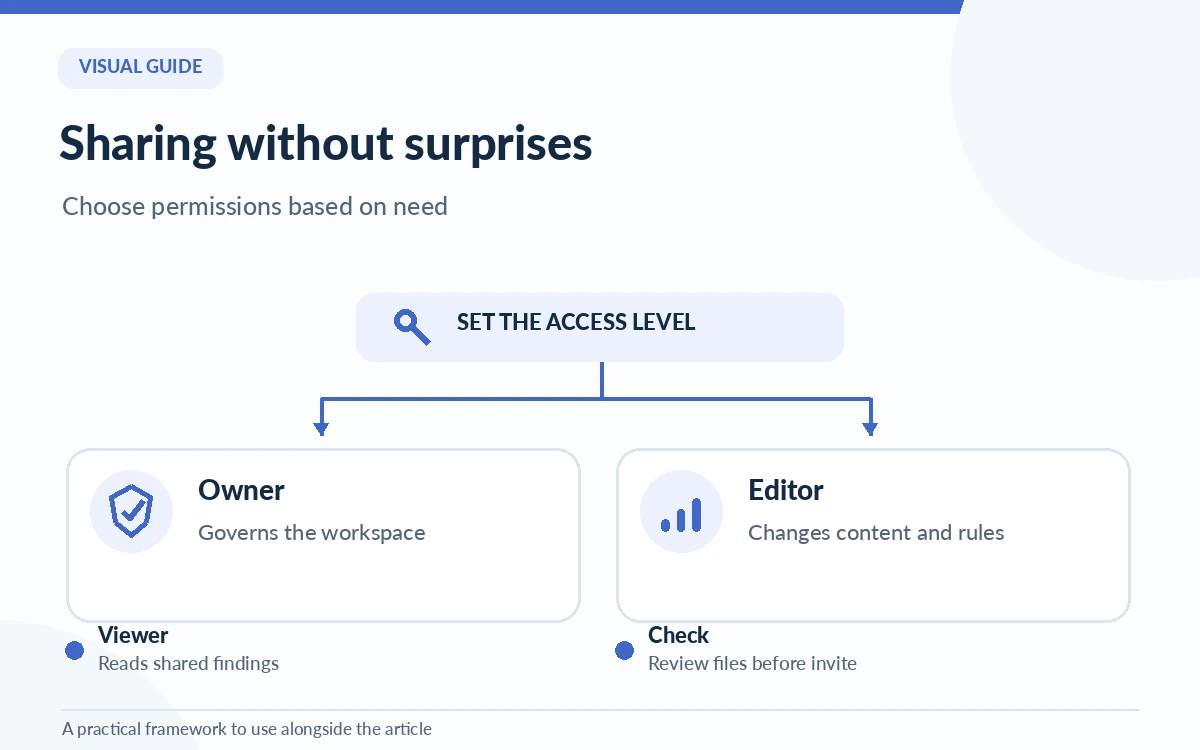
Perplexity documents project roles that distinguish viewing from editing and explains that personal Projects are private by default. Before inviting someone, decide if they need to read the findings or change instructions and files. Give edit access only to people who own the knowledge sources or workflow.
Check whether invited members will be able to see sensitive files, links and sessions already stored in the Project. An apparently harmless question might contain confidential competitor assessments or client information. Keep private analysis separate from public research and review access whenever team membership changes.
Apply a four-point source-review checklist
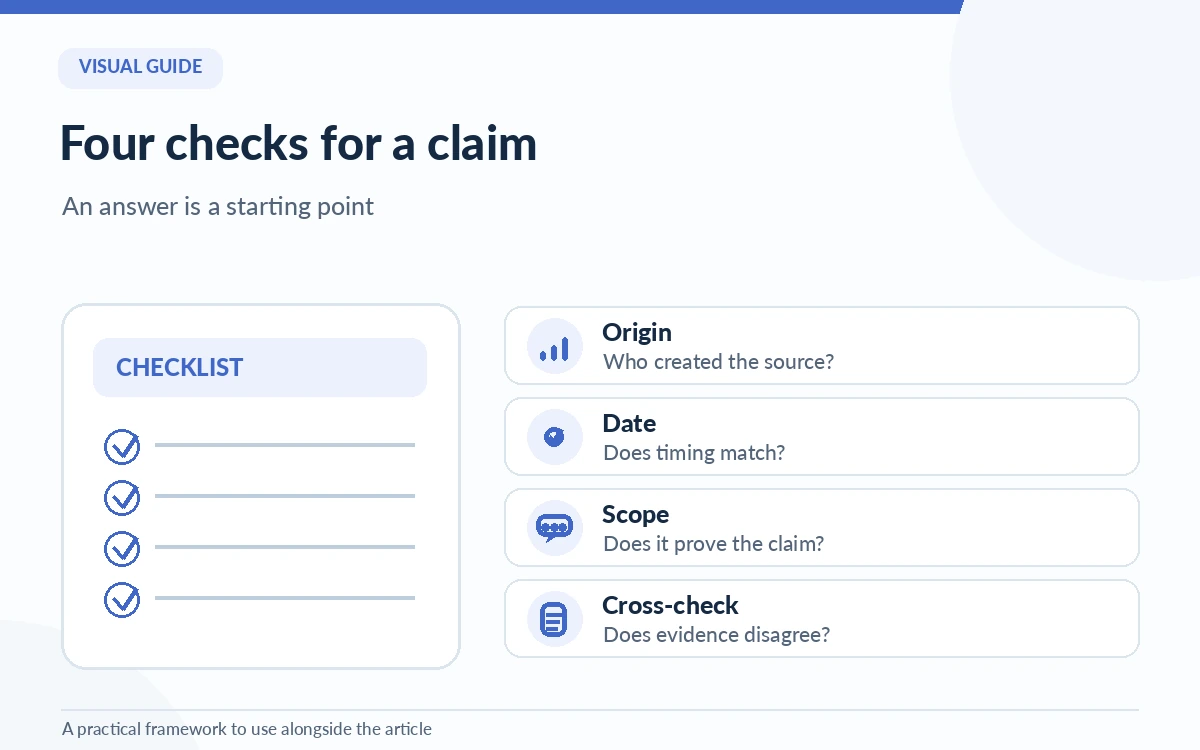
For a high-impact answer, inspect four things: origin (who produced the source), date (does it match the claim’s time frame), scope (does the evidence address the exact question) and independence (does a second credible source contradict it). Record these checks in the Project alongside the final claim.
For example, a vendor help page can establish that a feature is documented, but not necessarily that it performs best for every user. A customer review may describe an experience, but not the universal feature limit. Keeping these evidence types distinct prevents confident summaries from becoming unsupported rankings.
Compare Perplexity with NotebookLMRefresh the Project and prevent knowledge drift
At the end of a research cycle, summarize what changed, remove or clearly label stale references and save a short list of open questions. If the topic is dynamic, schedule an internal calendar review; do not assume the Project will automatically maintain your chosen source quality standard. Keep a named owner for policy-sensitive or commercial claims.
Judge success by whether a colleague can find the current source, reproduce the reasoning and see what remains uncertain. Projects reduce organizational friction when designed well. They do not replace reading sources, checking facts or deciding when a question should go to a domain expert.
How We Research
We checked Perplexity’s updated What are Projects? documentation, its session guidance and the Research mode overview on October 26, 2026. The evidence checklist and source maintenance routine are original editorial recommendations. We did not measure productivity gains or verify private organization permissions in a live tenant.
Frequently Asked Questions
A Project is a persistent workspace for related sources, instructions, files and activity; a session addresses an individual inquiry or task. Organize distinct research questions into sessions and preserve conclusions in the wider Project.
Perplexity’s current documentation describes Projects as private by default. Sharing and organization-level access depend on account type and permissions; check the member list before storing sensitive material.
The product documents owner, edit and view permissions, subject to limits and account eligibility. Give editing rights only to people responsible for sources and instructions, and review access periodically.
No. A source can be inaccurate, out of date, misread or irrelevant. Check origin, date, scope and any contradictory evidence for important claims before using an answer.
They serve different purposes: Projects organize an ongoing workspace, while Research mode is a way to conduct a deeper research task. A Project can hold work produced through different modes, and each output still needs review.