
The Challenge Is Losing a Photo, Not Starting a Job
A regional museum might digitize hundreds of exhibit photographs in one import. Automatic image labels can help staff spot pictures of chairs, painted pottery, or display cases, but a skipped image can silently disappear from the review queue if the operation is tracked only at the job level. A responsible workflow starts with a durable manifest, not a promise that every annotation will succeed.
In a hypothetical collection, one scan is corrupted, another has a nearly identical filename, and a third includes a restricted donor inscription. The task is to track the identity and status of each authorized image from submission through review. A successful operation does not license any photo, authenticate an object, or guarantee that its labels are meaningful.
Pick Asynchronous Batch Annotation for the Right Scale
Google Cloud Vision distinguishes synchronous requests from asynchronous image batch annotation. The `images:asyncBatchAnnotate` operation is a long-running operation whose results are written to a specified Cloud Storage bucket, rather than immediately returned with all image labels. Google documents an upper bound of 2,000 image files per async request; account quotas and feature support should also be confirmed.
Choose a small pilot that uses cleared images and a restricted output bucket. If a project has many thousands of files, divide them into batches with explicit IDs instead of assuming one unlimited request. Include the feature types requested for each image. Some annotation features are only clues for catalog review and should not be mistaken for curatorial identification or rights determination.
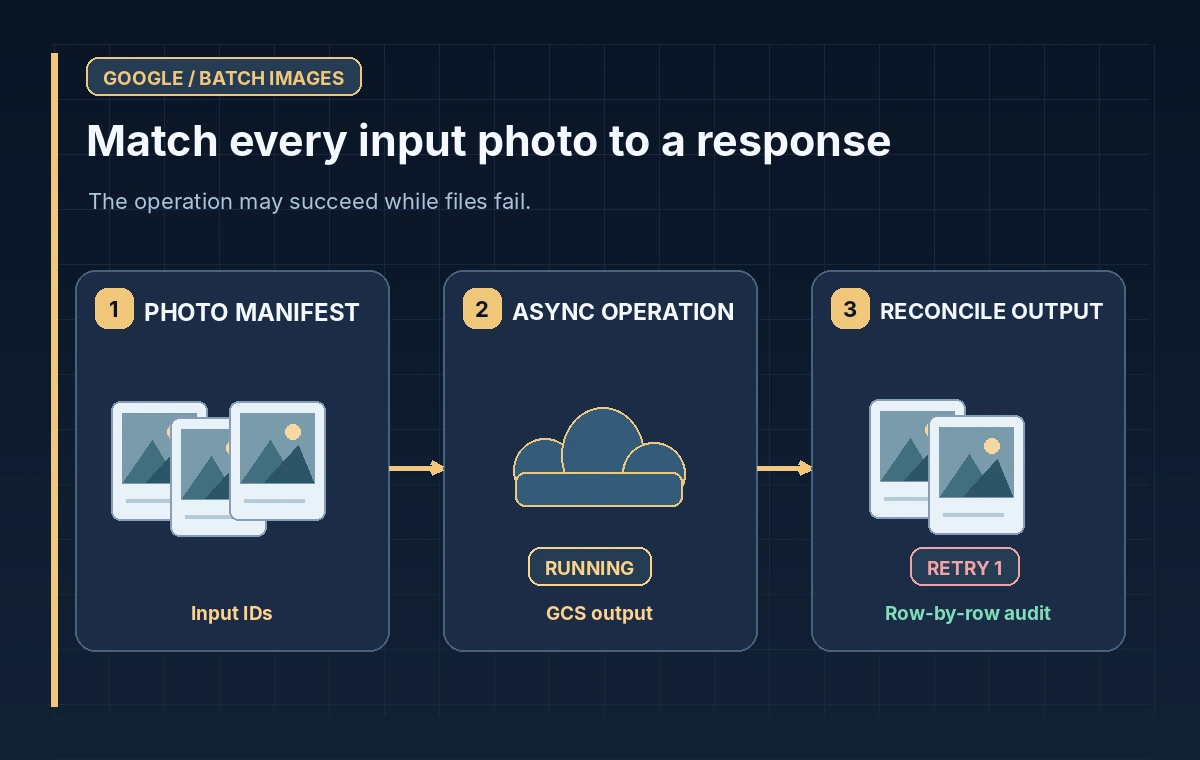
Build a Manifest That Survives Reordering
For every photo, record a stable accession-related identifier, exact Cloud Storage URI, source revision, rights-review status, requested annotation features, and an internal batch reference. Store a checksum for the actual source file so duplicate names cannot silently redirect an annotation. Keep public-safe labels separate from confidential catalog information.
An operation ID and a bucket path are not a one-to-one list of completed photographs. Plan a reconciliation table with a row for every input. After the operation finishes, parse the JSON output, map each response to its corresponding request, and classify each row as received, failed, ambiguous, or awaiting human inspection. Never rely solely on an output file count.
Secure the Storage and Operation Permissions
The caller needs appropriate permission to read input imagery and write outputs to the chosen Cloud Storage destination. Limit access through service identities and bucket permissions. Avoid placing donor-sensitive photos in a shared sample bucket or making annotation outputs publicly readable. If a photo is prohibited from external processing, exclude it entirely rather than assuming a later redaction is sufficient.
Google’s API also supports regional parent specification for requests. Check the project’s regional, retention, and legal requirements before sending any material. Document the output prefix and job owner. Failed writes or expired credentials should result in a visible error and a recovery task, not an automatically assumed success state.
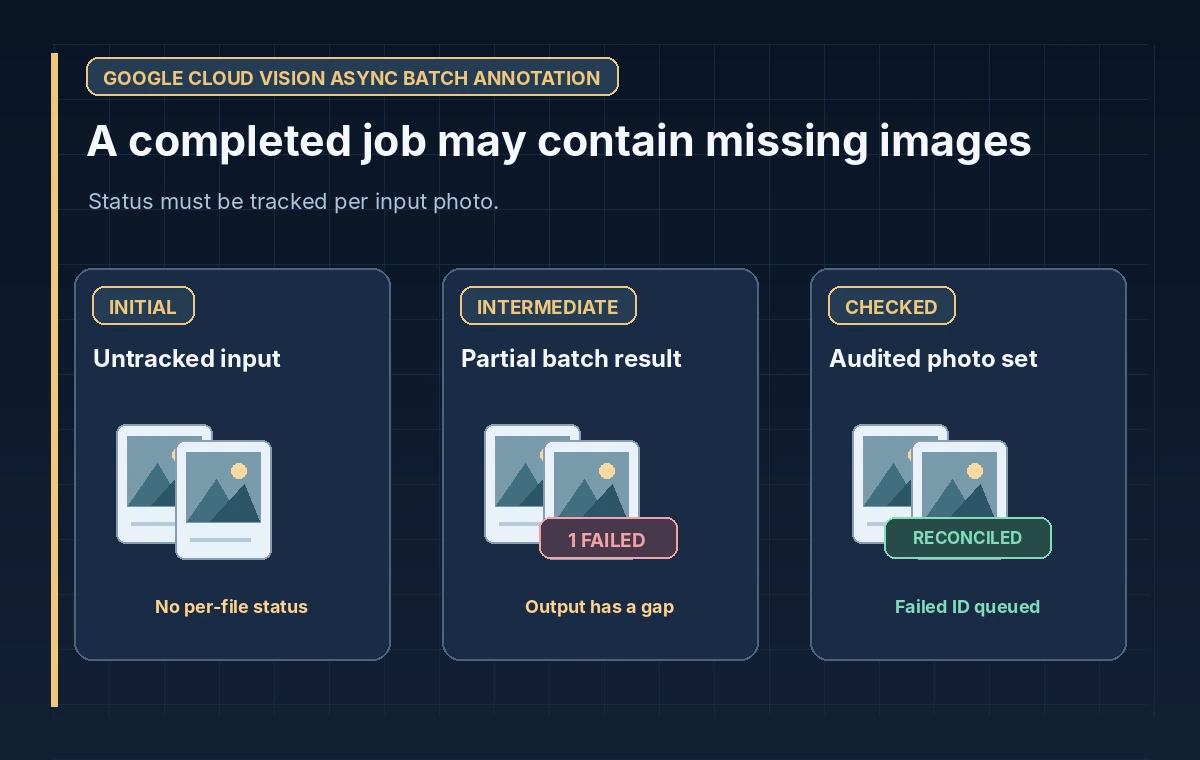
Track the Long-Running Operation to Completion
A request acknowledgement means the operation was accepted, not that the image set has been reviewed. The application should keep the operation identifier and retrieve status through the supported long-running operation interface. Only after completion should it enumerate the expected JSON objects in the destination. Handle a delayed operation without blindly resending the same batch.
Google documents that async responses are stored as JSON files containing image annotation responses. Output batching controls how responses are grouped in the destination; it does not change the identity of the original inputs. Log creation and completion times, errors, and retrieved output objects. Keep a durable record of which files are still unmatched before beginning a retry.
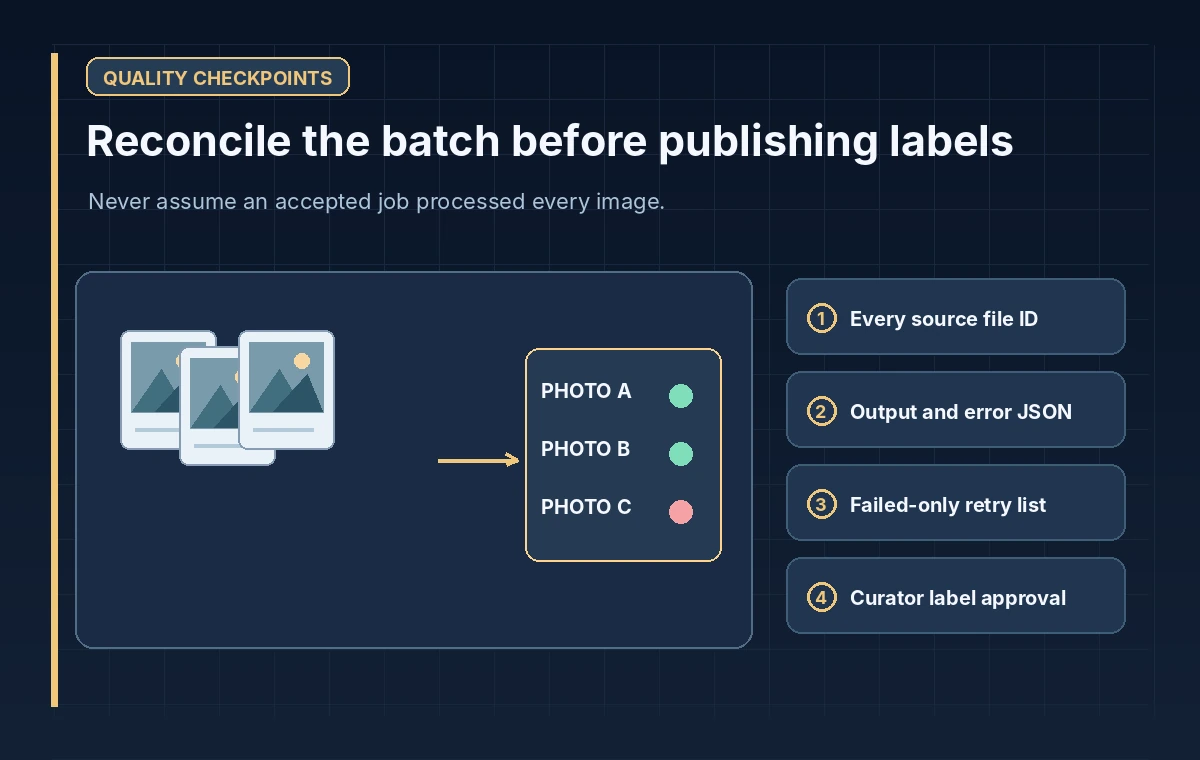
Retry Failed Photos Without Duplicating Successful Work
A mixed batch may have successful and failed files. The Google batch guide recommends resubmitting failed files rather than replaying a whole successful group, to avoid unnecessary repeated processing and charges. Generate a retry manifest listing only confirmed failed inputs, plus any ambiguous rows that a maintainer has investigated and explicitly approved for replay.
Treat outputs from a retry as a new version of annotation evidence, not as a replacement for the source image. Record the retry job ID and retain a link to the original failure. If the source has changed since the first attempt, create a new source revision rather than merging old labels into a new photograph without review.
Review Labels Against the Actual Images
A `LABEL_DETECTION` annotation might suggest an object category, but it cannot determine the catalog number, event date, donor permission, or historical interpretation. Give staff access to the original image, its source record, and the suggested label side by side. Use review statuses such as accepted descriptor, needs research, and rejected suggestion; do not publish candidate labels automatically.
Spot-check visually similar exhibit photos and images with obscured text, reflections, or close framing. An accidental match to another photo could contaminate the catalog even when the predicted label is plausible. Publish only the approved human descriptions and maintain a reversible association between each label, annotation version, and image checksum.
Close the Batch With an Auditable Reconciliation
A completed import should have exactly one documented disposition for every input photo: reviewed, deferred with a reason, excluded by policy, or awaiting explicit retry. Compare manifest rows with returned response rows and inspect unmatched cases manually. This is the safeguard against silently dropped or duplicated imagery.
Keep operation logs for troubleshooting according to local retention policy and remove unnecessary sensitive annotation copies when their purpose ends. Report coverage as a count of reconciled records, not a claim of model accuracy. The service can help staff prioritize image review, but preservation, provenance, and rights remain the museum’s responsibility.
How We Research
We reviewed the following official developer documentation on November 8, 2026: Google: Batch image annotation offline; Google: Async batch annotation sample; Google: images.asyncBatchAnnotate REST method. We compared the documented parameters, data flow and stated limitations with this hypothetical editorial scenario. The diagrams are original instructional illustrations, not real vendor screenshots or outputs. We did not submit private archive material, run a production API evaluation, measure tool accuracy, obtain legal consent, or test a live service configuration. Product behavior, access rules, quotas and supported settings may change; confirm the latest documentation and your organization’s policies before deployment.
Frequently Asked Questions
No. It starts a long-running operation and writes output to the configured Cloud Storage destination.
Google documents up to 2,000 images per asynchronous image batch request; service quotas may impose additional constraints.
Not automatically. Identify failed items and retry only those after reconciling previous outputs.
No. Catalog identity and historical context require source records and human inspection.
Input photo ID and checksum, operation/output references, errors, retry lineage, human review status, and rights disposition.