
Leonardo AI brings several image creation choices into one workspace, but “free image generator” does not mean every model, resolution or private workflow is free. Its official September 2026 token FAQ describes a 150-token daily allowance for free accounts, with no rollover. A useful first project therefore combines a small prompt experiment, a visible cost estimate and a privacy decision made before uploading confidential references.
Decide whether the project is safe for a public feed
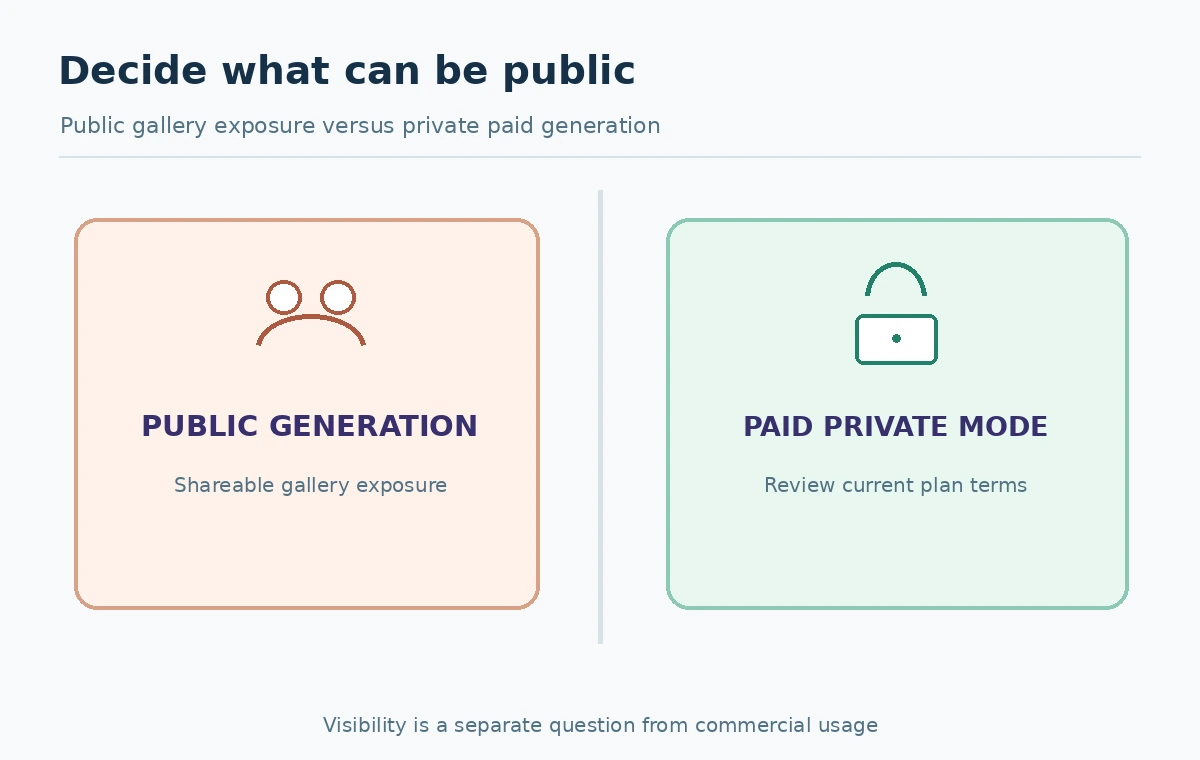
Write the purpose of the image on a simple project card: public blog illustration, conceptual mood board, internal prototype or unreleased customer campaign. The privacy category matters immediately. Leonardo’s private/public help says private generation is a paid feature and that public images can be visible and usable by other members under the service’s conditions. Do not assume that keeping a browser tab private makes an output inaccessible to the platform’s public feed.
Use fictional subjects and non-sensitive prompts on the free plan. If you must work with unreleased client materials, examine paid privacy controls and the terms before uploading anything. Record whether the final asset may be shared publicly, and do not promise clients secrecy based only on your own intentions.
Understand 150 free daily tokens without exaggerating output
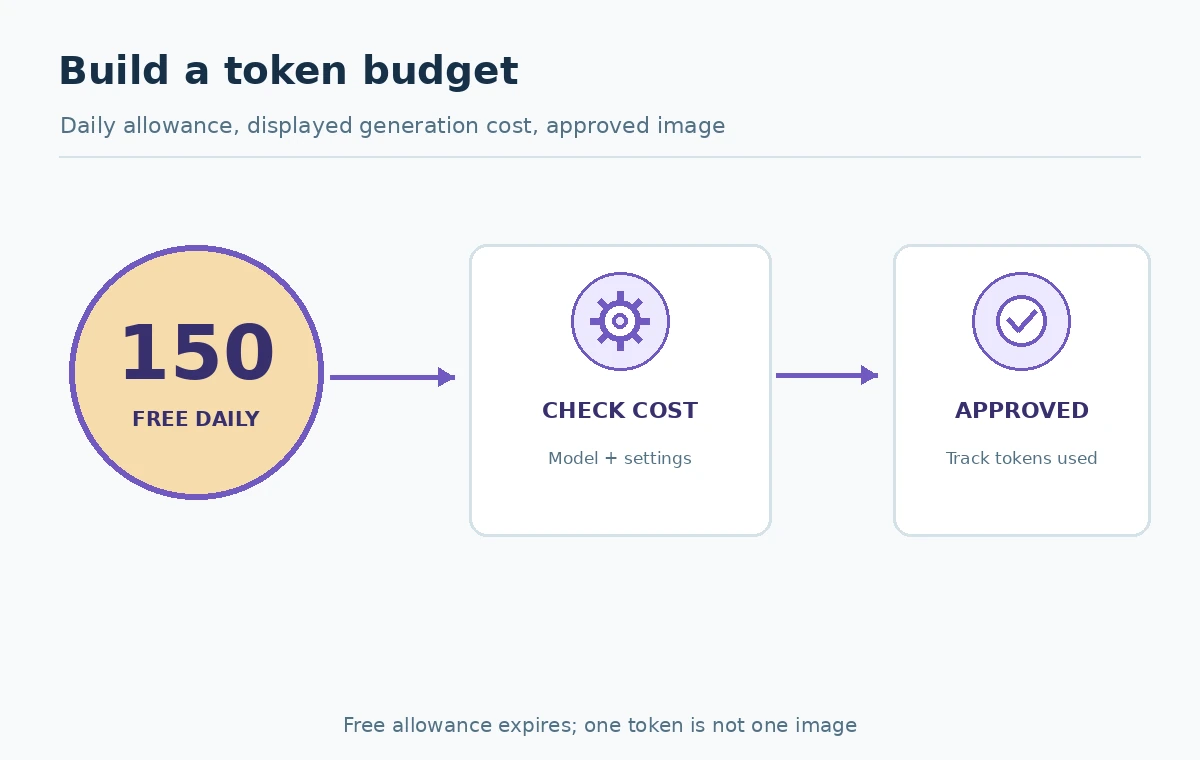
The September 24, 2026 Leonardo token FAQ says free users receive 150 daily tokens. Unused free tokens expire rather than rolling into the next day. The same guide says costs vary with model, size, output count, settings and references. Therefore “150 daily tokens” is a usage allowance, not a fixed entitlement to 150 finished photographs.
Before a generation, read the displayed charge on its button. Record the balance, expected cost and number of candidate images. A sample budget can reserve part of the allowance for initial concepts and part for one refinement; the exact division should follow the actual cost shown by the selected mode. If the interface changes, update the worksheet instead of applying an obsolete static rate.
Choose the model by the required subject
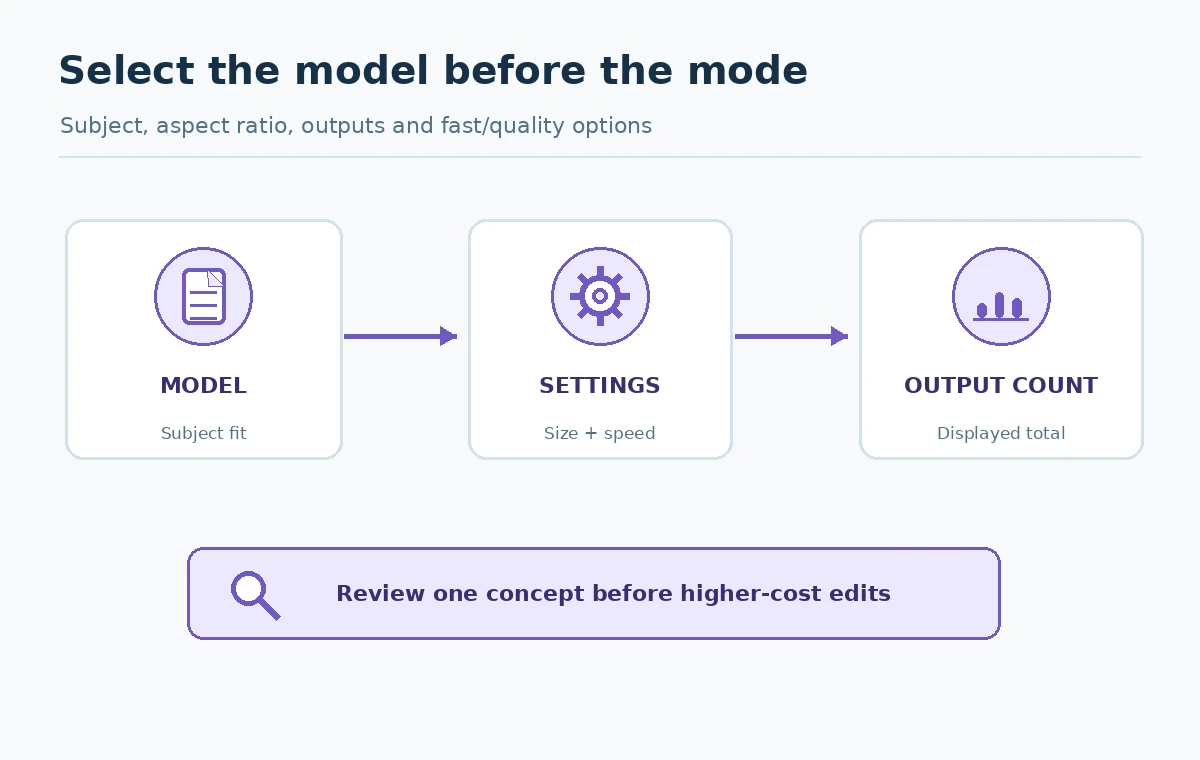
Leonardo’s image-generation instructions describe a model menu, Fast or Ultra generation options, aspect ratio, image dimensions and output count. The help notes settings vary by model. Choose one task—a stylized illustrated landscape, for instance—then select a model suitable for that aesthetic. Avoid comparing models using wildly different prompts, dimensions and generation counts.
Start with the least expensive setting that gives enough evidence about composition. Ultra or other high-fidelity options should come after the concept is worth refining; this is an editorial budget method, not a measured quality claim. Keep output size appropriate for where the image will appear, and leave room for titles that should be added later as editable text.
Write an inspectable concept prompt
A useful prompt specifies subject, environment, framing, lighting and the intended use: “Illustrated alpine greenhouse at sunrise, wide composition, empty clean area at upper left for an editorial title, soft natural shadows, no text.” This is a generic example rather than a guaranteed Leonardo control. Add a reference only when you own or can license it, and describe what aspects may be borrowed, such as general color or composition.
Save the full prompt alongside the seed or settings if the interface exposes them. Review the output for distorted architecture, inconsistent lighting and unexpected text. If it fails, identify one specific failure and revise one variable. Generating many arbitrary variants may burn the free allowance without teaching you why the results differ.
Track actual spend rather than theoretical image counts
Make a five-column ledger: date, model/settings, token estimate, actual deduction and outcome. At the end, divide total tokens consumed by the number of approved images, if any. A failed image still represents an attempt; a visually good draft that cannot be used for legal or quality reasons is not an approved deliverable. Use the counter and the final transaction history available for your plan rather than inventing benchmark costs.
Be cautious when comparing paid plans. Leonardo describes monthly tokens, rollover banks on eligible subscriptions and specific rules for top-ups. Those balances do not work the same way as the free daily reset. If you need private generations, choose the plan for its privacy requirement first and compare image-volume economics second.
Review reuse rights and gallery visibility together
Leonardo’s commercial-use guidance describes commercial uses for images generated by free and paid users, while emphasizing differences between public and private generations. Permission to use an image commercially is not the same as exclusivity or an assurance that public viewers cannot reuse it through the platform’s available features. Read current terms before turning a generation into a client-exclusive deliverable.
Avoid real trademarks, unlicensed photos and intimate third-party images as casual references. If you generate a design concept based on an original sketch, preserve evidence of that original work. Tell collaborators whether the finished concept was publicly visible during generation. Privacy belongs in project approval, not a footnote added after publishing.
Use an objective image acceptance card
Evaluate the export against the intended placement. Record composition, subject anatomy, perspective, useful resolution, unwanted letters and any factual misrepresentation. For a mockup, check exact brand assets and visible product claims separately. A conceptual landscape has looser factual requirements than a photograph-style image of a real product or person. Mark approve, revise or reject with one reason.
Open the chosen image at 100 percent and at typical article width. Look for small details that break when compressed or cropped. If typography must be correct, place it using a normal design editor instead of trusting generated letters. Keep the original high-resolution file distinct from your website’s compressed derivative.
Choose a stopping rule for the experiment
A small test should finish with an approved concept, a documented rejection reason or an explicit decision to switch tools. If the needed subject repeatedly fails, changing to a specialized editor or real photography may be more effective than chasing the remaining daily tokens. Do not treat unused free tokens as a reason to flood a content library with low-quality images.
Your deliverable is a prompt and settings record, a token ledger, a privacy status and one reviewed export. Leonardo is one possible tool for the task; the method is intended to remain useful if its prices, daily allowances or supported models change. Recheck the official help center when planning a paid or confidential project.
How We Research
Verification date: October 27, 2026. We checked primary official documentation: Leonardo: token FAQ, September 2026, Leonardo: how to generate images, Leonardo: public and private images, Leonardo: commercial usage. The decision cards, scenarios and review checklists in this article are original editorial guidance based on those sources. We did not buy subscriptions, run controlled product benchmarks, or inspect private user accounts. Prices, permissions, credit rules, interfaces and license terms may change; confirm them in the product before a purchase or high-stakes project.
Frequently Asked Questions
Its September 2026 FAQ states 150 daily free tokens, with unused free tokens expiring instead of rolling forward.
There is no universal count. Model, size, settings and batch size affect the displayed deduction.
Private Mode is documented as a paid feature; review public visibility before uploading sensitive material.
Its commercial-use guide permits commercial use under the service terms, while public visibility and reuse remain separate questions.
No. Start with a lower-cost concept pass if appropriate, then refine only images that meet the brief.