
A free AI image generator without signup is convenient for a quick idea, but removing the account step does not make a prompt private or its output automatically suitable for commercial work. Craiyon’s current page explicitly offers a free, no-account entry point while describing free images as public and watermarked. This guide helps a beginner run a safe first experiment, evaluate a sample, and decide whether an account-based private service is more appropriate. It is not a roundup of dozens of unverified sites that may change their login rules every week.
Separate no-login access from anonymity
A browser that does not ask for an email address can still process what you type. Avoid confidential photos, private client requests, customer names, unreleased product designs, medical details, or protected internal documents. Craiyon’s own site describes a no-account entry point, but it also states that free images are public. That distinction is the central decision criterion. Use a harmless fictional prompt for the first test, such as a blue paper kite above a stylized hillside. Do not interpret public gallery output as a secure personal workspace. If a client needs private image generation, check a paid service’s current data handling, deletion, and sharing settings instead of treating absence of signup as a privacy guarantee.
Check the current free trade-offs before generating
Craiyon advertises free image creation within limits, with a watermark on free outputs and public image visibility. The same page describes paid benefits such as private images, priority, and higher-quality downloads. Those are current vendor statements, not a promise that your browser receives a certain daily number or resolution. Before choosing the tool for a project, check whether the watermark prevents use, whether the actual export is large enough, and whether any paid step appears in the workflow. Do not remove a vendor watermark without considering the license terms; upgrading, using a permitted download route, or switching tools is usually the cleaner decision. Record the plan and date whenever you publish a comparison.
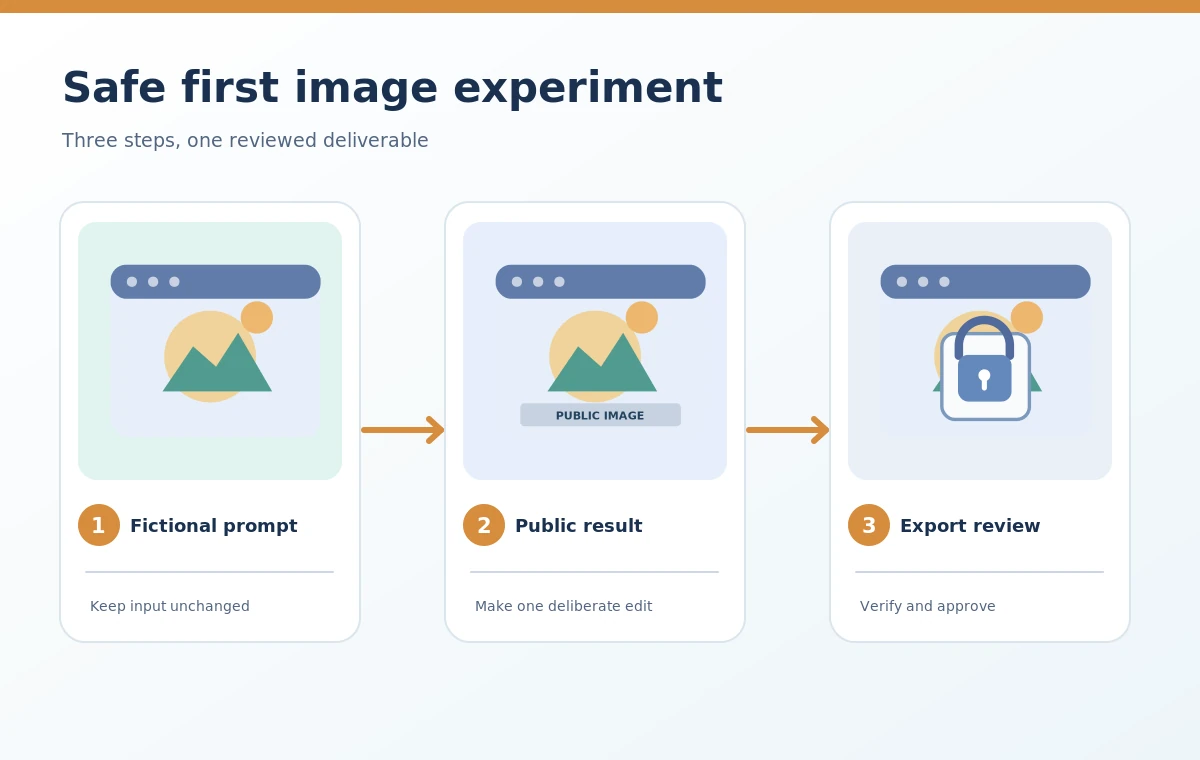
Write a prompt that tests something measurable
A useful first prompt describes one main subject, one setting, one style, and an output objective. Example: a blue paper kite, a green hill, a simple illustration, and generous empty space on the right for a heading. Keep the prompt free of trademarks, named living artists, or real people’s likenesses. Check whether the generated image preserves the kite shape, keeps the sky free of stray text, and leaves a usable text area. If one output fails, revise one requirement and try again rather than rewriting everything. A structured test sheet makes no-login experimentation more informative: prompt, public or private status, visible watermark, output dimensions, subject accuracy, and disposition.
Assess copyright, commercial use, and attribution separately
Whether an image may be reused commercially is not answered solely by the tool being free. Open the current provider terms and distinguish permission to use the service, rights or restrictions on output, and obligations involving third-party material. An AI-generated picture of a recognizable brand or protected character raises different questions from an original kite illustration. A visible watermark is also a practical limit regardless of copyright theory. Do not assume that typing an original prompt guarantees exclusive ownership or that the system can certify non-infringement. For a paid client deliverable, have the commissioning party approve source provenance and permitted use. Keep a copy of the applicable terms and your original prompt so the decision is traceable.

Test export quality instead of judging thumbnails
Open the actual downloaded image, not only the small preview tile. Check its width and height, whether compression has blurred thin edges, whether the watermark enters a usable crop, and whether generated elements remain recognizable at the target size. A screenshot of the browser preview is usually a poor substitute for an approved download. If the purpose is a website hero, verify the aspect ratio and available whitespace; if the purpose is printing, calculate required pixels before doing layout. A low-resolution free result can still be valuable as concept reference, but it should not be mislabeled a production file. Distinguish useful idea generation from finished commercial assets in the decision record.
Build a privacy-first comparison with account-based tools
Compare based on the work rather than the number of free outputs advertised. The no-signup route is appropriate for disposable fictional exercises and prompt practice. A private business concept, client likeness, or proprietary sketch requires a more carefully evaluated workflow with documented privacy settings and access controls. Ask whether the alternative service stores or publishes images by default, whether administrators can control access, and whether it provides an export quality that meets the job. A tool with a login may offer stronger practical controls, but the existence of an account alone is not proof of confidentiality. Review the product terms and actually verify the intended sharing setting before entering sensitive material.
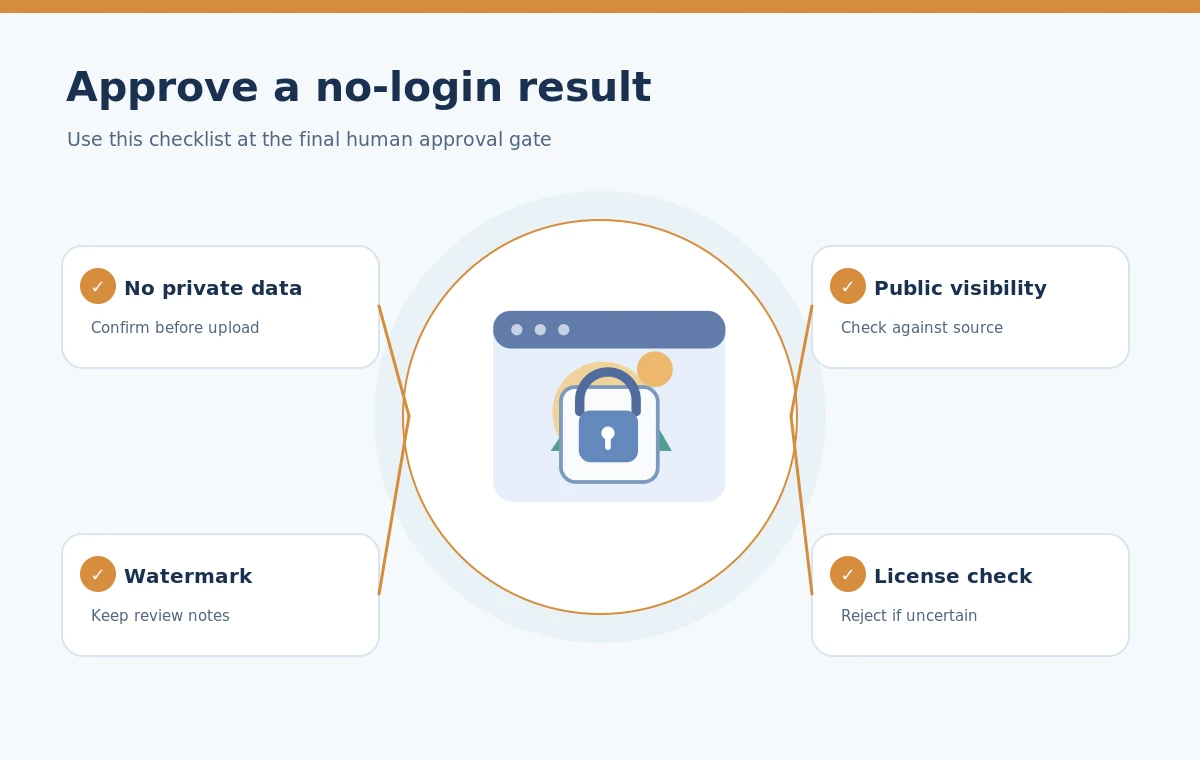
Decide whether to keep, upgrade, or discard the result
After the sample, mark each requirement pass or fail: subject correct, usable resolution, acceptable watermark, suitable license, and acceptable visibility. If any business-critical item fails, reject the output for that use. You can keep a public watermarked example as a personal learning exercise without promoting it as a paid-stock equivalent. If public visibility is unacceptable, do not attempt to hide private details by vaguely worded prompts; use a tool and plan whose documented sharing controls meet the project requirement. This decision rule is more durable than chasing a list of free image generators that may disappear, introduce logins, or change their limits without notice.
How We Research
We reviewed Craiyon’s official Free AI Image Generator page (www.craiyon.com), especially its no-account entry, public free images, watermark, and paid-tier descriptions on October 28, 2026. We did not log into a paid account or run direct quality benchmarks. Privacy and reuse recommendations are editorial safeguards, not legal opinions or a warranty about any vendor’s data practices.
Frequently Asked Questions
Craiyon currently advertises free image generation without an account, subject to its current conditions.
Craiyon says its free images are public. Avoid confidential prompts or source material.
No. Craiyon currently describes free results as watermarked; check the actual download and terms.
No. Confirm the service terms, any watermark restrictions, and third-party intellectual-property issues.
Choose a documented private workflow when the project contains client-sensitive material or needs an approved high-resolution commercial export.