
A volunteer coordinator needs the current version of a handbook before replying to a staff question about equipment checkout. Draft copies are scattered across a shared drive, a team chat, and an old project folder. Dropbox Dash can search content across connected work apps and provide AI-assisted answers, but the top result is not necessarily the approved policy. The coordinator needs a source-tracing workflow that distinguishes document discovery from organizational authority.
Define what counts as the approved version
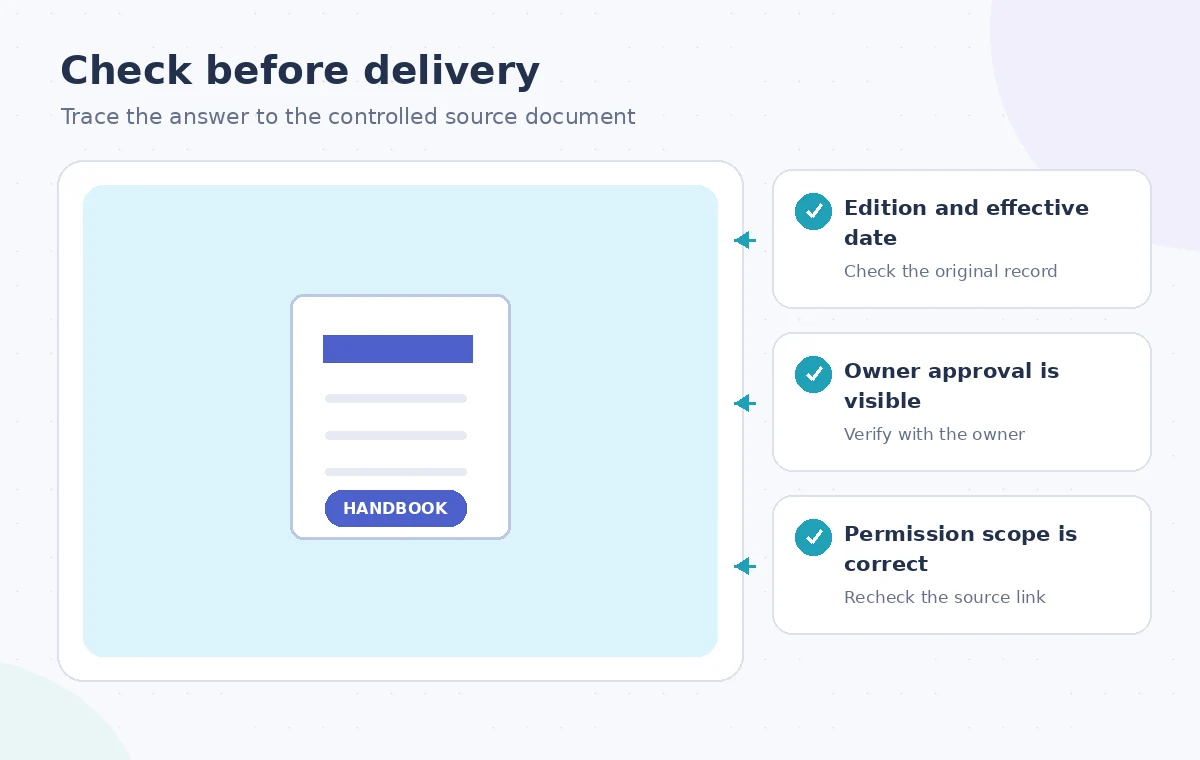
Write down the evidence that makes a handbook authoritative: a document owner, a version identifier, a clearly stated effective date, and an approval record or link to the organization’s policy register. A later file modification date is not equivalent to sign-off. Someone may have opened an old policy yesterday or edited a draft after the currently approved version was issued. Treat the approval chain, rather than search rank, as the governing signal.
Make the staff question concrete before searching. For this example, the answer is about whether volunteers may borrow a step stool overnight. Identify the chapter or policy area likely to contain that rule, and plan to quote the exact approved passage in context. If no authoritative policy exists, the right response is to escalate to the policy owner rather than create a permission from a plausible search summary.
Understand what Dropbox Dash actually searches
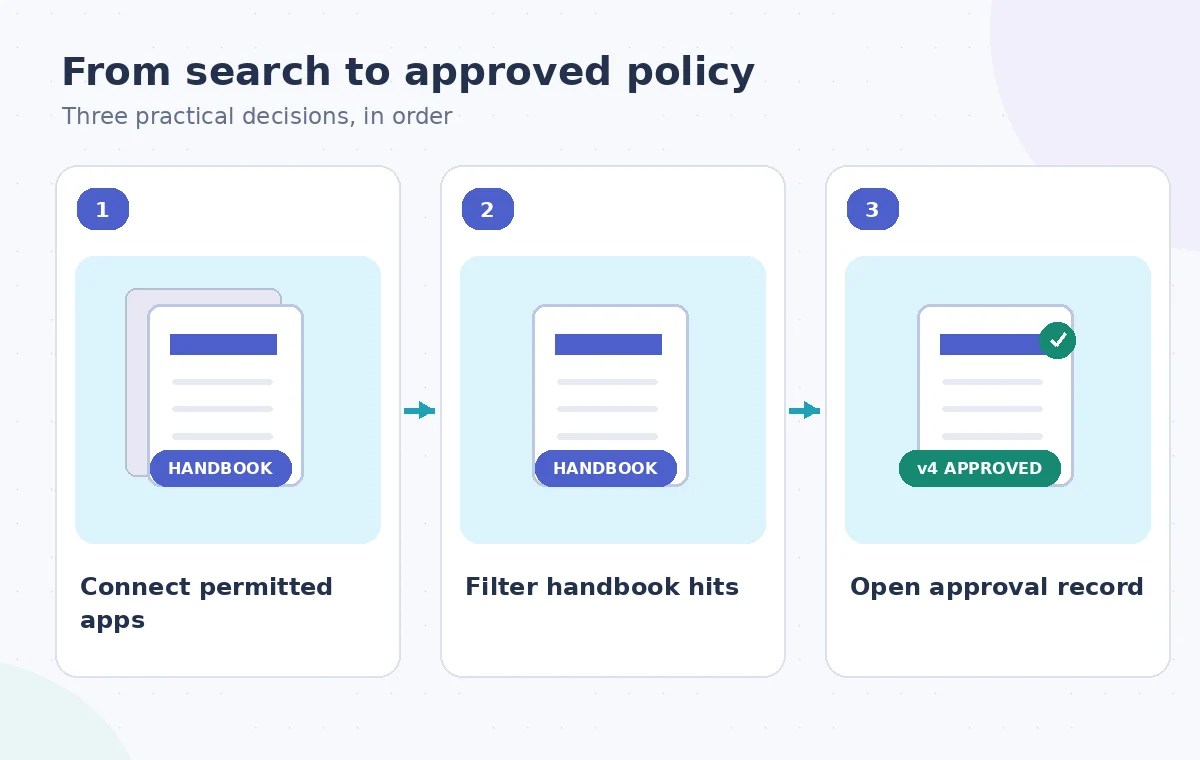
Dropbox describes Dash as a way to search and explore content from connected apps, use filters, and ask questions about accessible files. Users or team administrators first connect supported applications; Dash does not automatically index every document in the organization. The help center explicitly notes that search capabilities vary with the integrations in use, so a missing result may indicate a connection or permission gap, not the absence of a policy.
Check the installed connections before trusting the search scope. Dropbox’s connection guidance distinguishes individually authorized apps from admin-connected shared content. It also says Dash respects the underlying app permissions. That is reassuring but not a reason to broaden access unnecessarily. Do not connect personal accounts or sensitive folders simply to answer one handbook question; ask the administrator which shared source is intended for staff policy lookups.
Search by subject and narrow results with filters
Begin with the actual policy topic, such as volunteer equipment checkout handbook, rather than asking the assistant to decide what is allowed. Inspect titles, repositories, and snippets that match the subject. Dash documents filtering results by app, type, update status, and people. Filter to the expected policy repository if known, then compare promising hits from the shared drive with any linked approval message or controlled document register.
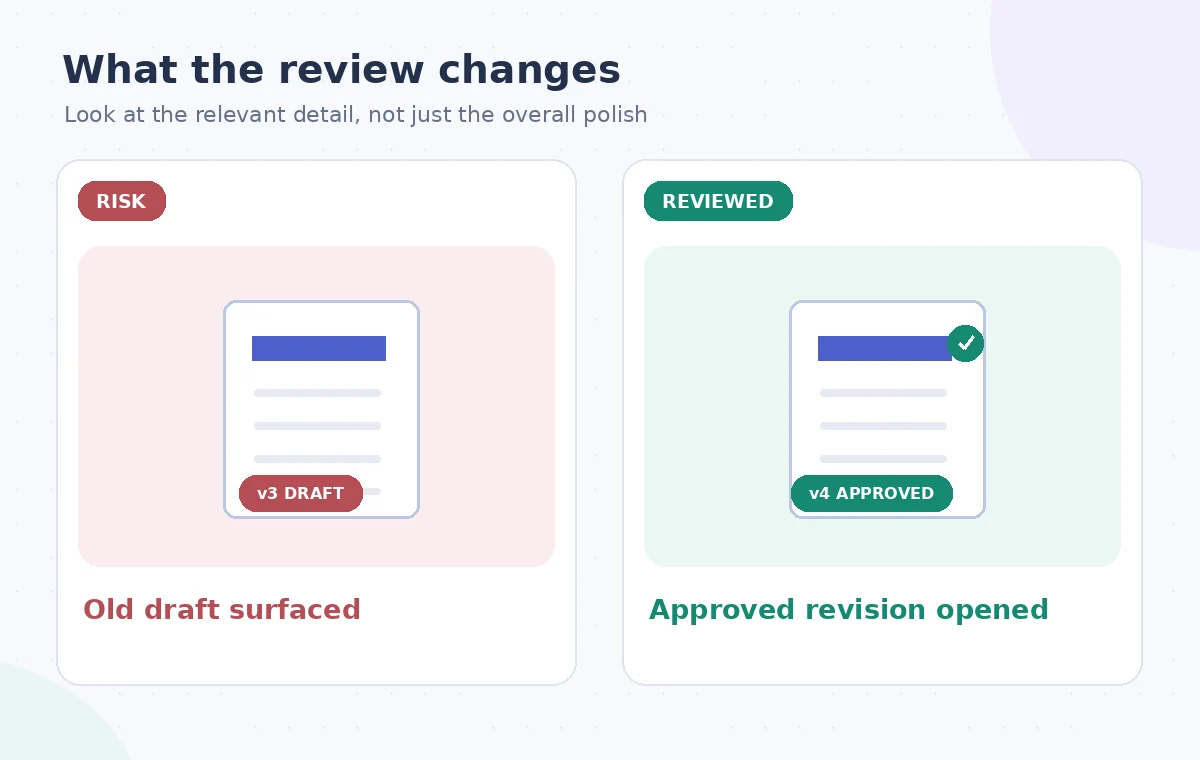
Watch for deceptively similar filenames: handbook-final, handbook-final2, orientation-copy, and current-handbook are all labels people can use without formal authorization. Opening two similar documents is more valuable than accepting the first headline. Record the candidate version number and any explicit owner. If the system surfaces a chat recap of a proposed rule change, classify it as discussion evidence, not an adopted policy.
Use the AI tool selection checklist
Open the primary document rather than stopping at an AI answer
Use Dash to navigate to the underlying file and read the relevant section in context. AI summaries can omit exceptions such as staff-only access, overnight restrictions, or equipment requiring supervisor approval. Verify the wording in the source system, including tables, footnotes, and amendments that may not be represented in a short answer. A quoted policy sentence without its adjacent exception can produce a materially wrong instruction.
Compare the effective date with the staff question’s timeframe. An old version may be correct for a historical audit but wrong for a current checkout request. If the document references another operational checklist, follow that reference and verify its current status too. Do not treat cross-document consistency as proof unless the approval authority is confirmed; multiple old documents can repeat the same outdated rule.
Separate permissions from policy validity
The fact that a coordinator can open a file through Dash means the connected source grants access; it does not mean the document is approved for everyone to follow. Dropbox states that access and search results are constrained by connected-app permissions. Some team-wide app integrations have broad permission models, which administrators must understand before connecting them. Check whether the handbook contains private staff contact details or sensitive operational notes before forwarding the entire file.
If the recipient only needs one procedure, share a link to the controlled handbook section or provide a short paraphrase accompanied by its source and effective date. Avoid pasting private internal sections into an open channel. Where a colleague cannot access the official source, route an access request through normal channels rather than copying restricted text from a more privileged Dash account.
Plan a safer multi-tool workflow
Resolve conflicting versions with the owner
When two documents disagree, build a short conflict note: each file’s source, owner, stated version, relevant clause, and approval evidence. Send it to the handbook custodian. Do not ask a generative assistant to choose the best-sounding rule. A newer draft may intentionally describe a proposed process, while an older but formally signed document remains operative until an effective date is reached.
For the fictional equipment-checkout question, the correct output could be a verified instruction, a link to the policy, or an explicit answer that approval is still pending. That last outcome is not a search failure. It protects staff from mistaking the organization’s discussion for a binding requirement. Keep the unresolved conflict attached to the question so the next coordinator does not repeat the same uncertain search.
Build a repeatable verification trail
Store a compact internal answer record containing the question asked, the authoritative document link, exact section or page, version, effective date, and date of verification. This record should reference the original document rather than duplicating its full contents. Recheck after a policy update or when staff report a contradiction. A saved AI answer with no source pointer becomes stale as soon as the handbook changes.
Search tools reduce the time spent locating scattered material; they do not transfer governance authority to the system that ranked the files. Review Dash’s connected-app and deployment limitations during setup, and make the policy register the final decision point. The best response is one a new staff member can audit without needing to trust the coordinator’s memory or an unexplained chatbot summary.
How We Research
We consulted Dropbox Help: Search and explore content in Dash and Dropbox Help: Connect apps to Dash and Dropbox Help: Dash deployment limitations. We compared the named capabilities and limitations against the workflow described here, then designed an independent source-preservation and human-review checklist. This is a hypothetical teaching example with original explanatory illustrations, not an account-based hands-on test, measured output, or actual software screenshots. We did not process real customer files, verify a subscription on a live account, or claim that a vendor certified the final result. Confirm the installed version, applicable permissions, current licensing, and site-specific requirements before following the steps.
Frequently Asked Questions
No. It searches connected apps and content the user is permitted to access. Coverage varies by the integration and administrator setup.
No. Modified dates and search rank do not replace an explicit owner approval, controlled version number, or effective date.
Dropbox says Dash respects permissions from connected apps and does not bypass content access controls.
Open the source document and check the complete section, especially exceptions, tables, and referenced procedures.
Record both sources and refer the conflict to the designated document owner; do not silently select the more plausible answer.