
A neighborhood center hosts an online orientation for volunteers who speak several languages. The coordinator needs to explain which doors are emergency exits, where the accessible assembly point is located, and who can authorize a return indoors. DeepL Voice for Meetings can provide real-time translated subtitles, with translated speech available in eligible desktop setups. That capability helps participation, but a single mistranslated exit letter or direction can turn a useful briefing into a dangerous instruction.
Separate participation support from safety authority
Prepare an approved source script before the meeting. Include the exact exit labels used on site, the accessible route, the assembly location, and the name or role authorized to give an all-clear. Put these in a table shared with the meeting lead and a qualified bilingual reviewer where possible. This creates an independent reference against which a translated caption can be judged. Live translation should not become the sole authority for emergency movement.
Treat this as a fictional training scenario, not a substitute for local fire-code requirements or professional interpretation. Local rules, building plans, disability accommodations, and emergency signage are the governing sources. Where a mistake could expose people to immediate danger, use qualified live interpretation and approved multilingual written materials. AI captions can supplement that setup, but cannot certify that a route is safe or legally compliant.
Check licenses and supported meeting platforms
DeepL’s support center describes Voice for Meetings on Microsoft Teams, Zoom, and Google Meet, using a meeting bot that streams audio for translation. It requires an eligible Voice license to connect. Live subtitles are accessible through a dedicated web page or the desktop app; spoken voice-to-voice translation needs the desktop app and a suitable license for listeners. License requirements are therefore different depending on how people consume the translation.
Before inviting volunteers, confirm the meeting platform and organization settings allow the external bot and meeting chat. According to DeepL, the chat channel carries the translation link, so a blocked bot or disabled chat can prevent access. Run a separate logistics check with organizers and provide a fallback such as a human interpreter or preapproved translated handout. Do not assume attendees can install a desktop app or purchase a license during a briefing.
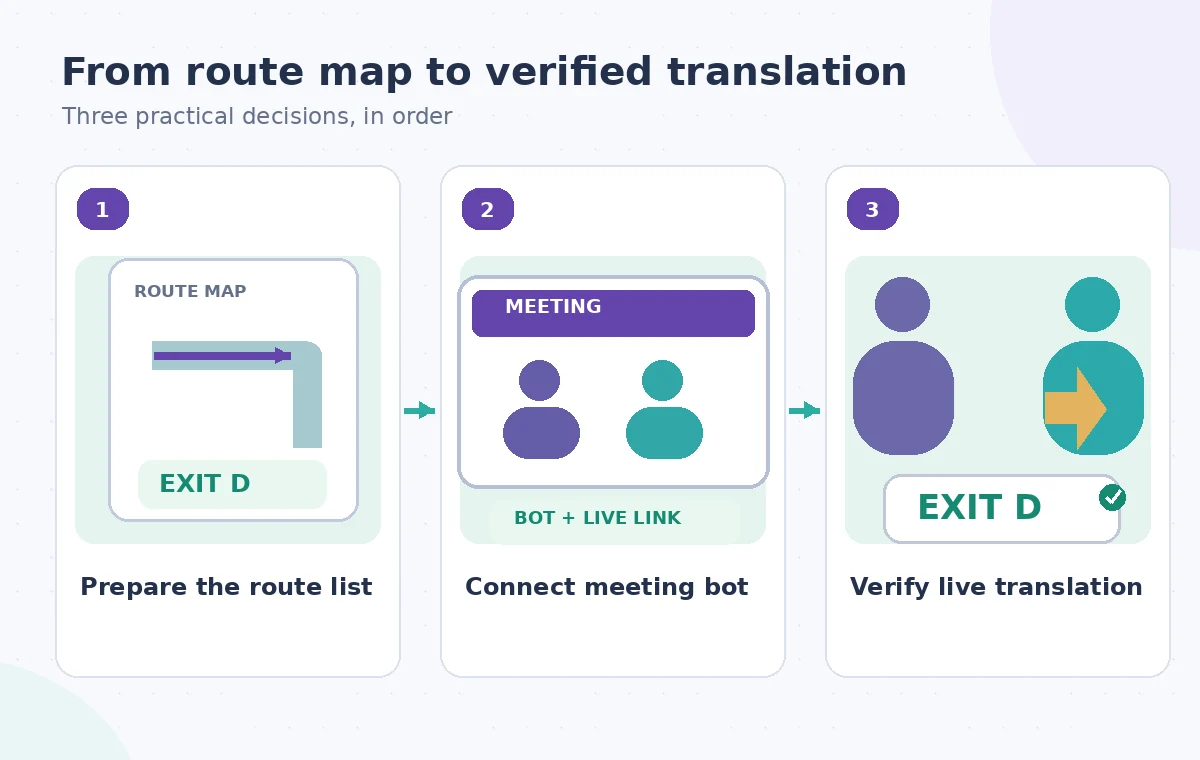
Build a terms list from the approved route map
Create a short sheet of spoken terms: Exit D, North Hall, step-free route, assembly point, and any room identifier used in the script. Use the exact spelling and case from approved plans. DeepL’s translation-manager guidance mentions glossaries for translations and spoken-terms lists that improve recognition before translation. Review their availability for the specific account and prepare them before the meeting rather than trying to correct critical vocabulary under pressure.
Read the script aloud with a bilingual colleague and listen for letters that might sound alike. An exit letter, a hallway direction, and a street name can all be confused in live speech. Phrase the key instruction redundantly without inventing extra directions: name the exit exactly as displayed on the official sign and point participants to the approved route diagram. Avoid relying on translated color descriptions alone if signage uses both letters and colors.
Use the AI tool selection checklist
Connect the meeting and explain the translation channel
The host starts a supported meeting and connects it through DeepL Voice using its meeting link. The organization must admit the bot, which then shares access information in chat. Explain to participants that live translated text can lag or contain recognition errors and that the approved written route map remains the authoritative reference. Encourage participants to state explicitly when a caption appears inconsistent with a displayed sign.
Offer two ways to follow along when supported: real-time subtitles through the web experience and translated audio through the eligible desktop experience. Do not tell everyone that spoken translation is available without checking their license and platform. Ask a volunteer to verify that the translation link opens and that the language selector is understandable. Test those logistics on an innocuous introductory sentence, not during the emergency instruction itself.
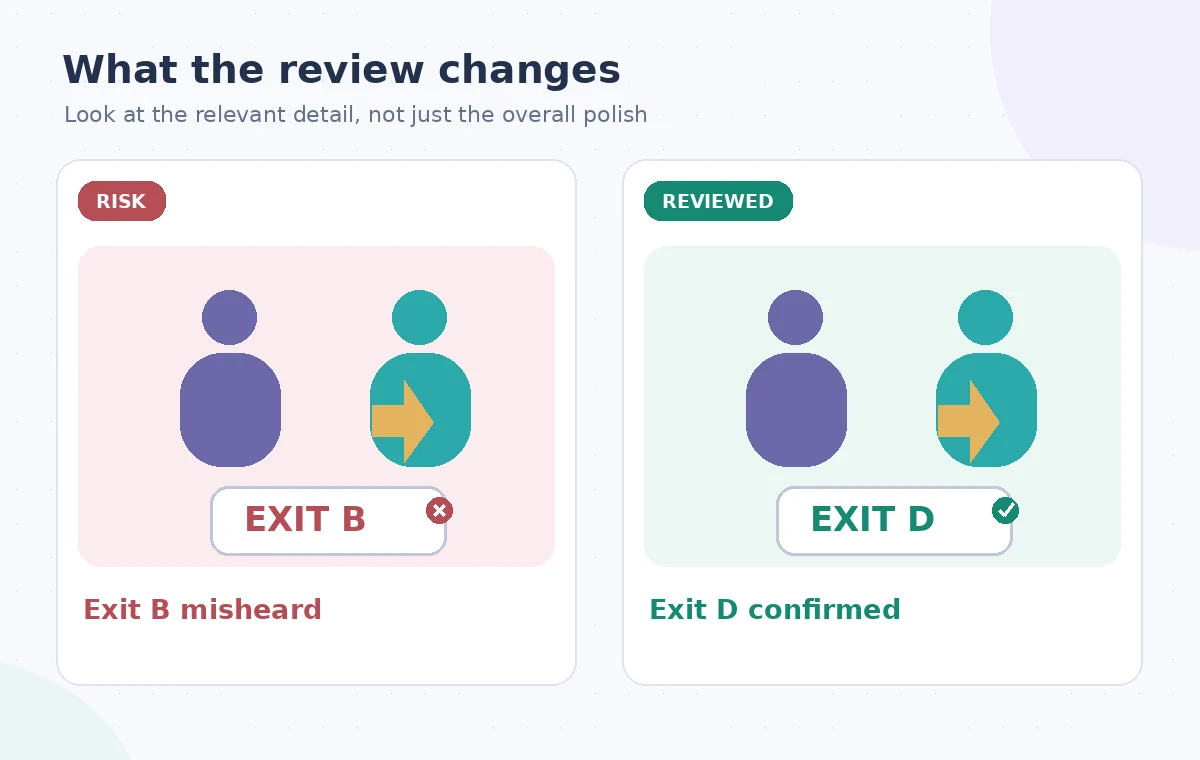
Verify the exit instruction before anyone acts on it
During the orientation, pause after each critical route instruction to check the displayed wording. Compare exit letters, room numbers, and negatives against the source sheet. If the speaker says Exit D and captions appear as Exit B, stop and repeat the instruction with reference to the official sign. The diagram in this article illustrates a possible error; it is not a measured result of DeepL or a screenshot of its interface.
Have the bilingual reviewer confirm the meaning in the main participant languages when possible. Ask attendees to point to the approved map rather than repeat an ambiguous audio-only phrase. Keep the safety conversation open to questions about mobility and accessible routes. An AI caption that looks fluent may still change a crucial letter; visible confidence or grammatical polish does not establish factual accuracy.
Plan a safer multi-tool workflow
Manage privacy, transcripts, and interpretation interruptions
DeepL’s support documentation lists manager controls for glossaries, spoken terms, transcripts, and—in the desktop app—stopping and resuming translation for everyone. Agree on a consent and privacy explanation before connecting the bot, especially where volunteer attendance or individual accessibility needs might be discussed. Check organizational recording rules and retention arrangements. A transcript export should be restricted to people who have a legitimate need for it.
When the meeting shifts to a sensitive topic, the translation manager should know how to stop the translation feed and explain what happens next. Do not imply that stopping captions retroactively erases content or changes the data handling terms; consult the vendor’s current privacy documentation. For critical safety instructions, retain an approved multilingual handout independently from any automatically transcribed meeting notes.
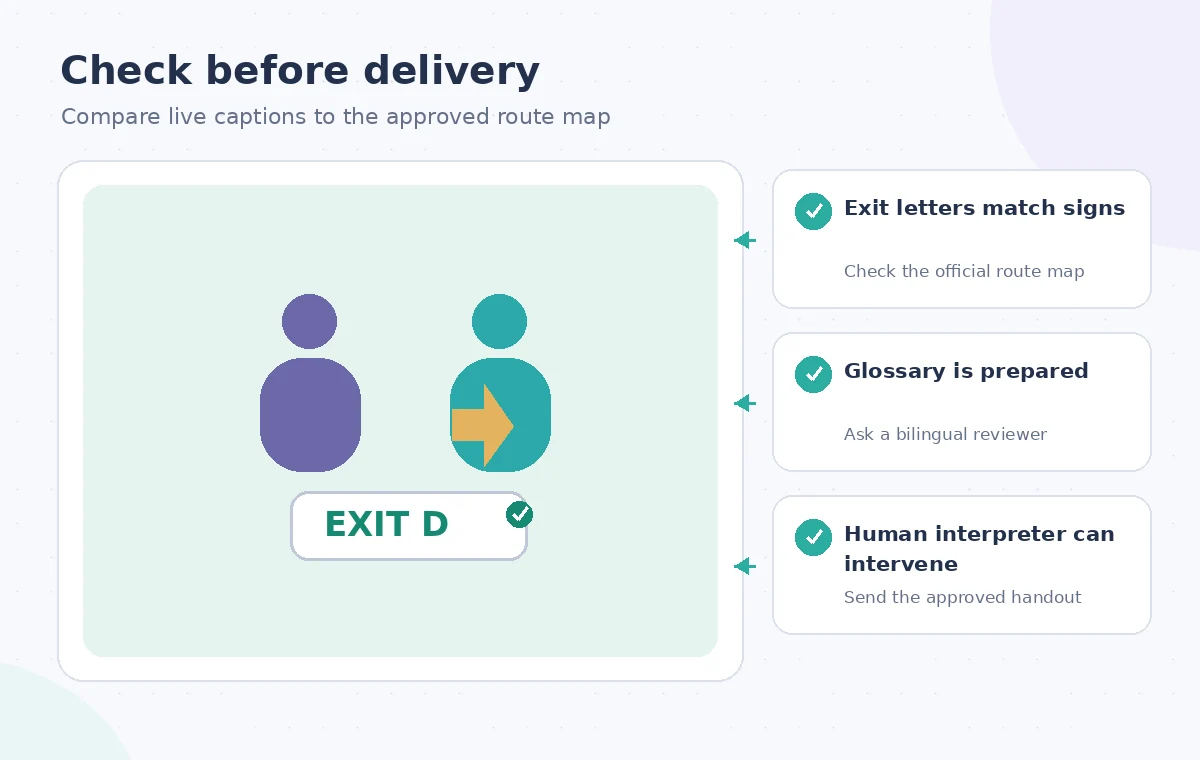
Finish with a human-reviewed route summary
After the call, circulate the official route diagram and a short written summary approved by the facilities or safety lead and an appropriate language reviewer. Do not publish an uncorrected transcript as an emergency procedure. Mark any uncertain translation for follow-up and ensure a named person resolves it. A successful orientation is one where participants can locate the correct exit and assembly point without relying on a possibly inaccurate live caption.
Record which translation channels were available, which route terms were checked, and how discrepancies were resolved. Update the spoken-terms list when the building labels change. Do not reuse an old glossary or handout after a floor plan revision. DeepL can lower a language barrier in an online meeting, but responsibility for safe instructions and accessible participation remains with the organization.
How We Research
We consulted DeepL Help: Voice for online meetings and DeepL Help: Manage meeting translation and DeepL Help: Who needs a Voice license?. We compared the named capabilities and limitations against the workflow described here, then designed an independent source-preservation and human-review checklist. This is a hypothetical teaching example with original explanatory illustrations, not an account-based hands-on test, measured output, or actual software screenshots. We did not process real customer files, verify a subscription on a live account, or claim that a vendor certified the final result. Confirm the installed version, applicable permissions, current licensing, and site-specific requirements before following the steps.
Frequently Asked Questions
DeepL lists all three platforms for supported meeting types, subject to meeting-bot permissions and the applicable Voice license.
DeepL explains that subtitle access generally requires a licensed translation manager, not separate licenses for every viewer; confirm the current plan terms.
DeepL says voice-to-voice translation requires its desktop app and an eligible license. The web experience provides live subtitles.
No. Glossaries and spoken terms help recognition and translation, but critical letters and route instructions still need human verification.
Not without independent review and approval against the authoritative building map and safety instructions.