
The best AI image generator depends on what the file must accomplish. A social graphic with readable words, a mood-board illustration, a product campaign concept and a photo edit have different failure modes. A single leaderboard turns those differences into a popularity contest.
This comparison groups five ecosystems by documented creative workflows: ChatGPT Images for conversational edits, Ideogram for typography, Adobe Firefly for Photoshop-oriented work, Midjourney for style references and exploration, and Google’s Gemini image models for generation and revision. Recommendations are editorial fit judgments, not measured benchmark rankings.
Decide the output before picking a model
Write a one-sentence creative brief with audience, placement, aspect ratio, subject, required visible wording and prohibited details. For a presentation cover you may prioritize a coherent composition with blank space; for an event poster the exact lettering may be decisive. Specify whether the result is a new illustration or a modification to an existing licensed asset.
Define acceptance criteria that a reviewer can see: words spelled exactly, no invented logos, anatomy appropriate for the task, room for a headline and suitable cropping at mobile width. A model that gives beautiful output but consistently changes product details may be a poor choice for ecommerce work. Evaluate the job rather than the general artistic impression.
ChatGPT Images: iterative visual direction
OpenAI documents image creation, editing uploaded material, selecting an area to revise and requesting aspect ratios. These affordances make ChatGPT Images useful when a creator expects several rounds of directed revisions and wants to express feedback conversationally. Templates can help establish a starting point for recurring types of asset.
It is not safe to assume a generated chart contains accurate figures or that an edited photograph preserves every original object. Inspect embedded words and visual claims. Feature access and limits can vary by tier or workspace even when generation is available. For work requiring pixel-perfect layout, bring the resulting art into a conventional editor for final text and placement.

Ideogram: typography-led design concepts
Ideogram is a useful candidate for posters, graphic concepts and compositions where lettering plays an important role. Its official pricing documentation distinguishes generation, edits and reference-image operations, sometimes charging different credits for each model and rendering choice. That complexity should be part of the purchase decision.
Test exact brand words and punctuation with the same brief you give other tools. Do not equate strong text-generation capability with a guarantee that a long paragraph or legal disclaimer will be accurate. For critical words such as dates, prices and contact details, overlay verified text in a design application rather than trusting image pixels alone.
Adobe Firefly: asset editing and design handoff
Firefly belongs naturally in a workflow that includes Photoshop or other Adobe applications. Adobe documents Generative Fill in Photoshop: select an area, describe the desired change, inspect variations and continue in a non-destructive editing flow. It also describes commercial use rules for Firefly output, which differ by feature and may involve beta conditions.
Commercially oriented documentation is helpful, but it is not a blanket warranty for every partner model, input photograph, trademark or use case. Confirm which model generated the image and whether any uploaded source can be used legally. The editor should retain the original layer or source so that a reviewer can compare altered and unaltered material.
Gemini image tools: revisions and reference-driven ideas
Google describes the Nano Banana family as image generation and editing models integrated with Gemini workflows and available through developer channels. These can be considered when a creator wants to revise a generated scene, work from a reference or connect image tasks with other Google tools. Product labels and model choices may differ between the consumer app and API.
Select based on actual account capabilities instead of treating every Nano Banana name as one fixed feature set. Keep reference material rights clear, test consistency across multiple outputs, and separate genuine photographic evidence from synthetic illustration. Google branding does not make a generated factual depiction correct.
Midjourney: style exploration and image references
Midjourney documents web-based image prompting, style references, its editor and an Edit Model that can work with supplied images. That makes it a candidate for creative direction and exploring multiple visual treatments while maintaining a recognizable look. It is a workflow option, not a claim of superior artistic quality from independent tests.
Privacy deserves special scrutiny. Midjourney describes default public visibility and limits Stealth Mode to Pro and Mega, with additional caveats for shared Discord channels. Before uploading confidential concepts, check the current subscription, workspace and visibility settings. Reference images can influence output without producing an exact copy; inspect final details before treating them as reusable brand assets.
Compare requirements in a decision matrix
For text-heavy poster concepts, shortlist Ideogram and ChatGPT Images; for Photoshop-based photo compositing, shortlist Firefly; for conversational reference-based iteration, compare ChatGPT Images and Gemini. These are workflow starting points based on documented features, not a claim that any product has won a controlled quality test.
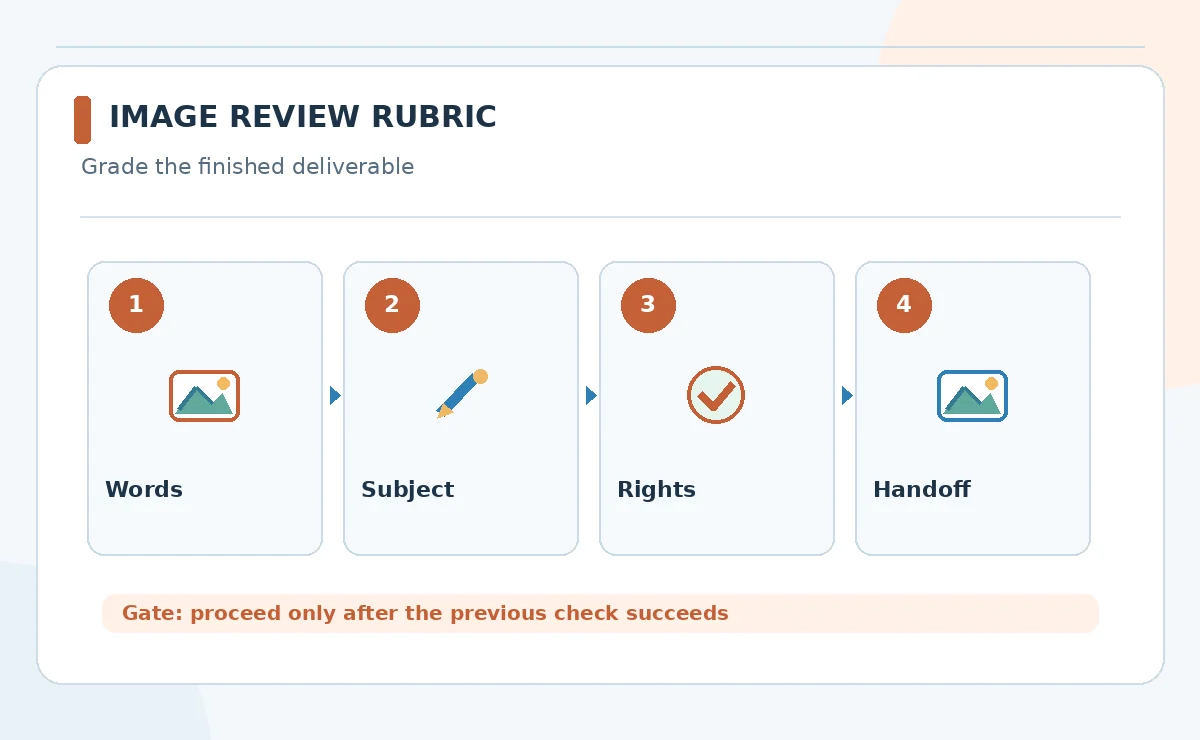
Create one identical brief per finalist and grade the results with your own rubric: exact wording, composition, ease of correction, asset ownership, export flexibility and review effort. Record where a conventional graphics editor was needed. Do not give arbitrary scores to make a table look objective when no side-by-side test was run.
Budget for edits, variants and review labor
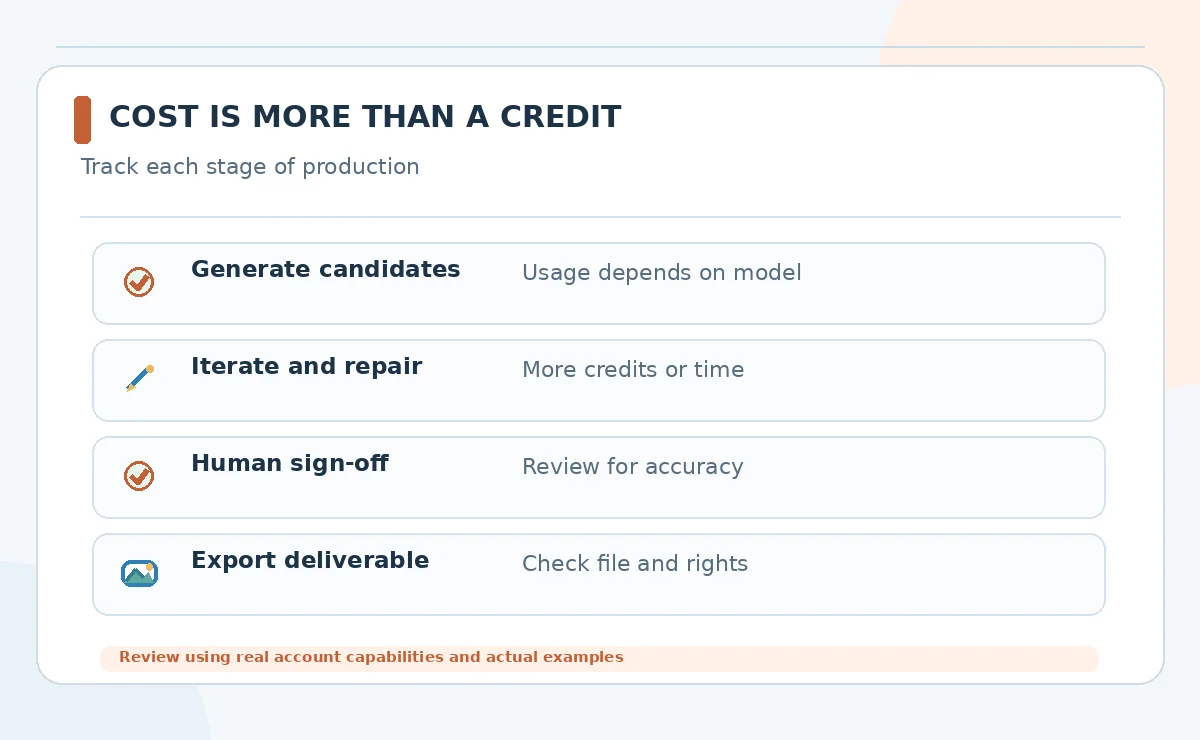
A monthly plan or credit pack is only one part of cost. Consider how many candidate generations you usually reject, whether editing consumes credits, export restrictions and how many teammates need access. Ideogram, Adobe and other products use different units, so comparing a nominal credit with another vendor’s credit is misleading.
Build a hypothetical scenario using your own demand: perhaps several campaign concepts, revisions and approved exports per week. Insert prices and quotas from the live checkout at purchase time. Include time spent fixing text, removing artifacts and approving usage rights. Low per-image pricing is not economical if each usable image needs hours of cleanup.
Review safety, rights and visual honesty
Check whether you are permitted to upload reference images, photos of identifiable people or confidential client designs. Do not present synthetic people or scenes as documentary evidence. If you are creating product advertising, verify product shape, labels and features against the actual item and applicable advertising rules.
Keep the prompt, selected output, revision history and human approval together. Add disclosures where audience expectations or platform requirements make them relevant. A responsible image workflow should make it possible to answer what was created, what was edited, and which elements were independently verified.
How We Research
Research checked on October 26, 2026. Our primary references are ChatGPT Images guide; Ideogram pricing and image operations; Adobe Firefly FAQ; Google Gemini image models; Midjourney Edit Model; Midjourney privacy and Stealth Mode. We mapped documented product capabilities to this specific reader task, distinguished provider claims from independent evidence, and checked adjacent LabFin coverage to avoid an overlapping article. The comparison is editorial and does not imply hands-on paid tests, measured output quality, verified account access or permanent pricing. Features, permissions and usage rules can change; confirm relevant terms in the live product before purchase or launch.
Frequently Asked Questions
Ideogram and ChatGPT Images are reasonable candidates to compare, but verify every final word and use a design editor for critical copy.
No. Adobe documents commercial use conditions for features, but input rights, third-party models, trademarks and individual uses still need review.
Some workflows support references and iterative editing, but consistency is task- and model-dependent. Build a reference sheet and inspect every output.
No. Credits, model options, editing operations and quality settings can use different billing rules. Compare cost per accepted deliverable.
Not when accuracy matters. Use verified source photography and inspect labels, geometry, materials and any edits that could misrepresent the product.