
A compact search card has a privacy problem
A museum visitor kiosk needs to display an exhibit title, a short description, and an approved image credit. The underlying Azure AI Search index may also include acquisition workflow notes or internal review flags. Returning an entire search record to a browser and hiding private fields with CSS is a poor design: the data has still crossed the network. Azure AI Search provides the `select` parameter to shape which retrievable fields appear in the query response. That makes it useful for data minimization, but it must not be mistaken for enforcing user permissions. This walkthrough uses an illustrative catalog rather than a live museum index.
Understand what select actually controls
Microsoft documents `select` as a comma-separated list of retrievable field paths, with `*` requesting all retrievable fields. The parameter determines the fields included in search results, not which records a caller is authorized to access. A field must be defined as retrievable in the index schema to be eligible for selection. The caller may still have access to other retrievable fields via a different query if no stronger boundary exists. This is why teams should combine an intentionally minimal index and appropriate application access rules with request-level projection. Treat `select` as response shaping, not as encryption, data redaction, or an authorization policy.
Choose the approved fields before writing a query
Create a field inventory with the catalog owner. Mark title, public summary, exhibition room, approved image credit, and stable public ID as potential card fields. Separately identify embargo notes, donor contact records, internal conservator comments, and unapproved media as restricted. Confirm which fields are present in the visitor-facing index and whether each one is marked retrievable. A safe architecture may require a separate public index rather than a universal catalog containing sensitive data. Do not make a field retrievable just because the front end needs an attractive preview; ask whether the information belongs in the audience-facing search surface at all.
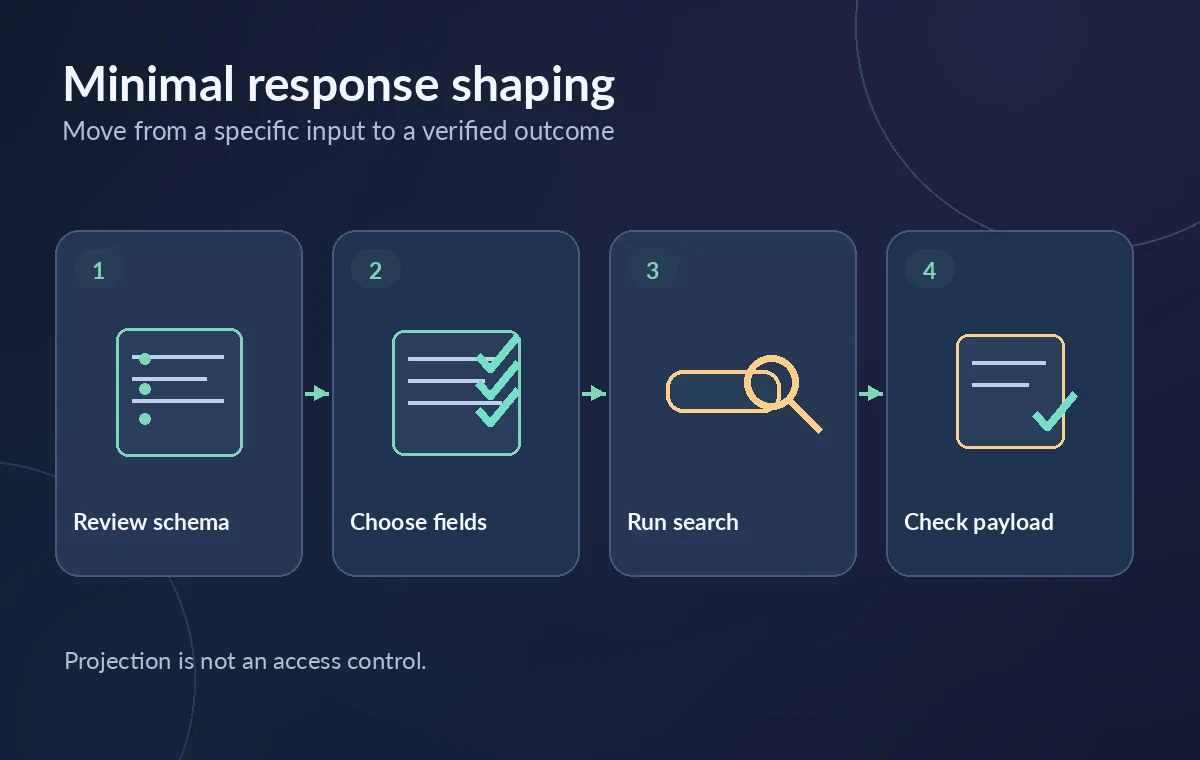
Specify a narrow select list
In a Search Documents request, pass a `select` expression such as `publicId,title,publicSummary,imageCredit` using field names that actually exist in the target schema. Azure’s OData `select` reference allows comma-separated field paths and includes syntax for complex subfields. Avoid wildcard selection in a kiosk client unless the public index is explicitly designed so every retrievable field is safe. Keep application output parsing resilient when an optional field is absent, instead of filling blank captions with guessed donor text. For complex records, verify the exact nested path syntax and the payload shape rather than assuming each selected field is flat.
Do not confuse select with searchFields
`searchFields` restricts which searchable fields the query examines; `select` restricts which retrievable fields the response returns. They are complementary but have different effects. A document can match a hidden searchable field and return a compact public projection, which may confuse testers looking for why it was found. Microsoft’s query guidance recommends aligning search and select fields during debugging where appropriate. In production, use approved search fields based on content policy and meaningful relevance rather than exposing internal descriptions. Neither setting, alone or together, is a substitute for an application’s authorization boundary.
Test the result as an HTTP payload, not a screen
Run a synthetic visitor search and inspect the actual response body in a controlled environment. Check that approved field names are present, disallowed fields are absent, complex values have the intended structure, and the browser sees no extra internal metadata. A screenshot of a clean-looking card is not enough: a browser may receive more data than it renders. Repeat for empty queries, broad search terms, missing optional credits, and a record whose private fields are populated. The goal is to catch accidental field exposure and broken card formatting, not to claim that any specific Azure tenant was tested.
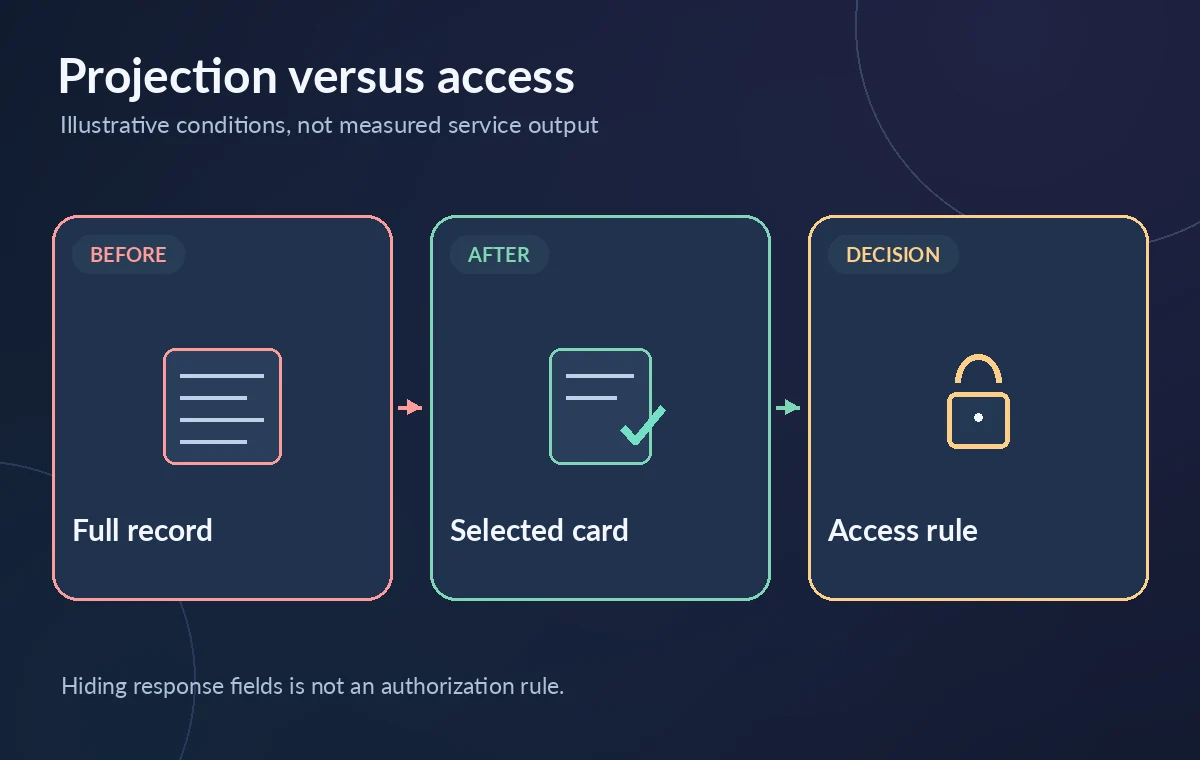
Apply document and tenant scope separately
A public catalog often has document-level distinctions: public, staff-only, embargoed, or rights-restricted. Those distinctions must be enforced through supported filters and a trustworthy authorization scheme, or by placing public data in a separate index. Do not accept a client-provided filter as the sole proof that a user may see restricted records. The API key or identity used by a public kiosk should have the least privileges practical. A `select` list does not prevent the same credential from requesting another retrievable field. Record the authorization design alongside the projection design; both are required to evaluate exposure risk.
Consider index changes and versioned clients
When schema owners add a new field or change a field’s retrievable setting, clients that use `select=*` may unexpectedly receive information that was never reviewed for the visitor experience. An explicit allowlist can reduce accidental expansion but remains only a partial safeguard. Version the response contract and run a simple schema review as part of the release process. Check nested fields carefully because selecting a whole complex field can include its retrievable subfields. Coordinate accessibility labels, localization, and image credit wording with the approved content schema. Do not conceal missing fields through guessed placeholders.
Measure performance without inventing savings
Returning fewer fields can reduce the size of a response, especially when an index contains long descriptions or nested data, but actual latency and costs vary with query structure, service tier, index size, and network conditions. If performance is the motivation, compare equivalent queries in a representative authorized environment and record response byte counts and timing samples. Do not promise a fixed percentage improvement from the syntax alone. The important quality outcome for a public exhibit card is that the returned data matches the approved surface and the search result can still be explained and cited to the catalog source.
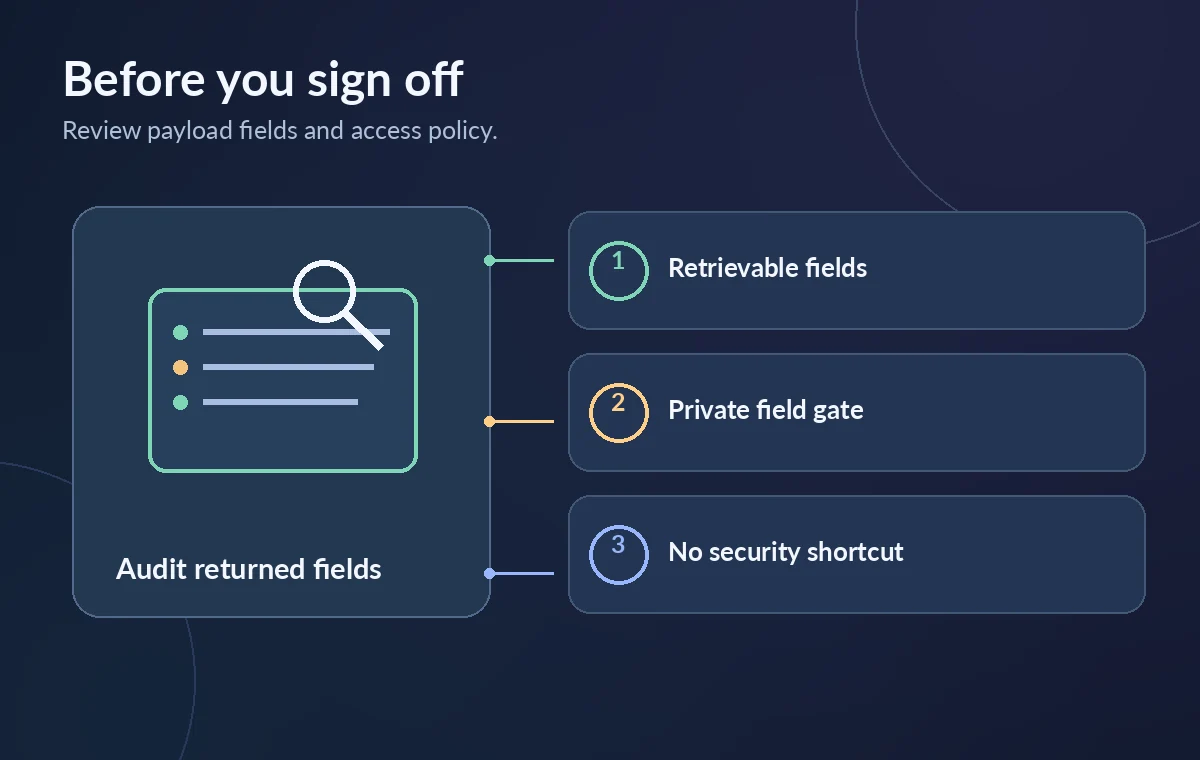
Release checklist for an approved kiosk
Before launch, verify the field allowlist, review each field’s retrievable status, inspect representative raw responses, and confirm separate access rules and document scope. Test a restricted sample only with approved test data, and document what the visitor credential can and cannot request. Keep stable public IDs for provenance without leaking internal accession or donor notes. The illustrations in this article are schematic; we did not access an Azure tenant or measure a deployed query. Teams should recheck official Azure documentation and their index schema whenever fields, query logic, or kiosk permissions change.
How We Research
We consulted the official Azure OData select reference and Azure full-text query guide. We compared the documented request or environment fields with their response and authorization limits, then created a hypothetical museum workflow and original conceptual illustrations. We did not access a live organization, deploy a workflow, perform vendor-side tests, inspect real customer records, or measure performance or security outcomes. Features, availability, pricing, and required permissions can change; confirm the current vendor documentation and your own policies before implementing these steps.
Frequently Asked Questions
No. It limits fields returned for that request, but access control and index design determine what a caller can retrieve.
No. Only fields marked retrievable in the index schema are available in select output.
select shapes response fields; searchFields limits the fields the query searches.
Only if the index and every retrievable field have been approved for that audience; an explicit allowlist is generally easier to review.
Yes. Projection does not ensure that a given record is authorized for the current user.