
One Catalog Record Can Carry Many Different Tags
A museum indexes equipment records, exhibition notes and conservation reports in Azure AI Search. Each document may contain a collection of tags such as public, conservation, donor-review or school-program. Editors want to filter the search results before checking whether a visitor-facing description is safe to use. A plain equality comparison on the whole collection does not express the intended condition. Azure AI Search supports OData collection expressions with any and all: any tests whether at least one element meets a predicate, while all checks whether every element meets a predicate. The difference matters when records carry conflicting tags, no tags or older values that nobody has reconciled. These search operators are useful query tools, not a replacement for staff authorization.
Decide What the Filter Is Supposed to Mean
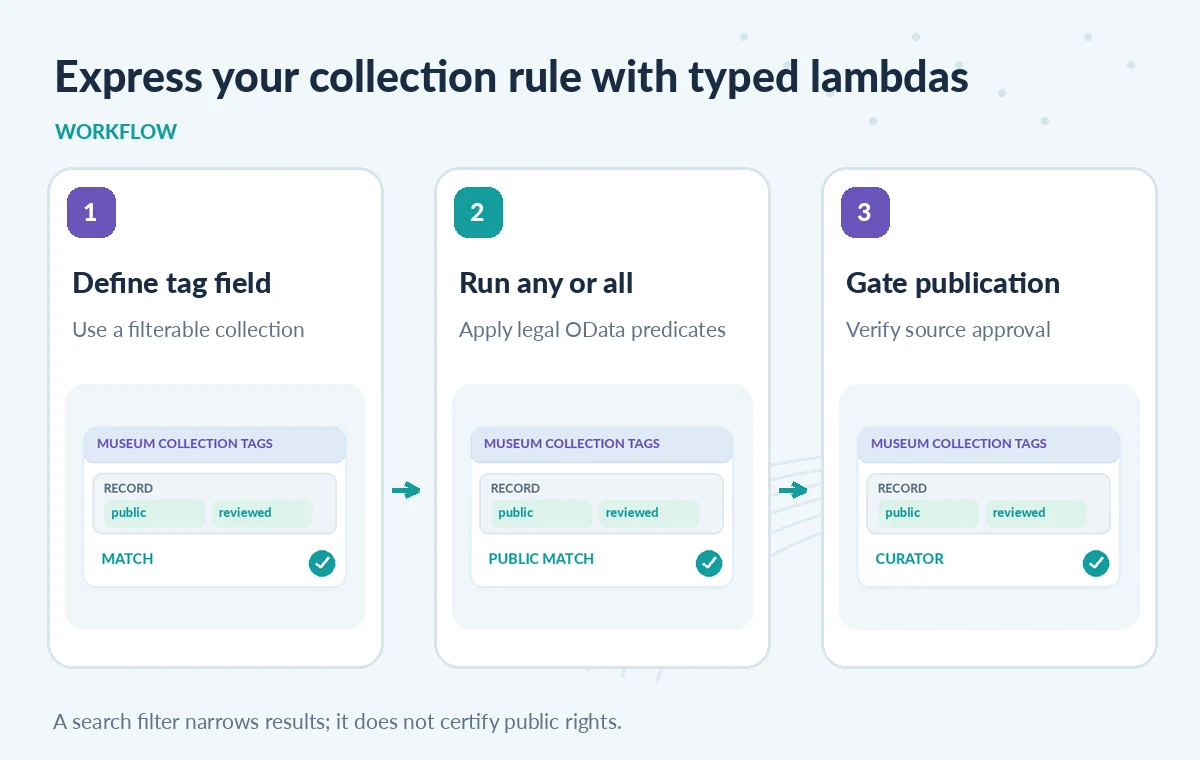
For an illustrative collection field tags, the expression tags/any(t: t eq ‘public’) selects documents containing at least one public tag. That does not mean every other tag is harmless; a record might simultaneously carry restricted and public due to an editorial error. If the publication rule requires that no tag equals restricted, use a correctly structured negative condition and test it against the schema. An all expression applies a predicate to every element and has different behavior from any. Write the rule in English before converting it to OData, and decide what an empty collection should mean. A negative tag filter is not equivalent to an explicit verified-public decision in an authoritative collections system.
Understand Empty Collections and Vacuous Matches
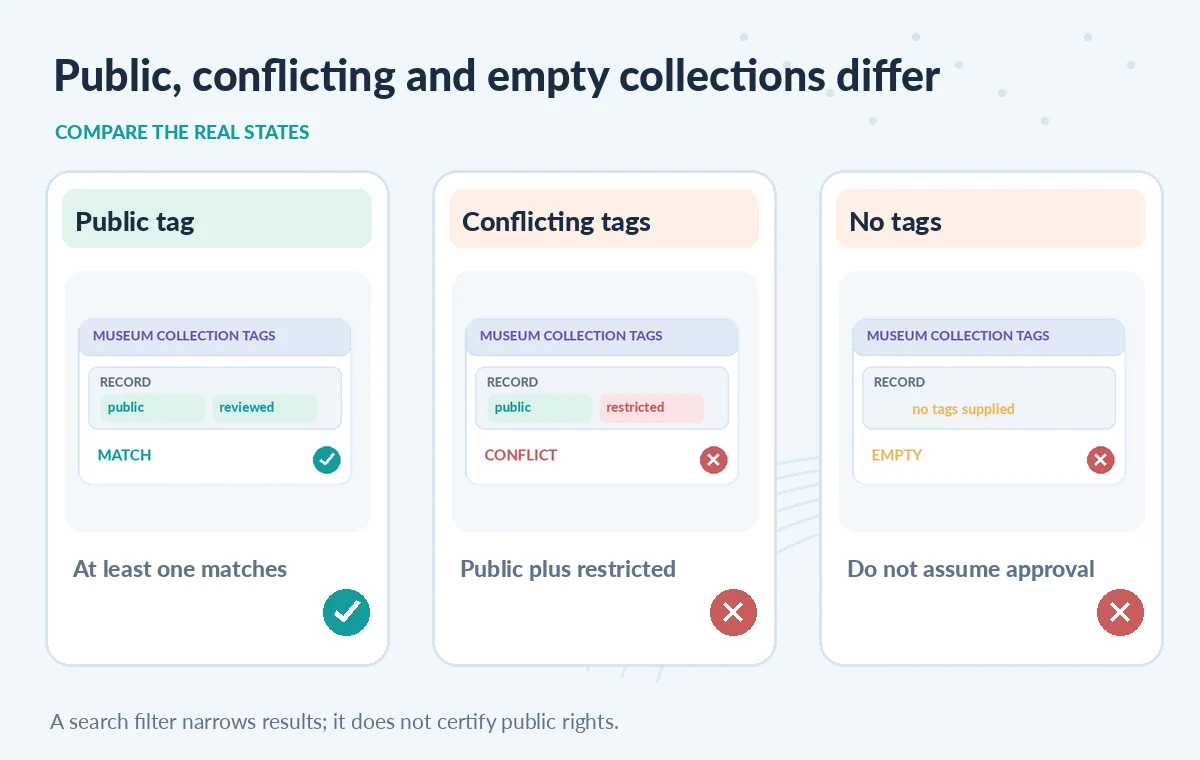
An OData any() expression without a lambda checks whether the collection has elements. Negating it, as in not tags/any(), tests for an empty collection. A universal all condition can evaluate true on an empty collection because there is no element violating the condition. That is logically consistent but operationally dangerous for a public-catalog rule that mistakes no tags for approved. In a hypothetical test, an untagged donated object should be routed to human review rather than silently included by an all-not-restricted filter. Use an explicit presence check alongside required approved markers where appropriate. Confirm exactly how missing, null and empty fields were indexed, because the ingestion pipeline can change the meaning of those states.
Follow the Expression Rules for String Collections
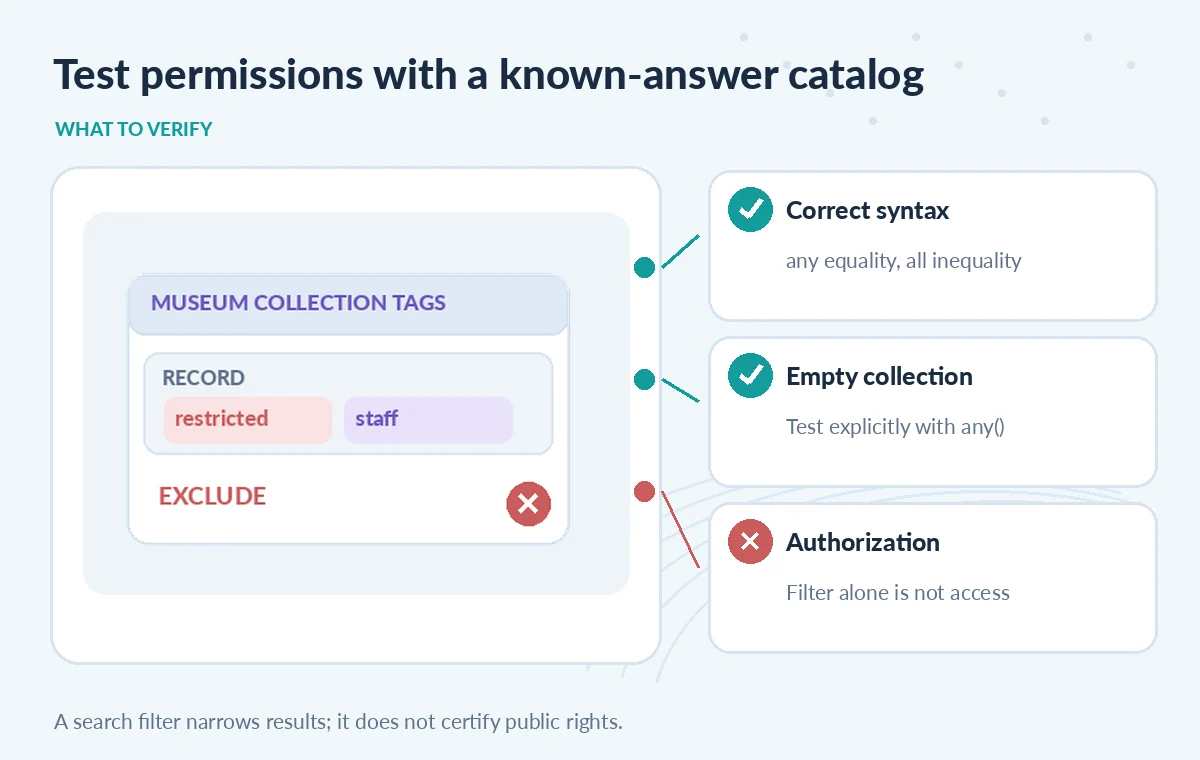
Azure documents restrictions for lambda expressions over Collection(Edm.String). In an any expression, equality checks and search.in may be combined with OR as supported; using ne in the wrong place can produce a validation error. For all on strings, inequality and corresponding not search.in forms are supported, combined with AND. Do not assume arbitrary nested AND/OR expressions accepted outside the lambda will be accepted within it. Collections of complex types and numbers have different allowed predicate forms, so the element type matters. For a sensitive filter, prefer short testable expressions with a named intent. Where complex publication policy is needed, evaluate authoritative policy and access permissions outside the search query rather than inventing clever strings.
Compare an Included, Excluded and Untagged Record
Consider three illustrative records. A workshop guide has tags public and reviewed; a private donation agreement has tags restricted and staff; an old photo has no tags at all. An any(public) query should include the first and exclude the other two. A careless all(not restricted) condition can also accept the untagged record, depending on the exact expression. This is a useful diagram for QA, not a result obtained from a real Azure service. Check the filtered results against a small known-answer set of records. Include a document with both public and restricted to see why positive matching alone cannot enforce an access boundary. The correct behavior should be specified by the museum’s records owner before the query is optimized.
Keep Security Trimming Separate From Search Relevance
Filter expressions can reduce candidate search results, but they are not automatically an authorization service. An end user may still need role-specific restrictions, and a developer with access to the underlying index can issue a different query. Enforce access at the application, index or document level using the supported identity model and data governance controls. Also consider whether confidential field values are present in retrieved documents even if the visible result list looks safe. Separate a search-facing label from the curator’s official permission status. If permissions are represented as collections, test how the identity values and filter predicates are securely generated rather than trusting user-supplied raw filter strings.
Diagnose Unexpected Matches Without Guessing
When a filter returns too many items, log the exact expression and a non-sensitive test ID. Verify the schema marks the field filterable and that it has the declared collection type. Look for accidental differences in case, whitespace, ingestion normalization and null values. If the service rejects the expression, consult Azure’s collection filter troubleshooting rules before rewriting it. An error that mentions an unsupported inequality inside any is a syntax or type issue, not proof that records are corrupt. Avoid weakening the restriction to make the query return more results. Investigate whether the original business rule belongs in the index, in the authenticated application or in the editorial review workflow.
Build a Tiny Regression Dataset
Create synthetic records for public only, restricted only, both labels, unrelated labels, empty collection and a field that is absent from the source. Evaluate any(), any with a public predicate, all with a not-restricted predicate and a combination requiring an explicit public value. Compare every returned ID against a manually written expected table. Retest after schema, analyzer or ingestion changes, and include a user with no permission for restricted documents. This article did not query Azure AI Search or measure relevance. The examples are designed for reproducible QA rather than purported screenshots. If results differ from expectation, record the discrepancy and withhold affected pages from release.
Require a Curator-Verified Publication Signal
A final approval pipeline should require an authoritative approved revision, correct rights status and staff sign-off before a record becomes public, regardless of whether its tags satisfy a convenient OData expression. Store the approval and access decision in a trusted system, and have search reflect it only after the source is validated. Editors should be able to inspect excluded records privately so that missing tags do not silently erase important history from internal discovery. Document who may change tags, how often the index refreshes, and how a revoked approval is propagated. Collection operators make navigation precise; they cannot supply the missing human judgment.
How We Research
For this guide, we reviewed the official product documentation on November 8, 2026: Azure OData collection operators any and all, Azure AI Search OData filter reference, Azure collection filter troubleshooting. We checked the named setting or feature against its published behavior, mapped the documented constraints to the specific hypothetical scenario, and reviewed whether the topic duplicated titles in the supplied LabFin WordPress inventory or prior B0267–B0276 ZIPs. No authenticated vendor service was run; we did not perform a benchmark, observe real customer data, verify third-party rights or claim operational outcomes. All illustrated records and comparisons are teaching examples. Confirm product documentation and security requirements again before implementing a workflow in a real organization.
Frequently Asked Questions
It returns true when at least one element satisfies the lambda condition; any() without a lambda tests whether the collection is nonempty.
No. A universal all predicate can evaluate true for an empty collection; explicitly test for the required approval evidence.
Not in the common form for Collection(Edm.String). Azure documents equality-style predicates for any and inequality-style predicates for all.
Filtering alone is not an authorization boundary. Enforce permission checks through a trusted application and identity model.
Include public, restricted, dual-tagged, unrelated, empty and missing-field cases and compare the result IDs to an expected-answer table.