
A community choir has permission to use a rehearsal recording for private practice. The conductor wants an isolated vocal reference, but the room recording contains piano, sustained voices, breathing, and the natural wash of a large hall. Audacity offers AI music separation through its optional OpenVINO plugins. The main danger is treating separated stems as a faithful record of each singer when a model can misassign harmonics and create watery artifacts. This walkthrough keeps the original mix as the standard.
An important availability caveat comes first: Audacity’s official AI plugins page currently warns that the OpenVINO plugins are not yet compatible with the latest Audacity version. Do not assume you can install the newest release and follow a generic tutorial. Verify the supported combination and your local plugin setup before spending time on the project; if there is no compatible path, use the original recording or another approved rehearsal resource instead.
Confirm consent and choose the right rehearsal clip
Ask the choir coordinator what the singers agreed to record and whether rehearsal audio may be processed outside the original workflow. Even local tools involve managing copies of human voices, so restrict access and retention. Select a short rehearsal segment in which the piano enters beneath a sustained passage. That clip provides a realistic stress test for separation: the vocal energy overlaps the accompaniment rather than existing in a perfectly isolated studio channel.
Create a working copy and log the recording date, microphone position, source format, and intended audience. Avoid using a rehearsal stem to imply that a member sang notes that a model invented or borrowed from another part. If the clip is intended for wider distribution, obtain the necessary permissions and check music rights. A privately useful practice aid does not automatically become a licensed recording suitable for publication.
Check OpenVINO availability before importing audio
Open the Audacity project only after checking the official OpenVINO download page. It explicitly warns about incompatibility with the latest version of Audacity; this is not a small footnote. Confirm your operating system, Audacity release, plugin build, and installation procedure from current official instructions. The plugin manager and preferences can help identify which effects are enabled, but an enabled menu item alone does not establish that a particular model will execute correctly.
If your environment cannot run the plugin, stop and document the blocker. Do not install random older binaries from unofficial mirrors or tell the choir that the separation succeeded. This article is a documented workflow and a hypothetical example, not a report of running an actual project. Saving the compatibility decision at the top of the notes prevents another volunteer from repeating an installation that is unsuitable for their computer.
Separate vocals while keeping the full mix intact
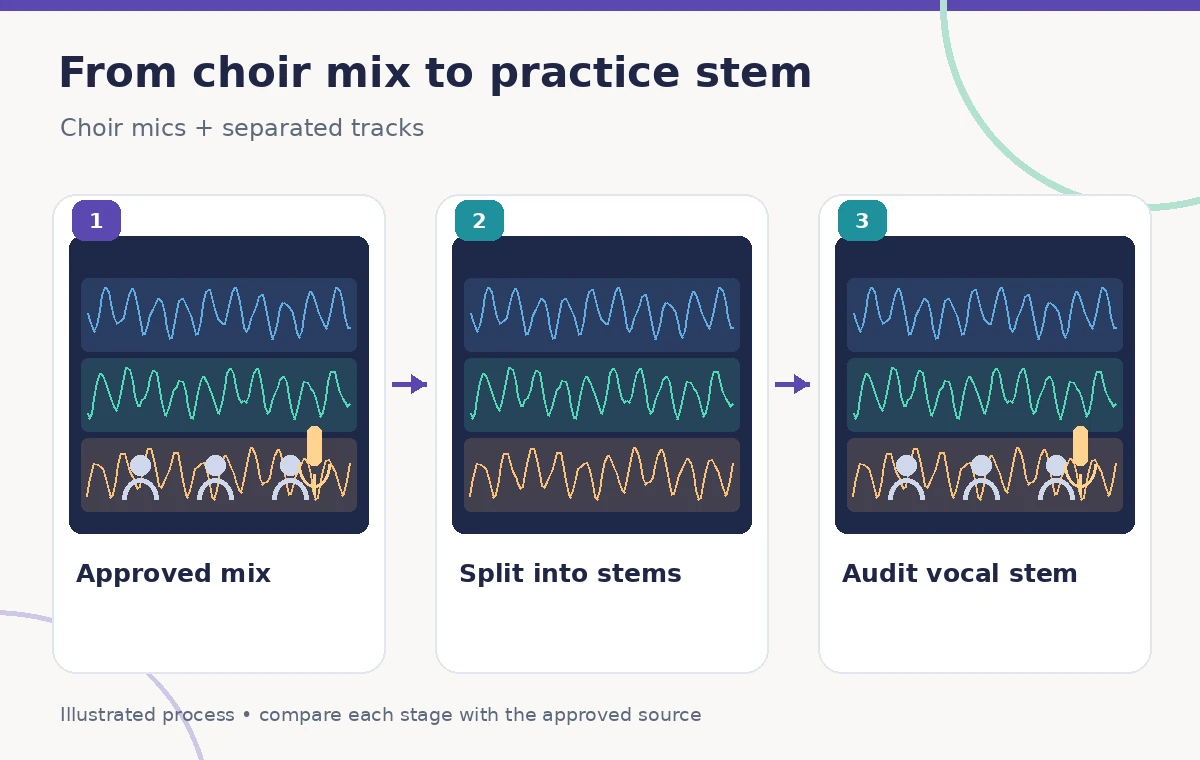
Audacity describes music separation into Drums, Bass, Vocals, and Other Instruments on mono or stereo tracks. Work from a duplicate of the approved rehearsal mix. Where the installed compatible plugin offers the relevant separation option, generate stems and keep them named by model output rather than by alleged real performers. A “Vocals” stem describes an estimated spectral component; it does not claim each harmony line was recorded independently.
Compare the vocal stem against the source at matching time positions. A piano note may leak into the vocal estimate because it shares frequencies with the choir; conversely, a soft alto note might be suppressed. Neither symptom means the software has discovered a new singer. The process diagram shows stylized tracks to help readers follow these distinctions and must not be mistaken for a measured separation from Audacity.
Listen for the artifacts that matter in choral music
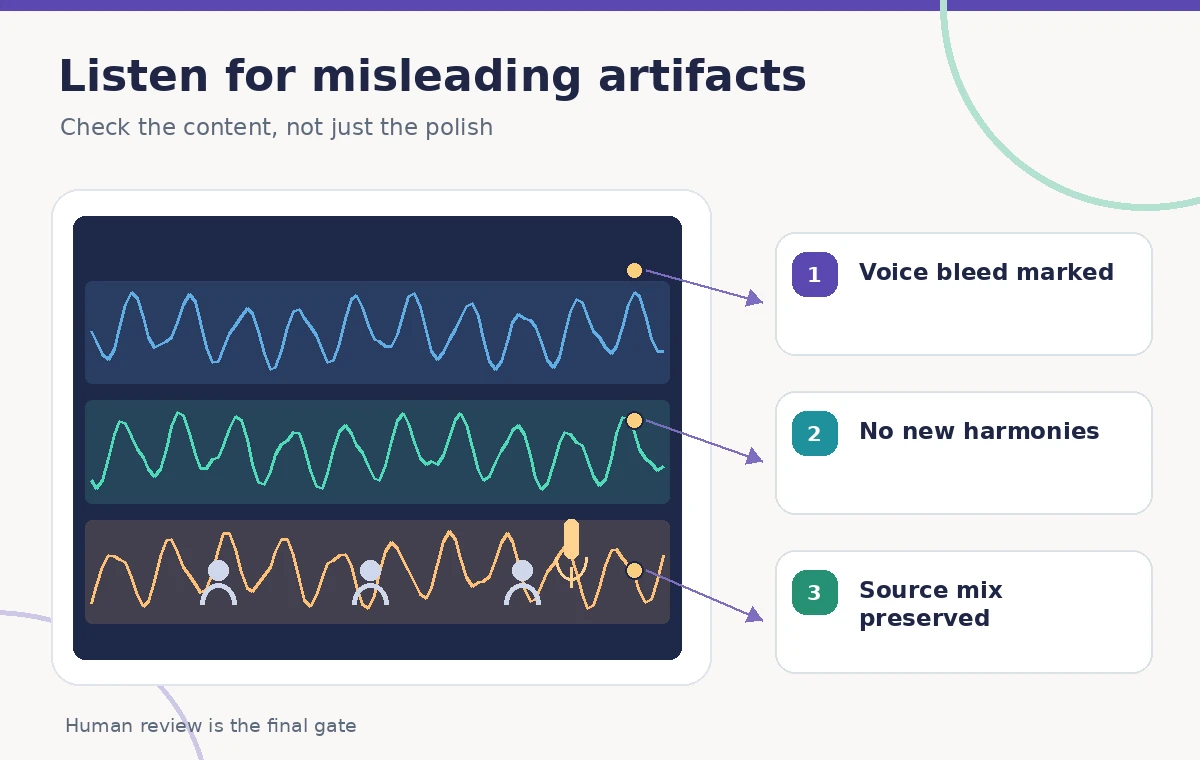
Focus on consonant attacks, sustained vowels, quiet entrances, and rests between phrases. Separation models can create pulsing high frequencies, metallic tails, or discontinuities in the apparent harmony. A low-volume backing instrument may become a false overtone in the vocals. Inspect a few seconds at normal speed rather than only relying on an attractive waveform; the quality question is whether a choir member can practice accurately from what remains.
Compare all changes with the original recording. If the stem seems to contain an extra note, find its exact time in the full mix. Do not transcribe that note as part of the score unless the approved score or an independent rehearsal record supports it. Mark uncertain passages with timestamps and refer them to the musical director; this is more useful than simply labeling an AI output “clean.”

Use the stem as a practice cue, not a replacement score
A choir singer can use a coarse vocal guide to hear entries and the overall shape of a passage, provided its limitations are known. It cannot reliably replace a conductor’s annotated score, an individual part recording, or accurate pitch instruction. Keep the original mix accessible beside the stem. For difficult sections, have a music leader play the relevant notes from the score instead of repeatedly trying to extract precision from overlapping audio.
Do not publish screenshots or audio snippets suggesting that a model reconstructed the “true soprano track” from a room recording. The vocal stem is an estimation of mixed information, not multitrack evidence. In a learning packet, use a plain label such as “AI-separated vocal guide — verify with score” outside the audio file itself and include the source recording date where appropriate. That wording helps prevent the practice aid from becoming a disputed historical record.
Keep stems organized and avoid accidental redistribution
Label each exported file with the original project reference and a functional stem name, avoiding performer identities that were never verified. Protect working files with the same access rules as the source. Because rehearsal recordings contain recognizable voices, do not upload them to an unrelated service just to compare two separators without checking consent and policies. Export only the portions needed for an authorized rehearsal group.
For quality review, provide a short comparison set: original mix, estimated vocal stem, and a notation of the passages that cannot be trusted. Do not normalize these to wildly different loudness and then announce that one is “better.” Listening levels shape perception. The goal is an accurate rehearsal decision, not a promotional claim about an AI algorithm’s success rate.
Document the source and version of every output
The Audacity plugin family and compatible application releases may change. Record the OS, Audacity version, plugin version, and any selected stem mode if a compatible configuration was actually used. Do not invent model names or settings when none are provided by the official documentation. Preserve the original track and a copy of the project so subsequent volunteers can compare against what the singers actually performed.
If you plan to combine separated stems with an original recording, check timing alignment before export. Added latency or changed duration can produce false rhythmic cues. Audition transitions at full speed and compare representative measures with the score. A project log should clearly state which audio was untouched, which was modeled, and which sections were accepted for practice after human review.
Use a fallback when a model cannot isolate the choir
Sometimes the most useful answer is that the room mix cannot support reliable source separation. A conductor-approved rehearsal playback, newly recorded part guide, or simple practice track may be more accurate and easier to license. The OpenVINO warning is a separate reason to pause if the current Audacity version has no supported plugin path. Either way, do not turn a theoretical workflow into a claim of observed success.
At handoff, state the task narrowly: an AI-separated guide may assist rehearsal, but the ensemble’s original performance and approved score remain authoritative. Provide any artifact notes, especially passages with piano bleed, altered consonants, or wavering pitch. The comparison and QC illustrations show possible failure types drawn for teaching and do not assert measured outcomes in a real choir recording.
How We Research
We read Audacity’s official OpenVINO plugins notice, including its warning about incompatibility with the latest Audacity version, and the plugin preferences documentation. As of November 3, 2026, we did not identify an installation as universally compatible. We did not run stem separation, use anyone’s choir recording, measure bleed, or identify particular voices. The audio waveforms are drawings illustrating a verification workflow. Readers should recheck current plugin status, use only authorized recordings, and have musical claims reviewed against the original mix and approved score.
Frequently Asked Questions
Audacity’s official download page currently warns they are not. Check the page and the installed versions before attempting this workflow; do not assume the newest Audacity is supported.
Audacity describes a music-separation effect for Drum, Bass, Vocals, and Other Instruments, subject to a compatible plugin and installation.
No. A vocal stem estimates a class of sound from the mix. It does not identify individual singers or guarantee the soprano, alto, tenor, and bass lines remain unchanged.
Compare the estimated stem with the full mix and the approved score at the same timestamp. Ask the musical director to check ambiguous entrances and pitch events.
Only if recording consent, performer permissions, music rights, and the applicable distribution policy allow it. A rehearsal-use approval does not automatically authorize public release.