
Why website settings merit a separate audit
A local-history archive might use S3 for original scans while publishing resized, licensed derivatives to a visitor website. A bucket name and folder structure can look like a public gallery even when the actual content should remain private. Before creating a new preview workflow, the team needs to know whether any bucket is configured for S3 static website hosting.
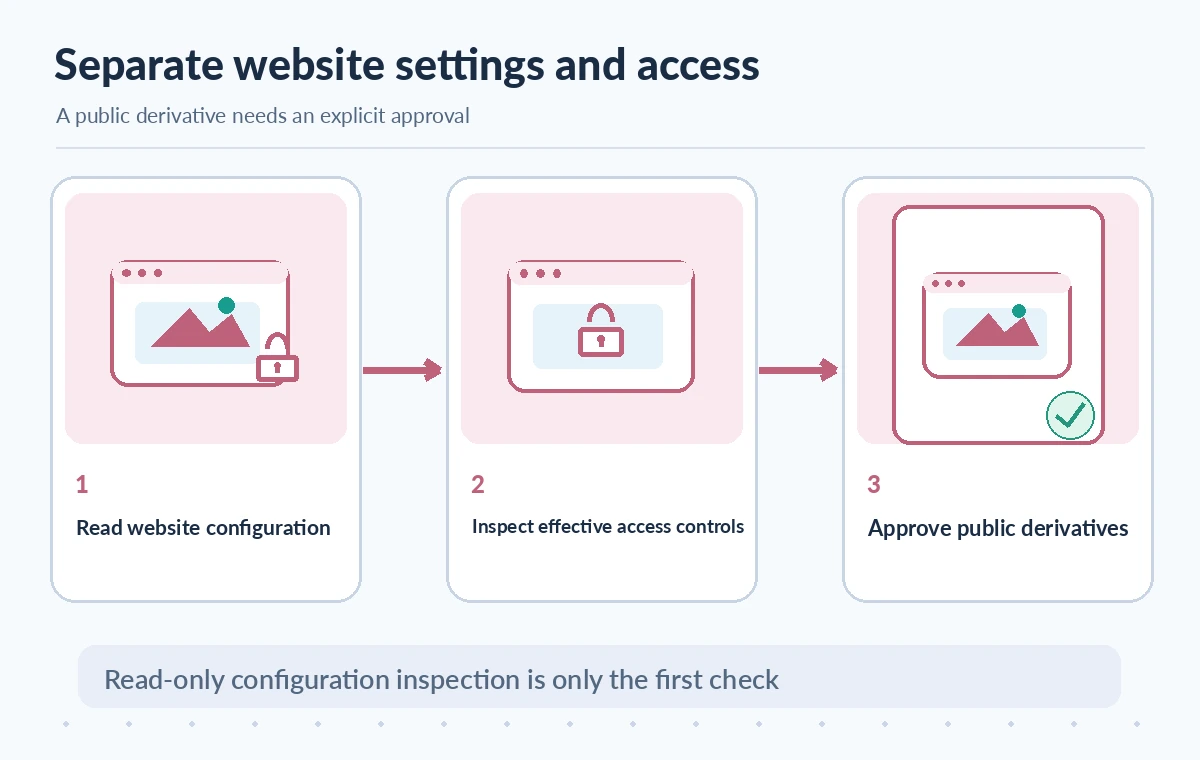
GetBucketWebsite is a read operation that reports the website configuration of a specific bucket. It does not prove a file is publicly accessible and does not grant access by itself. Its purpose in this audit is narrow: establish the configuration state, then investigate identity, policies, Block Public Access, and approved publication scope as separate questions.
Read the bucket safely and correctly
Amazon’s API reference documents a GET request against the bucket website subresource. The operation requires s3:GetBucketWebsite permission and is unsupported for S3 directory buckets. The caller should use authorized credentials and identify the intended AWS account and bucket rather than guessing from a similar-looking name in an inventory export.
Record the region, account, bucket identifier, observation date, and request outcome in a restricted change register. Avoid placing donor names or private object keys into public audit screenshots. A read-only audit should not invoke PutBucketWebsite or DeleteBucketWebsite, and it should never alter existing public access settings as an investigative shortcut.
Interpret configuration, absence, and access errors
A successful configuration response can describe index and error documents, redirect rules, or related website settings. An absent website configuration is different from an access denied response. The API documentation distinguishes website-not-configured behavior from authorization failures; handle these outcomes separately and preserve diagnostic context.
Do not tell stakeholders that a bucket has no website because one low-privilege test received HTTP 403. Likewise, a website configuration read does not establish that visitors can fetch any particular object. Verify error codes and bucket identity with the latest SDK behavior; a mistaken negative can hide an accidental hosting change.
Inspect access policies without opening the bucket
S3 Block Public Access settings and bucket policies determine important access behavior independently of the website configuration. AWS recommends keeping public access blocked where possible. A static website endpoint is not an authenticated private delivery channel; if the organization needs controlled public browsing, review an architecture using CloudFront with appropriate origin controls and HTTPS.
Do not disable Block Public Access simply to make a website URL load during the audit. That could expose originals or files awaiting rights review. Use approved read-only checks of policy status, effective permissions, website settings, and object-level authorization instead. Keep verification of access exposure separate from a generic network response from one browser.
Compare three distinct bucket states
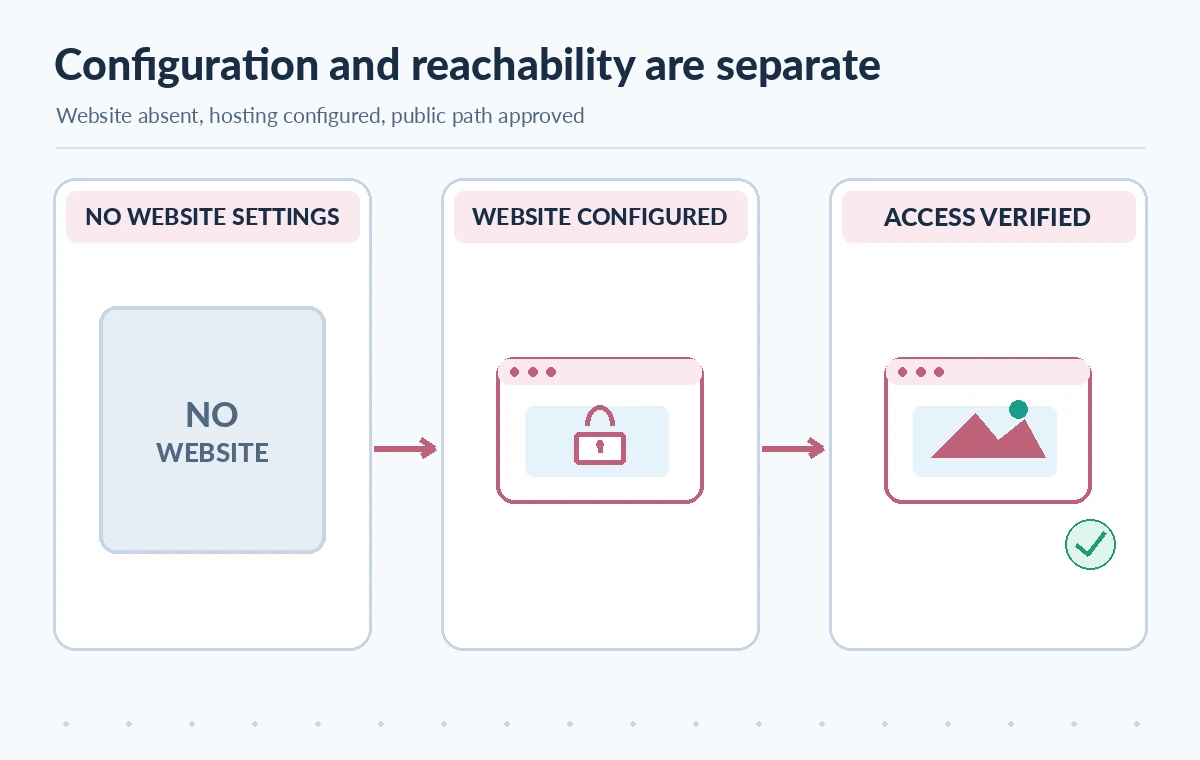
A bucket with no static website configuration answers only the website-setting question. A configured bucket shows that hosting behavior has been specified, without automatically proving that objects are reachable to the public. A verified publication state combines approved content, expected access controls, and an authorized test of the intended delivery path.
The illustrations show conceptual state transitions, not real S3 console screens. A nonworking website URL can still coexist with other publicly accessible delivery routes; an active website setting can coexist with Block Public Access preventing website reads. Do not infer security from a single icon, configuration field, or attempted download.
Separate originals from approved derivatives
A preservation collection can contain scans with donor restrictions, unpublished interviews, or internal metadata. These should not share a public exposure path merely because preview files live in the same storage account. Maintain a clear source register and an approved derivatives register, with rights status, embargo dates, current object versions, and authorized display uses.
For the public collection, generate an independently reviewed derivative and assign a public identity distinct from the source original. Publishing that derivative should never require granting broad anonymous access to the private originals bucket. A content audit should enumerate the actual files available through the public path rather than assuming every object under a prefix was reviewed.
Check redirects and error-document behavior
Website settings may include index documents, error documents, and routing rules. An outdated redirect can send a visitor from an approved exhibit link to a deprecated page with incorrect rights or facts. A custom error document can also reveal internal metadata if its contents were never reviewed. Test the authorized public paths and error cases with harmless sample URLs.
Use an accessibility review for navigation text, file download descriptions, and captions. A redirect or index configuration should not disguise a broken citation from an exhibit label to its supporting source. Verify that a removed public preview no longer appears through stale routes or caches under the organization’s content-retirement procedure.
Reconcile configuration with actual public reachability
A complete audit joins configuration observations with policy and access checks, source version references, the intended distribution endpoint, and a list of approved public derivatives. Examine whether a CDN or application proxy introduces another access path. Do not claim that GetBucketWebsite audits CloudFront, presigned URLs, application permissions, or object ACLs; these need their own inspection.
For a dry run, use a deliberately public, non-sensitive test derivative and a separate protected control object. Confirm the approved path serves only what it should and does not expose the control. Record the method and exact scope of testing. Never use real donor correspondence as a probe for anonymous reachability.
Prepare a cautious release decision
Before publishing a new museum preview, confirm bucket identity, website configuration, public-access controls, delivery protocol, redirect behavior, original-versus-derivative segregation, source licensing, and the designated approver. Any unexplained website setting should trigger investigation before production changes, not automatic deletion or policy rewriting.
This article summarizes AWS documentation and illustrates a hypothetical archive audit. We did not access an AWS account, inspect a real bucket, or verify public access to any object. Confirm the latest AWS behavior, supported bucket type, IAM permissions, cost, legal restrictions, and selected CDN architecture before deploying a public hosting workflow.

How We Research
We reviewed official provider documentation on November 11, 2026: AWS GetBucketWebsite API; AWS access-management guide; AWS website permissions guide. We compared the named feature with the relevant API or workflow reference, separated documented behavior from assumptions, and designed a hypothetical museum-oriented verification workflow with failure cases and an editorial approval stage. No live account, customer content, production API request, measured benchmark, or observed service result was used for this article. Illustrations show conceptual technical states, not vendor screenshots or actual performance. Check currently deployed API versions, permissions, regional availability, prices, quotas, privacy requirements, and organizational policy before operating a production service.
Frequently Asked Questions
It returns the static website configuration of an S3 general-purpose bucket when configured and authorized; it does not list every publicly reachable object.
No. Actual reachability depends on policies, Block Public Access, delivery paths, and object permissions.
No. AWS documents that the operation is not supported for directory buckets.
No. Access denied must be distinguished from a missing website configuration using appropriate credentials and API error handling.
No. Audit safely first; AWS recommends keeping public access blocked where possible and using a carefully designed distribution architecture.