
An AI website builder can produce an attractive home page quickly, but a visually polished preview does not establish that people can find, use or trust the finished site. Search engines must discover actual page URLs, visitors must be able to complete forms and a business owner must know whether inquiries arrive. The safest time to discover a broken contact workflow is before a marketing campaign starts.
This launch checklist is for small businesses building a public site with Wix, Squarespace, Webflow, Framer or another AI-assisted editor. It is not another ranking of builders. Use it on a staging version and again on the published domain. Treat each check as pass, fail or not applicable, record evidence, and keep the launch decision with a person who owns the website.
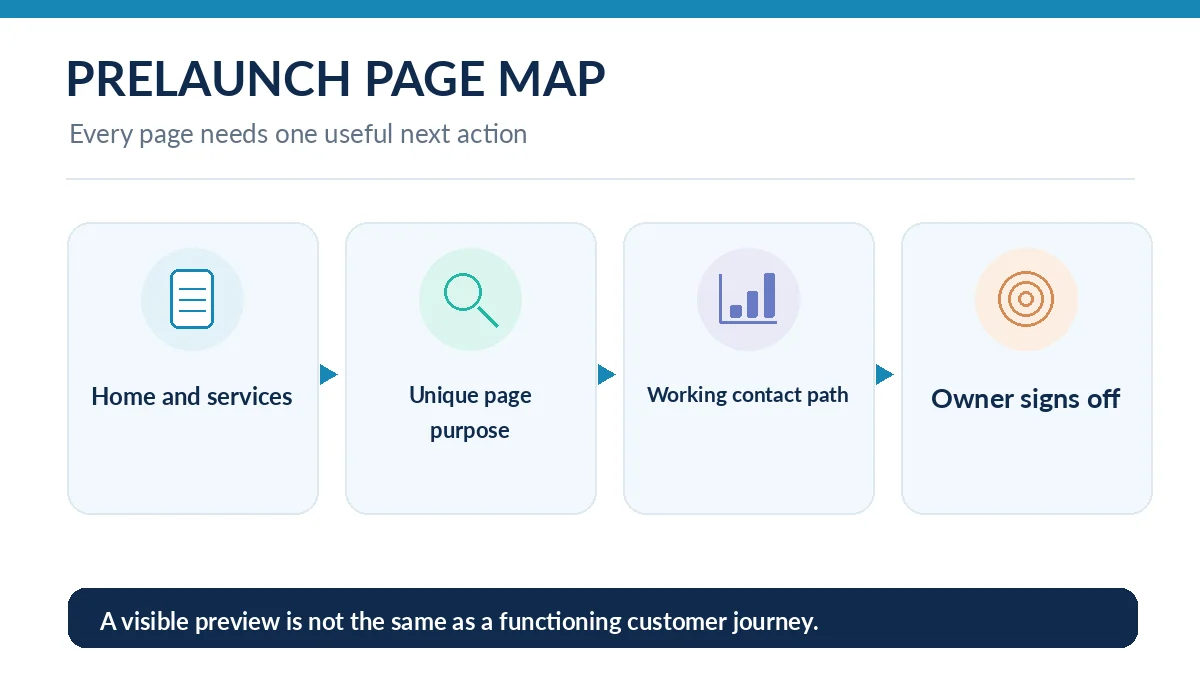
Inventory every public page and its intended action
Write down the page URL, one primary reader question and the conversion action for each page. A five-page service-business example might include home, services, a specific service, about and contact. Remove duplicate AI-generated service pages that repeat the same generic claims. Each surviving page should explain something only that page needs to explain, including relevant locality or service constraints where they are factual.
For each URL, record a concrete outcome: the contact page submits an inquiry, a service page links to contact with context, and a policy page states the actual business policy. Do not label the site ready merely because every navigation link appears clickable. Visit every link, test the destination and check that unneeded draft pages are not exposed through menus or indexing.
Verify crawlable URLs, index settings and canonical choices
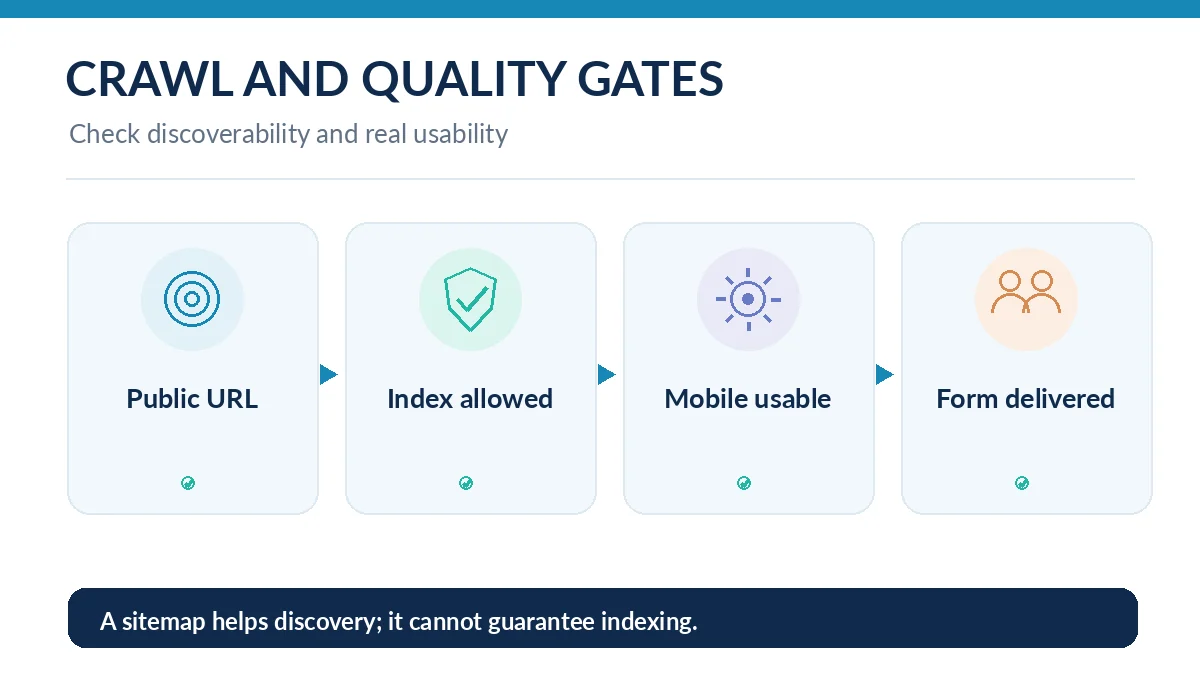
Open the public page directly in a fresh browser tab and confirm it loads without requiring an editor session. Review whether the platform adds noindex to a staging page, whether robots settings exclude critical content and whether the sitemap contains the public canonical URLs. A sitemap is a discovery aid, not a guarantee of ranking or indexing. Do not assume a platform-generated sitemap contains every intended page without checking it.
Google Search Central explains that JavaScript-heavy sites go through crawling, rendering and indexing; rendering can be delayed. If essential service copy is available only after unusual interaction, inspect the rendered page with the URL Inspection tool once the domain is verified. Use meaningful links in HTML and one consistent canonical per page. A duplicate URL should point to the intended original, not a random home page.
Inspect titles, descriptions and visible answers for each page
Give each page a unique, descriptive title that states the service or purpose, rather than automatically repeating the business name. Meta descriptions should honestly preview page content. A generator may fill every field with enthusiastic marketing language that says little; replace it with specific outcomes, locations and customer constraints supported by the business. Check that the heading sequence remains understandable when promotional decorations are removed.
Review AI-written testimonials, awards and numerical claims individually. Do not publish generated quotes as customer feedback or imply certifications the company does not have. If a page lists turnaround times, prices or a refund policy, confirm them with the owner. Accurate copy is part of SEO usefulness: content that attracts visitors with false expectations will create operational problems even if it receives traffic.
Test the site on mobile and with keyboard navigation
Open the smallest realistic phone layout, not only the editor desktop preview. Look for buttons outside the viewport, navigation overlays that cannot close, tiny tap targets and text positioned over busy photos. Walk through the site using keyboard Tab, Shift-Tab and Enter; visible focus indicators, labeled fields and accessible menus make the site usable beyond mouse interactions.
Give informative images descriptive alternative text and omit redundant decoration from assistive-technology announcements where the platform allows. Check contrast on call-to-action buttons and error messages. Automated scanners can surface common accessibility problems, but manual keyboard and form testing are still necessary. Do not interpret an automated audit score as a legal accessibility certification.
Submit every form and verify the full delivery chain
Use a test identity and send an actual inquiry through the published contact form. Verify the success message, spam protection, notification recipient, email deliverability and the business process for responding. Check required fields and invalid email handling, then repeat on mobile. If a form stores submissions in a dashboard, document who has access and the retention expectation before collecting personal information.
For booking or checkout flows, run the official sandbox or test mode provided by the vendor and review the customer-facing confirmation. Do not send live purchases just to prove the site works unless the owner has an approved test procedure. Ask who responds when the integration fails: a successful button animation is not evidence of a delivered lead.
Connect measurement without creating false signals
Verify Search Console ownership for the correct domain variant and ensure analytics is configured according to your privacy and consent requirements. Define meaningful events such as completed form submissions, not just clicks on the submit button. Preview or debug the events with your own test submission, then remove test traffic from operational reporting as your analytics product allows.
Record baseline observations such as which URLs are indexed, whether a test lead arrives, and whether the mobile contact flow completes. Those are acceptance criteria, not promised ranking improvements. A site can pass launch checks and still require months of useful content and genuine referrals before it earns traffic; never guarantee rankings from a checklist.
Use a go/no-go checklist and assign postlaunch ownership
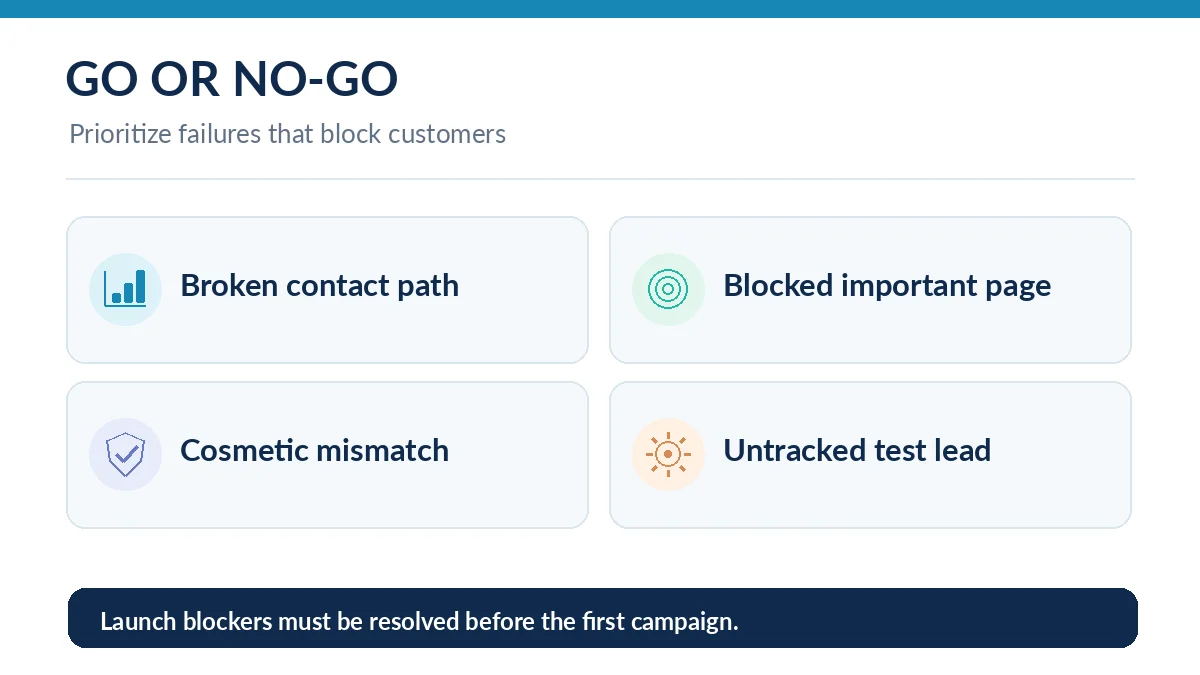
Create a small release table with owner, evidence, status and deadline. Mark missing form delivery, exposed confidential data, blocked primary pages and broken checkout as launch blockers. Treat minor alignment differences and optional decorative changes as scheduled follow-up work if the business agrees. This prevents the AI design process from turning into endless cosmetic iterations while material defects remain.
After launch, check the first real inquiry, review crawl and indexing reports, verify redirects if page addresses change and retain a backup or export path. Squarespace publishes a launch checklist and Wix provides an SEO setup checklist, but neither replaces the owner-specific pass criteria. The final question is whether a customer can find the right information and successfully take the next action.
How We Research
We compared the practical launch sequence with Google Search Central’s JavaScript SEO documentation, the Wix SEO Setup Checklist, the Squarespace site launch checklist and the Squarespace SEO checklist. The five-page example and acceptance table are proposed exercises, not results of a live site audit. Documentation checked October 26, 2026; platform menus may change.
Frequently Asked Questions
Many builders provide titles, sitemaps and indexing controls, but the owner must check unique content, crawl settings, actual page rendering and useful navigation.
No. A sitemap can help discovery; Google independently decides what to crawl and index, and the process can take time.
No. A mobile failure blocks an important customer action and should be fixed and retested before advertising the site.
Not without independently confirming the customer, the quote and the right to publish it. Generated testimonials must not be presented as real feedback.
Confirm form delivery, indexing changes, analytics events, mobile navigation and backup or export procedures after meaningful edits or integration changes.