
AI terminal coding tools combine source inspection, code editing and shell commands in one conversational workflow. That power is valuable for developers working across a repository, but it also creates a sharper security boundary than asking a chat assistant to explain a code snippet. The agent may see local files, propose commands and modify branches. A tool comparison therefore needs to begin with permissions, not model marketing.
This guide focuses on terminal-first workflows rather than repeating LabFin’s broad “Best AI for Coding” ranking. It compares documented capabilities of Claude Code, OpenAI Codex CLI, Gemini CLI and Git-oriented alternatives. We did not benchmark execution speed or success rates, and the ranking below reflects task fit and safety controls, not a fabricated scorecard.
First decide whether you need a terminal agent
A terminal agent is suitable when a change spans multiple files, depends on build scripts or requires reading tests and error logs. It may be excessive for a one-line CSS change or a high-level architecture question. Before installing one, describe the task in observable terms: for example, “add a parser regression test without changing the public function signature.” Define what files may change and which external actions are forbidden.
Because shell access can affect the operating system and network, do the first pilot in a disposable repository or isolated environment. Use a clean Git branch, synthetic secrets and a minimal dependency set. A good agent workflow reduces repetitive navigation while keeping all decisions visible to the developer.
Claude Code: repo-scale conversation with permissions
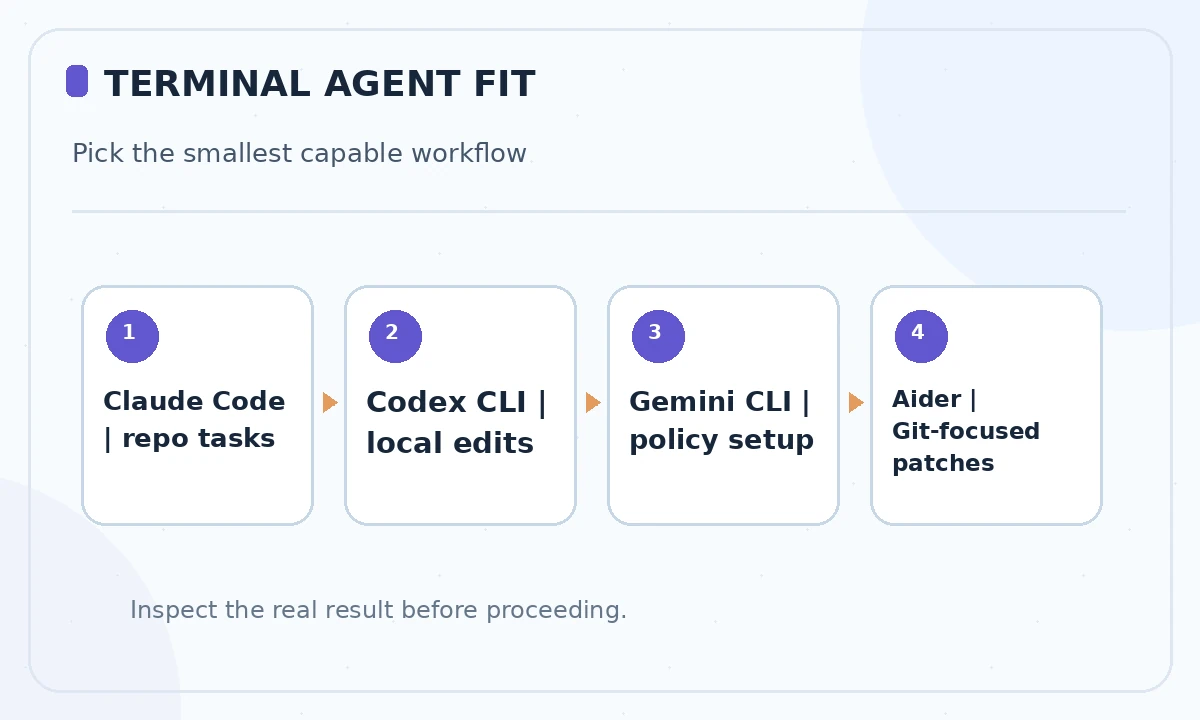
Claude Code is a terminal-oriented agent from Anthropic for exploring and modifying projects. Its documentation describes permission settings and a command workflow that can inspect source, propose edits and use tools subject to the configured access rules. For an existing repository with meaningful test coverage, this can be a convenient way to ask for a diagnosis and a small patch within one session.
Choose it when its model and workflow fit your organization’s access policies and billing, not because every command will be safe. Inspect the permission mode, allowed directories and network boundaries before giving it a sensitive repository. Require a human to approve commands that install dependencies, delete files, contact outside services or alter deployments.
Codex CLI: local repository tasks and explicit review
OpenAI’s Codex CLI runs on a local machine and can inspect, change and execute code in a repository. Its official project explains terminal installation and authentication options, including ChatGPT-plan sign-in or separately configured API use. Model access, usage limitations and billing can differ depending on how it is authenticated, so the tool being open source does not make model inference free.
Try it on a task with a clear acceptance test. Ask for a plan, review proposed commands, then run the project’s tests and inspect the diff. Confirm your current sandbox and approval policy; do not assume the defaults in a blog post match your installed version. A local tool still may send data to model services depending on configuration, so review privacy and connectivity settings.
Gemini CLI: configuration layers and plan-first work
Google’s Gemini CLI has project-level settings, tool approvals and a documented planning mode. The current settings reference distinguishes default approval, automatic edit approval and more permissive modes, with a sandboxing option for isolating shell actions. Workspace configuration can override user preferences, which makes it important to inspect effective settings when joining an unfamiliar repository.
Gemini CLI is worth considering when your team wants explicit project configuration and fits Google’s ecosystem. Start with read-only planning where available, then approve a narrow edit and test run. Do not use blanket auto-approval on untrusted source or copied instructions. Settings and model availability may change, so verify the installed version before following any specific CLI flag.
Git-native and open alternatives have different tradeoffs
Aider and other open tools can be appealing when you prefer visible Git commits or the freedom to select your own model provider. But a free command-line program may still require a paid API, local computing resources or integration maintenance. Assess which repositories and languages are supported, whether it can apply multi-file patches, and how it handles conflicts rather than treating an open license as a guarantee of capability.
Check the project’s current maintainers, releases, security guidance and documentation before installing an alternative. Decide whether you need an autonomous tool-execution loop at all: a Git-friendly pair-programming assistant that proposes patches for review may be safer for regulated or high-risk projects.
Compare tools with a five-column pilot worksheet
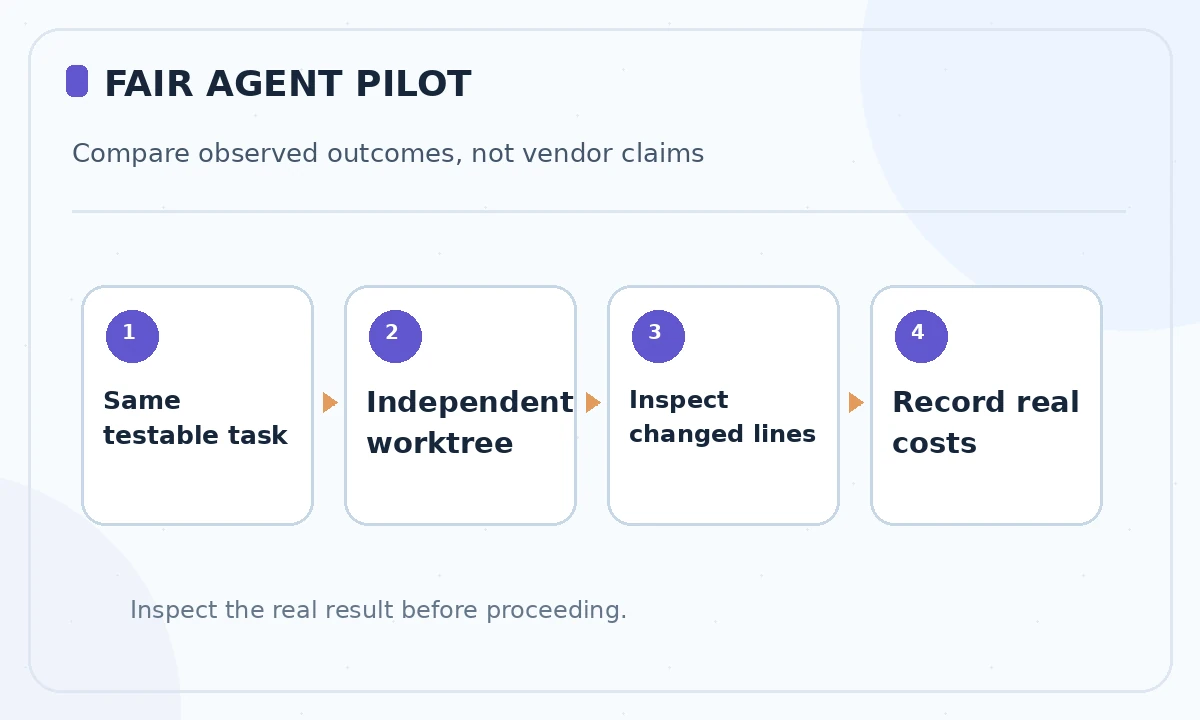
Make a worksheet with task completion, allowed file access, shell approval, diff clarity and total cost. Give each candidate the same small bug fix and a test that would fail if behavior regressed. Record what the tool actually changed, which commands it requested and whether you could revert cleanly. This is a method you can run, not results that LabFin claims to have measured.
Avoid testing all agents simultaneously against a shared worktree or production database. Independent branches protect the comparison from overwritten files. If an agent succeeds only by changing test expectations or disabling lint rules, count the attempt as a failure. Observable correctness matters more than the fluency of its explanation.
Enforce least privilege before the first command
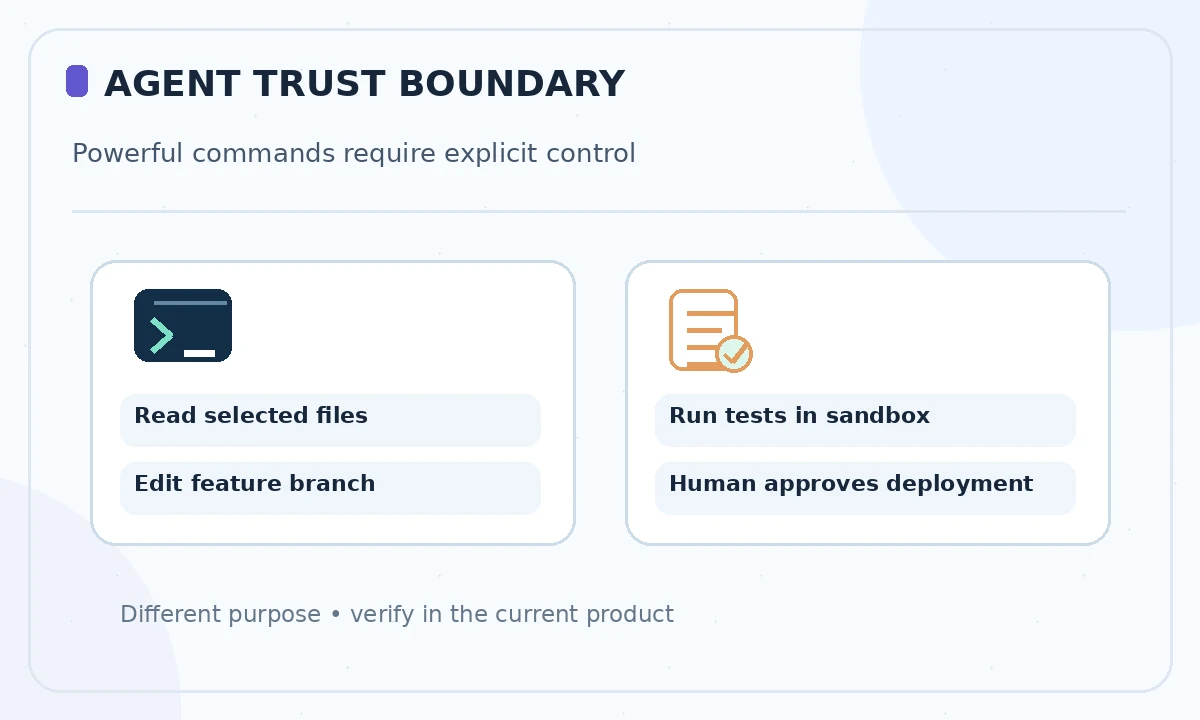
Use dedicated test credentials, deny network access when it is unnecessary and review any command touching dependency files, environment variables or deployment settings. Prefer a sandbox or disposable container for unknown dependencies. Some agents can interpret instructions contained in repository documentation; treat that text as untrusted until you have inspected it, especially if it asks to transmit secrets or run remote scripts.
Set separate gates for reading code, writing a branch, running tests and making external changes. Human approval for deployment, data deletion and account access is not bureaucracy; it prevents a plausible-looking assistant from turning a local code fix into an expensive operational incident.
Choose the tool that preserves review and recovery
For a repository-wide refactor, prioritize contextual navigation and clear file diffs. For a tightly controlled production codebase, prioritize sandboxing, policy configuration and audit logs. For a learning project, a simple CLI with predictable per-task behavior may be preferable to an elaborate agent orchestration system. The best tool is the one you can supervise with your existing tests, version control and security procedures.
Before approval, verify the repository is clean, all introduced tests can fail meaningfully, sensitive files remain uncommitted and rollback instructions exist. Track real time saved only after subtracting review and repair work. Prices, defaults and features change; consult the current official documentation rather than assuming a 2026 comparison establishes a permanent winner.
How We Research
We reviewed the current primary-source documentation as of October 26, 2026: Official Codex CLI repository; Official Gemini CLI settings and approvals; Official Gemini CLI sandboxing; Anthropic Claude Code documentation. We distinguished documented plan features and limits from editorial workflow suggestions, and we compared the intended reader task with the previously published LabFin material. We did not purchase plans, perform product benchmarks, run code or verify an individual account’s entitlements. Where product pages conflict or terms may change, we have identified the uncertainty and recommend confirming checkout or live account details.
Frequently Asked Questions
Not necessarily. A local CLI may call a hosted model API; check network and authentication configuration for the selected tool.
The CLI repository is open source, but model use may depend on plan entitlements or separately billed API access.
Use restrictive approval and sandbox settings for an initial pilot, especially on unknown repositories or commands affecting external systems.
Google documents sandbox options and approval modes, subject to platform and version configuration.
Run the same bounded task in isolated branches; compare correctness, diff clarity, permissions, review effort and real usage charges.