
An AI photo colorizer can make a family portrait easier to connect with, but it cannot recover the exact color of a coat, uniform or building from a grayscale scan alone. This guide uses an illustrative 1940s street portrait as a working example. The goal is a clearly labeled color interpretation with the untouched scan preserved. It explains Adobe Photoshop’s documented Colorize Neural Filter, where its automatic guesses can fail, and a review method that separates visual appeal from historical evidence.
Choose a source image and write down the historical unknowns
Start with the cleanest original scan you can obtain. Record who owns it, where it came from, whether the date is known and which people may be identifiable. A high-contrast scan with intact face detail offers a better starting point than a tiny, heavily compressed repost. Avoid discarding the unedited scan after a restoration preview looks attractive.
For a portrait with a coat and a storefront, make two columns: observable details and unknown details. The coat shape and sign lettering may be visible; coat hue, wall paint and skin tone under the original lighting may not be. Label an unknown color as an estimate before any generation. If there are dated color photographs of the same location or a preserved garment, record the source and evaluate how directly it applies.
Apply Photoshop Colorize as an editable interpretation
Adobe’s Colorize instructions describe opening Filter > Neural Filters and enabling Colorize under Beta. Adobe advises a grayscale or black-and-white image with useful contrast and provides color-balance controls and focal-point pins. A user can add or reposition pins when the automatically assigned color looks implausible. The filter is not a tool for discovering historical facts.
Select a non-destructive output option such as Smart Filter or a duplicate layer rather than overwriting the only copy. Keep a named before-and-after comparison. If a filter fails to load, Adobe’s troubleshooting notes that grayscale mode can cause problems in some situations; switching a working copy to RGB is one documented remedy. Avoid assuming all subscription or organizational account types have identical filter access.

Check skin, fabric and surfaces for confident-looking errors
Adobe’s known limitations say Colorize may guess regions incorrectly, oversaturate lips and misplace manually assigned colors. Inspect a zoomed face, hairline, fingers, patterned clothing and reflective windows. Color bleed across a collar can make a shirt appear to be part of a jacket. Correct the boundary on the working layer, then return to the full composition.
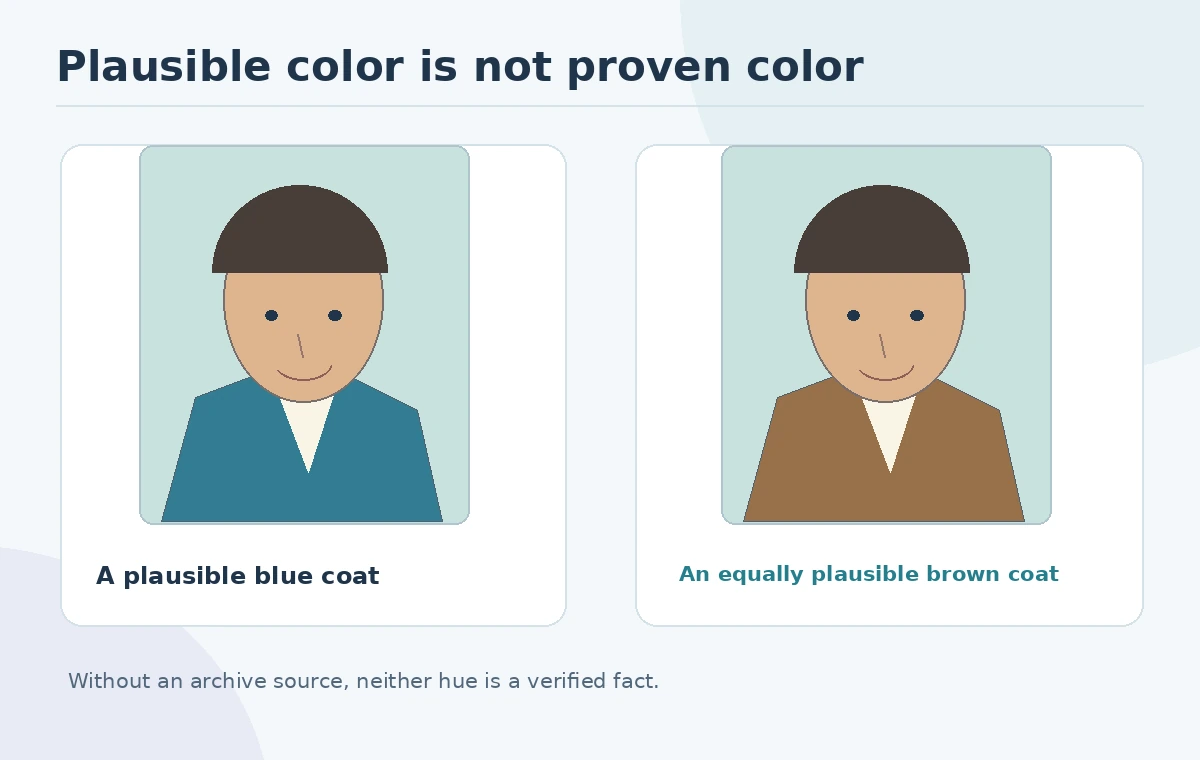
The meaningful quality test is not whether the image looks like modern color photography. It is whether new color distorts identifiable source features or creates false certainty. For an undocumented coat, keep one restrained neutral variant and record that the choice is unverified. Consider showing the grayscale original side by side with the interpretation wherever viewers might mistake the result for a contemporaneous color photograph.
Make an evidence ledger for every consequential hue
Build a small ledger with columns: region, chosen color, support, uncertainty and reviewer. A storefront sign matched to an archived advertisement might have moderate support; a stranger’s jacket chosen for visual harmony has none. A known uniform color may be supported by museum catalog information, while lighting and film stock still affect its apparent shade. The ledger makes later corrections possible without arguing from memory.
Separate aesthetic edits from preservation tasks. Dust removal and crop changes should be logged, but neither validates guessed colors. If a collector provides a contradictory recollection, retain both notes and identify the source date. A photo colorizer can help create a respectful illustrative version for a family display; it should not silently rewrite the historical record in an exhibit or news context.
Export a paired original and interpreted image
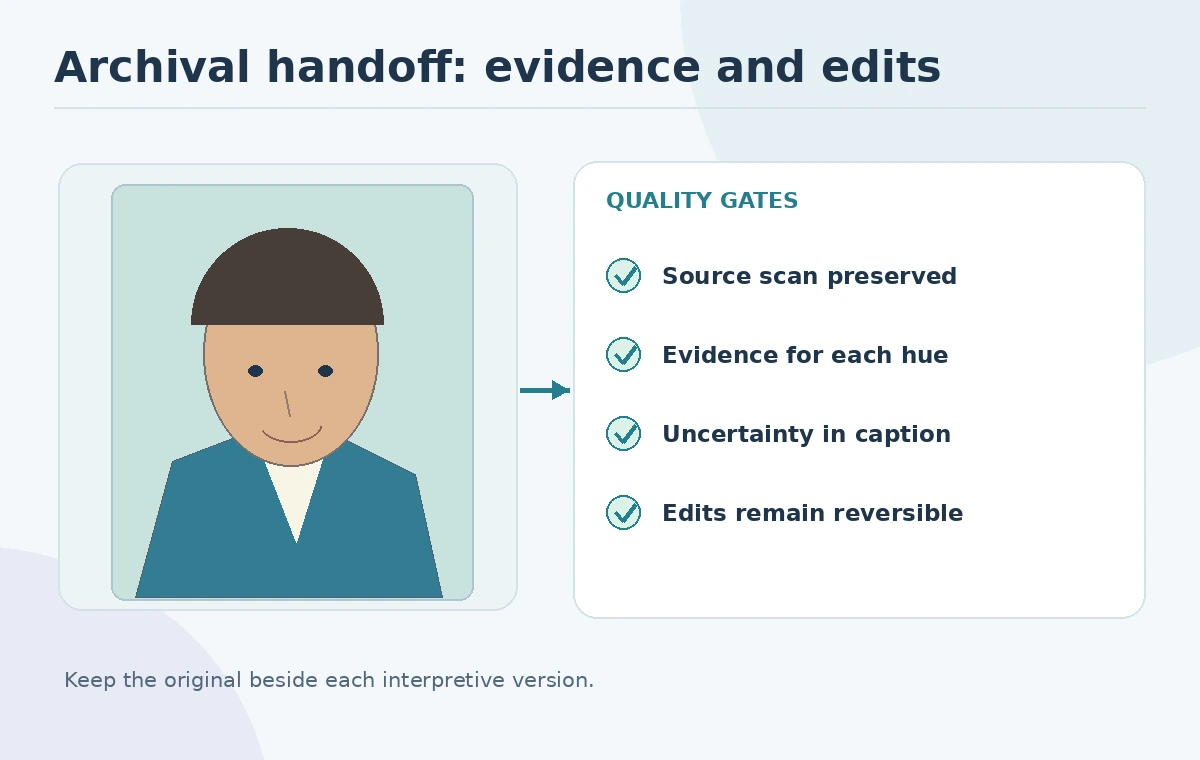
Deliver the original scan, an editable master file, a colorized export and an explanation in ordinary language: “AI-assisted color interpretation; original was black and white.” If a publisher provides a dedicated caption field, put the disclosure in the caption rather than baking a tiny disclaimer into the photo. Save metadata and the evidence ledger with the archival file set. A color version without its source is easy to circulate out of context.
Check the final output at mobile scale, as a print and at 100% magnification. Enlarging a low-resolution source does not prove missing image details. If users will crop the picture for social media, ensure the disclosure remains attached. The goal is to make the original easier to appreciate while keeping its actual evidentiary status completely clear.
Choose between manual colorization and an AI-first pass
Use a manual adjustment-layer workflow when color placement is critical or the image contains significant archival evidence. Photoshop documents RGB adjustment layers and non-destructive editing, so an editor can place and revise color carefully. Use the Neural Filter as a first-pass illustration when time is limited and the stakes are lower, followed by a human review. Neither route creates a scientifically verified reconstruction without independent sources.
A useful decision rule is to classify intended use: private family keepsake, historical article, commercial poster or evidentiary material. Increase documentation and independent review as potential misunderstanding rises. The cheaper or quicker approach is not always best; uncertainty must remain visible. If the source has restrictions, permission to reproduce it matters separately from the method used to add color.
Final checklist for a responsible colorization
Before sharing, confirm these seven points: the original scan is preserved; the new colors are described as interpretation; facial geometry and objects remain true to the scan; unusual halos and oversaturated lips were reviewed; documented color references are recorded; the caption travels with the image; and an owner can revert each edit. An acceptable result can still contain uncertain colors when that uncertainty is explicit.
For the fictional street portrait, the deliverable is a paired image and three-row color ledger for coat, sign and street surface. It is not a claim that a particular coat was blue or a shopfront green. Use the ledger again when obtaining more reliable evidence rather than locking an attractive first guess into the archival master.
How We Research
We checked Adobe’s Colorize guide, known limitations and non-destructive editing guidance on October 27, 2026. The portrait, ledger and review steps are editorial examples, not an experiment, benchmark or verified historical reconstruction. Our method was to compare published vendor feature descriptions with the article’s concrete decision checkpoints, avoid unsupported performance claims, and keep fictional illustrations separate from documented product behavior.
Frequently Asked Questions
No. It estimates plausible colors from visual patterns; contemporaneous evidence is required to support a specific historical hue.
Adobe documents Filter > Neural Filters > Colorize, listed under its Beta filters; access can depend on installation and licensing.
Adobe identifies oversaturated lips and inaccurate automatic color assignments as known Colorize limitations.
Yes. Keep the original untouched, and label the AI-colored file as an interpretation.
Not for the invented colors. Use the original image and independent evidence for factual claims.